
6 Best Covet Alternatives for Shopify [2026]


Looking for a Covet Alternative?
Covet is a popular Shopify app for Instagram galleries, hashtag feeds, shoppable posts and customer photo reviews.
However, many of its content sources need a higher plan. Hashtag feeds, mentions and manual uploads start on Growth, and hotspot tagging needs Premium.
To help you find the right alternative, we've compared the six best Covet app alternatives based on app type, features, customization, pricing, AI capabilities, and the number of additional apps included in the same subscription.
Since Vitals is our app and one of the alternatives, we've also highlighted its limitations.
What Is the Covet App?
Covet Instagram Feed & Reviews is a Shopify app for Instagram galleries, customer photo reviews and shoppable posts. It lets merchants pull in social content, tag products on each image and collect reviews with photos.
Here's what you can do with the Covet app:
- Content sources: Collect photos, videos, Reels and carousels from your profile, posts that mention you and chosen hashtags. You can also upload your own images in bulk (Growth plan).
- Shoppable galleries: Tag one or more products on each image. Shoppers open a pop-up with a Shop this look panel and an Add to Cart button.
- Product Galleries: Show every image tagged with a product on that product's page.
- Photo and video reviews: Send review request emails after a purchase or through Shopify Flow. You can approve each review and reward reviewers with a discount.
- Embeds and APIs: Place galleries on Shopify pages, in page builders, on other websites and in newsletters. Developers can use its Widget API and REST API.
How Much Does the Covet App Cost?
Prices from covet.pics on October 19, 2026, with a 14-day free trial. Plans also limit galleries and review request emails, from 1 gallery and 200 requests on Lite to 50 galleries and 2,000 requests on Premium.
Why Shopify Merchants Look for Covet Alternatives
The Covet app holds a 4.7 rating from 206 reviews. Still, some merchants switch to another app for these reasons:
- Sources on higher plans: Hashtag feeds, mentions and manual uploads start on the Growth plan. Covet's plan list shows this.
- Hotspots on Premium only: Placing hotspots on a photo needs the Premium plan, at $79.99 a month.
- Dropped images and connections: Low-star reviews describe images that vanished, Instagram connections that dropped and slow replies. Most of these reviews date from 2016 to 2022.
- Hard to cancel: The newest low-star review, from August 2025, says the merchant couldn't find how to cancel the app.
If any of these sound familiar, an all-in-one app alternative may suit your store better.
Read: The 7 Best Shopify Shoppable Instagram Feed Apps in 2026
How We Compared the Covet Alternatives
We reviewed each app's Shopify App Store listing, help docs and changelog (where available) on October 19, 2026. All ratings and review counts come from the listings on that day.
We compared the apps on:
- App type: standalone or all-in-one
- Features: product tagging, content sources, layouts, video posts and click analytics
- Customization: where the feed shows on the home page, product pages and other pages, and how it looks on phones and desktop
- Pricing: plan prices, free trial length and any usage charges
- AI capabilities: AI tools and MCP support
- Additional apps: how many additional apps each one includes in the same subscription
Short Answer
Vitals - All in One App is the best Covet alternative for most stores.
- It offers a shoppable Instagram feed, photo and video reviews, trust badges and a sticky add-to-cart bar, while the Covet app focuses on Instagram galleries and reviews
- It includes 40+ apps, such as bundles, discounts and reviews, in one subscription from $29.99/month
- It replaces multiple single-purpose apps you'd otherwise install and pay for one by one each month
What Are the Top Covet Alternatives for Shopify in 2026?
Here's a quick overview of each app. You'll find what each one can and can't do in the reviews below.
1. Vitals - All in One App
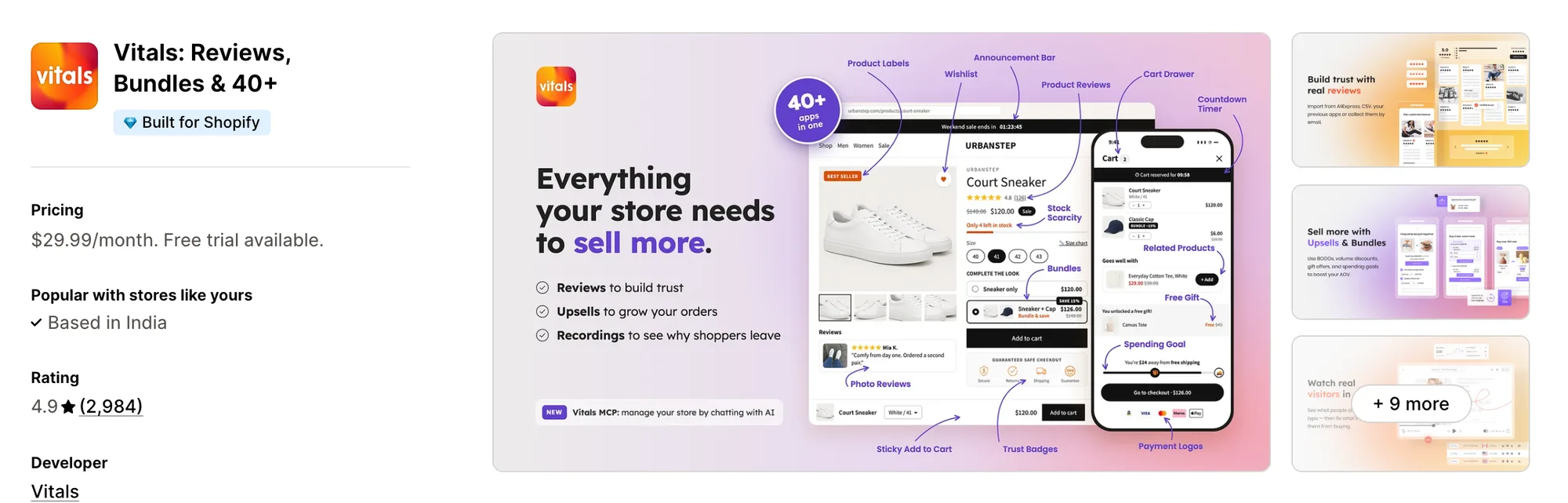
Best for: Stores that want 40+ apps, including Shoppable Instagram Feed, Product Reviews, Trust Seals & Badges and Product Bundles, in one subscription
Rating: 4.9 (2,984 reviews) | App type: All-in-one | Free trial: 7 days | Built for Shopify: Yes
Vitals is an all-in-one Shopify app that offers a shoppable Instagram feed plus 40+ apps under one subscription, starting at $29.99/month.
With the Vitals Shoppable Instagram Feed App, you can tag products on any image of an Instagram post, carousel posts included. You can also open each post in a window on your store that lists its tagged products. Shoppers can tap a tag and go straight to the product page.
Beyond the shoppable Instagram feed, Vitals offers a sticky add to cart bar, product labels, product bundles and 40+ apps in one subscription, so you don't have to install and pay for each app separately.
Key features:
- Posts and Reels imported from your connected account about every 6 hours
- New posts published straight away, or hidden until you choose to show them
- Unlimited product tags per post, carousel images included
- Numbered markers on the image, each matched to a product in the post window
- Five grid and slider layouts, square or portrait, set separately for phones and desktop
- Automatic placement on the home page and product pages, or an app block in the theme editor
- Display rules by product, price, discount or stock level
- Videos and Reels that can autoplay, muted, inside the grid
- Impressions, post clicks and tag clicks in the Analytics tab
- Photo and video reviews from Vitals Product Reviews App, with imports from Judge.me, Loox and Yotpo
Pros:
- The feed, photo reviews and trust badges answered by one support team
- Built for Shopify, Shopify's badge for apps that pass its speed and design checks
- Shopify Sidekick answers questions about the feed, since an August 2026 update
- 40+ apps in one subscription. Strapsology swapped eight single-purpose apps for one Vitals plan
Cons:
- No hashtag or mention feeds
- No uploaded lookbook images in the feed
- One Instagram account per store
Pricing:
Prices from vitals.app/pricing on October 31, 2026, with a 7-day free trial and no usage charges on any plan.
Read: Best Shopify Review Apps in 2026
2. Socialwidget ‑ Instagram Feed
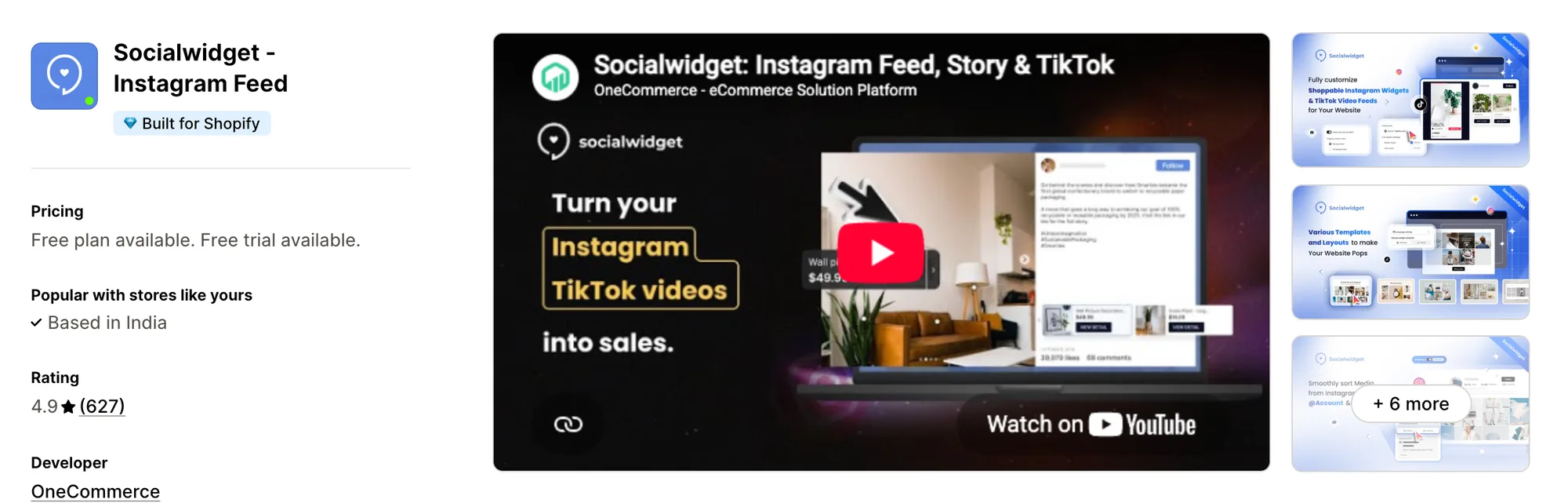
Best for: Stores that publish on Instagram and TikTok and want an Add to cart button on tagged posts
Rating: 4.9 (627 reviews) | App type: Standalone | Free trial: 14 days | Built for Shopify: Yes
Socialwidget ‑ Instagram Feed, once listed as Instafeed PRO, is a Shopify app from OneCommerce for shoppable Instagram and TikTok galleries. Its biggest strength is the mix of sources, since TikTok clips and Instagram posts can share one gallery. That means your best short videos reach shoppers on the store without a second feed app. Higher plans also put Add to cart and checkout buttons straight onto tagged posts. It's a strong choice if you publish on Instagram and TikTok alike.
Key features:
- Separate template sets for each screen, nine for desktop and six for mobile
- Photo, carousel and video posts, with autoplay for video starting on Standard
- A TikTok account pulled in beside Instagram (Standard plan)
- Variant-level product tags, with each plan setting a limit between 2 and 5 a post
- Checkout and Add to cart buttons placed on tagged posts (Professional plan)
- Product pages that can carry a widget of the posts tagged with that item
- Content from public business profiles you don't own, and from hashtags (Advanced plan)
Pros:
- TikTok videos in the same gallery as Instagram posts
- A report on widget views, pop-up opens and button clicks
- Widgets that translate themselves into 8 languages
Cons:
- Two product tags per post on Standard, rising to five only on Advanced
- New posts sync once a day on Standard
- Reviews from 2024 to 2026 mention the Instagram connection dropping without warning
- Focuses on social feeds. Product reviews and trust badges need other apps
Pricing:
Prices from onecommerce.io on October 19, 2026, with a 14-day free trial.
Alternatives: 6 Best Socialwidget Alternatives for Shopify [2026]
3. RPTR Instagram Feed Connect
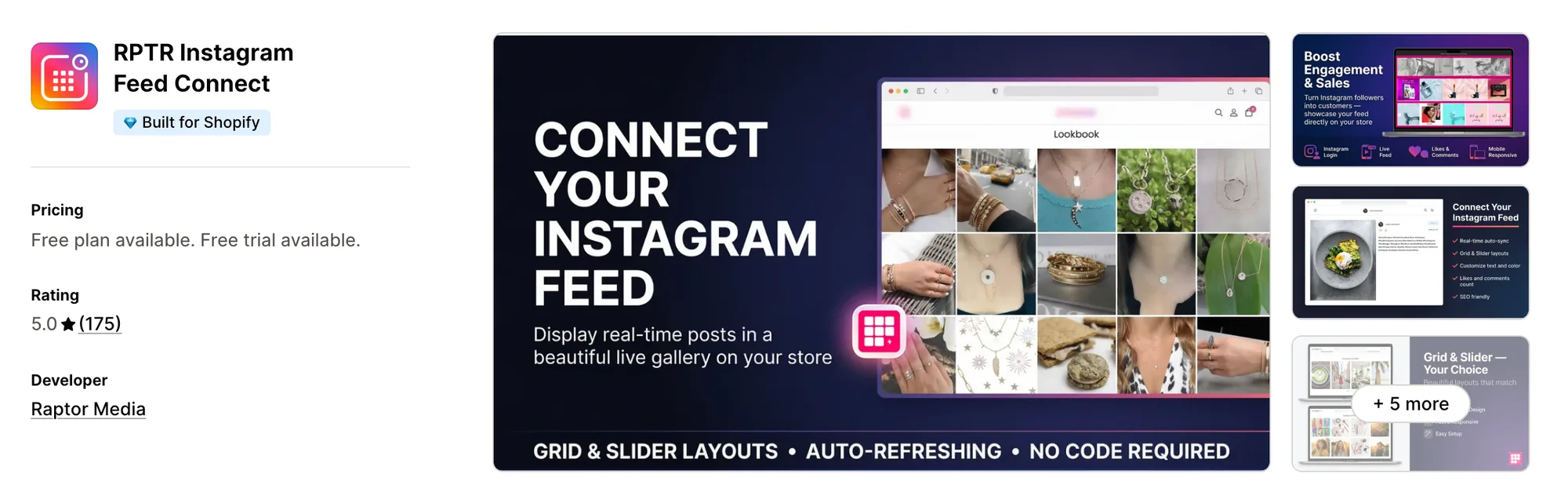
Best for: Stores whose theme only lacks a branded gallery of their own Instagram posts
Rating: 5.0 (175 reviews) | App type: Standalone | Free trial: 3 days | Built for Shopify: Yes
RPTR Instagram Feed Connect is a Shopify app from Raptor Media for showing your own Instagram posts as a grid or slider. Where it stands out is styling, with overlay, text and hover colors you set to match your brand. So the feed looks like part of your theme rather than an add-on. Its Professional plan adds product tags that make the posts shoppable. If your theme only needs a branded gallery of your own posts, it's a good fit.
Key features:
- A grid layout on every plan, with a slider from Basic
- A load more button that keeps revealing posts, with no image cap (Basic plan)
- Like and comment counts on each post
- Overlay, text and hover colors
- Product tags styled in the store's own colors and wording (Professional plan)
Pros:
- A 5.0 rating from 175 reviews
- A feed that refreshes itself as you post
Cons:
- Shows posts from your own profile only
- Reels and video posts aren't mentioned in its listing
- Handles the Instagram feed only. Reviews and trust badges mean separate installs
Pricing:
Raptor Media's website doesn't list prices. These come from the Shopify App Store listing on October 19, 2026, with a 3-day free trial.
Alternatives: 6 Best RPTR Instagram Feed Alternatives for Shopify [2026]
4. GSC Instagram Feed, Instafeed
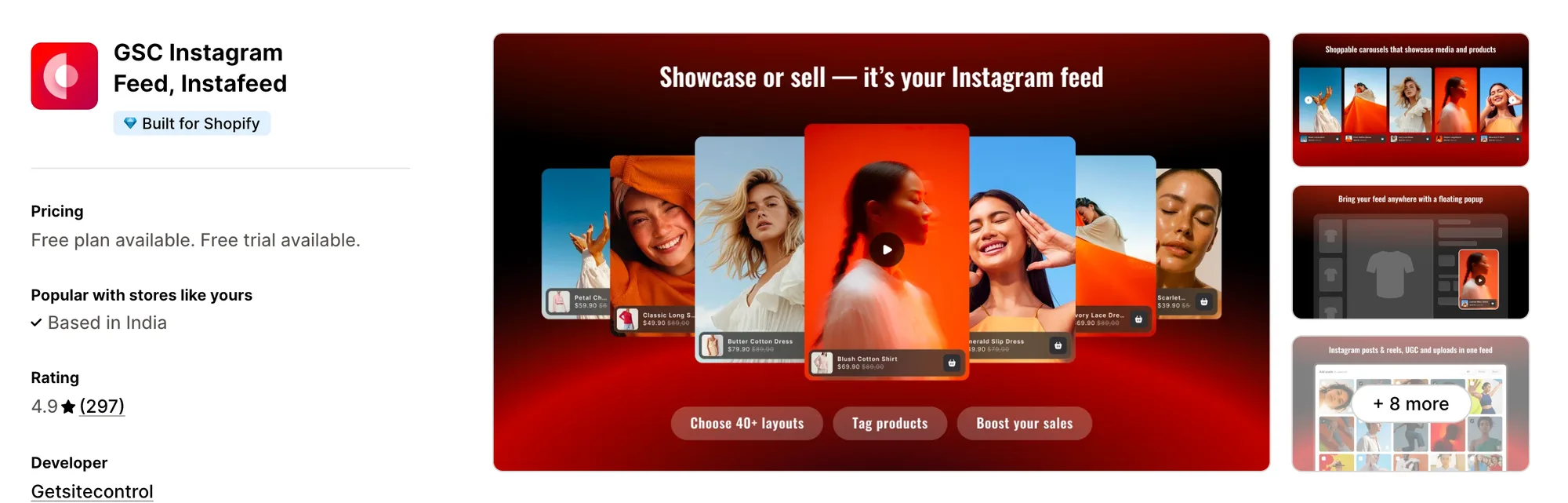
Best for: Stores that want every shoppable post tied to the orders and sales it brings in
Rating: 4.9 (297 reviews) | App type: Standalone | Free trial: 7 days | Built for Shopify: Yes
GSC Instagram Feed, Instafeed is a Shopify app from Getsitecontrol for shoppable galleries of posts, Reels and customer content. What sets it apart is sales tracking, which ties each shoppable post to the orders and revenue it brings in. You can see which posts earn their place, so weak ones are easy to drop. Posts customers tag you in and media you upload can also appear beside your own. Pick it if a feed has to prove itself in sales before it stays on your store.
Key features:
- A choice of collage, gallery, carousel or grid
- Reels and posts from your profile, joined by posts where customers tag the brand
- Your own photo and video uploads
- Tags that link Reels and posts to collections or single products
- A sticky video pop-up across the store
- A sales view that shows which orders and how much revenue came through the feed
Pros:
- Customer-tagged posts and your own uploads on both plans
- Order and revenue tracking on both plans
- No cap on the number of feeds
Cons:
- No help center or changelog
- Focuses on the Instagram feed. Product reviews need a separate app
Pricing:
Getsitecontrol's website doesn't list prices. These come from the Shopify App Store listing on October 19, 2026, with a 7-day free trial. Shoppable allows 20 tagged posts per widget, and Unlimited has no cap.
Alternatives: 6 Best GSC Instagram Feed Alternatives for Shopify [2026]
5. Square: Instagram Feed Gallery
Best for: Stores that want a free shoppable feed of their own posts and nothing more
Rating: 5.0 (62 reviews) | App type: Standalone | Free trial: Free plan | Built for Shopify: Yes
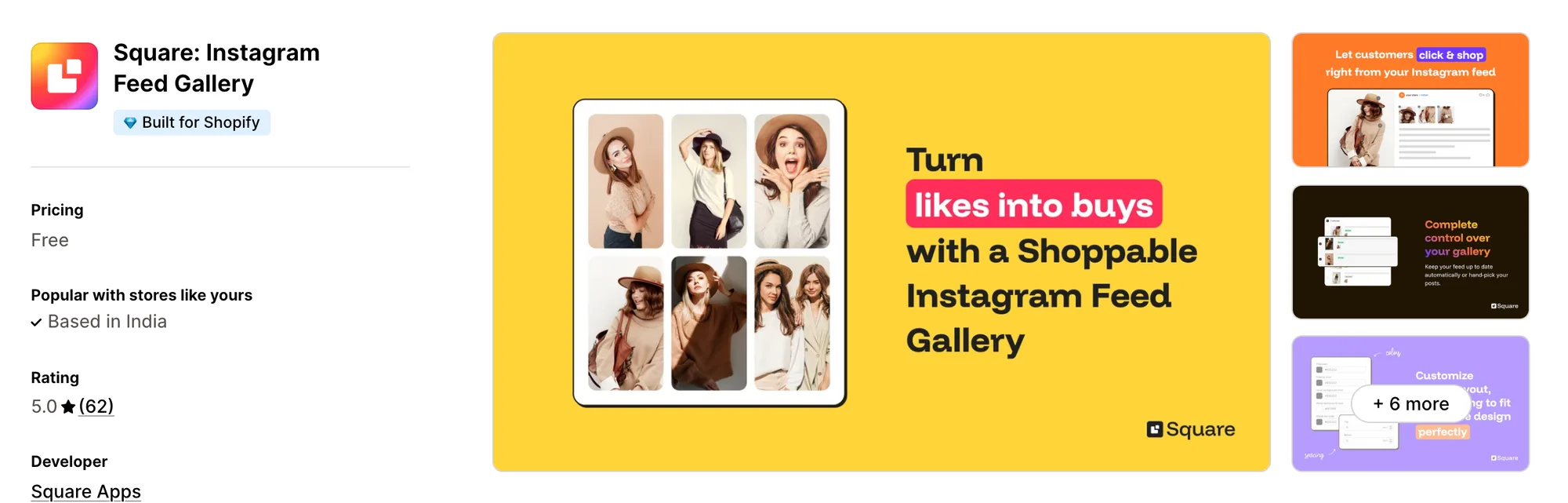
Square: Instagram Feed Gallery is a free Shopify app from Square Apps for a shoppable grid or slider of your Instagram posts. The main draw is the price, since there's no paid plan at all. That means a shoppable feed adds nothing to your monthly bill. Its storefront text comes in 15 languages. It suits stores that want a free shoppable feed and nothing more.
Key features:
- A slider or a grid, set one way for phones and another for desktop if needed
- Spacing, colors and post count for each device
- A pop-up listing the tagged products whenever a post is clicked
- New posts published automatically, or kept hidden until approved in the Posts tab
- Two placement options, the home page alone or the home page together with product pages
- Sign-in with Instagram, or with Facebook Business Manager when likes and comments should show
- Storefront text available in 15 languages
Pros:
- One free plan with no caps listed on posts or tags
- No 1 to 3 star reviews among its 62 so far
Cons:
- No analytics, hashtag feeds or video playback in its listing
- A single Instagram account for each store
- Stays with the feed. Reviews and trust badges need their own apps
Pricing: Free, with no paid plan (square-apps.com on October 19, 2026).
6. Instafeed for Instagram Feed
Best for: Stores that want their Stories and Highlights shown as shoppable circles, plus a link-in-bio page
Rating: 4.9 (393 reviews) | App type: Standalone | Free trial: No | Built for Shopify: No
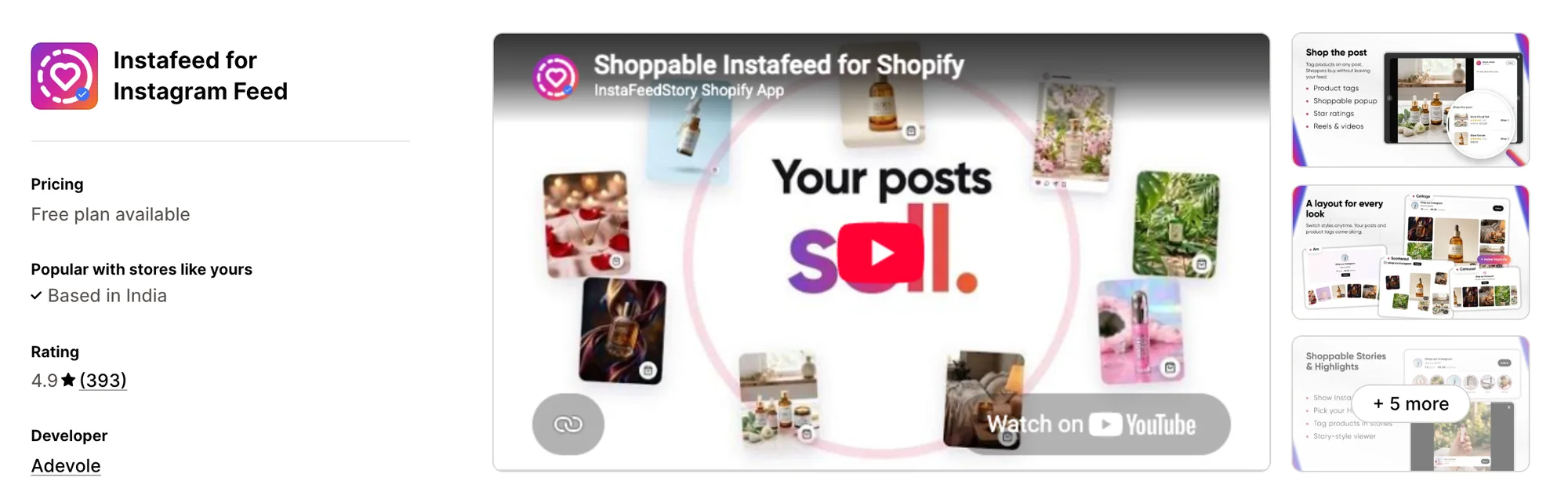
Instafeed for Instagram Feed, formerly Instafeed+Story Instagram Feed, is a Shopify app from Adevole for Instagram posts, Reels, Stories and Highlights. It's strongest on Stories, which show as round story circles above the feed. So shoppers who know your brand from Instagram find the same Stories and Highlights on the store. It also builds a shoppable link-in-bio page for your profile. It works well for brands whose followers watch their Stories.
Key features:
- Six layouts, among them spotlight, arc and scattered next to grid, collage and carousel
- Reels and posts in the feed, with videos that play once you're on Sell
- Round story bubbles above the posts for Highlights and live Stories
- A three-product limit on links for each story or post
- Multiple widgets, each targeted at its own pages (Sell plan)
- Posts that can be hidden, moved or pinned in place
- A bio link page shoppers can buy from, with taps counted
- AI Studio, where a product photo becomes an image ready for Instagram, with caption choices
Pros:
- Highlights and live Stories shown on the store
- AI Studio turns product photos into Instagram-ready images
- A shoppable bio link page bundled with the feed
- Connects by public username, with no Business account linked to a Facebook Page
Cons:
- Links three products at most to each post or story
- No hashtag feeds, mentions or TikTok posts
- Not marked Built for Shopify
- Star ratings on posts need Judge.me, a separate reviews app
Pricing:
Adevole's website doesn't list prices. These come from the Shopify App Store listing on October 19, 2026, with no free trial. Its help center quotes other prices for these plans, so check the listing first.
Alternatives: 6 Best Instafeed for Instagram Feed Alternatives for Shopify [2026]
How Many Apps Each Option Replaces
Every app you install can add its own code to your storefront, and that code affects load time. The table below shows how many separate apps each option replaces, based on our count.
Here's what each option replaces:
- Vitals - All in One App: 40+ apps, including an Instagram feed app, a product reviews app, a trust badge app, a sticky add-to-cart app and a product label app
- Socialwidget ‑ Instagram Feed: a TikTok feed app and an Instagram feed app
- RPTR Instagram Feed Connect: an Instagram feed app
- GSC Instagram Feed, Instafeed: a shoppable gallery app and a sticky video app
- Square: Instagram Feed Gallery: a shoppable Instagram gallery app
- Instafeed for Instagram Feed: a link-in-bio app and an Instagram feed app
- Covet Instagram Feed & Reviews: a photo reviews app and a social gallery app
Say you use the Covet app with a trust badge app, a sticky add-to-cart app and a product label app. That's four apps loading four scripts. With Vitals, you can replace all four apps with one subscription.
When Should You Stay on Covet?
The Covet app is still the better choice if:
- You mix customer review photos, hashtag posts, mentions and your own lookbook images in one shoppable gallery
- You embed galleries outside Shopify, on other websites or in newsletters
- Your developers build on its REST and Widget APIs
On the other hand, switch to Vitals if you want a feed with tag click analytics and display rules for your product pages. Trust badges and a sticky add-to-cart bar come in the same subscription too.
How to Migrate From Covet
Your posts stay on Instagram. Your reviews, product tags, hotspots and uploaded images live inside the Covet app, so save them before you uninstall.
- Ask Covet's support for a file of your photo and video reviews with ratings, dates and image links. Its help center doesn't describe an export
- Note the products and hotspots on each image, the posts you hid and the pages each gallery appears on. Download any lookbook images you uploaded
- Add Vitals - All in One App to your store and open Vitals Product Reviews App. Copy your Covet reviews into its import template, with photo links, and upload the file on the Import tab. Ask Vitals support for help if your export doesn't fit the template
- Turn on Vitals Shoppable Instagram Feed App, connect your Instagram account and tag the same products on each post
- Move lookbook images to a regular Shopify page, or keep a separate gallery app for hashtag content. Vitals has no hashtag or mention feeds and no uploads
- Work on a duplicate theme to choose where the feed shows. Check the feed and reviews on a phone and a desktop before you publish
- Turn off Covet's review request emails and any Shopify Flow workflow that sends them, so customers don't get two requests
- Remove Covet's gallery sections and embed code from your pages, theme files, other websites and newsletters. Then publish the theme and uninstall the Covet app
Where Each Covet Feature Goes in Vitals
For example, Crystal Pro Jewellery now uses one Vitals subscription in place of several single-purpose apps.
Read: Best All in One Apps for Shopify in 2026
Find the Best Covet Alternative for Your Store
Vitals - All in One App is the best fit for most stores, but the right pick depends on why you're leaving the Covet app.
- Vitals - All in One App, if you want a shoppable Instagram feed, photo reviews, trust badges, and 40+ apps in one subscription from $29.99/month
- Socialwidget ‑ Instagram Feed, if your TikTok clips belong in the same gallery as your Instagram posts
- RPTR Instagram Feed Connect, if a styled grid of your own posts is all the store is missing
- GSC Instagram Feed, Instafeed, if a gallery has to show its worth in orders before it stays
- Square: Instagram Feed Gallery, if you'd rather not pay anything for a shoppable feed
- Instafeed for Instagram Feed, if shoppers find you through Highlights and Stories and your profile link should lead to products
Frequently Asked Questions
1. Which app is the best Covet alternative for Shopify?
Vitals - All in One App is the best Covet alternative for most stores. It's the only all-in-one app that includes 40+ apps, such as a shoppable Instagram feed, photo and video reviews and trust badges, in one subscription. Since Vitals is our app, we've listed its limitations in its review above.
2. What makes merchants leave Covet?
The Covet app focuses on Instagram galleries and reviews. If you want trust badges, a sticky add-to-cart bar or product labels, you need to install other apps. Lower-rated reviews also mention images that vanished, Instagram connections that dropped, and trouble finding how to cancel.
3. What features differ between Vitals and Covet?
Both make Instagram posts shoppable with product tags and collect photo and video reviews through request emails. The Covet app also has hashtag and mention feeds, manual uploads, Product Galleries and embeds outside Shopify. Vitals, on the other hand, includes display rules for the feed, tag click analytics, trust badges and a sticky add-to-cart bar, plus the rest of its 40+ apps.
4. Can Vitals replace Covet and other apps?
Yes, for most stores. Vitals can replace the Covet app's shoppable Instagram feed and its photo and video reviews. It can also replace separate trust badge, sticky add-to-cart and product label apps. The exceptions are hashtag galleries and embeds on other websites, which Vitals doesn't offer.
5. Do Covet alternatives change how fast a store loads?
Each app you install can add its own scripts to your storefront. That means speed depends on how many apps you have, not just which ones. Vitals - All in One App serves its Instagram feed, photo reviews and other apps through one script. If you use several single-purpose apps instead, each one loads its own script. We didn't speed-test these apps, so check your own pages before and after a change.
6. Do any Covet alternatives offer AI features or MCP support?
Not all of them. For Vitals, Shopify Sidekick can field questions about its Instagram feed. Instafeed for Instagram Feed offers AI Studio, which turns product photos into Instagram-ready images. Socialwidget, GSC Instagram Feed, Square and RPTR don't list AI features or MCP support, and neither does the Covet app.
7. Which Covet alternatives show tagged posts on product pages?
Not all of them. Socialwidget ‑ Instagram Feed has a product widget that shows only the posts tagged with that product. Vitals - All in One App, Square: Instagram Feed Gallery and Instafeed for Instagram Feed can show their feed on product pages, but it's the same feed on every product. RPTR and GSC don't say in their listings where the feed can appear.
8. What are the steps to move from Covet to Vitals?
Ask Covet's support for a file of your reviews first, and note your product tags, hotspots and gallery pages. Then copy the reviews into the import template of Vitals Product Reviews App. On a duplicate theme, re-tag your posts in Vitals Shoppable Instagram Feed App and test both apps on a phone and a desktop. Switch off Covet's review emails and remove its sections and embed code. Uninstall the Covet app last.