6 Best GSC Instagram Feed Alternatives for Shopify [2026]

![6 Best GSC Instagram Feed Alternatives for Shopify [2026]](/assets/blog/gsc-instagram-feed-alternatives/banner.avif)
Looking for a GSC Instagram Feed Alternative?
GSC Instagram Feed is a popular Shopify app for turning your Instagram posts and Reels into a shoppable gallery on your store. Tagging beyond a set number of posts per widget, though, takes its top plan, and the app stops at the feed, with no product reviews.
So, we compared six alternatives on how many posts each one lets you tag, where its feed can sit, which content sources it pulls from and which other store jobs it handles. Vitals is our app, so its gaps are listed alongside everyone else's.
What Is GSC Instagram Feed Shopify App?
GSC Instagram Feed, Instafeed is a Shopify app from Getsitecontrol for putting a live Instagram gallery on a store. It shows posts, Reels and customer content in several layouts, and shoppers can open a post to find the products and collections tagged in it.
The main things GSC Instagram Feed lets you do:
- Layouts: Display the feed as a grid, carousel, collage or gallery, with custom styles, captions, hover effects, borders and backgrounds.
- Content sources: Pull in your posts and Reels, posts that customers tag you in, and photos or videos you upload yourself.
- Shoppable posts: Tag products and collections in posts and Reels, and show product recommendations next to them.
- Sticky video pop-up: Keep a video pop-up on screen as shoppers browse the store.
- Sales tracking: See the orders and revenue the feed brings in, on every plan.
Where GSC Instagram Feed stands out is its plan design. Every feature, including unlimited feeds, revenue tracking and live chat, comes with every plan, so it suits stores that want sales data from their feed without moving to a higher tier for it.
Reviewers most often mention how easy it is to set up without technical skills, and the patient support team that helps with theme-specific issues.
How Much Does GSC Instagram Feed App Cost?
gscthemes.com doesn't list prices, so these come from the Shopify App Store listing on October 19, 2026, with a 7-day free trial. Both plans include every feature, and only the number of tagged posts per widget changes between them.
Why Shopify Merchants Look for GSC Instagram Feed Alternatives
GSC Instagram Feed holds a 4.9 rating from 297 reviews and is Built for Shopify. Even so, a store weighing its options will find these gaps:
- A widget on the Shoppable plan holds 20 tagged posts, and tagging every post needs the Unlimited plan
- It covers the feed alone, with no product reviews, and Getsitecontrol sells its pop-ups, countdown timers and product labels as separate apps
- Its listing names no hashtag feeds and no TikTok videos
- There's no help center, setup guide or changelog for the app, so questions go to live chat or email
- Among its few low-star reviews, recent ones describe a widget that quit working and an app screen that loaded blank
A move pays off most for stores tired of paying one developer per storefront job, since the feed, reviews and the rest can share a single dashboard elsewhere.
Read: The 7 Best Shopify Shoppable Instagram Feed Apps in 2026
How We Compared the GSC Instagram Feed Alternatives
Every listing on the Shopify App Store was read live on October 19, 2026, along with any help docs and changelogs, where available, and ratings and review counts were copied from those listings the same day.
We compared the apps on:
- Whether each app is standalone or all-in-one
- Core Instagram feed features, such as product tagging, content sources, layouts and video
- Store areas covered: which pages, such as the home page or product pages, each feed can appear on
- Apps replaced, counted as the separate installs each option makes unnecessary
- Theme fit, along with the scripts each app loads on the storefront
- Built-in AI features and MCP support
- Setup, as the listing and docs describe it and as reviewers report it
Short Answer
Vitals - All in One App is the best GSC Instagram Feed alternative for most stores.
- It offers a shoppable Instagram feed with product tags on any post and no cap per widget, while GSC Instagram Feed holds 20 tagged posts per widget on its Shoppable plan
- It includes 40+ apps, such as product reviews, bundles and upsells, in one subscription of $29.99/month
- It replaces multiple single-purpose apps that a store would otherwise install and pay for each month
Vitals costs more than either GSC plan, and a usage fee starts once sales from conversion apps pass $1K a month. That price also covers product reviews, bundles, post-purchase upsells and the rest of its 40+ apps.
What Are the Top GSC Instagram Feed Alternatives for Shopify in 2026
Below, a table sorts the apps by the store each fits best, and each entry then sets out a feed's strengths and its gaps.
1. Vitals - All in One App
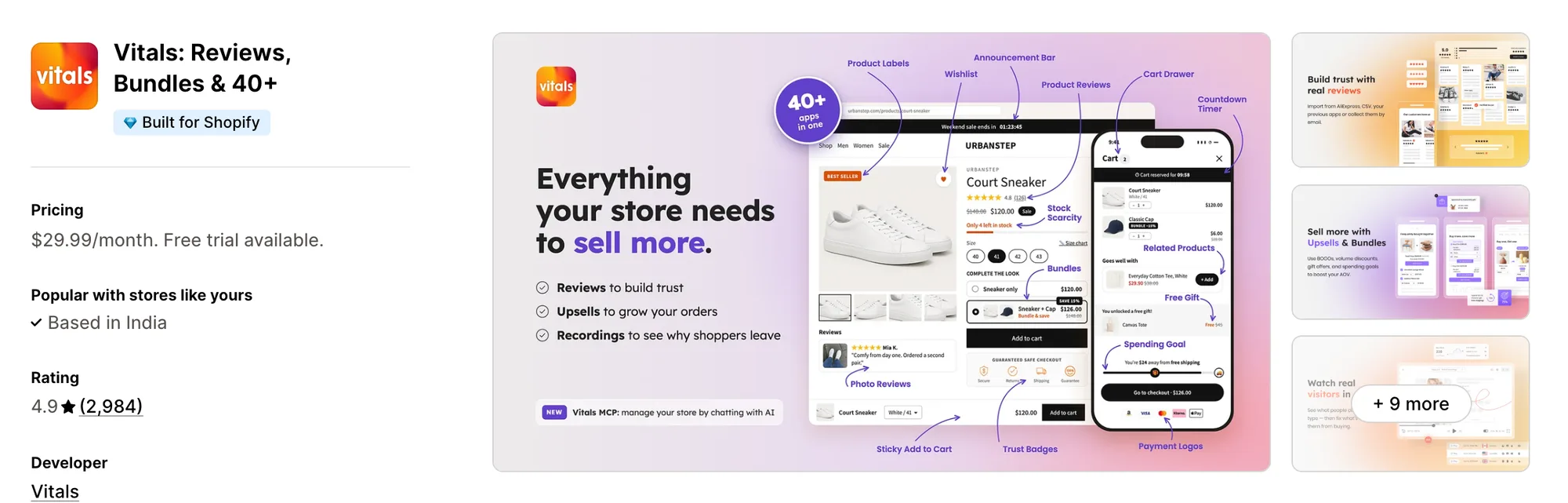
Best for: Stores that want Shoppable Instagram Feed, Product Reviews, Bundles and Upsells plus 40+ apps in one subscription
Rating: 4.9 (2,984 reviews) | App type: All-in-one | Free trial: 7 days | Built for Shopify: Yes
Vitals is our app. For one subscription of $29.99/month, it bundles a shoppable Instagram feed with product reviews, bundles, post-purchase upsells and the rest of its 40+ apps.
The Vitals Shoppable Instagram Feed app pulls in the posts from your connected Instagram account and adds new ones as they're published. Products can be tagged on any post, each carousel image included, with no limit per post or per widget. Customers can click a post to see numbered product thumbnails, and each one opens its product page.
That feed can appear on the home page and product pages, with grid or slider settings chosen separately for desktop and phones. GSC Instagram Feed doesn't collect reviews, while the Vitals Product Reviews app can gather photo and video reviews through request emails. After payment, the Vitals Upsell Builder app can show customers a one-click offer.
Key features:
- Unlimited tagging, covering each carousel image as well as single posts, with no widget-level cap
- Automatic syncing from your Instagram account, with new posts going live at once or waiting for approval
- Numbered markers in the post pop-up, each matched to a product thumbnail that leads to its page
- Square or portrait grids and sliders, with columns, rows and spacing set separately for desktop and mobile
- Feed placement that can switch on by itself for the home page and product pages, or be dropped in by hand through the theme editor
- Rules that restrict where the feed shows, by chosen products or by stock, discount or price range
- Tag clicks, image clicks and impressions, counted in its Analytics tab
- Customer photo and video reviews, collected with the Vitals Product Reviews app
- One-click post-purchase offers from the Vitals Upsell Builder app
Pros:
- Tagging with no per-widget cap on its single plan, where GSC Instagram Feed's Shoppable plan stops at 20 tagged posts
- Reviews and post-purchase upsells sit in the same subscription as the feed, under one support team
- One plan that carries the feed and over 40 more apps (e.g., La Niche de Jules replaced thirteen single-purpose apps with one Vitals plan)
- Settings changes and app on/off switches can happen by chat with Claude or ChatGPT via Vitals MCP, while Shopify Sidekick can field feed questions
Cons:
- No hashtag feeds, TikTok videos, uploaded media or posts that customers tag you in, and one Instagram account per store
- Works on Shopify only
Pricing:
Prices from vitals.app/pricing on October 19, 2026, with a 7-day free trial.
Read: Best Shopify Review Apps in 2026
2. Square: Instagram Feed Gallery
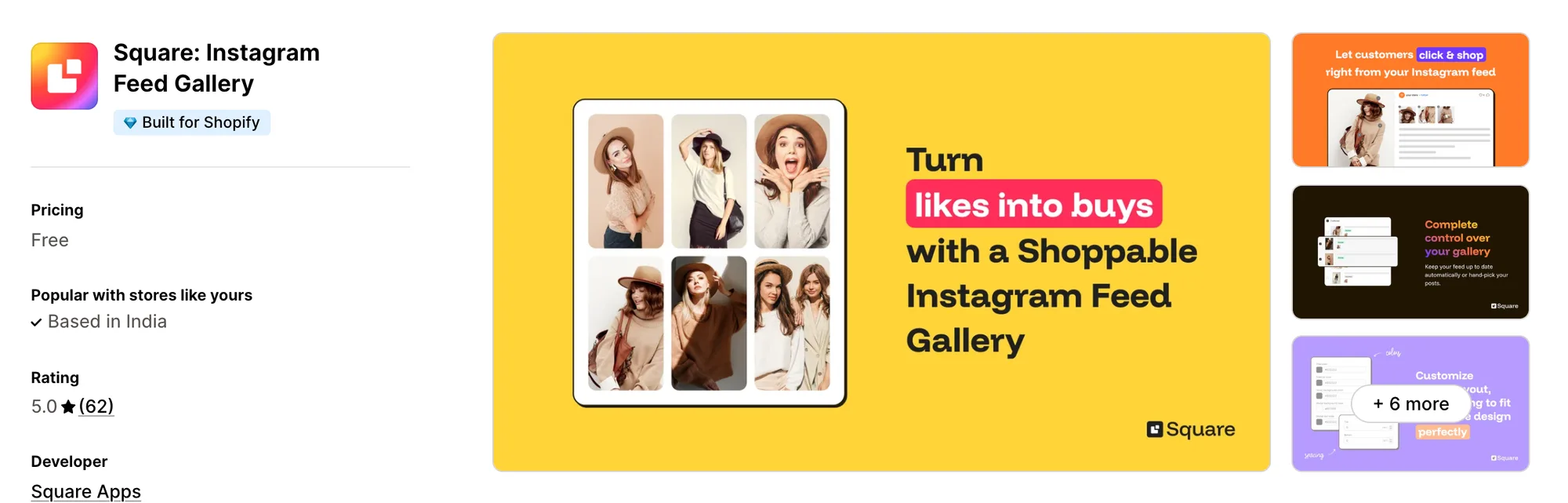
Best for: Stores adding a shoppable feed as their only new app, with no plan to pay for it
Rating: 5.0 (62 reviews) | App type: Standalone | Free trial: Free plan | Built for Shopify: Yes
Square: Instagram Feed Gallery is a free app from Square Apps that does one job, a shoppable gallery of your own Instagram posts. Square Apps keeps each of its other store jobs, from a sticky cart bar to upsells, in an app of its own.
Setup, per its install guide, comes down to switching on one app embed in the theme editor.
Key features:
- Desktop and mobile each get their own choice of slider or grid
- Post count and spacing set per device, plus text, hover and pop-up colors
- Tagged products that appear in a pop-up once a shopper clicks a post
- New posts published on their own, or held back and shown or hidden one at a time
- A display setting for home page only, or for the home page together with product pages
- Likes and comments counts when connected through Facebook Business Manager
Pros:
- No paid plan, and its site says the core features come without limits
- A storefront available in 15 languages
- Reviewers mention a real person answering chat quickly, and an Instagram link that doesn't drop
Cons:
- Analytics, video playback and hashtag feeds are absent from its listing
- Each store can link only one Instagram account
- Stays inside the feed, with reviews and cart offers left to other apps
Pricing: Free, with no paid plan (square-apps.com on October 19, 2026).
3. Socialwidget ‑ Instagram Feed
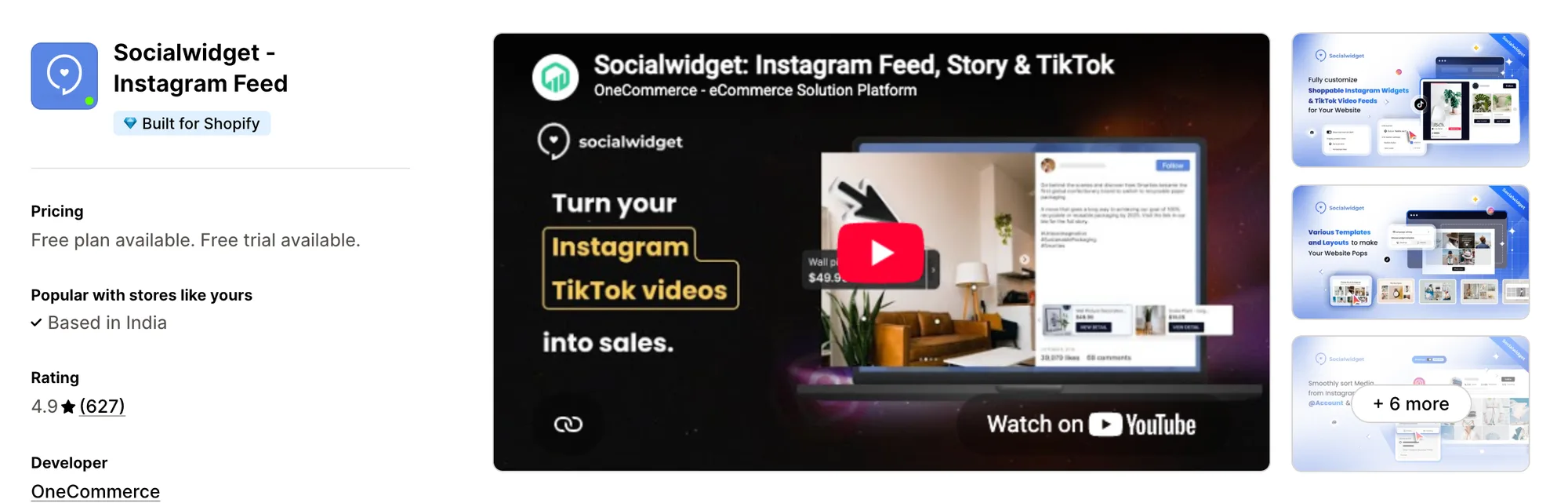
Best for: Stores that publish on Instagram and TikTok and want an add-to-cart button on tagged posts
Rating: 4.9 (627 reviews) | App type: Standalone | Free trial: 14 days | Built for Shopify: Yes
Socialwidget ‑ Instagram Feed is OneCommerce's feed app, listed at one point as Instafeed PRO. It mixes Instagram and TikTok posts in one gallery and can put buying buttons straight onto tagged posts. A separate product widget gathers the posts that show a product and places them on that product's page.
Reviewers describe an easy install, and several credit its live chat with help on the widget design.
Key features:
- Separate desktop and mobile designs, picked from 6 mobile and 9 desktop templates
- Video, carousel and photo posts, and Standard adds autoplay for videos
- Feeds from a TikTok profile, starting on Standard
- Product and variant tags on photos, carousels and videos
- Cart and checkout buttons placed on tagged posts, from the Professional plan
- A widget for each product page that gathers every post where the product appears
- Posts from public business profiles and hashtags, both on Advanced
Pros:
- TikTok videos next to Instagram posts, a source GSC Instagram Feed doesn't list
- A help center with setup guides, where GSC Instagram Feed has none
- Button click, pop-up and widget view counts in its report
- Widget text that translates itself into 8 languages
Cons:
- Standard allows 2 tags per post, and only Advanced reaches 5
- Reviewers between 2024 and 2026 describe the Instagram link dropping with no notice
- Syncing new posts takes up to 24 hours on Standard, 6 on Professional and 2 on Advanced
- A feed-only app, so reviews and cart offers come from other apps
Pricing:
Prices from onecommerce.io on October 19, 2026, with a 14-day free trial.
4. Covet Instagram Feed & Reviews
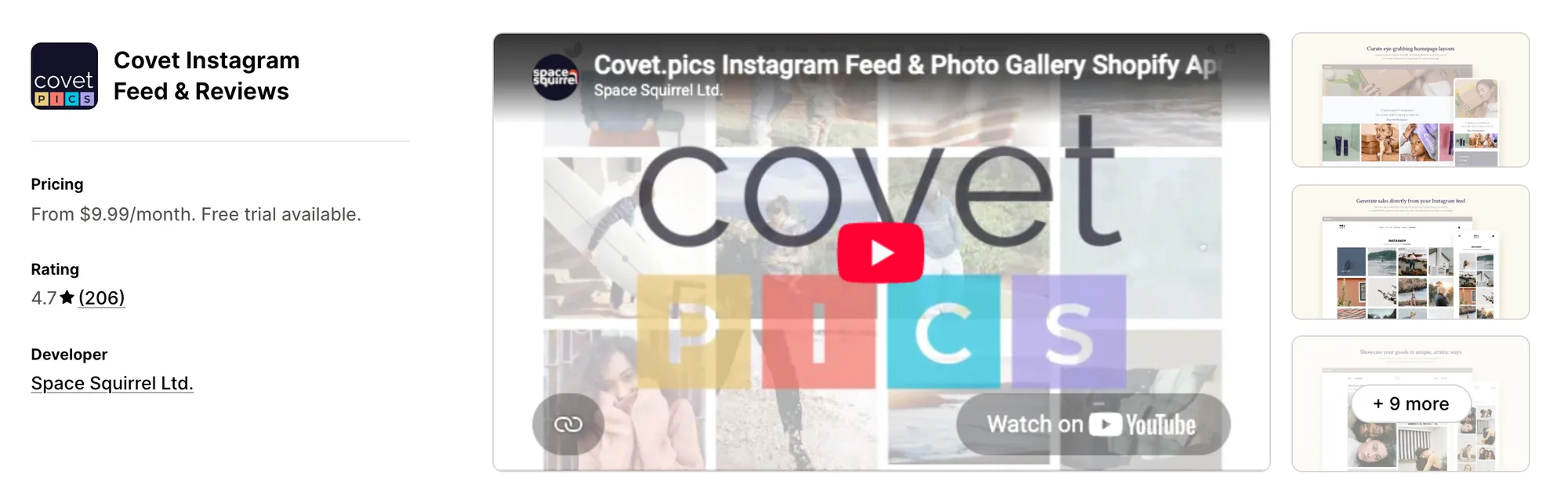
Best for: Stores that collect shopper photos through hashtags, mentions and review emails into a single gallery
Rating: 4.7 (206 reviews) | App type: Standalone | Free trial: 14 days | Built for Shopify: No
Covet Instagram Feed & Reviews comes from Space Squirrel and treats customer content as the main source. Its galleries draw on your profile, mentions, hashtags and photo reviews. Product Galleries then match tagged images to the right product page, so shopper photos appear near the buy button.
Reviewers call the admin easy to follow and say embedding a gallery takes little time.
Key features:
- Sources that include hashtags (two on Growth, five on Premium), mentions and your own profile
- Support for photos, videos, Reels and carousels, and manual uploads once on Growth
- Over 20 preset layouts, such as press galleries, lookbooks, grids and sliders
- Image tagging for products, and Premium adds hotspots
- Product Galleries, which surface tagged images on the product page they belong to
- Review requests sent by email or Shopify Flow, asking for photos or videos, with an optional discount reward
- Moderation per image, in batches or for a whole source at once
- Galleries that can also be embedded in newsletters and on other websites
Pros:
- Customer photo reviews collected in the same app as the Instagram galleries, a job GSC Instagram Feed leaves to a second app
- Hashtag feeds, which GSC Instagram Feed doesn't list
- Review imports by CSV file or straight from another reviews app
Cons:
- Lacks Built for Shopify status, which marks Shopify's speed and design checks
- Gallery and review request limits climb by plan, with Lite allowing one gallery and 200 requests
- Limited to galleries and reviews, so offers in the cart or checkout need other apps
Pricing:
Prices from covet.pics on October 19, 2026, with a 14-day free trial.
5. RPTR Instagram Feed Connect
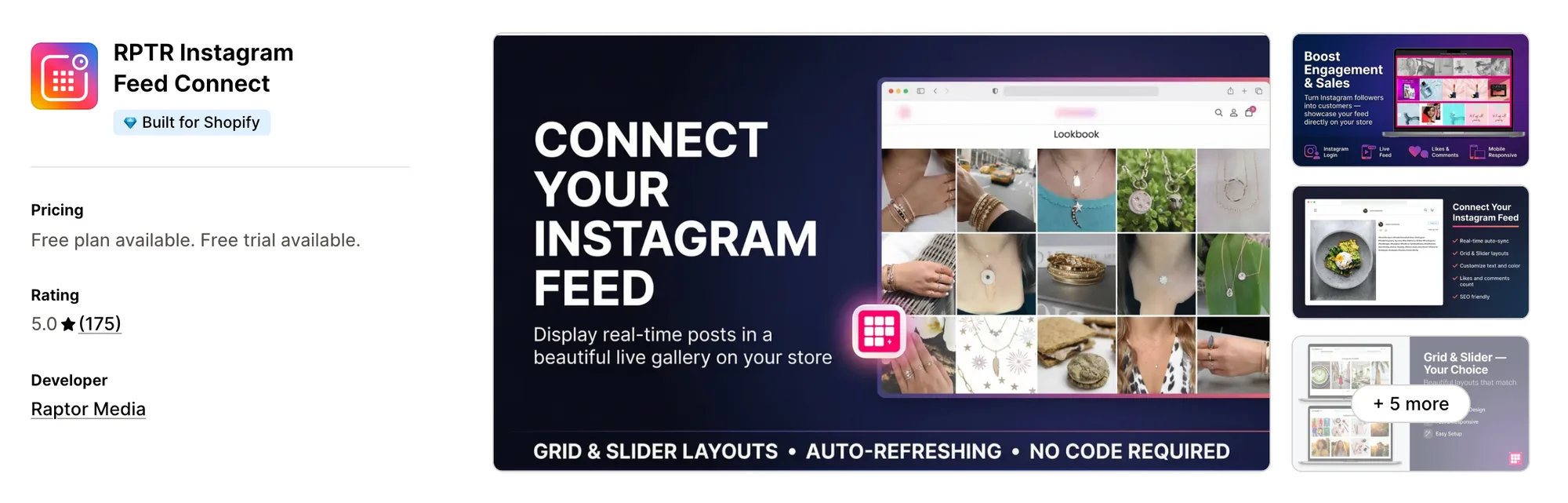
Best for: Stores whose theme is only missing a styled grid or slider of their own posts
Rating: 5.0 (175 reviews) | App type: Standalone | Free trial: 3 days | Built for Shopify: Yes
RPTR Instagram Feed Connect is the single app Raptor Media makes. It lays out the posts from your own Instagram profile as a grid or slider with your own overlay and text colors, and product tags arrive with the Professional plan.
The listing describes a one-click setup that needs no coding.
Key features:
- A grid on every plan, with slider layouts added on Basic
- No limit on how many images appear, plus a load more button, on Basic
- Likes and comments counts on each post
- Overlay, text, color and hover styling
- Product tagging for a shoppable feed (Professional plan)
Pros:
- A 5.0 rating, with reviewers saying support fixes display problems within minutes
- Tag colors and labels that can follow the store's branding
Cons:
- Pulls only from your own profile, without hashtag feeds or posts customers tag you in
- Video and Reels aren't mentioned in its listing
- Shoppable tags only come with the Professional plan
- One feed widget and nothing more, so reviews and other store jobs need their own apps
Pricing:
Raptor Media's website doesn't list prices, so these come from the Shopify App Store listing on October 19, 2026, with a 3-day free trial.
6. Instafeed for Instagram Feed
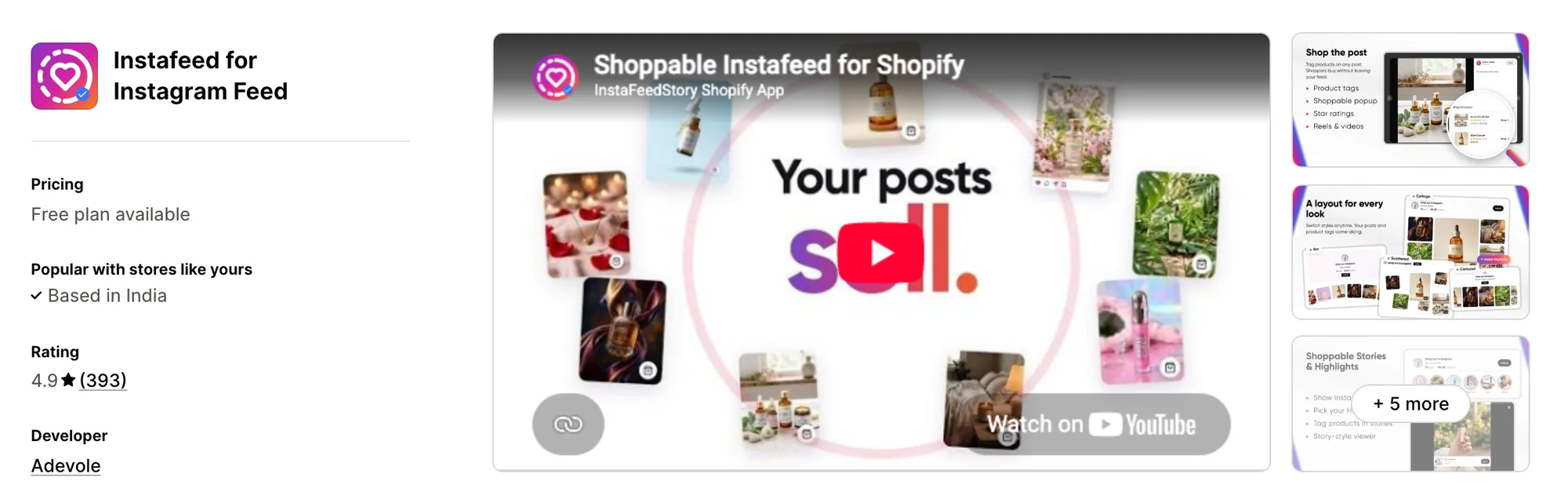
Best for: Stores that want their Instagram Stories and Highlights on the site, plus a link-in-bio page
Rating: 4.9 (393 reviews) | App type: Standalone | Free trial: No | Built for Shopify: No
Adevole makes Instafeed for Instagram Feed, formerly Instafeed+Story Instagram Feed. Beyond the feed, it adds Stories and Highlights as story circles and builds a shoppable link-in-bio page, which makes it a fit for stores that sell through their Instagram profile.
Merchants report a one-click connection with no technical skills needed, since the app asks only for a public username.
Key features:
- Six layouts, among them scattered, arc, spotlight, collage, carousel and grid
- Reels and posts, where video plays only on Sell or Growth
- Story circles above the feed for your current Stories and saved Highlights
- A maximum of three Shopify products linked to any post or story
- Multiple widgets with separate page rules, from the Sell plan up
- A link-in-bio page that's shoppable and records taps
- AI Studio, which creates Instagram-ready images and suggested captions from product photos
Pros:
- Highlights and Stories shown on the store, neither of which GSC Instagram Feed lists
- A help center that covers setup, layouts and syncing, where GSC Instagram Feed has none
- AI Studio, the one built-in AI feature among the competitors in this list
Cons:
- The three-product limit applies to every post and story
- Instagram is checked roughly twice a day, and some low-star reviews mention new posts that never showed up
- Sticks to Instagram content, so star ratings come from Judge.me and cart offers need other apps
Pricing:
Adevole's website doesn't list prices, so these come from the Shopify App Store listing on October 19, 2026, with no free trial. Its help center shows higher prices for the same plans, so confirm on the listing before subscribing.
How Many Apps Each Option Replaces
Every app on a store can add its own code to each page, and that extra code weighs on how fast pages load. Here's our count of how many separate apps each option stands in for.
How we counted it:
- Vitals - All in One App stands in for 40+ single-purpose apps, with a post-purchase upsell app, a bundle app, a reviews app and an Instagram feed app first on that list
- Square: Instagram Feed Gallery means one fewer shoppable gallery app, though Square Apps keeps its other store jobs in separate apps
- Socialwidget ‑ Instagram Feed puts Instagram and TikTok in one app instead of two
- Covet Instagram Feed & Reviews lets a photo reviews app and a gallery app become one install
- RPTR Instagram Feed Connect removes the need for a basic Instagram gallery app, and nothing more
- Instafeed for Instagram Feed spares a store both a link-in-bio app and a separate feed app
- GSC Instagram Feed, Instafeed handles the shoppable gallery, and its sticky video pop-up can retire a separate video app
GSC Instagram Feed next to a reviews app and an upsell app puts three apps' code on the storefront, while one Vitals subscription covers those three jobs from a single script.
When Should You Stay on GSC Instagram Feed
GSC Instagram Feed remains the stronger choice in two situations.
- You judge the feed by sales and want its orders and revenue tracking, which comes on every plan
- You use its sticky video pop-up to keep a video on screen while shoppers browse
Switch when photo reviews, bundles and post-purchase upsells should share one subscription with a feed that also shows on product pages.
How to Migrate From GSC Instagram Feed
The posts themselves stay on Instagram. The product and collection tags, the post order you arranged, your uploaded media and the revenue history live inside GSC Instagram Feed, so record them before uninstalling.
- For each widget, list the tagged products and collections on every post, note the post order and the pages it appears on, save its revenue figures, and download any photos or videos you uploaded
- Put Vitals - All in One App on the store and reconnect your Instagram profile inside its Vitals Shoppable Instagram Feed app
- In the Vitals Shoppable Instagram Feed app, re-create the tags post by post, turning collection tags into product tags, and hide posts you don't want shown. Vitals has no uploads, customer-tagged post feeds or sticky video pop-up, so keep those images and videos in another app or a theme section if you still need them
- On a duplicate theme, choose home page or product page placement, add any display rules and preview the feed at desktop and phone widths
- Remove any GSC Instagram Feed blocks or embeds from every theme, copies included, then publish the theme and uninstall the app
FreeShippingAllOrders is one Shopify store that swapped a long list of single-purpose apps for a single Vitals subscription.
Read: Best All in One Apps for Shopify in 2026
Find the Best GSC Instagram Feed Alternative for Your Store
Vitals - All in One App suits most stores, though the best pick comes down to what's pushing you away from GSC Instagram Feed.
- Vitals, if you want photo reviews, an Instagram feed with unlimited product tags, bundles, discounts and 40+ apps in one single subscription of $29.99/month
- Square: Instagram Feed Gallery, if a shoppable gallery of your own posts is the one thing you're adding and a free app covers it
- Socialwidget ‑ Instagram Feed, if each post needs a cart button and your TikTok clips belong beside your Instagram content
- Covet Instagram Feed & Reviews, if hashtags, mentions and customer review photos are your main source of content
- RPTR Instagram Feed Connect, if you'd be happy with a plain, styled gallery of the posts you already publish
- Instafeed for Instagram Feed, if Stories and Highlights on the store matter more to you than the number of tags per post
Start a 7-day free trial: Install Vitals - All in One App
Frequently Asked Questions
1. Which app is the best alternative to GSC Instagram Feed on Shopify?
For most stores, the best alternative to GSC Instagram Feed is Vitals - All in One App. Shoppable Instagram feeds, product reviews, bundles and post-purchase upsells come with it, since it's the only all-in-one app that includes 40+ apps in one subscription. We make it, so its entry spells out what it can't do.
2. What makes merchants leave GSC Instagram Feed?
The app covers the feed only, so product reviews and other storefront jobs each need another app. Its listing names no hashtag feeds or TikTok videos, and there's no help center for setup questions. Some recent low-star reviews also describe a feed widget that quit working.
3. What does Vitals offer that GSC Instagram Feed doesn't, and the reverse?
Each one puts a shoppable gallery of your Instagram posts on the store, with tagged products. GSC Instagram Feed adds customer-tagged posts, uploads, a sticky video pop-up and order and revenue tracking. Vitals answers with uncapped tagging, rules that target products, prices or stock levels, tag click counts, photo and video reviews, post-purchase upsells and 40+ other apps.
4. Could one Vitals subscription cover GSC Instagram Feed plus other apps?
Yes. One Vitals subscription can take over the shoppable feed, and with it the jobs of a reviews app, a bundle app and a post-purchase upsell app. Stores that rely on uploaded media, customer-tagged posts or a sticky video pop-up would keep a separate app for those.
5. Will these GSC Instagram Feed alternatives slow my store down?
Any app a store installs can add scripts to the storefront, so the total depends on how many apps are installed and which ones. Vitals - All in One App serves its feed, reviews and other apps through a single script. Covering the same jobs with several single-purpose apps means a script for each. We haven't speed-tested any of these apps, so check your own pages before and after a change.
6. Do any GSC Instagram Feed alternatives offer AI features or MCP support?
Not all of them. Through Vitals MCP, Claude or ChatGPT can edit Vitals app settings and switch its apps on or off, and Shopify Sidekick can handle questions about the Vitals feed. Instafeed for Instagram Feed offers AI Studio, which makes Instagram-ready images from product photos, but no MCP support is listed for it. The listings and docs of GSC Instagram Feed, Square, Socialwidget, Covet and RPTR mention neither AI features nor MCP.
7. Which of these GSC Instagram Feed alternatives collect product reviews?
Not all of them. Two apps here send review request emails that gather photo and video reviews, Vitals - All in One App and Covet Instagram Feed & Reviews. Instafeed for Instagram Feed borrows its star ratings from Judge.me, and Square, Socialwidget, RPTR and GSC Instagram Feed stop at the feed.
8. What are the steps to move from GSC Instagram Feed to Vitals?
Record each widget's tagged products and collections, its post order and its revenue figures, and download any uploaded media. Then switch on the Vitals Shoppable Instagram Feed app, link your Instagram account and re-tag each post. Keep a separate app for uploads or the sticky video pop-up if you need them, test on a duplicate theme, then remove GSC's blocks and uninstall.