6 Best RPTR Instagram Feed Alternatives for Shopify [2026]

![6 Best RPTR Instagram Feed Alternatives for Shopify [2026]](/assets/blog/rptr-instagram-feed-alternatives/banner.avif)
Looking for an RPTR Instagram Feed Alternative?
RPTR Instagram Feed is a popular Shopify app for putting your Instagram posts on your store as a grid or slider. Product tagging, however, comes only with its Professional plan, and its listing names no video, Reels or hashtag feeds.
So, we compared six alternatives on how they tag products, which Instagram content they can pull in, where the feed can sit on the store and what else each app takes care of. Vitals is our app, and we've listed its gaps as well.
What Is RPTR Instagram Feed Shopify App?
RPTR Instagram Feed Connect is a Shopify app from Raptor Media for showing an Instagram profile on a store. It connects through an Instagram login and displays a feed that refreshes on its own, and on its top plan shoppers can buy from tagged posts.
RPTR Instagram Feed covers these parts of an Instagram gallery:
- Grid and slider feeds: Show your posts in a grid, or in a slider from the Basic plan, with a layout that adjusts to desktop and mobile screens.
- Load more: Display your full feed with a load more button and no cap on images (Basic plan).
- Styling: Change overlay and text colors and pick from several hover layouts so the feed matches the theme.
- Engagement counts: Show the likes and comments each post has collected on Instagram.
- Shoppable posts: Tag products on posts and style the tags' colors and text (Professional plan).
Where RPTR Instagram Feed stands out is how little it asks of the merchant. The listing describes a one-click install with no coding, and the Professional plan includes extra customization from the developer, so it suits stores that want a branded gallery without spending time on setup.
Reviewers most often praise Raptor Media's support, which they say fixes display problems and adds custom CSS within minutes.
How Much Does RPTR Instagram Feed App Cost?
Raptor Media's website is a single page with no prices on it, so these come from the Shopify App Store listing on October 19, 2026, with a 3-day free trial.
Why Shopify Merchants Look for RPTR Instagram Feed Alternatives
RPTR Instagram Feed has a 5.0 rating from 175 reviews, most of them written between 2020 and 2022, and it carries the Built for Shopify badge. Even so, merchants who move to another app point to these reasons:
- Product tagging and shoppable posts sit on Professional, and the slider layout and load more button start on Basic
- The feed shows posts from your own profile only, and the listing names no video, Reels, hashtag feeds or posts other accounts tag you in
- A 2022 low-star review says the feed slowed pages by almost five seconds, and the developer replied that lazy load has to be switched on in the settings
- A 2025 update to a long-standing review reports that the feed stopped working without warning
- Raptor Media's website is one page, with no help docs or changelog, and the free trial lasts 3 days
A move pays off most for stores that want one dashboard and one bill for their feed, reviews and other storefront apps.
Read: The 7 Best Shopify Shoppable Instagram Feed Apps in 2026
How We Compared the RPTR Instagram Feed Alternatives
On October 19, 2026, we checked every app against its live Shopify App Store listing, plus its help docs and changelog, where available, and took ratings and review counts from that day's listing.
We compared the apps on:
- App type, standalone or all-in-one
- How each feed handles tagging, video, layouts and where its posts come from
- Where on the store the feed can appear
- How many other apps a store could drop after installing it
- Theme connection and the scripts each app puts on the storefront
- AI features and MCP support
- Setup, judged from merchant reviews, the docs and the listing
Short Answer
Vitals - All in One App is the best RPTR Instagram Feed alternative for most stores.
- It offers product tags on any post, down to each image of a carousel, on its only plan, while RPTR Instagram Feed keeps tagging for its Professional plan
- It includes 40+ apps, such as reviews, bundles and visitor recordings, in one subscription of $29.99/month
- It replaces several single-purpose apps that a store would otherwise install and pay for each month
RPTR Instagram Feed costs less than Vitals on either of its plans. Vitals also adds a usage fee once sales from its conversion apps pass $1K a month, and that same subscription covers product reviews, bundles, visitor recordings and the rest of its apps.
What Are the Top RPTR Instagram Feed Alternatives for Shopify in 2026
Start with the table to find the store each app fits, then read the entries for what every feed does and doesn't do.
1. Vitals - All in One App
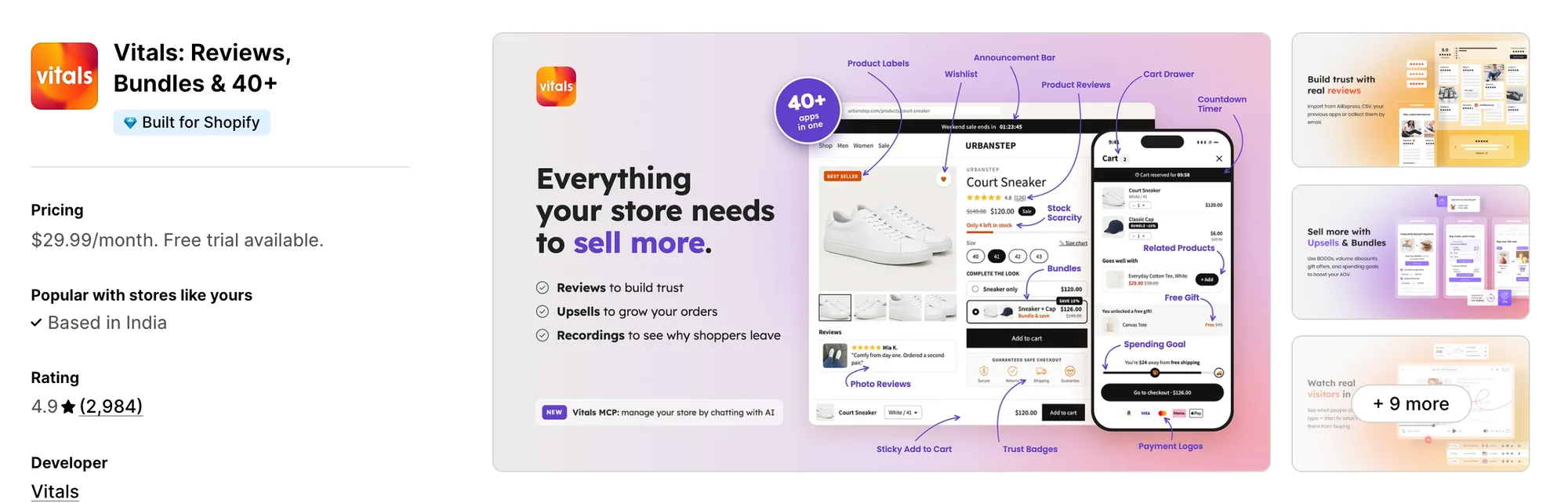
Best for: Stores that want Shoppable Instagram Feed, Product Reviews, Bundles and Visitor Recordings plus 40+ apps in one subscription
Rating: 4.9 (2,984 reviews) | App type: All-in-one | Free trial: 7 days | Built for Shopify: Yes
Vitals is our app. For a single subscription of $29.99/month, it gives a store 40+ apps, with a shoppable Instagram feed first and product reviews, bundles and visitor recordings among the rest.
The Vitals Shoppable Instagram Feed app pulls the posts from your Instagram account onto the store and keeps adding new ones as they're published. Products can be tagged on any post, including each image of a carousel, and customers can click a post to see the tagged items and go to their product pages.
The feed can sit on the home page, on product pages or wherever it's placed in the theme editor, and its Analytics tab counts impressions, image clicks and tag clicks, which RPTR Instagram Feed doesn't list. Another Vitals app, the Vitals Visitor Recordings app, can record shopper visits, so you can watch how people use the pages the feed appears on.
Key features:
- Automatic syncing from your Instagram account, with an option to keep new posts hidden until you approve them
- Product tags on any post and on each carousel image, with no cap per post, shown as numbered markers in a pop-up
- Square or portrait images in a slider or grid, where phones and desktops each get their own columns, rows and spacing
- A theme editor block for manual placement, on top of default spots on the home page and product pages
- Display conditions by product, or by a product's price, discount or inventory level
- Section title, colors, hover and pop-up styling, in the theme's own font
- An Analytics tab that counts tag clicks, image clicks and impressions
- A reviews app in the same plan, the Vitals Product Reviews app, which emails customers for photo and video reviews
- Session recordings of shopper visits from the Vitals Visitor Recordings app
Pros:
- Tagging on its one plan with no per-post limit, while RPTR Instagram Feed needs Professional for tagging
- One support team answers for the feed and every other Vitals app, where RPTR Instagram Feed has no help docs
- The feed and 40+ more apps under one plan (e.g., Stock Supplier swapped fifteen single-purpose apps for one Vitals plan)
- Settings and on-off switches for Vitals apps can be changed by chatting with Claude or ChatGPT through Vitals MCP, and questions about the feed can go to Shopify Sidekick
Cons:
- No TikTok videos, Highlights, Stories or hashtag feeds, and only one Instagram account can be connected
- Works on Shopify only
Pricing:
Prices from vitals.app/pricing on October 19, 2026, with a 7-day free trial.
Read: Best Shopify Review Apps in 2026
2. GSC Instagram Feed, Instafeed
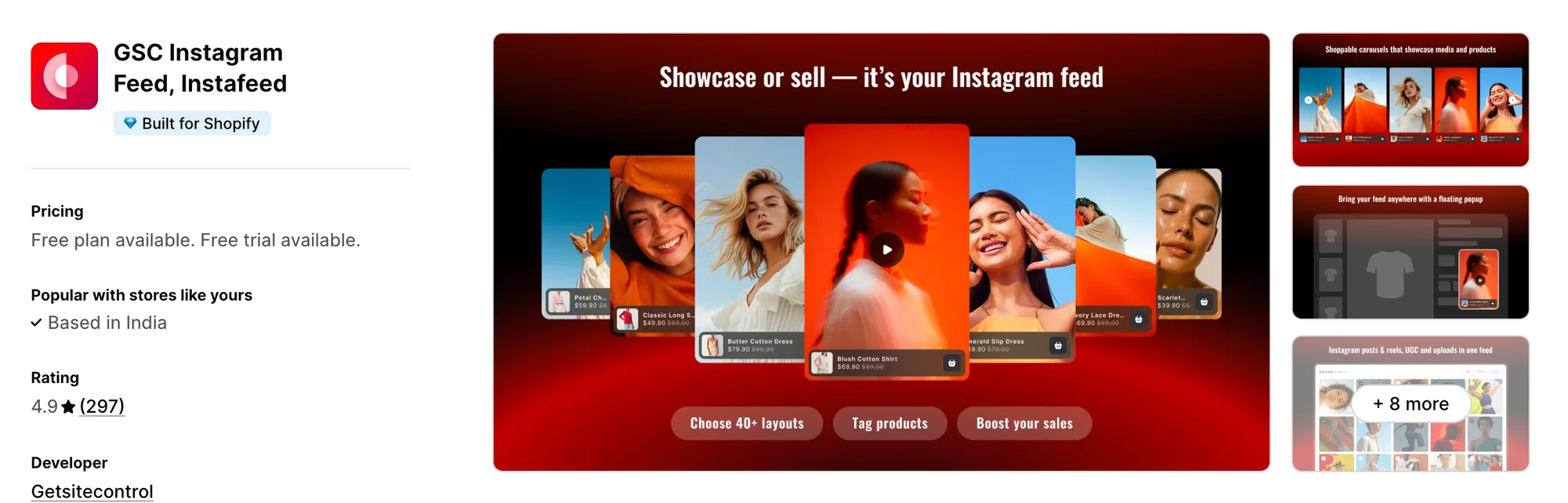
Best for: Stores that need order and revenue figures for the posts they tag
Rating: 4.9 (297 reviews) | App type: Standalone | Free trial: 7 days | Built for Shopify: Yes
GSC Instagram Feed, Instafeed is made by Getsitecontrol and links each shoppable post to the orders and revenue that follow from it. Its plans differ only in how many tagged posts a widget can hold, so the feeds, uploads and reports are the same on both.
Merchants report the app is easy to set up, including owners with no technical background.
Key features:
- Four layouts to pick from (gallery, collage, carousel and grid)
- Reels, your own posts and the posts where customers tag your account
- Photos and videos uploaded straight to the app
- Tagging of whole collections, not just products, in posts and Reels
- A sticky video pop-up that follows shoppers across pages
- Attribution that ties revenue and orders back to the feed
Pros:
- Revenue attribution on both plans, where RPTR Instagram Feed lists no analytics
- Reels and customer-tagged posts, which RPTR Instagram Feed's listing doesn't name
- Unlimited feeds and live chat support on every plan
Cons:
- Without a help center or changelog, the listing is the only setup reference
- The Shoppable plan holds up to 20 tagged posts per widget
- Cart offers, bundles and reviews sit outside the app, which only handles the feed
Pricing:
Getsitecontrol's website lists no prices, so these come from the Shopify App Store listing on October 19, 2026, with a 7-day free trial. Unlimited removes the cap on tagged posts per widget.
3. Covet Instagram Feed & Reviews
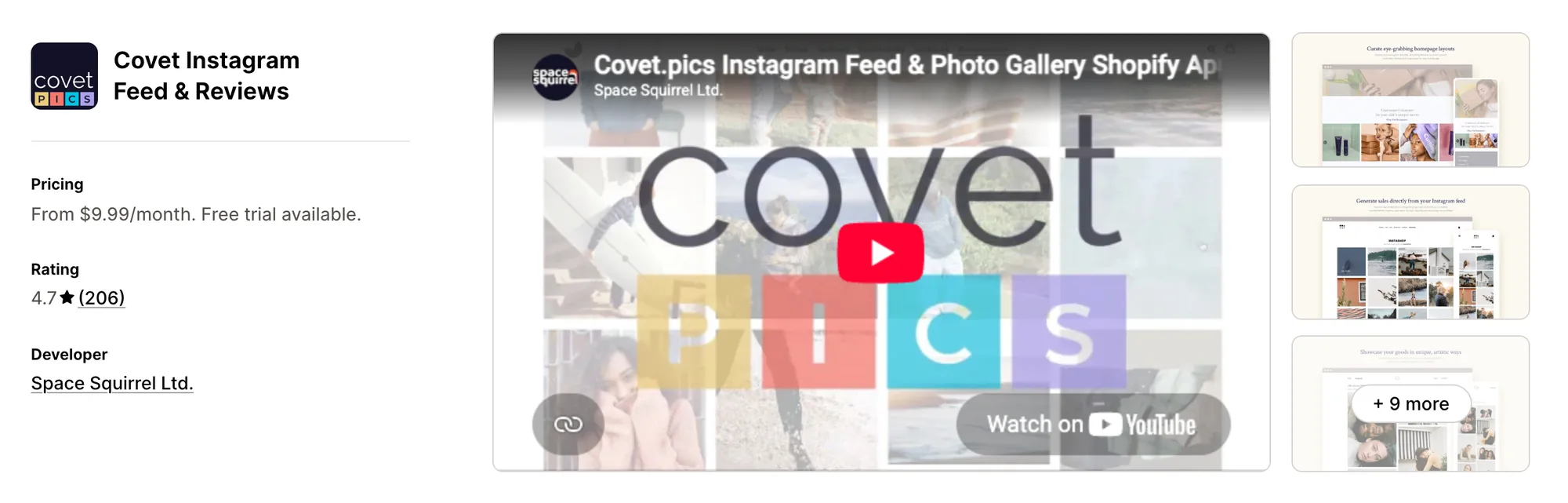
Best for: Stores that want customer photos from hashtags, mentions and review emails shown beside their own posts
Rating: 4.7 (206 reviews) | App type: Standalone | Free trial: 14 days | Built for Shopify: No
Covet Instagram Feed & Reviews comes from Space Squirrel and mixes your own posts with content from customers. Its galleries can draw on your profile, mentions, hashtags and the photo reviews that shoppers send back after an order.
Merchants report the dashboard is easy to find their way around and that adding a gallery to the store is quick.
Key features:
- Content pulled from hashtags, mentions and your profile (Growth allows 2 hashtags, Premium 5)
- Photos, videos, Reels and carousels, plus uploaded images on the Growth plan and above
- A library of 20+ layout presets, lookbook and press styles included
- Tagging of products on any image, and hotspot markers on Premium
- Product Galleries, which put each tagged image on the page of the product in it
- Review request emails, also sent through Shopify Flow, with an optional discount for photo or video reviews
- Automatic or manual approval for each content source
- Embeds for newsletters and other websites, not only the store
Pros:
- Hashtag and mention feeds, beyond the single profile RPTR Instagram Feed shows
- Video and Reels in the gallery, which RPTR Instagram Feed's listing doesn't mention
- Photo reviews and Instagram content managed in one app
- Reviews from a previous app or a CSV file can be imported
Cons:
- Not Built for Shopify, so it hasn't passed Shopify's speed and design checks for that status
- Galleries and review request emails are capped by plan, starting at 1 gallery and 200 emails on Lite
- Dropped Instagram connections and missing images come up in low-star reviews, most dated 2016 to 2022
- Handles galleries and photo reviews, with no bundles, cart offers or other store apps
Pricing:
Prices from covet.pics on October 19, 2026, with a 14-day free trial.
4. Instafeed for Instagram Feed
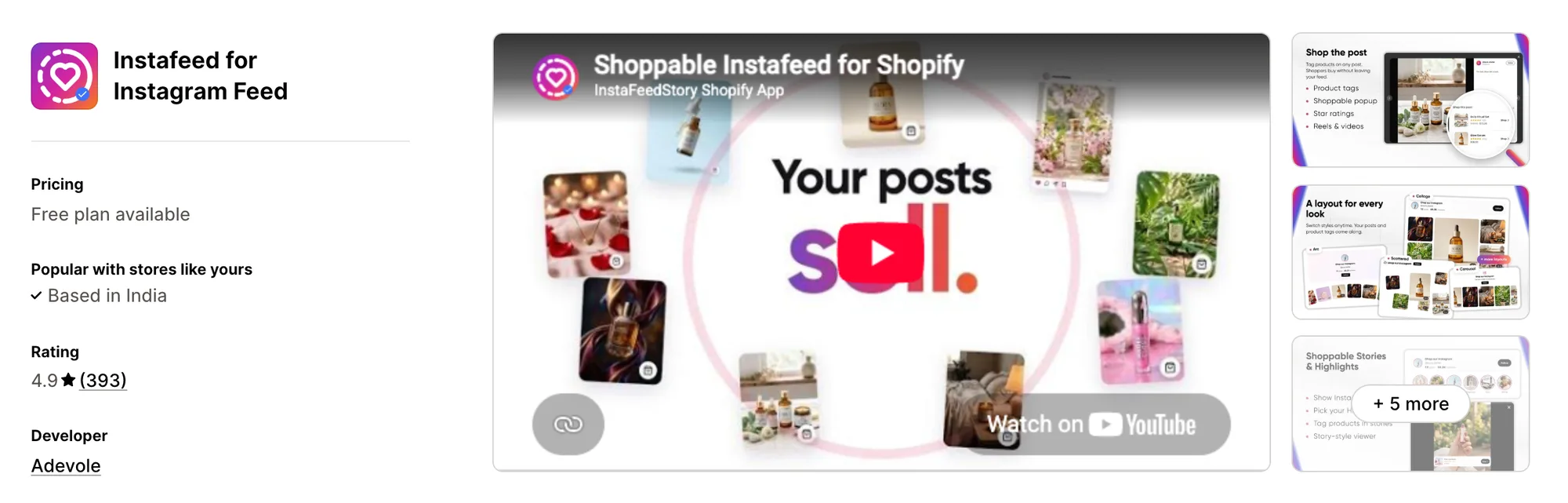
Best for: Stores that post Stories and Highlights and want them shoppable on the site, with a link-in-bio page
Rating: 4.9 (393 reviews) | App type: Standalone | Free trial: No | Built for Shopify: No
Instafeed for Instagram Feed, formerly Instafeed+Story Instagram Feed, is Adevole's Instagram app. Next to the usual feed, it brings Stories and Highlights onto the store as story circles and adds a shoppable page for the link in your Instagram bio.
Merchants report setup takes a click, since the app connects by public username without an Instagram login.
Key features:
- Grid, carousel, collage, spotlight, arc and scattered layouts
- Reels alongside posts, and videos that play in the feed on Sell
- Stories and Highlights displayed as circles at the top of the feed
- Product links on every post and story, three at most
- Controls to hide, reorder or pin any post
- A bio-link page where shoppers can buy, with tap counts and your own links
- Instagram-ready images and caption ideas made from product photos in AI Studio
Pros:
- Stories and Highlights with product links, which RPTR Instagram Feed doesn't offer
- Sell and Growth allow more than one widget, each with its own page rules
- A bio page and the store feed managed from the same app
Cons:
- Three products is the ceiling for any post or story
- Unexpected charges after traffic grew are the main complaint in low-star reviews from 2021 to 2026
- Handles Instagram content and the bio page, so reviews and cart offers need separate apps
Pricing:
Adevole's website lists no prices, so these come from the Shopify App Store listing on October 19, 2026, and the app has no free trial. Its help center quotes higher prices for the same plans, so confirm on the listing before you pay.
5. Socialwidget ‑ Instagram Feed
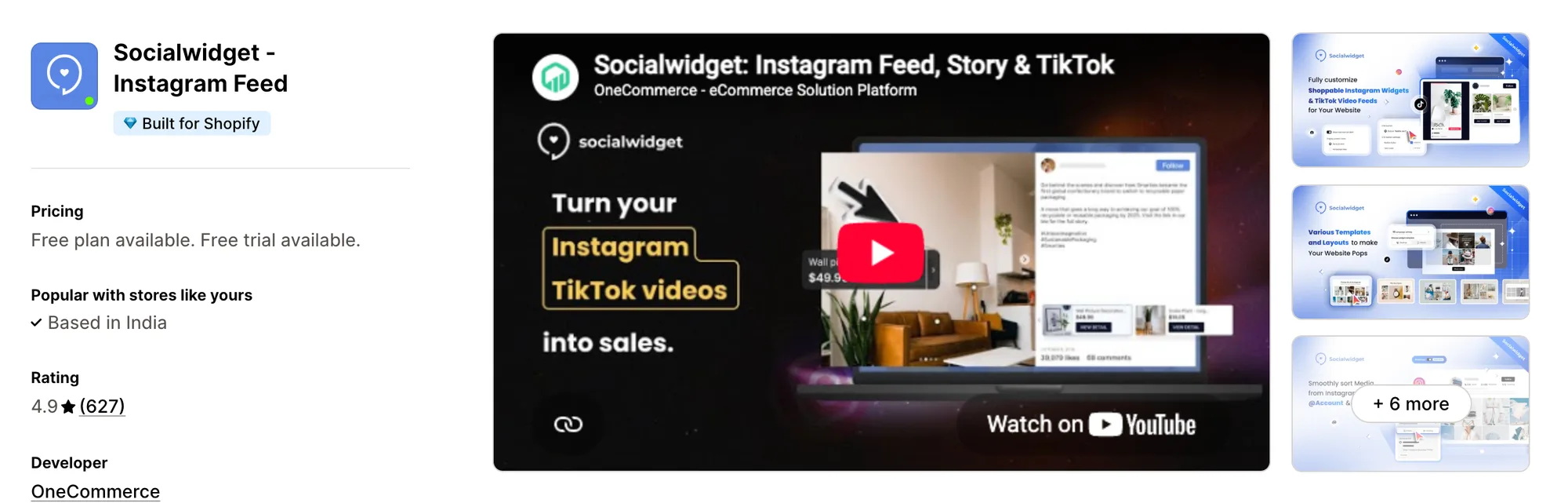
Best for: Stores with a TikTok profile to show next to Instagram, and Add to cart buttons on tagged posts
Rating: 4.9 (627 reviews) | App type: Standalone | Free trial: 14 days | Built for Shopify: Yes
Socialwidget ‑ Instagram Feed is OneCommerce's feed app, once listed as Instafeed PRO. It combines Instagram and TikTok posts in one gallery, and from the Professional plan a tagged post can send shoppers to the cart or straight to checkout.
Merchants report installing and configuring it is simple, with live chat frequently stepping in on design.
Key features:
- Separate template sets for each device, 6 for mobile and 9 for desktop
- Video posts that autoplay on Standard, next to carousels and photos
- TikTok profile feeds beside Instagram (Standard plan)
- Variant and product tagging, with a per-post limit between 2 and 5 depending on plan
- Buttons on tagged posts for direct checkout, Add to cart and View detail (Professional plan)
- A Product Widget that shows the posts tagging a product on that product's page
- Feeds built from other public business profiles or hashtags (Advanced plan)
- Pinning and hiding of posts in each gallery
Pros:
- Instagram and TikTok in a single gallery
- Video posts in the gallery, which RPTR Instagram Feed's listing doesn't name
- Counts of how often the widget and pop-up were seen and which buttons got clicked
- Automatic translation of widget text into 8 languages
Cons:
- Standard allows 2 tags per post, and 5 tags need the Advanced plan
- Sync gaps shrink by plan, from 24 hours on Standard to 6 on Professional and 2 on Advanced
- Silent Instagram disconnects come up in reviews dated 2024 to 2026
- Built for social feeds alone, so a store adds other apps for cart offers, bundles and reviews
Pricing:
Prices from onecommerce.io on October 19, 2026, with a 14-day free trial.
6. Square: Instagram Feed Gallery
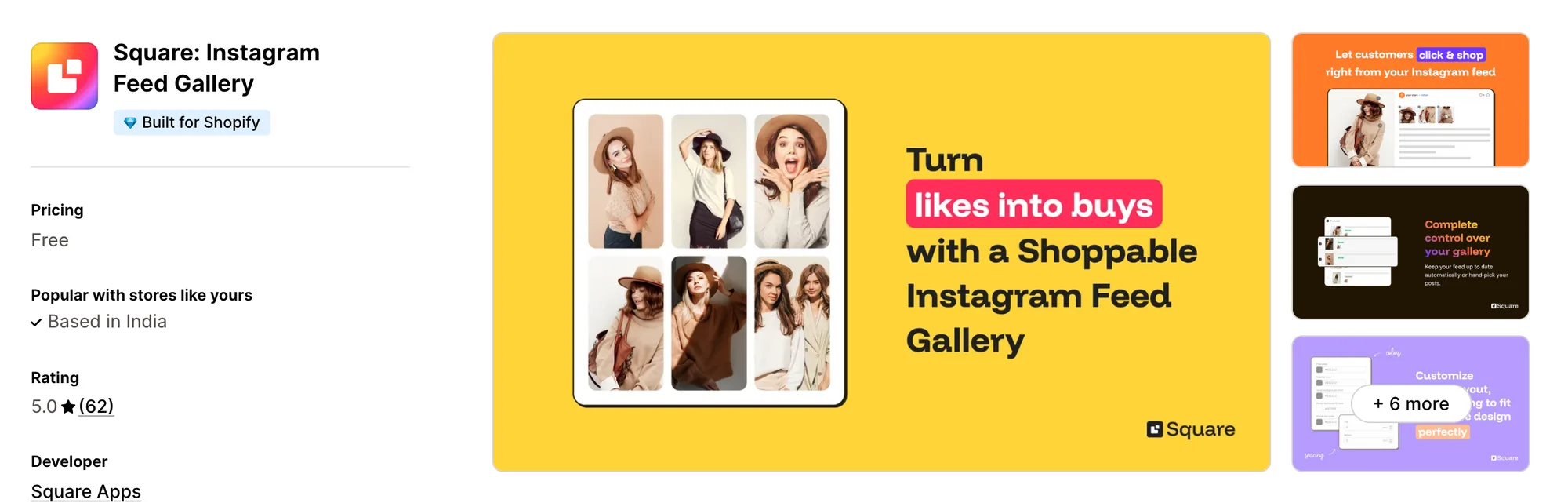
Best for: Stores that want product tags on their feed without paying for a plan
Rating: 5.0 (62 reviews) | App type: Standalone | Free trial: Free plan | Built for Shopify: Yes
Square: Instagram Feed Gallery is Square Apps' free Instagram app, with product tagging included. New posts can go live on their own, or wait in a list until you approve each one.
Getting it live takes one switch, the app embed in the theme editor.
Key features:
- A slider or a grid, picked per device for phones and desktops
- Post count, spacing and color settings for each device
- Clicking a post opens a pop-up with the products tagged in it
- Auto-publishing of new posts, or approval post by post
- A choice between showing the feed on the home page only or on product pages too
- A storefront available in 15 languages
Pros:
- Product tagging on its one free plan, with no limits listed on posts or tags
- Reviews mention quick replies from a human on chat, and an Instagram connection that holds
Cons:
- Shows posts without view or click stats, and its listing names no hashtag feeds or video playback
- Only a single Instagram account can be connected
- Handles the feed only, with nothing for reviews, bundles or the cart
Pricing: Free, with no paid plan (square-apps.com on October 19, 2026).
How Many Apps Each Option Replaces
Every extra app can add its own code to each page, as our store speed guide explains. Here is how many separate apps we count for each option.
How we counted it:
- Vitals - All in One App replaces up to 40+ single-purpose apps, and a session recording app, a bundle app, a product reviews app and an Instagram feed app are just the start
- GSC Instagram Feed, Instafeed means a store can drop its shoppable feed app, and its video pop-up app if it has one
- Covet Instagram Feed & Reviews retires two apps, one for photo reviews and one for the Instagram gallery
- Instafeed for Instagram Feed brings a link-in-bio page along with the feed, so one app does two jobs
- Socialwidget ‑ Instagram Feed lets one app cover both the TikTok feed and the Instagram feed
- Square: Instagram Feed Gallery replaces a single shoppable feed app
- RPTR Instagram Feed Connect replaces one gallery app, the same single job
RPTR Instagram Feed next to a reviews app and a session recording app adds three apps' scripts to the store, while Vitals handles those three jobs from one script.
When Should You Stay on RPTR Instagram Feed
RPTR Instagram Feed still fits two kinds of store.
- You want the developer to style the feed for you, since Professional includes extra customization and reviewers say support adds custom CSS within minutes
- You want likes and comments counts on every post with a plain Instagram login, without connecting a Facebook Business account
Switch when you want product tags on any post with no plan upgrade, next to product reviews, bundles and visitor recordings in one subscription.
How to Switch From RPTR Instagram Feed to Vitals
Your posts stay on Instagram, and RPTR Instagram Feed keeps no reviews, subscribers or order history, so there's nothing to export. If you tagged products on the Professional plan, list them first so you can tag them again.
- Add Vitals - All in One App to the store, link your Instagram account and switch on the Vitals Shoppable Instagram Feed app
- On a duplicate theme, tag the products from your list, choose a grid or slider layout and set the home page and product page placement, then check the feed on desktop and a phone
- Remove any RPTR Instagram Feed section, block or custom code from every theme, including copies, then publish the theme and uninstall RPTR Instagram Feed Connect
One Vitals subscription now covers what a set of single-purpose apps did for Shopify stores such as Strapsology.
Read: Best All in One Apps for Shopify in 2026
Find the Best RPTR Instagram Feed Alternative for Your Store
For most stores Vitals - All in One App is the pick, but the gap you want to close in RPTR Instagram Feed decides it.
- Vitals, if a shoppable Instagram feed, visitor recordings, bundles, discounts and 40+ apps should all come in one single subscription of $29.99/month
- GSC Instagram Feed, Instafeed, if you'd like each tagged post tied to the orders it produces
- Covet Instagram Feed & Reviews, if hashtags, mentions and review photos from customers should fill the gallery
- Instafeed for Instagram Feed, if your Stories and Highlights carry the products you want to sell on the site
- Socialwidget ‑ Instagram Feed, if your TikTok account matters as much as Instagram and posts should lead to the cart
- Square: Instagram Feed Gallery, if a tagged feed with no plan to pay for covers everything you need
Start a 7-day free trial: Install Vitals - All in One App
Frequently Asked Questions
1. Which app is the best RPTR Instagram Feed alternative for a Shopify store?
For most stores, the best RPTR Instagram Feed alternative is Vitals - All in One App. Visitor recordings, bundles, product reviews and a shoppable Instagram feed are among its 40+ apps, and it's the only all-in-one app that includes 40+ apps in one subscription. Since it's our app, we've set out its gaps in the entry above.
2. What makes merchants leave RPTR Instagram Feed?
Product tagging needs the Professional plan, and the listing names no video, Reels, hashtag or tagged-post feeds. A 2022 review describes slower pages, which the developer put down to lazy load being switched off, and a 2025 review reports the feed breaking. Raptor Media also has no help docs or changelog.
3. What features differ between Vitals and RPTR Instagram Feed?
Both show a feed from one Instagram account in a grid or slider, with product tags and colors that can match the theme. RPTR Instagram Feed adds likes and comments counts and developer-made customization on Professional. Vitals adds tags on carousel images, display rules by product, price or stock, tag click analytics, photo and video reviews and 40+ other apps.
4. Can one Vitals subscription take over from RPTR Instagram Feed and other apps?
Yes. Vitals can take over the Instagram feed along with a product reviews app, a bundle app and a session recording app. Stores that want hashtag feeds, Stories or TikTok videos would need a separate app for those.
5. Will an RPTR Instagram Feed alternative change how fast my store loads?
Speed depends on how many apps a store has installed and on what each one adds to the storefront. Vitals - All in One App loads its feed, reviews and other apps from one script. Covering the same jobs with single-purpose apps means a script for each of them. We didn't speed-test these apps, so check your own pages before and after any change.
6. Do all RPTR Instagram Feed alternatives offer AI features or MCP support?
Not all of them. Vitals offers Vitals MCP, so Claude or ChatGPT can change Vitals app settings and turn apps on or off, and Shopify Sidekick can answer questions about its feed. Instafeed for Instagram Feed has AI Studio for product-photo images and lists no MCP support. We found no AI features or MCP support for GSC, Covet, Socialwidget, Square or RPTR Instagram Feed itself.
7. Which RPTR Instagram Feed alternatives can show posts beyond your own profile?
Not all of them. Covet Instagram Feed & Reviews collects mentions and hashtags, Socialwidget ‑ Instagram Feed adds hashtags and other public business profiles on Advanced, and GSC Instagram Feed, Instafeed shows posts customers tag you in. Vitals, Instafeed for Instagram Feed and Square show your own account only.
8. What are the steps to move from RPTR Instagram Feed to Vitals?
Write down any products you tagged on Professional, then turn on the Vitals Shoppable Instagram Feed app and connect your Instagram account. Tag the same products and set the layout and placement on a duplicate theme. Then remove the RPTR Instagram Feed section and any custom code from your themes and uninstall the app.