6 Best Socialwidget Alternatives for Shopify [2026]

![6 Best Socialwidget Alternatives for Shopify [2026]](/assets/blog/socialwidget-alternatives/banner.avif)
Looking for a Socialwidget Alternative?
Socialwidget ‑ Instagram Feed, once listed as Instafeed PRO, is a popular Shopify app for turning Instagram and TikTok posts into shoppable galleries. The number of products a post can tag depends on the plan, from 2 on Standard to 5 on Advanced, and the app collects no product reviews of its own.
So, we compared six alternatives on how many products a post can carry, which layouts and sources each feed supports, where it can sit on the store and what else comes with the app. Vitals is our app, and we've listed its gaps as plainly as everyone else's.
What Is Socialwidget Shopify App?
Socialwidget ‑ Instagram Feed is a Shopify app from OneCommerce for showing Instagram and TikTok content on a store as shoppable galleries. Shoppers can click a post to see the products tagged in it and, on higher plans, add them to the cart or go straight to checkout.
Here's what you can do with Socialwidget:
- Gallery templates: Choose from 9 desktop and 6 mobile templates, such as carousel, collage, masonry and grid, and design each version on its own.
- Feed sources: Pull in your Instagram posts and TikTok videos, plus hashtag feeds and posts from other public business profiles on the Advanced plan.
- Shoppable posts: Tag products and variants on photos, carousels and videos, with View detail, Add to cart and direct checkout buttons.
- Product page widget: Show the posts a product is tagged in on that product's own page.
- Reports and translation: Track widget views, pop-up views and button clicks, and translate widget text into 8 languages automatically.
Where Socialwidget stands out is the mix of sources a single gallery can hold. Instagram, TikTok, hashtags and other public profiles can all feed the same widget, which suits brands that publish on both platforms.
Its reviews most often mention how easy it is to install and style, and a live chat team that steps in on design and setup.
How Much Does Socialwidget App Cost?
Prices from onecommerce.io on October 19, 2026, with a 14-day free trial.
Why Shopify Merchants Look for Socialwidget Alternatives
Socialwidget ‑ Instagram Feed has a 4.9 rating from 627 reviews and carries the Built for Shopify badge. Even so, these are the reasons merchants give for moving on:
- A post can carry 2 product tags on Standard, 3 on Professional and 5 on Advanced, and the app has no product reviews of its own
- Add to cart and direct checkout buttons start on Professional, while hashtag feeds and other public profiles need Advanced
- Sync speed depends on the plan, with fresh posts arriving daily on Standard, every 6 hours on Professional and every 2 hours on Advanced
- Galleries and media sources are capped at 2 on Standard, 3 on Professional and 5 on Advanced
- Low-star reviews from 2024 to 2026 describe Instagram disconnecting and the feed going blank or out of date with no warning
Leaving pays off most for a store that wants the feed and its reviews on a single bill, rather than a feed app with a reviews app added beside it.
Read: The 7 Best Shopify Shoppable Instagram Feed Apps in 2026
How We Compared the Socialwidget Alternatives
We did our research on October 19, 2026, reading each app's live Shopify App Store listing along with its help docs and changelog, where available. Every rating and review count is the one the listing showed that day.
We compared the apps on:
- App type: standalone or all-in-one
- Core Instagram feed features: product tags per post, feed sources, video support and layouts
- Store areas covered: where each feed can be placed, from the home page to product pages
- How many separate apps each one replaces
- Scripts added to the storefront and theme integration
- AI features and MCP support
- Setup, from the listing, the docs and what merchants say in reviews
Short Answer
Vitals - All in One App is the best Socialwidget alternative for most stores.
- It offers a shoppable Instagram feed with no tag limit per post, plus photo and video reviews, while Socialwidget allows 2 to 5 tags per post by plan and leaves reviews to another app
- It includes 40+ apps, such as reviews, bundles and a sticky add-to-cart bar, in one subscription of $29.99/month
- It replaces several single-purpose apps that would each need their own install and their own monthly bill
Vitals costs more than Socialwidget's Standard plan and adds a usage fee once sales from conversion apps pass $1K a month. For that, the same subscription also covers product reviews, bundles, a sticky add-to-cart bar and the rest of its 40+ apps.
What Are the Top Socialwidget Alternatives for Shopify in 2026
Read the table as a quick match between store and app, then turn to the entries for each feed's reach and limits.
1. Vitals - All in One App
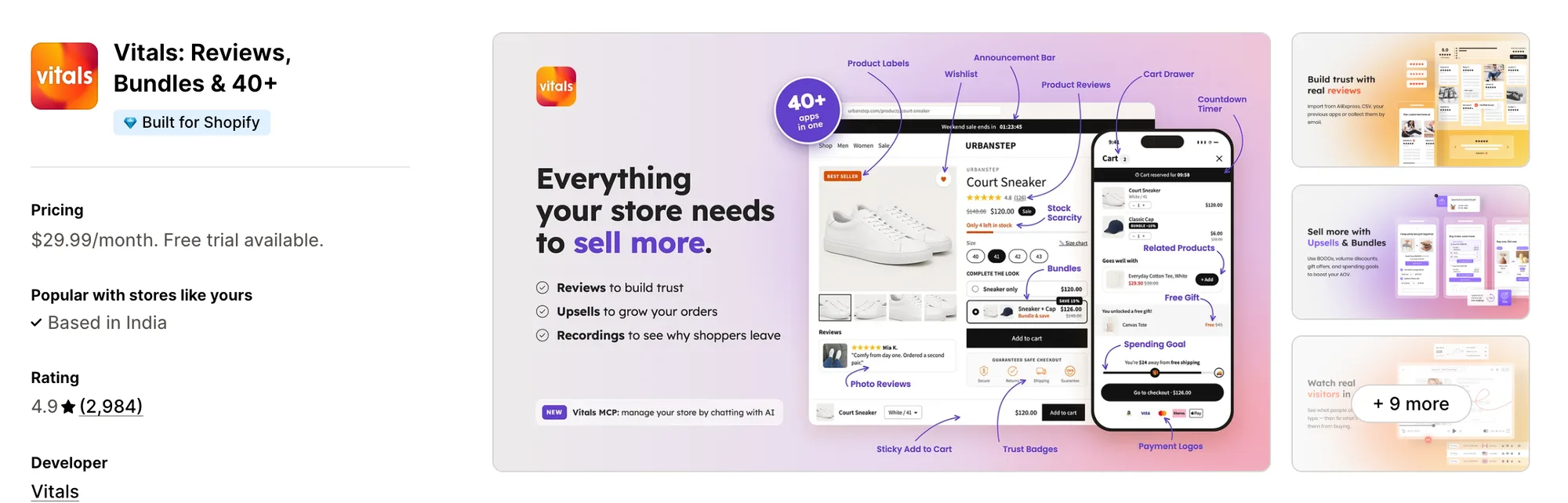
Best for: Stores that want Shoppable Instagram Feed, Product Reviews, Bundles and Sticky Add to Cart plus 40+ apps in one subscription
Rating: 4.9 (2,984 reviews) | App type: All-in-one | Free trial: 7 days | Built for Shopify: Yes
Vitals is our app. For $29.99/month in a single subscription, it combines 40+ apps, starting with a shoppable Instagram feed and including reviews, bundles and a sticky add-to-cart bar.
The Vitals Shoppable Instagram Feed app shows the posts from your Instagram account on the store and picks up new ones about every six hours. Each post, and every image inside a carousel, can carry as many product tags as it needs, so customers can click a post and open any of the products shown in it.
Those posts can go live on their own or wait for approval, and display rules can limit the feed to chosen products or to a price, discount or stock range. Beside the feed, the Vitals Product Reviews app can collect photo and video reviews, which Socialwidget doesn't do. The Vitals Sticky Add to Cart app can then keep a buy button in view as shoppers scroll the product page.
Key features:
- Posts from one connected Instagram account, synced about every six hours
- Automatic publishing of new posts, or bulk show and hide when auto publish is turned off
- Unlimited product tags per post, including each image of a carousel
- A pop-up with numbered markers and a numbered thumbnail for each tagged product, linking to its product page
- Square or portrait versions of a grid or slider, with desktop set to 3–8 columns and mobile to 1–4 on their own
- A feed that appears on the home page and product pages by itself, or goes wherever you add it in the theme editor
- Display rules by product, price, discount or stock, and impressions, image clicks and tag clicks in the Analytics tab
- Review request emails that gather photo and video reviews, through the Vitals Product Reviews app
- A sticky add-to-cart bar on product pages from the Vitals Sticky Add to Cart app
Pros:
- No tag limit at any price, where Socialwidget allows 2 tags per post on Standard and 5 on Advanced
- The feed, reviews and the sticky bar answer to one support team, so a clash between them stays with one developer
- One plan for the feed plus 40+ other apps (e.g., Crystal Pro Jewellery moved seven single-purpose apps to a single Vitals plan)
- Chat-based management through Vitals MCP, where Claude or ChatGPT can read or edit Vitals app settings and switch apps on or off, plus answers about the feed from Shopify Sidekick
Cons:
- One Instagram account per store, with no TikTok videos, hashtag feeds, Stories or Highlights
- Works on Shopify only
Pricing:
Prices from vitals.app/pricing on October 19, 2026, with a 7-day free trial.
Read: Best Shopify Review Apps in 2026
2. Covet Instagram Feed & Reviews
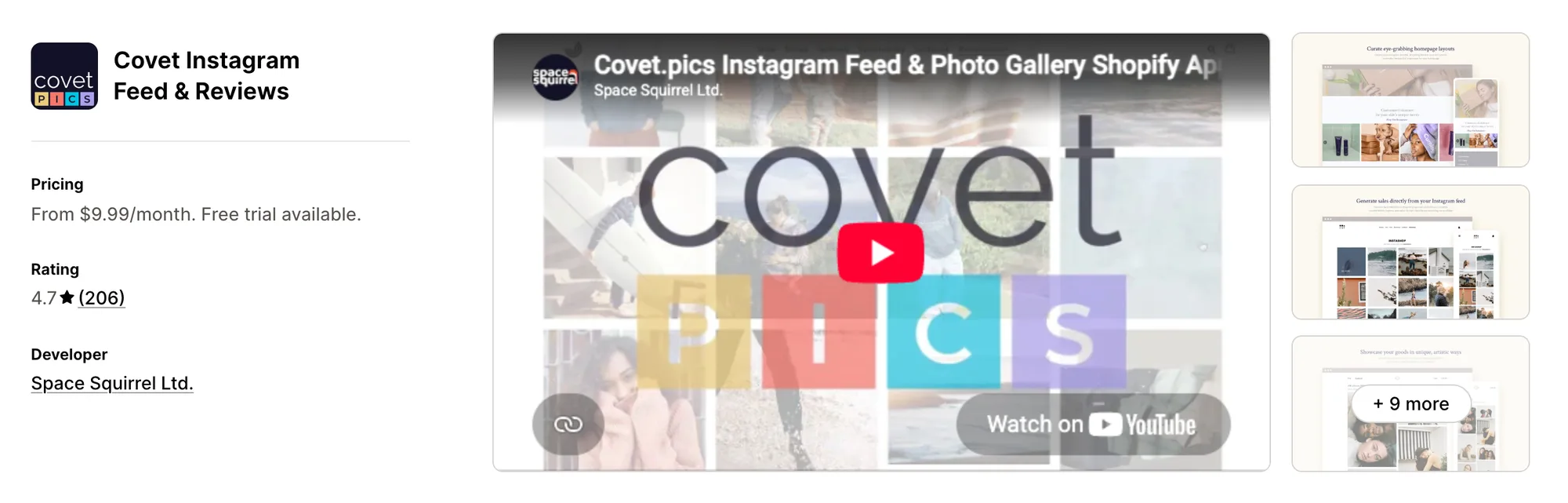
Best for: Stores that collect hashtag posts, mentions and customer review photos into a single gallery
Rating: 4.7 (206 reviews) | App type: Standalone | Free trial: 14 days | Built for Shopify: No
Covet Instagram Feed & Reviews is made by Space Squirrel and treats customer content as the main source of a gallery. Posts from your profile, posts that mention you, hashtags and the photo reviews customers send can all fill the same lookbook, and tagged images can appear on the product page they belong to.
Merchants say the admin is easy to find their way around and that a gallery is quick to embed.
Key features:
- Hashtag sources (2 on Growth, 5 on Premium) alongside your profile and posts that mention you
- Carousels, Reels, videos and photos, with your own uploads from Growth upward
- Lookbook, press, grid and slider looks among its 20+ presets
- Tags that link images to products, plus hotspot placement on Premium
- Product Galleries, which pull every image tagged with a product onto that product's page
- Requests for photo and video reviews, sent by email or through Shopify Flow, that can reward the reviewer with a discount
- Gallery embeds that work in newsletters and on sites outside Shopify
Pros:
- Photo and video reviews in the same app as the feed, which Socialwidget doesn't collect
- Existing reviews can come across from a CSV file or another reviews app
- Up to 50 galleries on Premium, where Socialwidget's listed plans stop at 5
Cons:
- Not Built for Shopify
- Lite holds 1 gallery and 200 review request emails, with higher limits on Growth and Premium
- Broken images and dropped Instagram connections come up in its low-star reviews, most of them dated 2016 to 2022
- Stops at galleries and reviews, leaving the cart and checkout to other apps
Pricing:
Prices from covet.pics on October 19, 2026, with a 14-day free trial.
3. Instafeed for Instagram Feed
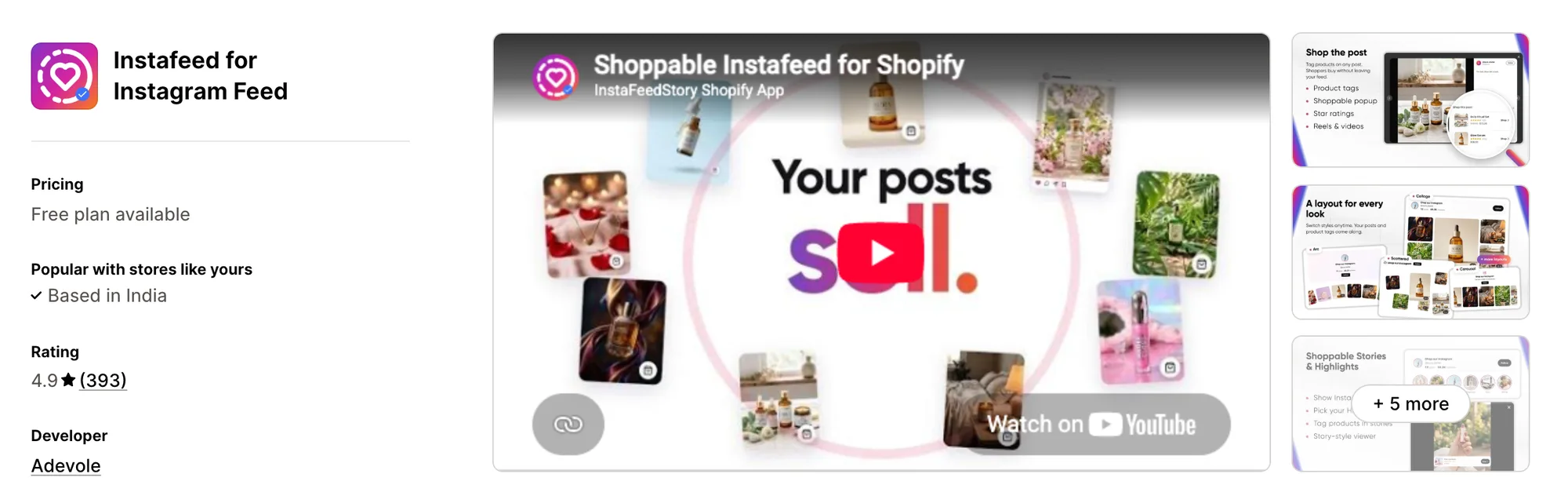
Best for: Stores whose Instagram Stories and Highlights belong on the site, next to a shoppable link-in-bio page
Rating: 4.9 (393 reviews) | App type: Standalone | Free trial: No | Built for Shopify: No
Instafeed for Instagram Feed, formerly Instafeed+Story Instagram Feed, comes from Adevole and puts live Stories and saved Highlights above the feed as story circles. It connects with a public username instead of an Instagram login, and it adds a shoppable link-in-bio page for the profile.
Merchants report the connection takes one click and asks for no technical skills.
Key features:
- Six layouts, from grid and carousel to collage, spotlight, arc and scattered
- Posts and Reels, plus live Stories and saved Highlights
- Product links on posts and stories, up to 3 each, listed in the post pop-up
- Pinned and hidden posts, with reordering and hiding for stories
- A link-in-bio page that sells from your profile, tracks taps and holds your own custom links
- AI Studio, for making Instagram-ready images and caption options out of a product photo
Pros:
- Highlights on the store as story circles, with products linked to single stories, which Socialwidget doesn't list
- A connection by public username, with no Instagram login to keep authorized
- The link-in-bio page lives in the same app, so the profile link can point to a shoppable page
- AI product images and captions, which no other feed app in this list offers
Cons:
- A post or story can't link more than 3 products
- Video playback, Stories, multiple widgets and custom CSS sit on the Sell plan
- Stops at the feed and link-in-bio page, with post star ratings borrowed from Judge.me, a separate reviews app
Pricing:
Adevole's website doesn't list prices, so these come from the Shopify App Store listing on October 19, 2026, with no free trial. Its help center quotes different prices for the same plans, so confirm the price on the listing before you subscribe.
4. Square: Instagram Feed Gallery
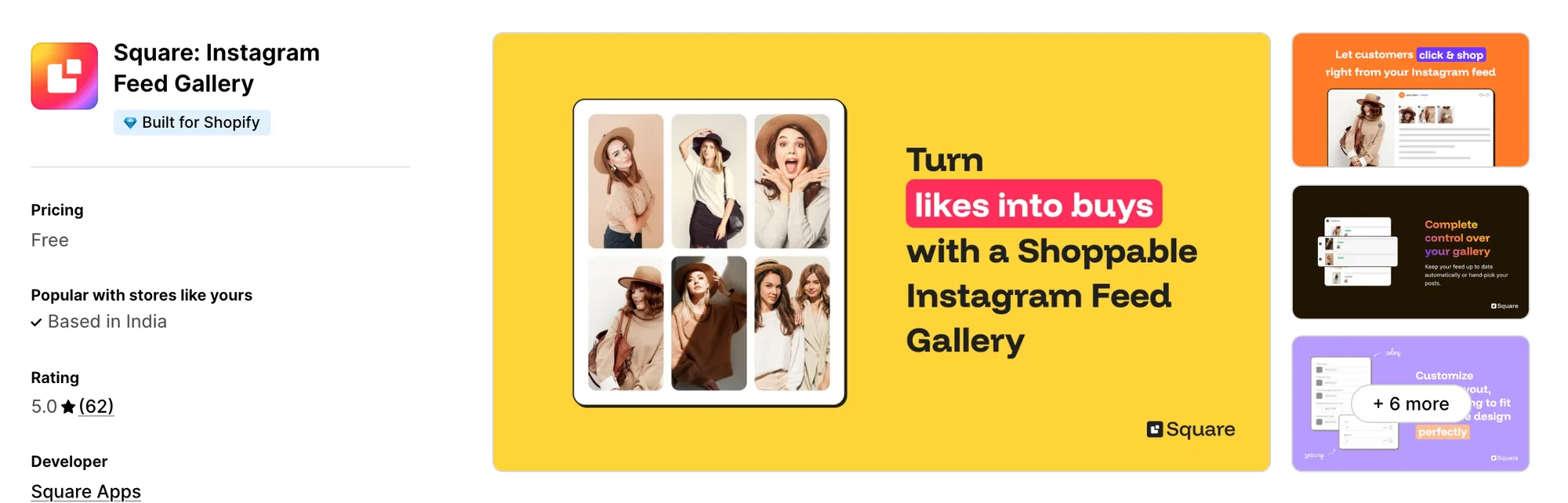
Best for: Stores adding only a shoppable feed, on an app with no paid plan
Rating: 5.0 (62 reviews) | App type: Standalone | Free trial: Free plan | Built for Shopify: Yes
Square: Instagram Feed Gallery is a free app from Square Apps with one plan that lists no limits on posts or tags. Its maker sells each of its other store jobs, such as a sticky cart bar, upsells and a wishlist, as a separate app.
Its install guide asks for nothing more than switching on the app embed in the theme editor.
Key features:
- Grid or slider layouts, chosen separately for desktop and phones, with post count and spacing set per device
- A pop-up that lists a post's tagged products once a shopper clicks it
- New posts published automatically, or held for approval with show and hide per post
- Home page and product page placement, or the home page by itself
- Two ways to connect, directly with Instagram or through Facebook Business Manager, which adds likes and comments
Pros:
- No paid plan and no listed tag limit per post, where Socialwidget sets the tag count by plan
- Reviews credit quick chat support from real people and a connection that stays up
Cons:
- Lists no analytics, video playback, TikTok or hashtag feeds
- One Instagram account per store
- No pinning or reordering of posts listed
- Handles the feed alone, leaving reviews, bundles and cart offers to other apps
Pricing: Free, with no paid plan (square-apps.com on October 19, 2026).
5. GSC Instagram Feed, Instafeed
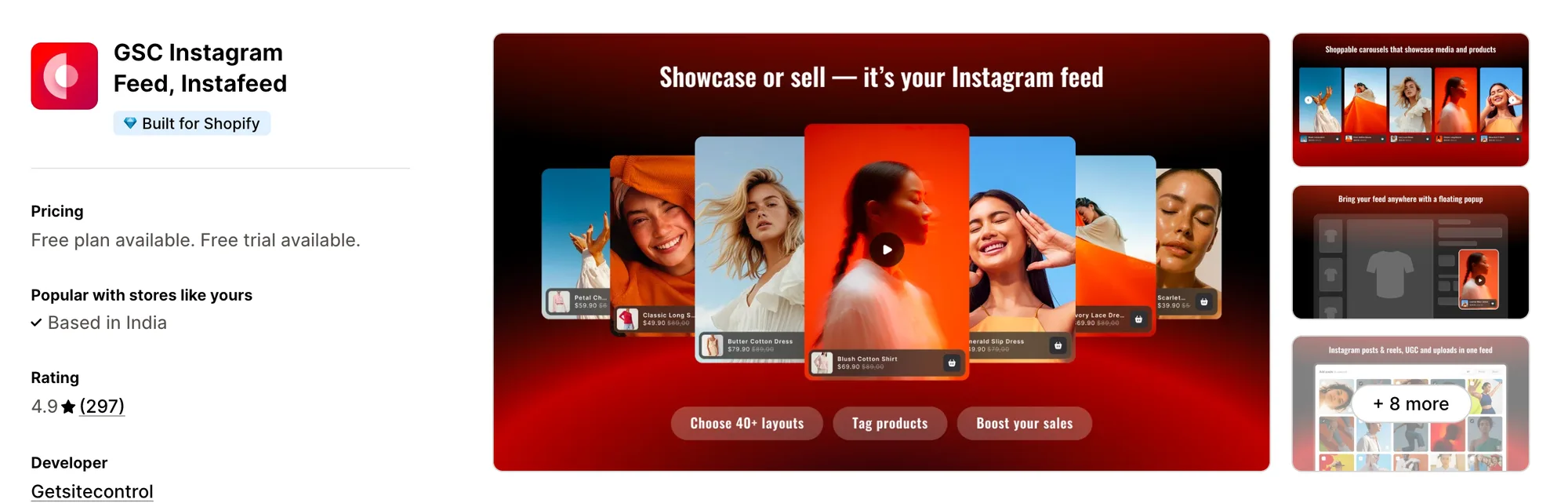
Best for: Stores that want to measure the orders and revenue their tagged posts bring in
Rating: 4.9 (297 reviews) | App type: Standalone | Free trial: 7 days | Built for Shopify: Yes
GSC Instagram Feed, Instafeed is built by Getsitecontrol and connects its shoppable posts to the orders and revenue they lead to. Every plan includes unlimited feeds, and the plans differ only in how many tagged posts a widget can hold.
Reviews describe setup as easy, including for owners with no technical background.
Key features:
- Layouts in four styles: gallery, collage, carousel and grid
- Reels and posts from your account, along with posts customers tag you in
- Uploads of your own photos and videos
- Tags that link posts and Reels to products or whole collections
- A sticky video pop-up on every plan
- Tracking that ties orders and revenue back to the feed
Pros:
- Revenue attribution on every plan, while Socialwidget's report counts views and button clicks
- Unlimited feeds on every plan, where Socialwidget allows 2 to 5 galleries by plan
- Live chat support on every plan
Cons:
- No help center or changelog, so the listing is its only documentation
- A widget that quit working and an app screen that loaded blank are among its 2025 and 2026 low-star reviews
- Stops at the feed, so checkout, the cart and reviews each need another app
Pricing:
Getsitecontrol's website doesn't list prices, so these come from the Shopify App Store listing on October 19, 2026, with a 7-day free trial. A widget on Shoppable holds 20 tagged posts, and Unlimited removes that cap.
6. RPTR Instagram Feed Connect
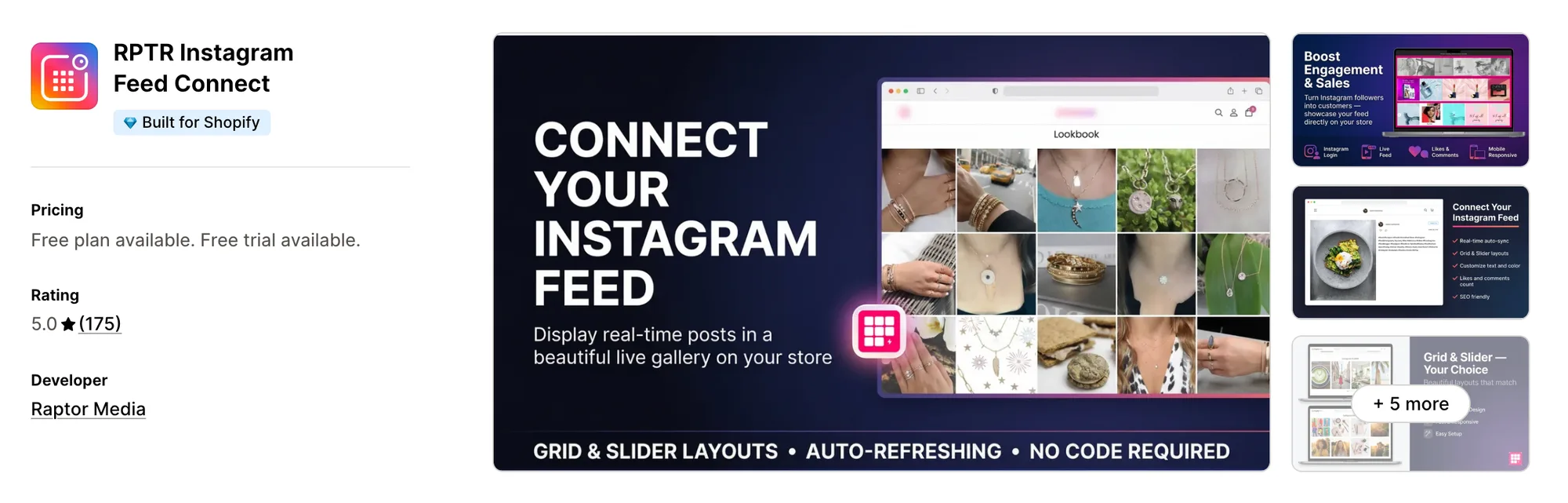
Best for: Stores that need a styled grid or slider of their own posts and nothing more
Rating: 5.0 (175 reviews) | App type: Standalone | Free trial: 3 days | Built for Shopify: Yes
RPTR Instagram Feed Connect is the only app Raptor Media makes. It shows your own Instagram posts as a grid or a slider with overlay and text colors set to match the store, and product tagging comes with its Professional plan.
Its listing promises setup in one click without code, and reviews often credit support with fixing problems in minutes.
Key features:
- A slider from Basic upward, on top of the grid every plan includes
- No cap on the images shown, with a load more button (Basic plan)
- Likes and comments counts on posts
- Overlay, text and hover styles
- Shoppable tags on posts, with colors and text that can be styled (Professional plan)
Pros:
- Rated 5.0, and reviewers frequently mention how quickly support helps
- No code needed, and the feed updates without manual refreshes
Cons:
- Shows your own profile only, with no hashtag feeds or TikTok
- No video or Reels support listed
- Its free trial lasts 3 days, less than any other app here
- Feed only, so reviews and the rest of the store's jobs need other apps
Pricing:
Raptor Media's website doesn't list prices, so these come from the Shopify App Store listing on October 19, 2026, with a 3-day free trial.
How Many Apps Each Option Replaces
Every app on a store may load its own code on each page, which weighs on page loading. The table counts how many separate apps each option can stand in for.
How we counted it:
- Vitals - All in One App covers up to 40+ single-purpose apps, and for this store the first four are a sticky add-to-cart app, a bundle app, a reviews app and an Instagram feed app
- Covet Instagram Feed & Reviews does the work of both a photo reviews app and a gallery app
- Instafeed for Instagram Feed saves installing a link-in-bio app on top of a feed app
- Square: Instagram Feed Gallery fills one slot, the shoppable feed, while Square Apps sells its other store jobs as their own apps
- GSC Instagram Feed, Instafeed handles the shoppable feed, plus the video pop-up app some stores also add
- RPTR Instagram Feed Connect stands in for a single gallery app
- Socialwidget ‑ Instagram Feed spares a store from installing separate TikTok and Instagram feed apps
Socialwidget next to a reviews app and a sticky add-to-cart app means three apps loading their own code. One Vitals subscription covers all three jobs from a single script.
When Should You Stay on Socialwidget
Two cases still favor Socialwidget ‑ Instagram Feed.
- Your TikTok videos need to sit in the same gallery as your Instagram posts
- You want posts from other public business and creator profiles in your feed, next to your own and hashtag posts
Switch when you want every post tagged with no plan limit, with photo reviews and a sticky add-to-cart bar beside the feed in one subscription.
How to Migrate From Socialwidget
Your posts stay on Instagram and TikTok, but the media sources, product tags, pinned and hidden choices and report figures are stored in Socialwidget. Record them before you uninstall.
- For each gallery, write down its media sources, its pinned and hidden posts, the products and variants tagged on every post and the pages it appears on. Save the report too, since it shows 30 days at most
- Add Vitals - All in One App, switch on its Vitals Shoppable Instagram Feed app and link Instagram, choosing the Facebook route if likes and comments counts should show
- Tag the same products on each post in the Vitals Shoppable Instagram Feed app and hide the posts you'd hidden before. Vitals has no TikTok feed, so a store that keeps its TikTok videos on the site needs a separate TikTok feed app
- Tagged posts in Vitals open product pages rather than adding to the cart. Turn on the Vitals Sticky Add to Cart app to keep the buy button in view there, and the Vitals Product Reviews app for reviews on the same page
- On a duplicate theme, recreate the placement, layout and display rules, then look over the feed on a phone and a desktop screen
- Switch off the Socialwidget app embed, remove its sections from every theme, copies included, then publish the theme and uninstall Socialwidget ‑ Instagram Feed
Shopify stores such as Stock Supplier moved fifteen single-purpose apps to one Vitals plan.
Read: Best All in One Apps for Shopify in 2026
Find the Best Socialwidget Alternative for Your Store
For most stores, Vitals - All in One App is the strongest choice, though the right one depends on what's pushing you away from Socialwidget.
- Vitals, if you want a shoppable Instagram feed, product reviews, bundles, discounts and 40+ apps in one single subscription of $29.99/month
- Covet Instagram Feed & Reviews, if your galleries should be built from what customers post and send in
- Instafeed for Instagram Feed, if your Stories and Highlights matter as much as your grid and your profile link needs a shop page
- Square: Instagram Feed Gallery, if a free feed is the only thing your store is missing
- GSC Instagram Feed, Instafeed, if you want the feed to report the orders it leads to
- RPTR Instagram Feed Connect, if your theme only lacks a simple gallery of your own posts
Start a 7-day free trial: Install Vitals - All in One App
Frequently Asked Questions
1. Which app is the best Socialwidget alternative for Shopify?
For most stores, the best Socialwidget alternative is Vitals - All in One App. It's the only all-in-one app that includes 40+ apps, such as a shoppable Instagram feed, product reviews, bundles and a sticky add-to-cart bar, in one subscription. It's our app, so its entry lists what it can't do.
2. What makes merchants leave Socialwidget?
Tags per post rise with the plan, from 2 on Standard to 5 on Advanced, and the app has no reviews of its own. Add to cart buttons, faster sync and hashtag feeds sit on Professional or Advanced. Some low-star reviews also describe Instagram disconnecting without notice.
3. Where do Vitals and Socialwidget differ on features?
Both show a shoppable feed on the home page and product pages, with tagged products in a pop-up. Socialwidget adds TikTok feeds, hashtag and public-profile sources, Add to cart buttons on posts and a product-page widget of tagged posts. Vitals adds unlimited tags per post, display rules by product, price or stock, photo and video reviews, a sticky add-to-cart bar and 40+ other apps.
4. Can one Vitals subscription cover Socialwidget and other apps?
Yes. Vitals can take over the shoppable feed along with a reviews app, a sticky add-to-cart app and a bundle app, all under one support team. A store that shows TikTok videos or hashtag feeds would keep a separate app for those.
5. Will a Socialwidget alternative change my store's speed?
Any app can add scripts to the storefront, so the number of apps installed matters as much as which ones they are. Vitals - All in One App loads its feed, reviews and other apps from one script. Covering the same jobs with several single-purpose apps means a script for each. We didn't speed-test these apps, so measure your own pages before and after a change.
6. Do any Socialwidget alternatives offer AI features or MCP support?
Not all of them. Shopify Sidekick can answer questions about the Vitals feed, and Vitals MCP gives Claude or ChatGPT a way to edit Vitals app settings and switch apps on or off. Instafeed for Instagram Feed offers AI Studio for turning product photos into Instagram-ready images, with no MCP support listed. Covet, Square, GSC, RPTR and Socialwidget list neither AI features nor MCP support.
7. Which Socialwidget alternatives collect photo and video reviews?
Not all of them. Vitals - All in One App and Covet Instagram Feed & Reviews can both send review request emails and collect photo and video reviews. Instafeed for Instagram Feed shows star ratings from Judge.me, while Square, GSC, RPTR and Socialwidget cover the feed only.
8. What are the steps to move from Socialwidget to Vitals?
Record each gallery's sources, tagged products and hidden posts, and save the report. Turn on the Vitals Shoppable Instagram Feed app, connect your account and tag the same products, adding the Vitals Sticky Add to Cart app and Vitals Product Reviews app if you want them. Keep a separate app for TikTok, since Vitals has no TikTok feed. Test on a duplicate theme, switch off Socialwidget's app embed and uninstall.