7 Best Smind Sections Alternatives for Shopify in 2026


Looking for a Smind Sections Alternative?
Smind Sections: Theme Sections is a popular Shopify app for laying out a store with sections, page templates and ready-made packages. It isn't Built for Shopify, though, and its packages and cart drawer are kept for its Pro plan.
So, we compared seven apps on how they build pages, how they handle installing and removing sections, and which other store jobs come with them. Vitals is our app, so we've set out its shortcomings too.
What Is Smind Sections Shopify App?
Smind Sections: Theme Sections, from Shinecommerce and once listed as Smind Section & Theme Sections, is a Shopify app for adding sections, page templates and full store layouts to any theme. Merchants edit everything it adds in the Shopify theme editor, the same way as the theme's own sections.
Here's what you can do with Smind Sections:
- Sections and templates: Use up to 1,225 sections and 439 full-page templates, depending on the plan.
- Packages: Install a matched set of home, product, collection and landing pages for one niche in a single step.
- Product blocks: Add up to 19 blocks to the product page, among them countdowns, coupon codes, bundles, upsells and Buy X Get Y.
- Cart drawer: Turn on a slide-out cart with a free-shipping bar, gift wrapping, cart notes, shipping estimates and related products.
- Store pages: Add a wishlist page, a compare page, quick view, a size chart and a mega menu.
Where Smind stands out is its Packages. A new store can put a full set of pages in place in one step, much like installing a theme, which suits merchants who launch stores for several niches.
Reviews praise its live chat team for quick answers, and many mention the range of sections and blocks.
How Much Does Smind Sections App Cost?
Prices from the Shopify App Store listing on Oct 27, 2026, with a 7-day free trial.
Why Shopify Merchants Look for Smind Sections Alternatives
Smind Sections: Theme Sections holds a 4.7 rating from 65 reviews and isn't Built for Shopify. Its low-star reviews and setup notes give these reasons for leaving:
- An August 2026 review reports a script that sent shoppers to a different payment page, and the developer replied that it was fixed the same day
- Uninstalling leaves its sections in the theme unless Delete data is used in its settings first, per the developer's reply to a 2024 review
- A five-star review notes that sections have to be recreated after a theme update
- Packages and the cart drawer start on Pro
- It has no product reviews, pop-ups or back-in-stock alerts, so those come from more apps
Switching makes the most sense for stores that want page design and their sales apps from one developer, on one bill.
Read: The Best Theme Sections Apps for Shopify in 2026
How We Compared the Smind Sections Alternatives
We looked at each app's Shopify App Store listing on the day of writing, plus its help docs and changelog where available, and took ratings from the listing.
We compared the apps on:
- App type, standalone or all-in-one, from each listing
- Theme section features: library size, page templates, product page blocks and draft theme installs
- Store areas each one covers past the page, the cart included
- The number of separate apps each option can take over
- Storefront scripts, and how sections are installed and removed
- Built-in AI and any MCP connection
Short Answer
Vitals - All in One App is the best Smind Sections alternative for most stores.
- It offers theme sections, a cart drawer, product reviews and back-in-stock alerts, while Smind keeps its cart drawer on Pro and collects no reviews
- It includes 40+ apps, such as reviews, bundles and discounts, in one subscription of $29.99/month
- It replaces multiple single-purpose apps that you would otherwise install and pay for every month
Smind has a free plan and a cheaper Basic plan, so Vitals is the bigger monthly cost for a store that only needs sections. For that price, it also brings reviews, restock alerts, bundles and the rest of its 40+ apps.
What Are the Top Smind Sections Alternatives for Shopify in 2026
All seven options appear in the table below, with Smind Sections in the last row.
1. Vitals - All in One App
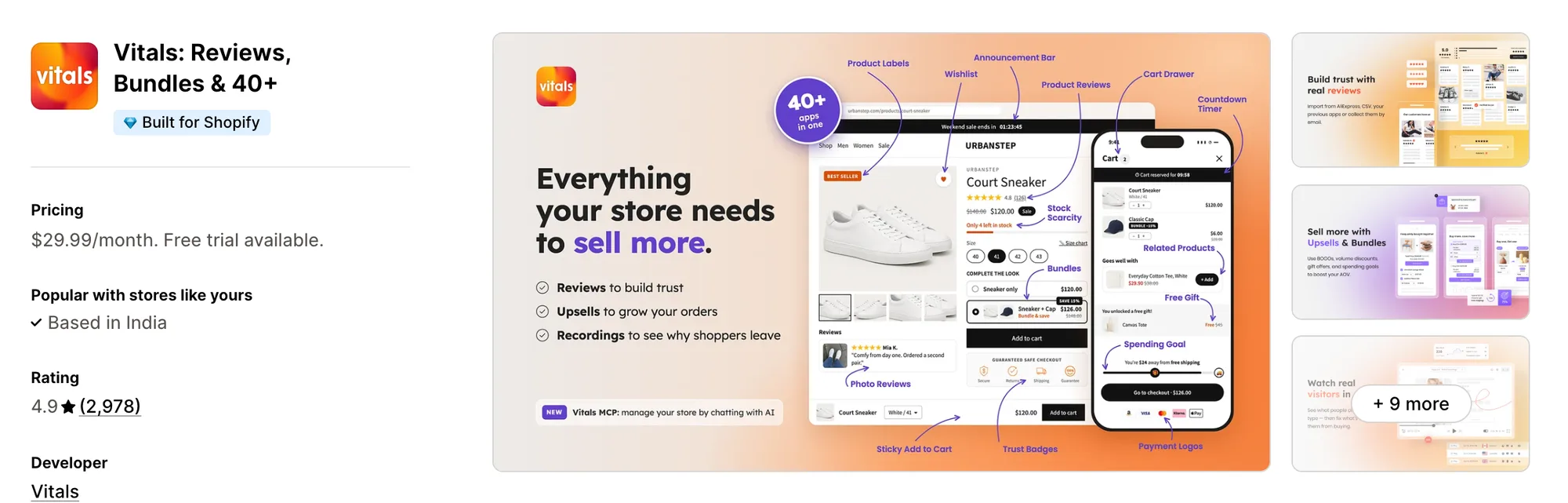
Best for: Stores that want Theme Sections, Back in Stock Alerts, Product Reviews and Bundles plus 40+ apps in one subscription
Rating: 4.9 (2,978 reviews) | App type: All-in-one | Free trial: 7 days | Built for Shopify: Yes
Vitals is our app. Among its 40+ apps are theme sections, and reviews, bundles and discounts come with them in a single subscription of $29.99/month.
The Vitals Theme Sections app installs 46 ready-made sections on Online Store 2.0 themes, from collection banners and media galleries to testimonials and value icons. A section can go on a draft theme first, and when a section gets an update, one click applies it to every copy on the theme.
Those sections can show products at their best, and the Vitals Back in Stock app helps when one sells out. Shoppers can ask to be told when it's available again, and the alert goes out once stock is back, which Smind doesn't offer.
Key features:
- 46 sections, from Shop the Look and featured product carousels to FAQs and rotating text bars
- Live or draft theme installs, with every setting in the Shopify theme editor
- Section updates in one click, and an Installed tab that flags updates waiting
- Every section viewable on the Vitals demo store, on a laptop or phone
- Back-in-stock alerts on product pages for sold-out items
- A cart drawer, product reviews and bundles in the same subscription
Pros:
- Has passed Shopify's Built for Shopify checks on speed and design, which Smind hasn't
- Updates apply to installed sections without rebuilding them
- 40+ apps on one plan (e.g., the dog accessories store La Niche de Jules moved its reviews, size chart and other apps to Vitals)
- Vitals MCP lets Claude or ChatGPT adjust Vitals apps and draft offers that wait for your approval
Cons:
- No store-wide packages, so pages are built a section at a time
- Works on Shopify only
Pricing:
Prices from the Vitals website on Oct 27, 2026, with a 7-day free trial.
Read: Best Back in Stock Apps for Shopify in 2026
2. SectionHub: Theme Sections
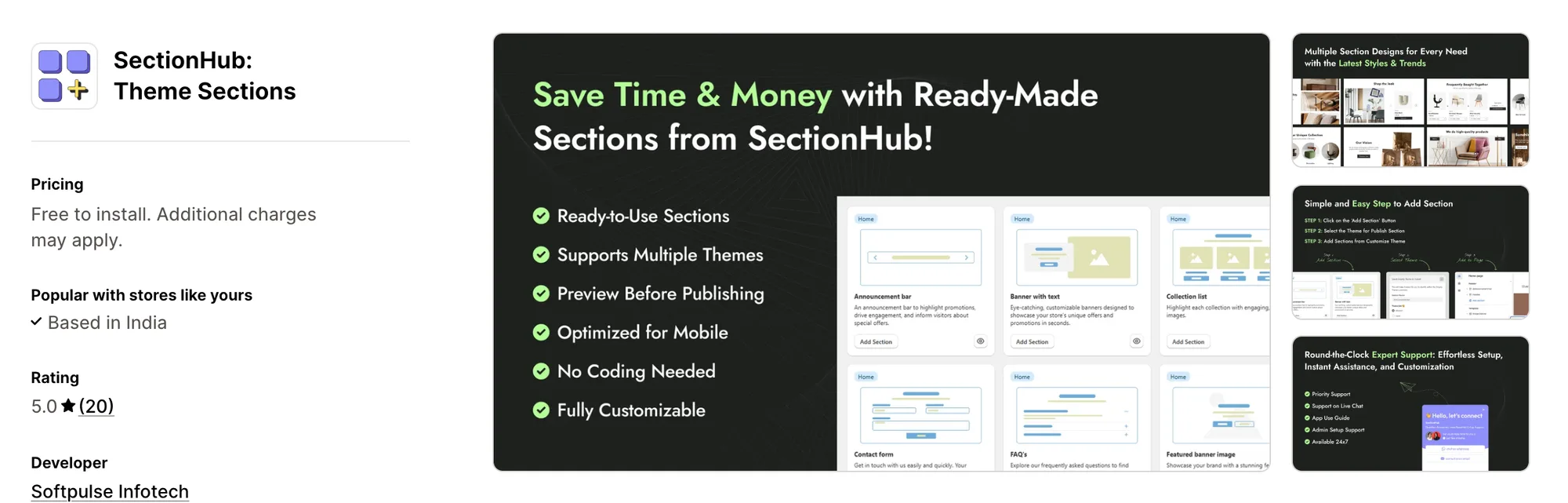
Best for: Stores that need just a few sections and want no subscription at all
Rating: 5.0 (20 reviews) | App type: Standalone | Free trial: Free plan | Built for Shopify: No
SectionHub: Theme Sections, by Softpulse Infotech, is a pay-as-you-go section app that went live in December 2024. Thirty of its sections cost nothing, and the premium ones are paid for once.
Key features:
- 30 sections at no cost
- Premium sections for a one-time charge
- A preview before publishing
- Publishes to the live theme or a development copy
Pros:
- No monthly plan, so nothing is locked behind Pro
- Development theme publishing for testing
Cons:
- Premium section prices aren't listed
- Not Built for Shopify, like Smind
- Only 20 reviews, with no help center and nothing for the cart
Pricing: Free to install, with premium sections as a one-time charge each. The Shopify App Store listing gives no section prices (checked Oct 27, 2026).
3. OT Section: Theme Sections
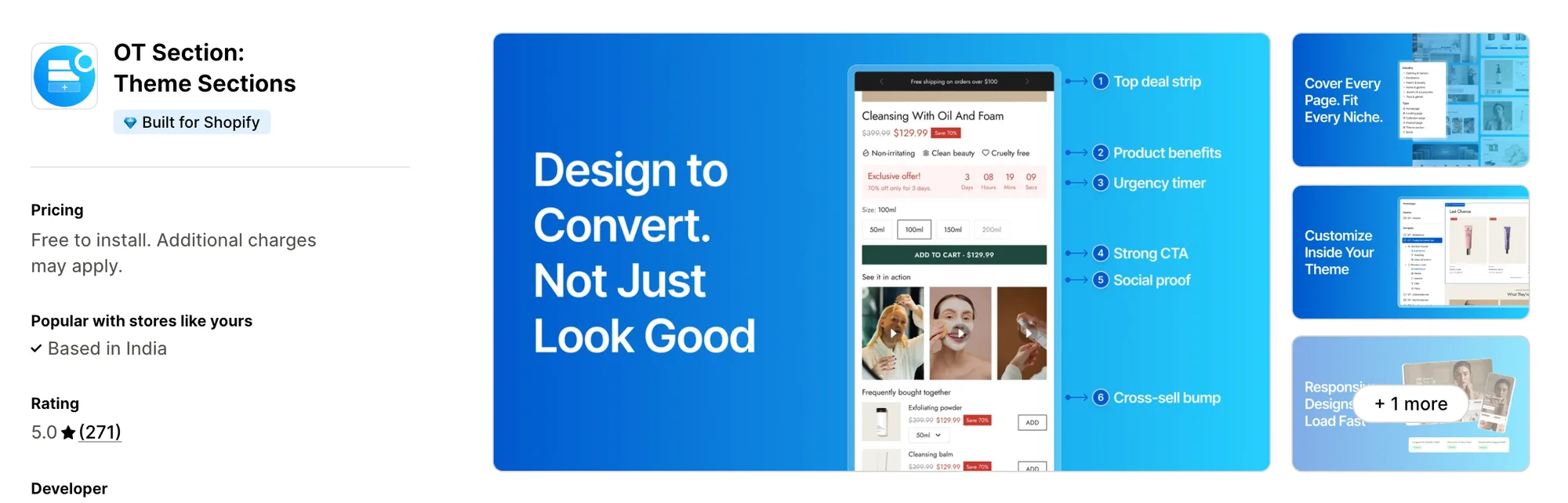
Best for: Stores that put pages together from ready-made page templates
Rating: 5.0 (271 reviews) | App type: Standalone | Free trial: 7 days | Built for Shopify: Yes
OT Section: Theme Sections, from Omni Themes, offers sections, blocks and whole page templates. It installs designs as theme files with two app embeds, and its help docs explain how to remove them.
Key features:
- More than 200 designs across sections, blocks and page templates, 40+ of them free
- Templates for landing, coming soon, pricing and FAQ pages
- Pop-up designs
- Installs on draft or live themes
- Transfer Sections, to copy designs to another theme
- Lists Dawn, Eurus and Horizon among compatible themes
- Chat and email help from Monday to Friday
Pros:
- Built for Shopify
- Draft theme installs before launch
- A guide for removing its code
- One-time purchases stay in the theme after a downgrade
Cons:
- Plus-only designs are removed from every theme on a downgrade
- No cart drawer, bundles, reviews or AI
Pricing:
Prices from support.omnithemes.com on Oct 27, 2026, with a 7-day free trial. Single designs can also be bought once, from $3 each.
4. G: Theme Sections & Blocks
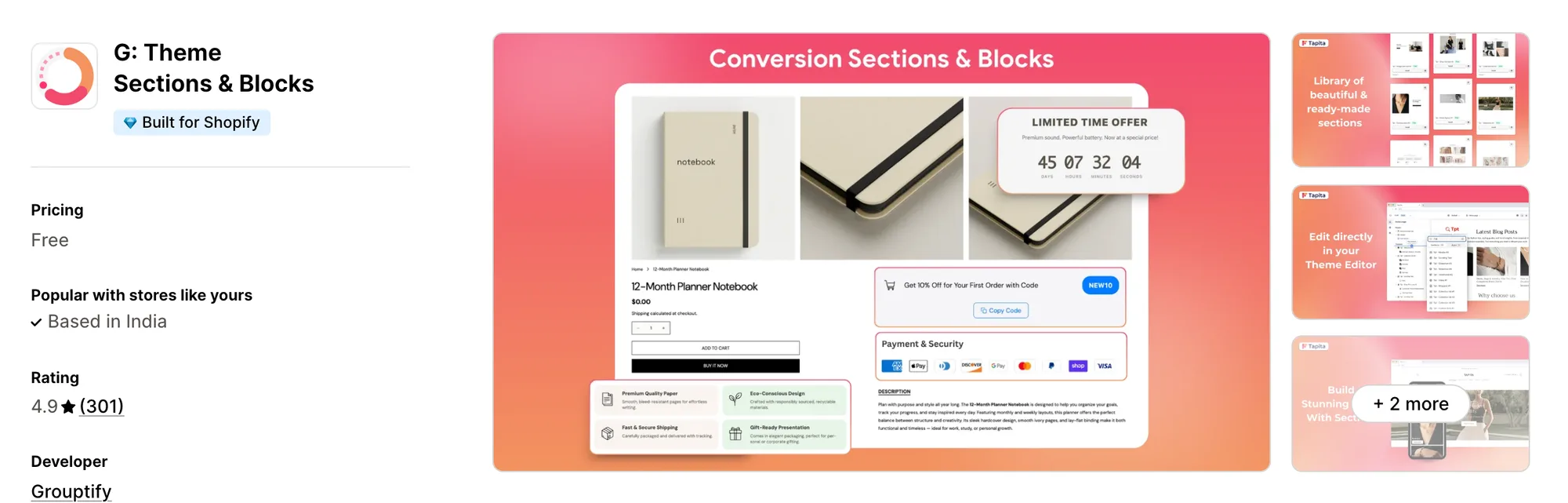
Best for: Stores that want badges, coupons and countdowns in the product page itself
Rating: 4.9 (301 reviews) | App type: Standalone | Free trial: Free plan | Built for Shopify: Yes
G: Theme Sections & Blocks is Grouptify's app, sold under its Tapita brand too. Its sections cover home, product and content pages, and its blocks put badges, coupons and countdowns beside the buy button.
Key features:
- 126 sections on its demo store, across about 25 categories
- Badge, coupon and countdown blocks for the product page
- An AI Section Builder that works from an uploaded image
- Footer and mega menu sections
- Updated sections applied through a Reinstall button
Pros:
- Built for Shopify
- AI that builds a section from a picture, which Smind has no equivalent for
- Conversion blocks without a paid plan
Cons:
- No published prices for Pro sections
- English-only listing, and a help center changelog last updated in May 2025
- The cart, bundles and reviews are outside its scope
Pricing: Free, per its Shopify App Store listing on Oct 27, 2026. Reviews say Pro sections are bought once, and no prices are published.
5. Theme Sections & Page Builder
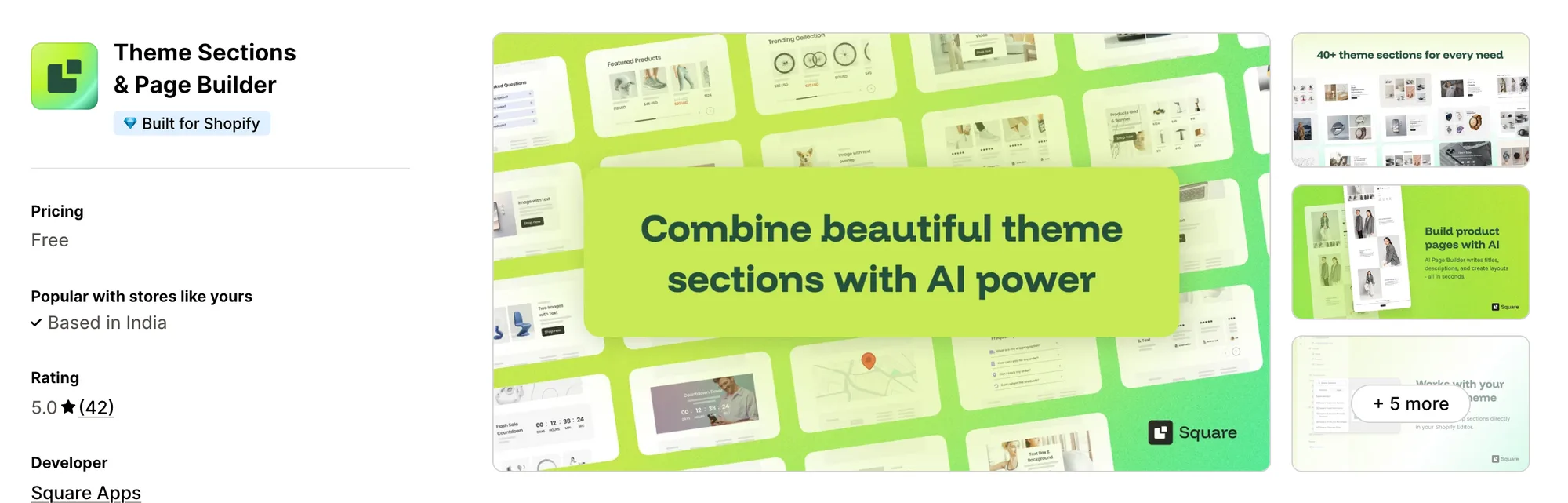
Best for: Stores that want 40+ sections and AI product pages with nothing to pay
Rating: 5.0 (42 reviews) | App type: Standalone | Free trial: Free plan | Built for Shopify: Yes
Theme Sections & Page Builder is a free app from Square Apps, first listed as Theme Sections & AI Pages. Its AI generator creates a product's title, description, layout and FAQs and saves the page as that product's template.
Key features:
- 40+ sections, including carousels, testimonials, countdowns and maps
- An AI generator for full product pages
- Pages saved as templates you edit in the theme editor
- AI credits refreshed every 30 days
- Sections for FAQ, contact and about pages
- Listing copy in 16 languages
Pros:
- AI product pages, which Smind doesn't have
- Built for Shopify
Cons:
- Installs on the published theme only, and sections need reinstalling after a theme change
- Its AI supports a fixed list of themes (e.g., Dawn, Impulse, Horizon)
Pricing: Free, with no paid plan (Shopify App Store listing on Oct 27, 2026).
6. Puco Sections: Theme Sections
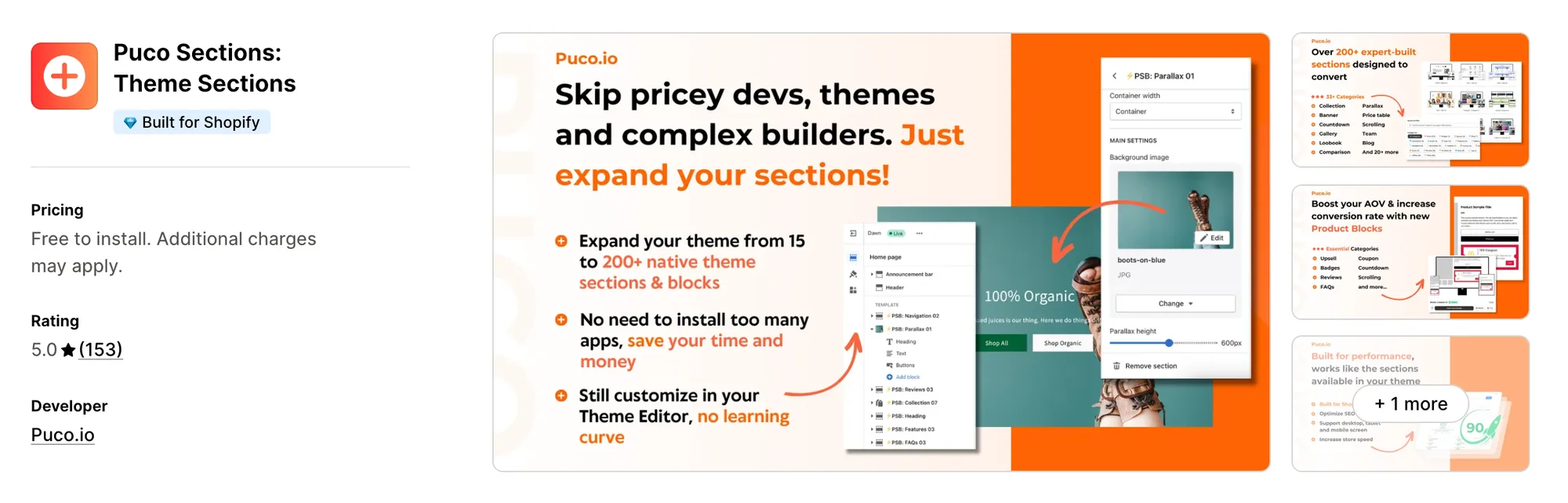
Best for: Stores that want their cart page and quick view designed as well
Rating: 5.0 (153 reviews) | App type: Standalone | Free trial: Free plan | Built for Shopify: Yes
Puco Sections: Theme Sections, from Puco.io, lifts a theme from its stock sections to 200+ sections and blocks. Its designs cover the cart page, quick view and 404 page as well as product and home pages.
Key features:
- 33+ categories holding 200+ sections and blocks
- Cart page, quick view and 404 designs
- Product blocks
- New releases every week
- Support by live chat or email
Pros:
- Built for Shopify
- Every listing review sits at four or five stars
- Founder-led support that reviewers say codes small custom fixes
Cons:
- Its listing leaves out the price of locked sections and the subscription
- Publishes neither a help center nor a changelog
- Without a cart drawer, bundles or reviews
Pricing: Free to install, with locked sections sold once or by subscription. Its Shopify App Store listing shows no prices for either (checked Oct 27, 2026).
7. Section Store & Cart Drawer
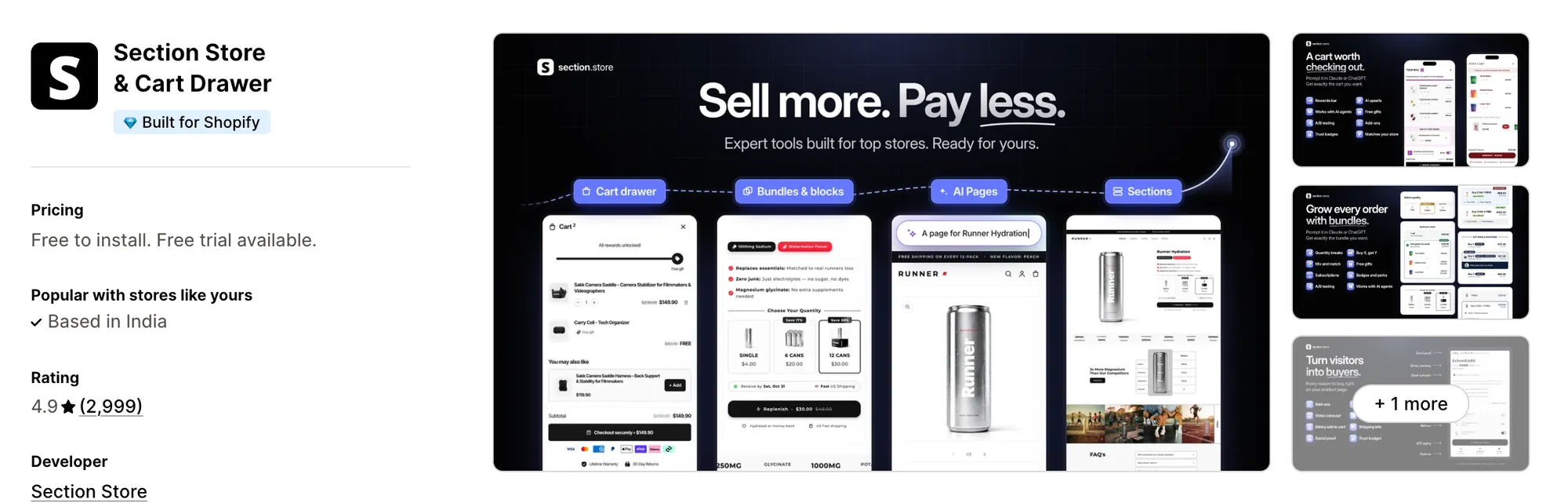
Best for: Stores that want sections, a cart drawer and bundles together, plus A/B tests on those offers
Rating: 4.9 (2,999 reviews) | App type: Standalone | Free trial: 14 days | Built for Shopify: Yes
Section Store & Cart Drawer, formerly known as Section Store: Theme Sections, is the nearest match here to Smind's Pro plan. Its Plus plan pairs sections with a cart drawer and bundles, and adds AI pages and A/B tests on cart and bundle offers.
Key features:
- Free sections, and premium sections bought once
- A cart drawer with a reward bar, free gifts and upsells, on Plus
- Quantity breaks, Buy X Get Y and mix and match bundles, on Plus
- Plus-plan AI that assembles product, home and landing pages
- Buy box blocks such as add-ons, a sticky add-to-cart bar and trust badges
- Split tests that compare cart and bundle offers
- MCP for Claude and ChatGPT
Pros:
- Built for Shopify, with the most reviews in this list
- A/B tests on offers, which Smind doesn't offer
Cons:
- Premium sections outside Plus are a one-time charge each
- 2026 low-star reviews describe sections that didn't display and slow support replies
- Leaves product reviews, pop-ups and restock alerts to other apps
- Its AI pages and cart drawer need Plus
Pricing:
Prices from the Shopify App Store listing on Oct 27, 2026, with a 14-day free trial.
How Many Apps Each Option Replaces
The more apps a store relies on, the more logins, bills and storefront code it carries, as our guide to the best all-in-one apps for Shopify shows. Here is the reach of each option.
How we counted it:
- Vitals - All in One App takes over from up to 40+ single-purpose apps, including apps for sections, back-in-stock alerts, the cart drawer and reviews
- SectionHub: Theme Sections is counted as a single sections app
- OT Section: Theme Sections is counted as a single sections app that includes page templates
- G: Theme Sections & Blocks is counted as two apps, one for sections and one for product page blocks
- Theme Sections & Page Builder is counted as two apps, for sections and AI product pages
- Puco Sections: Theme Sections is counted as a single sections app with cart page designs
- Section Store & Cart Drawer is counted as three apps, for sections, a cart drawer and bundles
- Smind Sections: Theme Sections is counted as three apps, for sections, templates and a cart drawer
Pair Smind with a reviews app and a back-in-stock app, and three developers' code sits on your pages. Moving to one Vitals subscription puts those jobs on a single script.
When Should You Stay on Smind Sections
Smind Sections: Theme Sections still fits a few kinds of store.
- You launch stores for different niches and want each one laid out in one step from a Package
- You want wishlist and compare pages from the same library as your sections
Switch when you'd rather have theme sections, a cart drawer, back-in-stock alerts, reviews and bundles from Vitals' 40+ apps in one subscription.
How to Migrate From Smind Sections
Smind leaves its sections in the theme unless its own clean-up is done first, and its cart drawer and packages hold your page setup, so take stock before you leave.
- Note the Smind sections, templates and packages on each page, along with the cart drawer settings you use, such as gift wrapping or the free-shipping bar
- Install Vitals, duplicate your theme and rebuild your pages with the Vitals Theme Sections app, recording any layout Vitals has no section for
- Set up the Vitals Cart Drawer app with your free-shipping goal and suggested products, and turn on the Vitals Back in Stock app for sold-out items
- Rebuild Smind's bundle and Buy X Get Y blocks in the Vitals Product Bundles app and Vitals BOGO app
- Look the duplicate over on a laptop and a phone before you publish it
- Use Delete data in Smind's settings, remove any leftover sections and uninstall Smind Sections: Theme Sections
The dog accessories store La Niche de Jules gathered its separate apps into one Vitals subscription.
Read: How to Get More Reviews and Increase Conversion Rates
Find the Best Smind Sections Alternative for Your Store
Vitals - All in One App is the best fit for most stores, but the reason you're moving away from Smind should shape the choice.
- Vitals, if you want theme sections, back-in-stock alerts, bundles, discounts and 40+ apps in one single subscription of $29.99/month
- SectionHub: Theme Sections, if your theme is only a few sections short
- OT Section: Theme Sections, if a finished landing or pricing page template is where you'd start
- G: Theme Sections & Blocks, if your product page needs a coupon or badge more than new layouts
- Theme Sections & Page Builder, if you'd like AI to draft product pages and keep the app free
- Puco Sections: Theme Sections, if your cart page and quick view need the same care as your homepage
- Section Store & Cart Drawer, if you want to compare one cart or bundle offer against another
Start a 7-day free trial: Install Vitals - All in One App
Frequently Asked Questions
1. What is the best Smind Sections alternative for Shopify?
Vitals - All in One App is the best Smind Sections alternative for most stores. It's the only all-in-one app that includes 40+ apps, such as theme sections, back-in-stock alerts, reviews and a cart drawer, in one subscription. Vitals is our app, and its entry covers what it doesn't do.
2. Why do merchants switch from Smind Sections?
Some point to an August 2026 review about a redirecting script, which the developer says it fixed that day, and to sections left behind after uninstalling. Others want reviews and back-in-stock alerts, which Smind doesn't offer, or a Built for Shopify app.
3. How does Vitals compare with Smind Sections?
Both add sections that you edit in the Shopify theme editor, and both include a cart drawer. Smind has far more sections, page templates and store packages. Vitals installs sections on draft themes, updates them in one click, and adds back-in-stock alerts, reviews and bundles in the same subscription.
4. Can Vitals replace Smind Sections and other apps in one go?
Yes. Vitals can take over Smind's sections, cart drawer and bundle blocks, and also replace a back-in-stock app and a reviews app.
5. Will a Smind Sections alternative make my store faster or slower?
Any app can add scripts to your pages, and several single-purpose apps add several. Vitals loads all its apps from one script, and the sections from these apps are theme files that load only where they're placed. We didn't speed-test any of them, so time your own pages before and after a switch.
6. Which Smind Sections alternatives have AI or MCP support?
Not all of them. Vitals makes product pages with AI, and Vitals MCP lets Claude or ChatGPT change Vitals app settings and draft offers. Section Store builds product, home and landing pages with AI and takes MCP requests for carts, bundles and tests. Theme Sections & Page Builder writes product pages with AI, and G: Theme Sections & Blocks creates sections from a reference image. We found no AI or MCP in SectionHub, OT Section or Puco Sections.
7. Which Smind Sections alternatives are Built for Shopify?
Not all of them. Vitals, OT Section, G: Theme Sections & Blocks, Theme Sections & Page Builder, Puco Sections and Section Store are Built for Shopify, which means they've passed Shopify's checks on speed and design. SectionHub, like Smind, isn't.
8. How do I migrate from Smind Sections to Vitals?
List the Smind sections, templates and cart drawer settings you use, then rebuild them on a duplicate theme with the Vitals Theme Sections app and Vitals Cart Drawer app. Move bundle blocks to the Vitals Product Bundles app and Vitals BOGO app, publish the theme, use Smind's Delete data and uninstall it.