


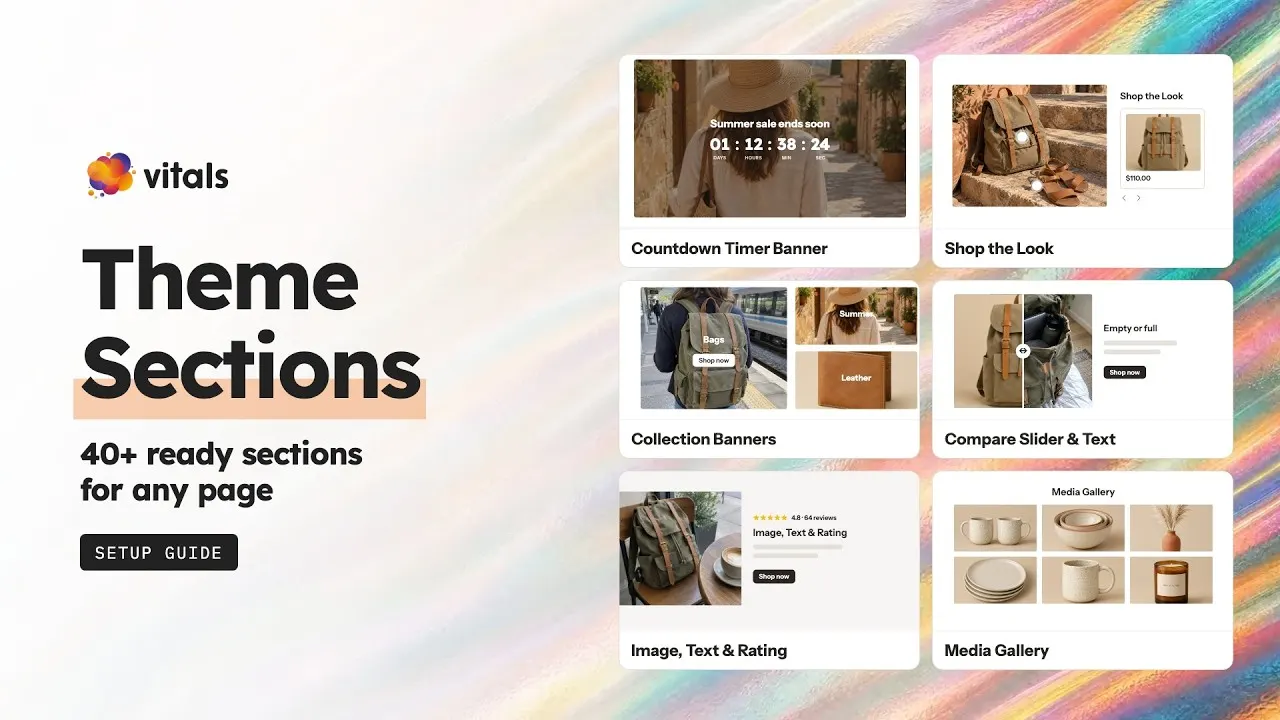







THEME SECTIONS
New sections for your store, no developer.
Carousels, FAQs, testimonials, countdowns, before-and-after sliders and more. Install a section on your live or draft theme, add it in the Shopify theme editor and make it yours.
46
sections, ready for your theme

Conversion
+54%
on the same traffic
2.06% before → 3.17% with Vitals
Order value
+42%
on orders with an upsell
$82.6 → $117.3 with an upsell
Every section, live on our demo store.
Click a section to see it working on a real Shopify store, on desktop or your phone.
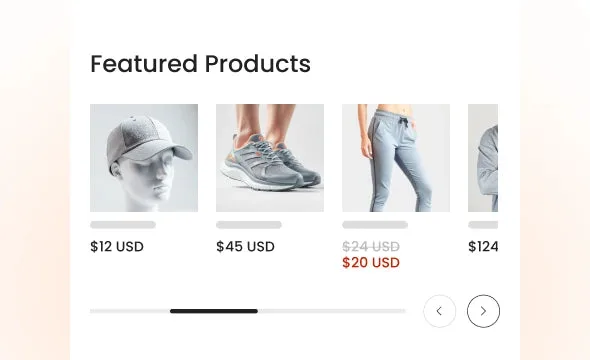 Featured Products CarouselCreate a Featured Products Carousel by handpicking the ones you want to promote and place it on any page.View example ↗
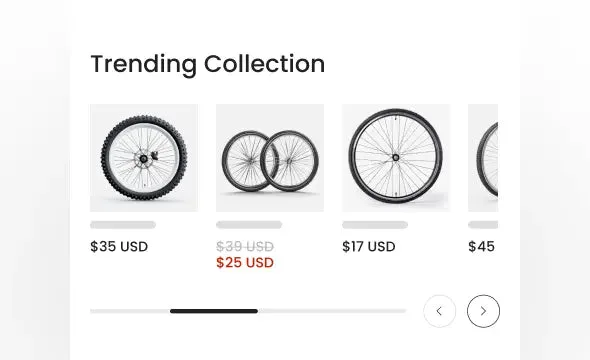 Collection Products CarouselFeature products from a collection in a highly customizable carousel. Place it on homepage or any page.View example ↗
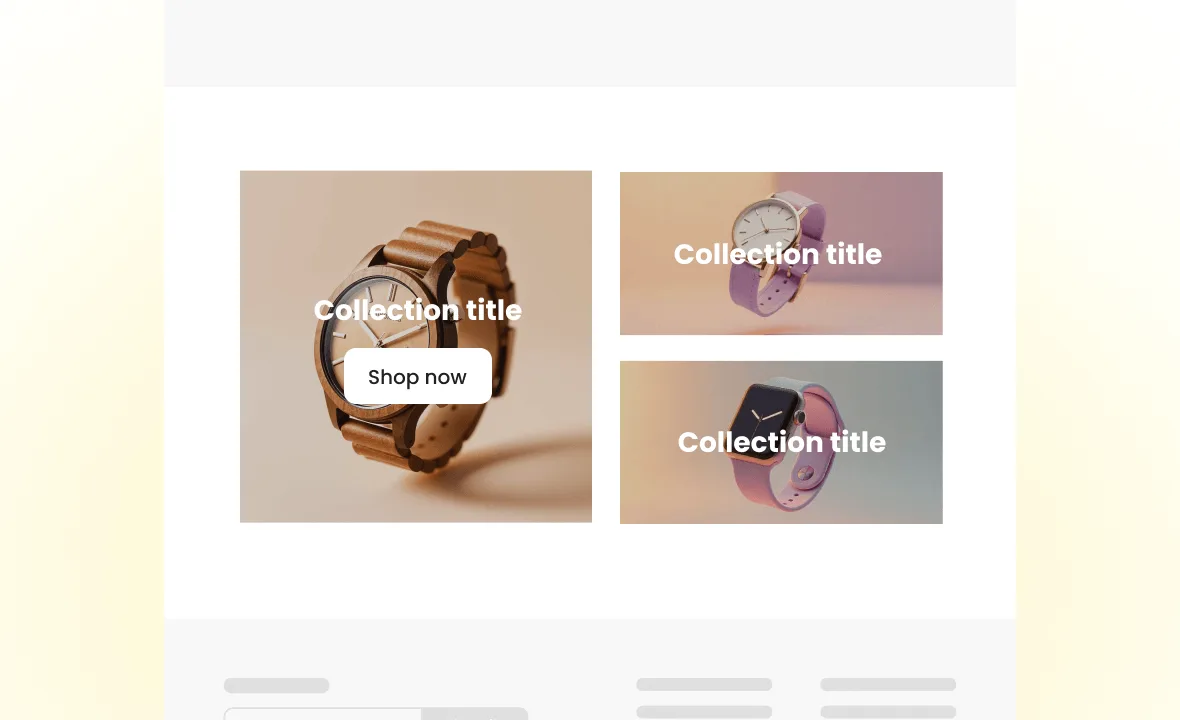 Collection BannersPromote your popular collections with attractive banners and guide customers through your store.View example ↗
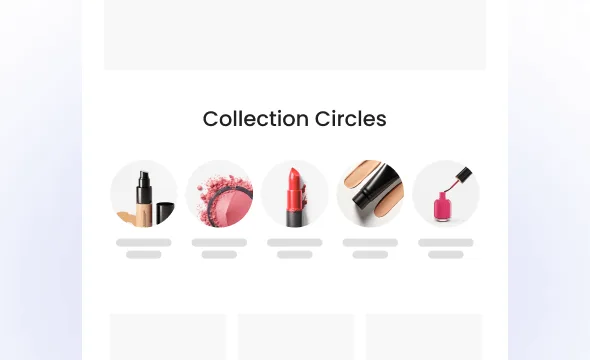 Collection CirclesDisplay your collections in a stylish circular layout. A perfect way to guide customers through categories, especially on mobile.View example ↗
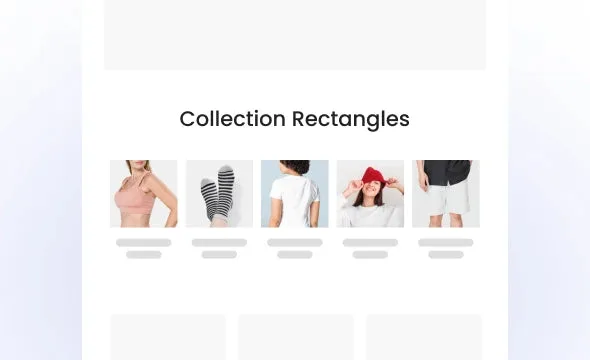 Collection RectanglesShowcase your collections in a clean rectangular layout. A great way to help customers explore popular collections.View example ↗
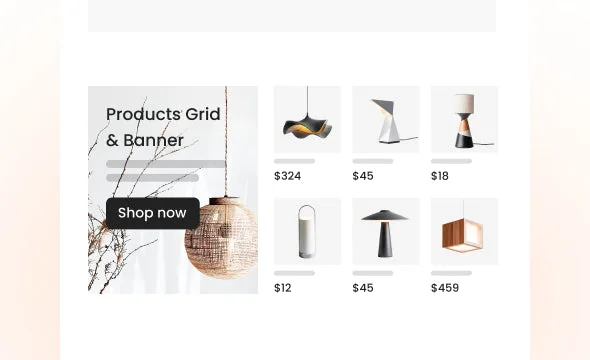 Products Grid & BannerShowcase a featured banner alongside a grid of products. Great for promoting collections or special offers.View example ↗
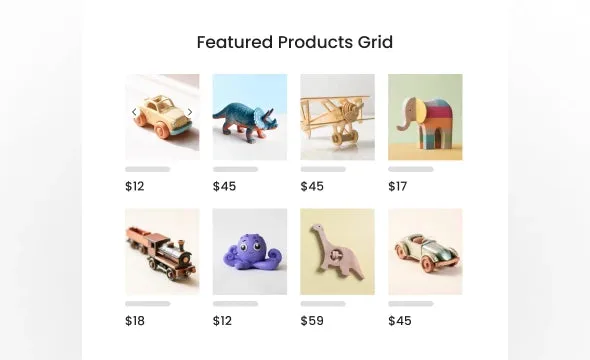 Featured Products GridDisplay a selection of featured products in a clean and organized grid layout.View example ↗
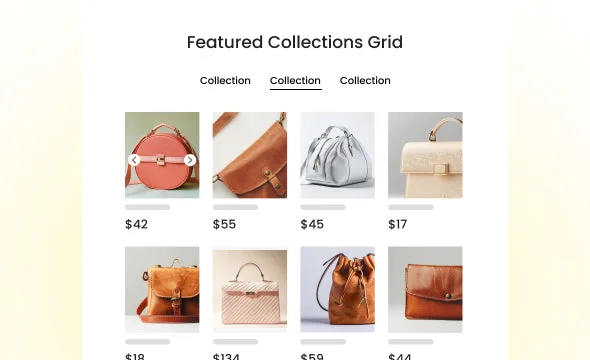 Featured Collections GridHighlight a chosen collection and display its products in a clean, shoppable grid layout.View example ↗
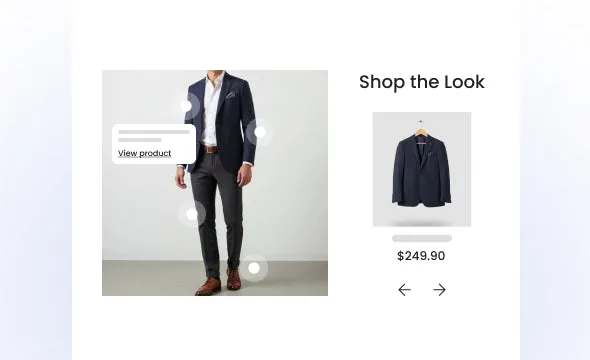 Shop the LookShowcase a styled outfit or scene with clickable product pins. Let shoppers explore items directly from the image.View example ↗
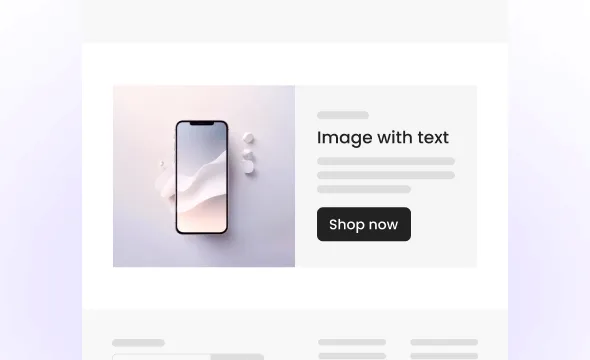 Image & Text - SimpleShowcase specific content along eye-catching images. Highlight offers or product benefits using Image & Text sections.View example ↗
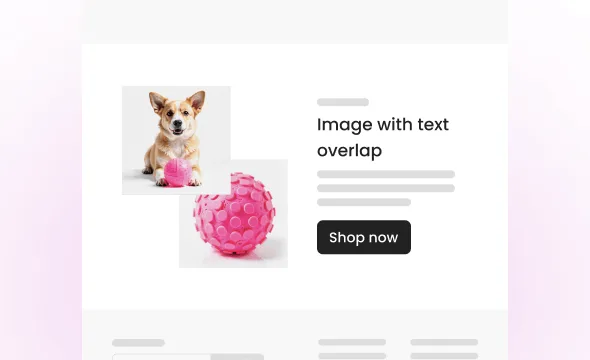 Image & Text - OverlapMake your content stand out with overlapping images and text. Highlight promotions, product features, or brand stories.View example ↗
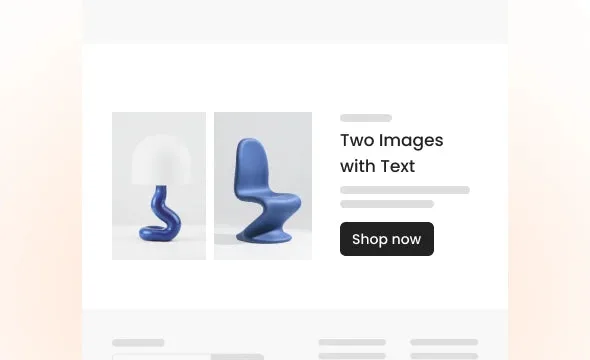 Two Images & TextShowcase content with a balanced layout of two images and text. Ideal for highlighting product features, sales, or brand stories.View example ↗
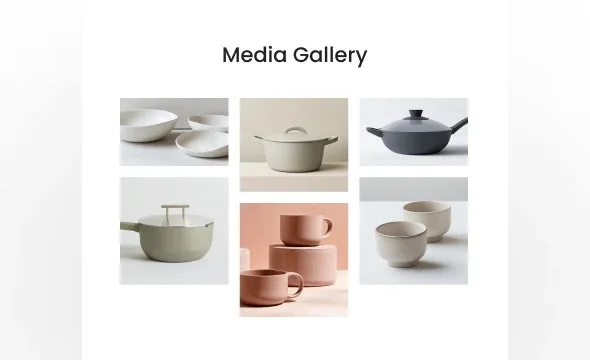 Media GalleryShowcase images in a beautiful gallery layout. Perfect for displaying product photos, brand visuals, or customer highlights.View example ↗
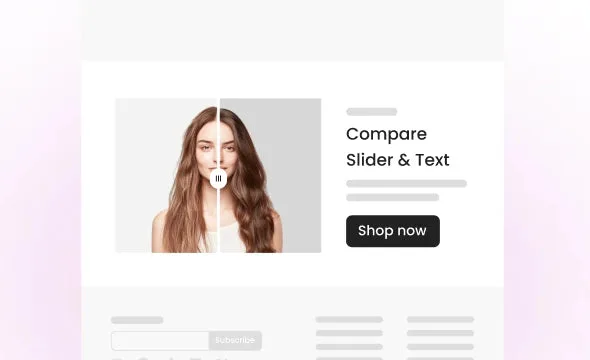 Compare Slider & TextLet customers explore before-and-after images with a draggable slider. Ideal for showcasing product results and transformations.View example ↗
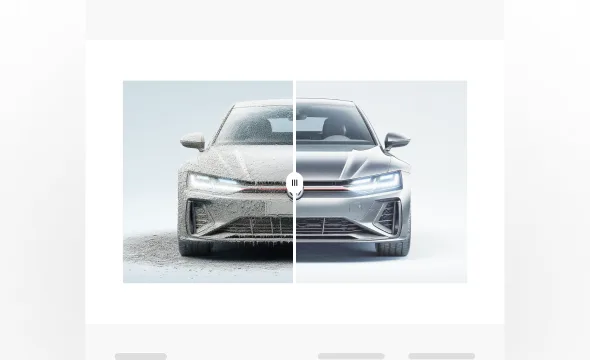 Compare SliderLet customers drag to reveal before-and-after images. Ideal for showcasing product results or transformations.View example ↗
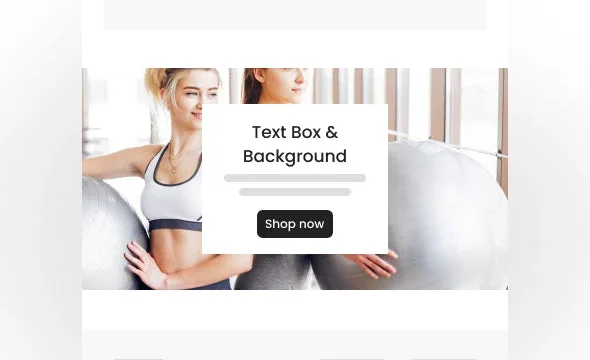 Text Box & BackgroundDisplay a bold text box over an image background. Perfect for highlighting key messages or promotions.View example ↗
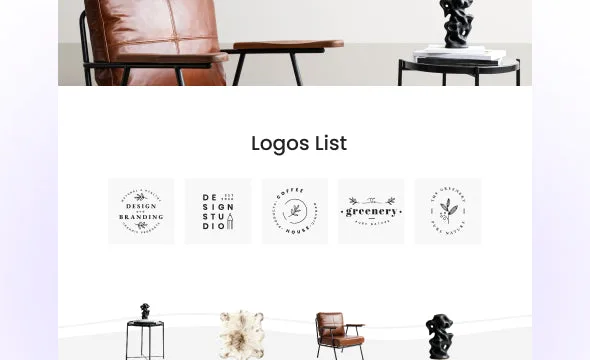 Logo ListShowcase brands, press mentions, or certifications in a simple, elegant row of logos.View example ↗
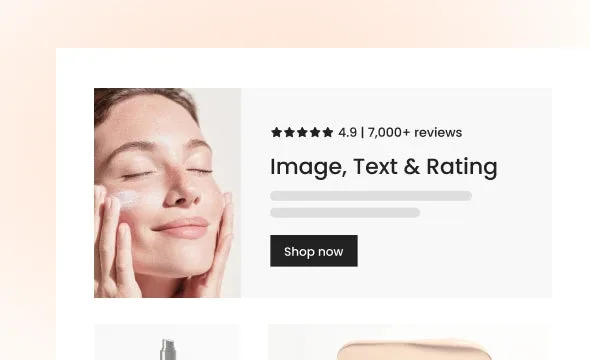 Image, Text & RatingCombine image, text, and star rating in one clean layout. Ideal for showcasing products and building customer trust.View example ↗
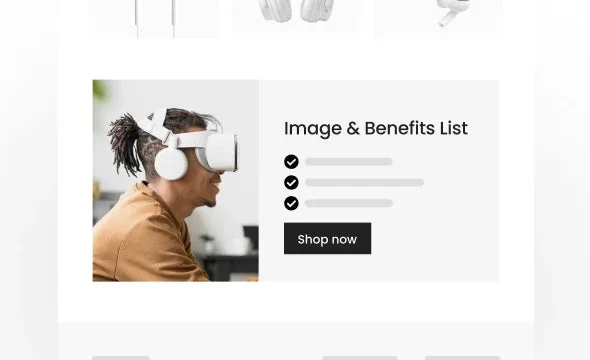 Image & Benefits ListHighlight key benefits and product information with icons and text. Use library icons or upload custom ones.View example ↗
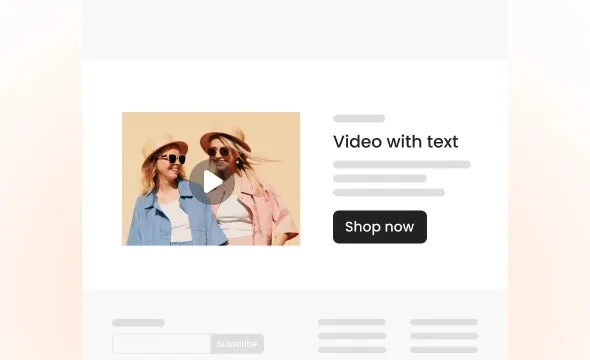 Video & TextEngage customers with a video alongside text. Perfect for showcasing products or brand stories.View example ↗
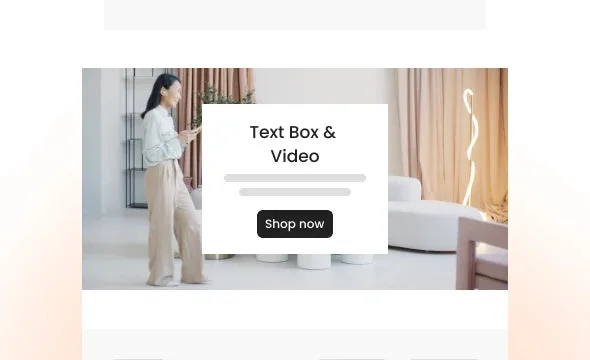 Text Box & VideoCombine video with a bold text box to showcase products, stories, or promotions in a dynamic way.View example ↗
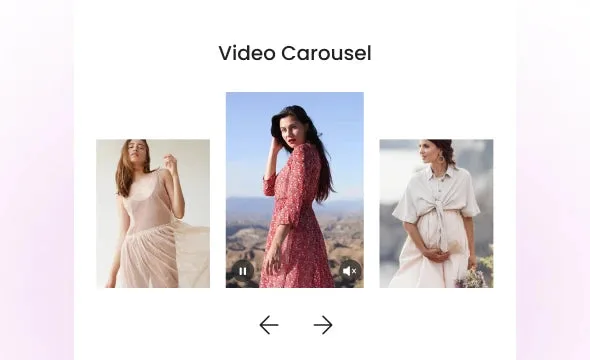 Video CarouselShowcase multiple videos in a smooth, scrollable carousel. Perfect for highlighting products, tutorials, or brand stories.View example ↗
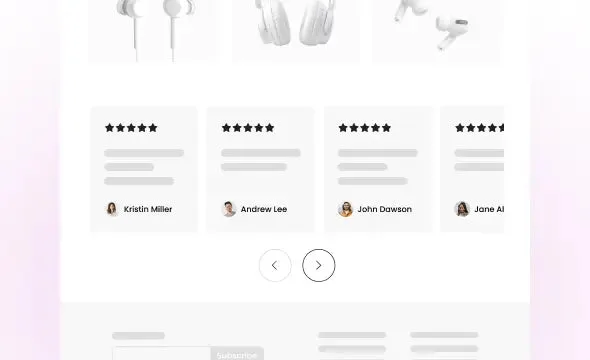 TestimonialsShare customer feedback in a carousel with ratings and text to increase trust and boost conversions.View example ↗
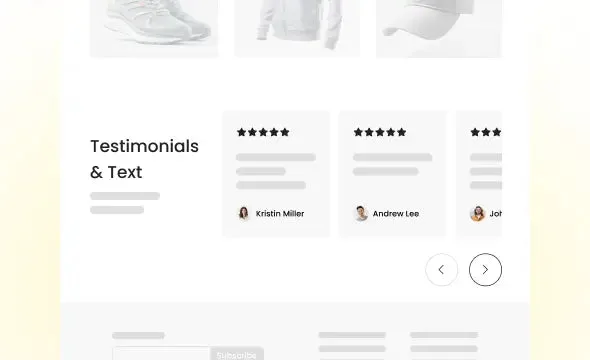 Testimonials & TextCombine customer reviews with supporting text to build trust and highlight key messages.View example ↗
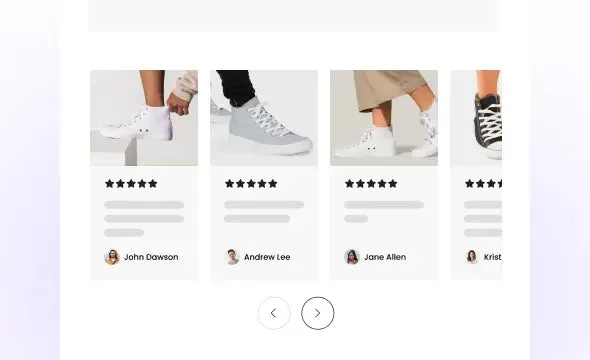 Image TestimonialsCombine customer photos with reviews to boost trust and engagement. Perfect for showcasing real experiences.View example ↗
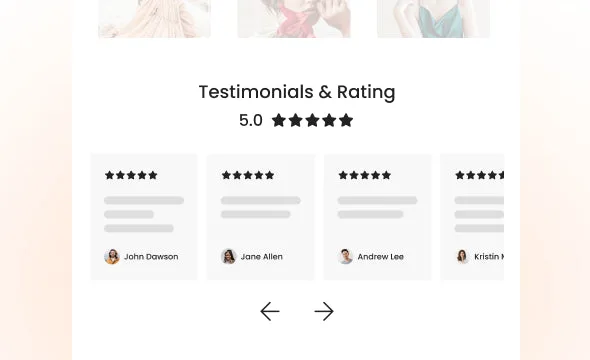 Testimonials & RatingDisplay real customer testimonials with an overall star rating. Build trust and highlight satisfaction directly on your store.View example ↗
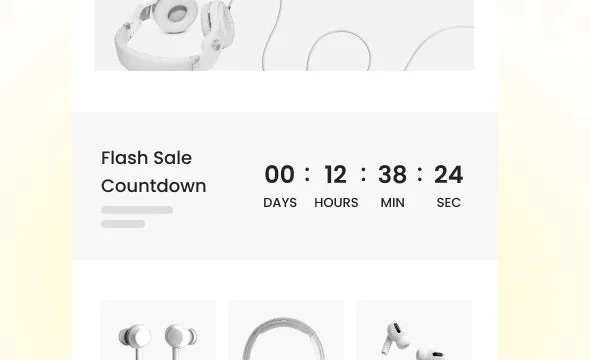 Flash Sale CountdownCreate urgency and boost sales with a countdown timer. Highlight limited-time offers and encourage quick purchases.View example ↗
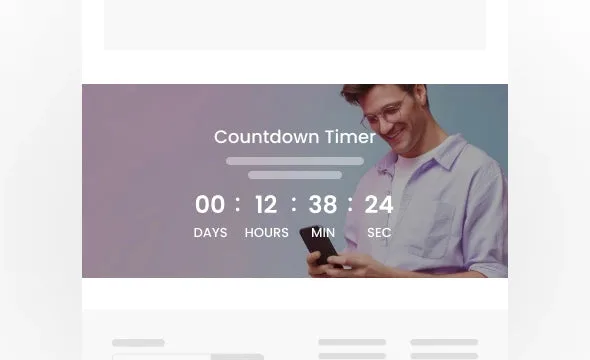 Countdown Timer BannerGrab attention with a countdown timer over a custom background. Highlight flash sales, special events, or limited-time offers.View example ↗
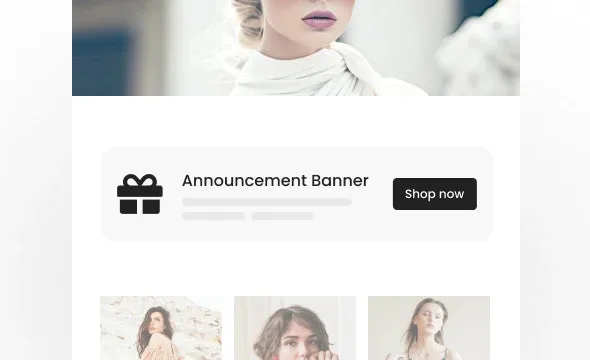 Announcement BannerDisplay short, eye-catching messages at the top of your store. Ideal for promotions, free shipping offers, or important updates.View example ↗
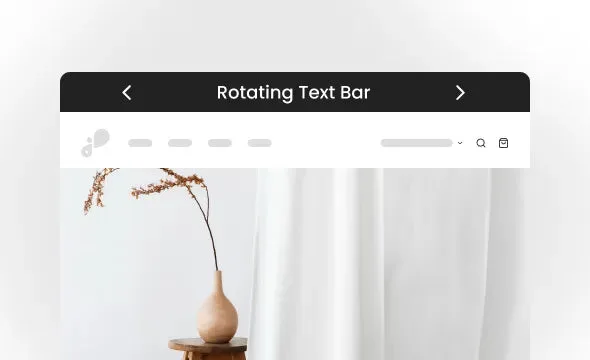 Rotating Text BarDisplay multiple announcements or messages in a scrolling bar to catch customer attention.View example ↗
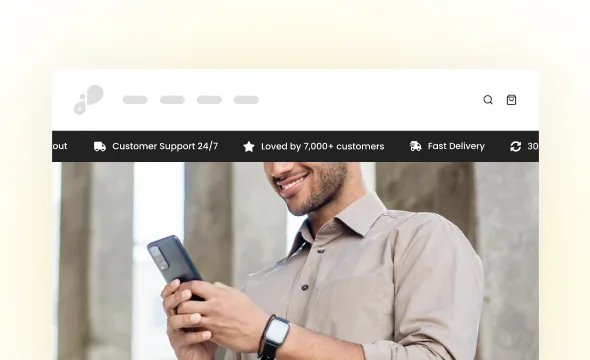 Rotating Bar & IconsShow rotating messages with icons in a compact bar to highlight offers and key info.View example ↗
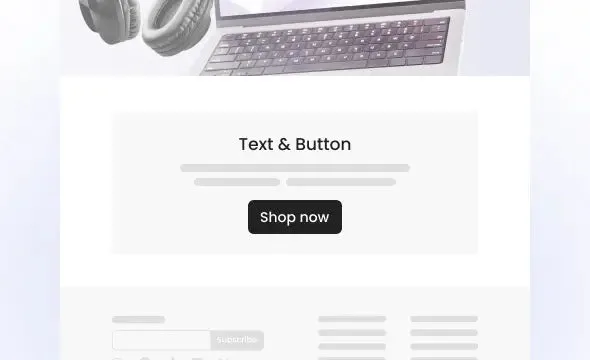 Text & ButtonShare a short message with a call-to-action button to guide customers where you want them.View example ↗
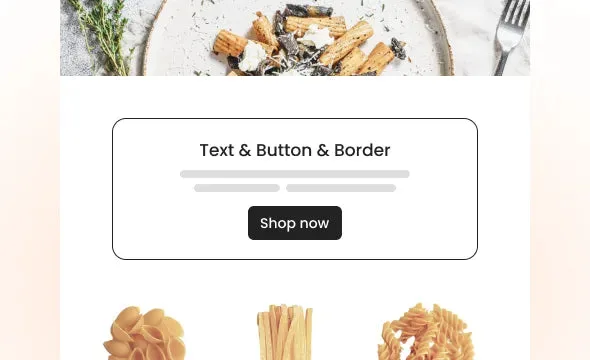 Text & Button & BorderShare a message and call-to-action in a clean, bordered layout for a minimalist look.View example ↗
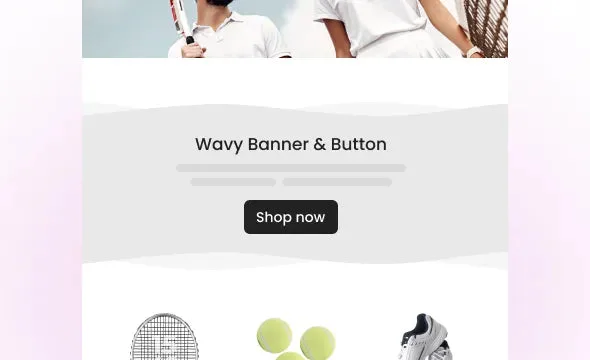 Wavy Banner & ButtonShare a short message with a call-to-action button, styled with a modern wavy banner design.View example ↗
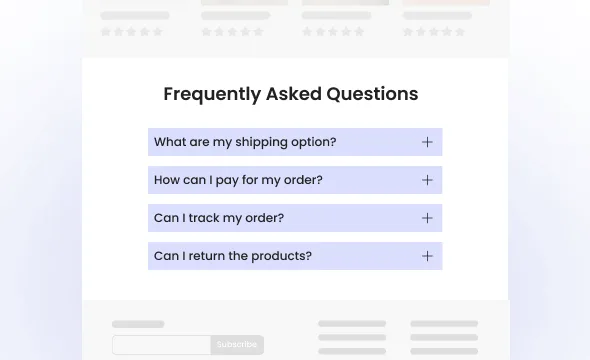 Frequently Asked Questions (FAQ)Provide clear answers to common questions, making it easier for users to find the information they need.View example ↗
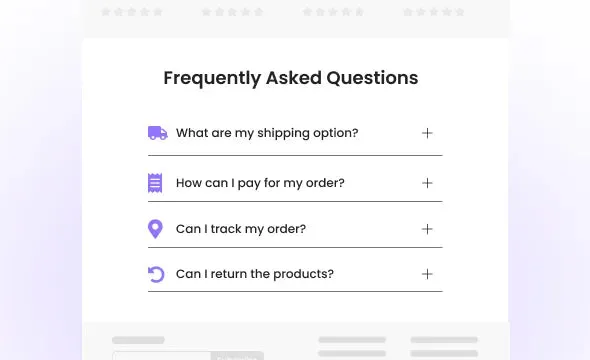 FAQ & IconsHelp customers find answers quickly with a clear FAQ layout that supports icons for each question.View example ↗
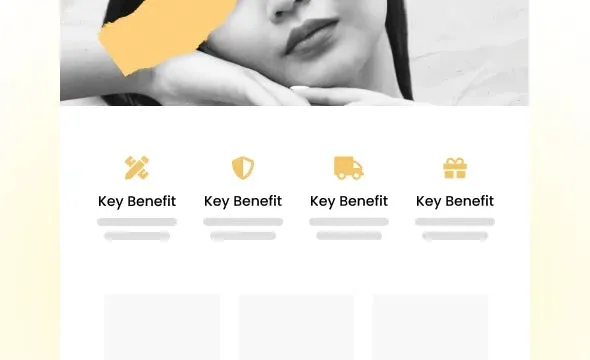 Value IconsDisplay your key selling points with icons and text. Pick from our icon library or upload your own.View example ↗
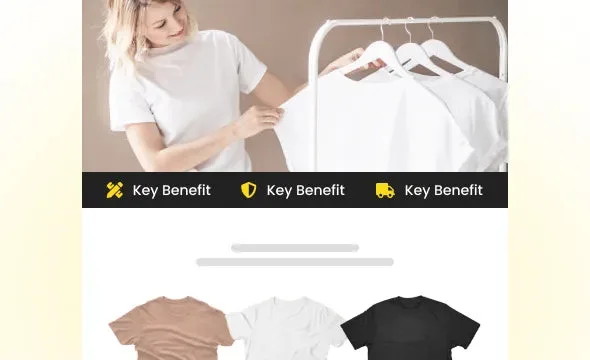 Value Icons BarDisplay your store’s key benefits with an icon bar. Choose icons from our library or add your own.View example ↗
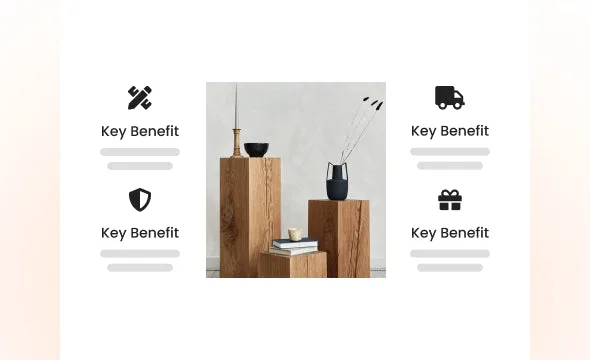 Value Icons & ImagePresent your product image alongside key benefits with icons for a clear and engaging layout.View example ↗
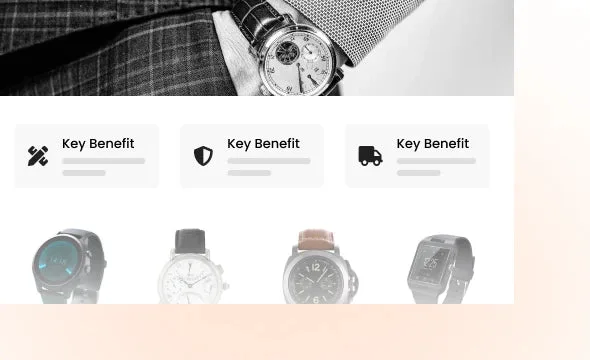 Value Icons CardsShowcase your brand’s values or benefits with icons or images in a clean, flexible layout.View example ↗
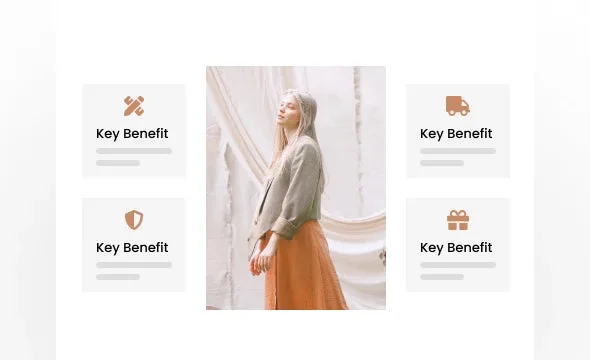 Value Icons Cards & ImageHighlight your brand’s values or benefits with icons and a large image in a clean, balanced layout.View example ↗
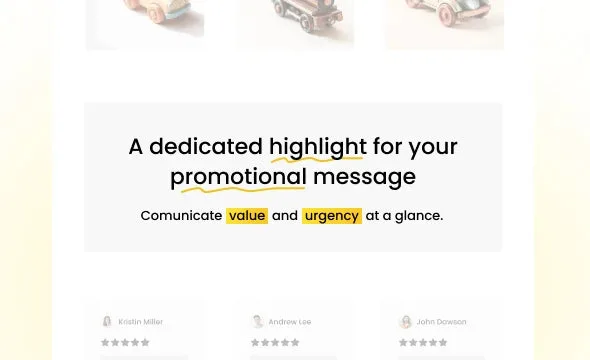 Highlighted TextEmphasize key words in promotional messages with underlines, circles, or color accents to capture attention quickly.View example ↗
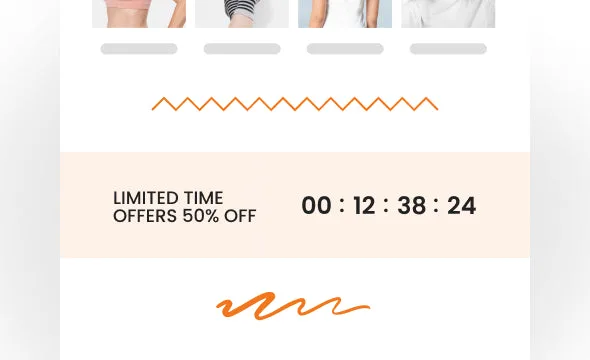 DividersAdd stylish dividers to separate content and create a clean, organized look.View example ↗
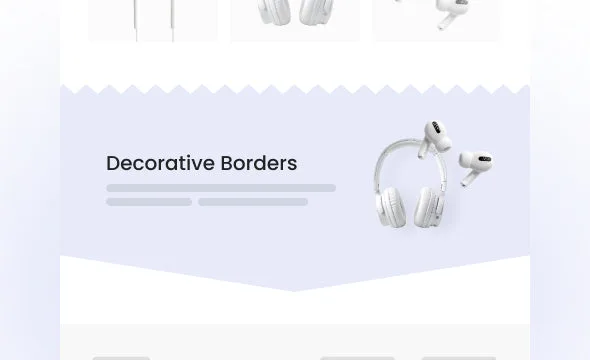 Decorative BordersAdd stylish decorative borders to frame sections and create a unique look for your store.View example ↗
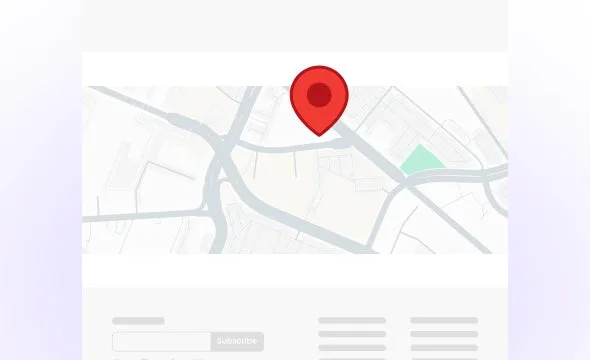 MapHelp customers find you easily by displaying a Google Map on your store. Customize the theme to match your store.View example ↗
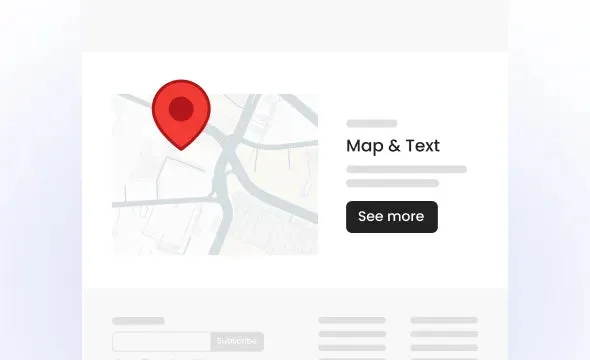 Map & TextDisplay a Google Map next to custom text. Great for sharing your location and store details.View example ↗
 Open the demo store ↗ All 46 sections on one page at shop.vitals.co.
From install to live in four steps.
Every section goes in the same way, so once you've added one you know them all.
01
Pick a section
Browse the gallery in Vitals by category, or search it by name.
02
Install it on your theme
Choose your live theme, or a draft theme to try it first.
03
Add it in the editor
Search for the section in the Shopify theme editor and place it where you want it.
04
Make it yours
Text, images, colors and layout are all settings in the theme editor.
Works on Online Store 2.0 themes. When a section gets an update, one click applies it to every copy on your theme.
Built to work together.
Sections shape the page. These three put it to work.


See all 40+ apps Every tool is in the same subscription.
Merchants who already made the swap.
4.9 stars from 2,800+ reviews on the Shopify App Store.
Frequently Asked Questions
4.9 ★★★★★
2,800+ App Store reviews
31,000+ happy merchants
2,800+ App Store reviews
31,000+ happy merchants
No. You install a section from Vitals in one click, then add it in the Shopify theme editor, the same way you add any section that came with your theme.
New sections, plus 40+ other tools.
One install. One bill. 7-day free trial.
One script
One team
One bill
Start free trial 7-day free trial
See all 40+ apps