6 Best Statcounter App Alternatives for Shopify


Looking for a Statcounter Alternative?
Statcounter is a popular Shopify app for real-time visitor stats, heatmaps, session replay and paid click checks.
However, its replays and heatmaps both cost extra. Session replay is a paid add-on on every plan, and heatmaps need the Premium Plus plan.
To help you find the right alternative, we've compared the six best Statcounter app alternatives based on app type, features, customization, pricing, AI capabilities, and the number of additional apps included in the same subscription.
Since Vitals is our app and one of the alternatives, we've also highlighted its limitations.
What Is the Statcounter App?
Statcounter ‑ Heatmap & Replay is a Shopify app for web analytics, heatmaps and session replay, from a Dublin service founded in 1999. It lets merchants follow visitors in real time, keep years of traffic stats and check paid ad clicks.
Here's what you can do with the Statcounter app:
- Real-time analytics: Follow a live feed of visitors and the path each one takes. Reports also show traffic sources, locations, popular pages and exit links.
- Heatmaps: See clicks, including on hidden menus, pop-ups and carousels. A second map shows the areas visitors pay attention to (Premium Plus plan).
- Session replay: Open replays straight from visitor activity, with form inputs masked by default. Replay is sold as an add-on.
- Paid traffic checks: Flag repeat paid clicks from the same IP. You can then block those IPs in Google Ads (Premium Plus plan).
- Reports and access: Get email reports, CSV exports, an API and mobile apps. An MCP server lets Claude or ChatGPT query your stats.
How Much Does the Statcounter App Cost?
Prices from statcounter.com on October 16, 2026, in euros, with a 30-day free trial. The App Store listing shows lower US dollar prices for its 100,000-session plans.
Why Shopify Merchants Look for Statcounter Alternatives
The Statcounter app holds a 5.0 rating from 2 reviews. Still, some merchants switch to another app for these reasons:
- Replay costs extra: Session replay isn't part of any plan. It's sold as a paid add-on.
- Heatmaps on the top plan: Click and attention heatmaps need Premium Plus. The Premium plan doesn't include them.
- A two-app install: Setup goes through a separate Statcounter Installer app. Merchants then copy over a project ID and a security code.
- No click markers or AI: We couldn't find rage or dead click markers in its docs. The app also has no built-in AI.
If any of these sound familiar, an all-in-one app alternative may suit your store better.
Read: Best Session Replay and Recording Apps for Shopify Stores
How We Compared the Statcounter Alternatives
We reviewed each app's Shopify App Store listing, help docs and changelog (where available) on October 16, 2026. All ratings and review counts come from the listings on that day.
We compared the apps on:
- App type: standalone or all-in-one
- Features: session recordings, heatmap types, visit filters, AI summaries and privacy settings
- Customization: which store pages each app records, from the home page to the cart and checkout, and what it keeps private
- Pricing: plan prices, free trial length and any usage charges
- AI capabilities: AI tools and MCP support
- Additional apps: how many additional apps each one includes in the same subscription
Short Answer
Vitals - All in One App is the best Statcounter alternative for most stores.
- It offers session recordings and four heatmap types on every plan, plus product reviews and a sticky add-to-cart bar, while the Statcounter app focuses on web analytics
- It includes 40+ apps, such as bundles, discounts and reviews, in one subscription from $29.99/month
- It replaces multiple single-purpose apps you'd otherwise install and pay for one by one each month
What Are the Top Statcounter Alternatives for Shopify in 2026?
Here's a quick overview of each app. You'll find what each one can and can't do in the reviews below.
1. Vitals - All in One App
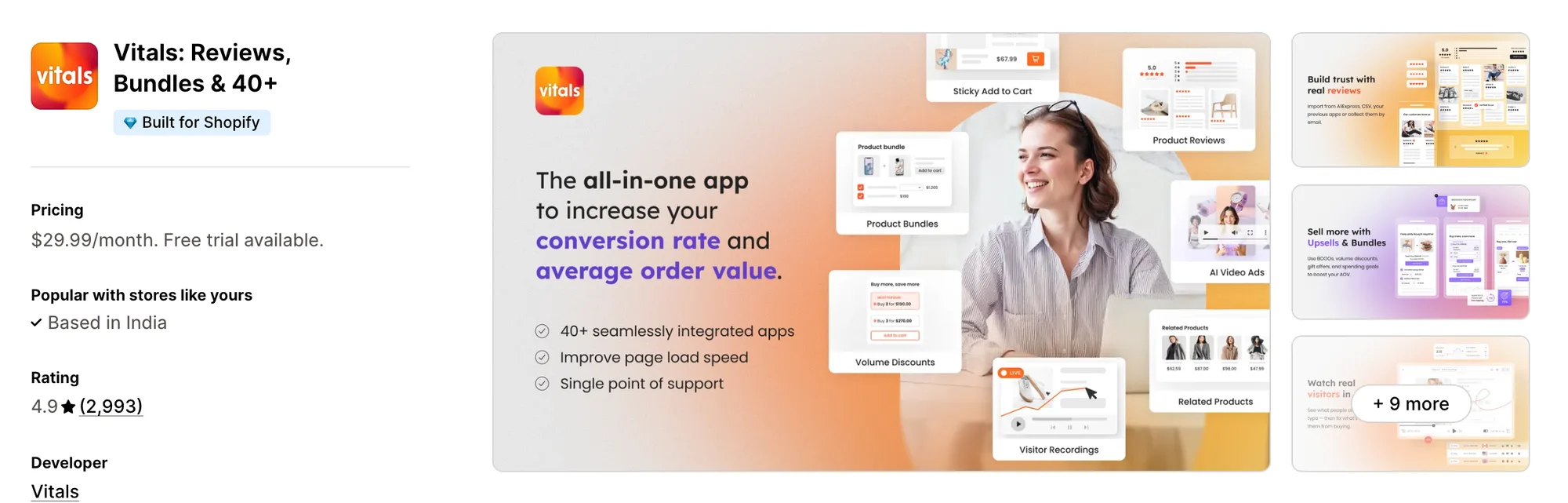
Best for: Stores that want 40+ apps, including Visitor Recordings, Product Reviews, Sticky Add to Cart and Product Bundles, in one subscription
Rating: 4.9 (2,993 reviews) | App type: All-in-one | Free trial: 7 days | Built for Shopify: Yes
Vitals is an all-in-one Shopify app that offers heatmaps and replays plus 40+ apps under one subscription, starting at $29.99/month.
With the Vitals Visitor Recordings App, you can replay every visit with its pages, clicks, scrolls and taps, and find the ones tagged abandoned cart or order completed. You can see four heatmaps of any page: click, scroll, attention and revenue. You can also ask what shoppers did in plain words, because Claude or ChatGPT can read your recordings through the Vitals MCP.
Beyond recordings, Vitals includes trust badges, a live chat button, product bundles and 40+ apps in one subscription, so you don't have to install and pay for each app separately.
Key features:
- Session recordings and heatmaps on every Vitals plan, with no add-on
- Four heatmap types: click, scroll, attention and revenue
- Heatmaps that keep updating with new traffic or freeze as a snapshot of a fixed period
- Rage and dead clicks shown on the click map
- A live view of shoppers who are on the store right now
- Visit tags such as added to cart, abandoned cart, checkout initiated and order completed
- Filters for date, page, visit length, country, traffic source, and landing or exit page
- A Summary tab with a short recap of each visit and where the shopper dropped off
- Typing masked in every field, with recording held until cookie consent
Pros:
- Heatmaps drawn from recordings Vitals already collects, so no new tracking code goes on the store
- Claude or ChatGPT can read your recordings through the Vitals MCP, so you can ask what shoppers did in plain words.
- Replays of multi-page visits on one timeline, without restarting at each page
- 40+ apps in one subscription. Perk by Kate dropped its pile of single-purpose apps for one Vitals plan
Cons:
- No checks for fake clicks on paid ads
- Doesn't keep years of traffic stats
- Doesn't record Shopify checkout pages
Pricing:
Every Vitals plan includes all 40+ apps, Vitals Visitor Recordings App among them. Higher plans record more page views each month.
Prices from vitals.app/pricing on October 31, 2026, with a 7-day free trial and no usage charges on any plan.
Read: Best Shopify Apps to Increase Sales in 2026
2. MIDA Replay, Heatmap & Insight
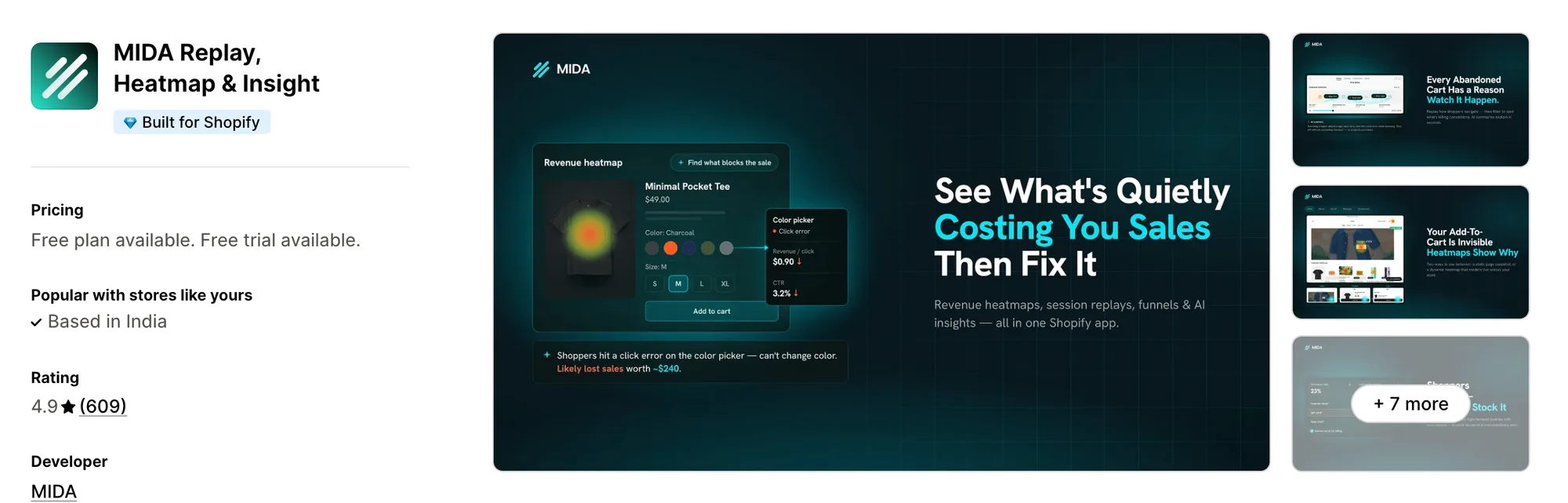
Best for: Stores that want searches with no results and page errors flagged beside seven heatmap types
Rating: 4.9 (609 reviews) | App type: Standalone | Free trial: 7 days | Built for Shopify: Yes
MIDA Replay, Heatmap & Insight, from BSS Commerce, is a Shopify app for replays, heatmaps and funnels, made only for Shopify stores. Where it stands out is the range of heatmaps, with revenue and conversion maps next to click, move, scroll and area maps. You can see which page elements lead to sales, so you know what to keep when you change a page. It also reports searches that found nothing and errors shoppers hit. It's made for stores that want more heatmap types than any other app here.
Key features:
- Click, move, scroll and area heatmaps, with revenue, conversion and dynamic maps on Growth
- Live replays, recordings of abandoned carts and replays tied to orders
- Search Insight and Error Insight, each linked to the session
- Funnels built on cart and checkout events
- Surveys linked to recordings
- Session summaries written by AI and a weekly AI report in your inbox
- IP and country exclusion
Pros:
- Heatmaps for revenue and conversion, tied to the elements that lead to sales
- Analytics stored for as long as the account is open
- Lists MCP Integration on Enterprise
Cons:
- Replays of checkout need Shopify Plus and the Enterprise plan
- Full bot blocking is a separate MIDA app
- Focuses on analytics, funnels and surveys
Pricing:
Prices from docs.mida-app.io on October 16, 2026, with a 7-day free trial. We used its help docs, because they match the App Store listing and the pricing page on mida-app.io shows an older set. The AI Assistant chat costs extra.
Alternatives: 6 Best MIDA Replay App Alternatives for Shopify
3. Lucky Orange Heatmaps & Replay
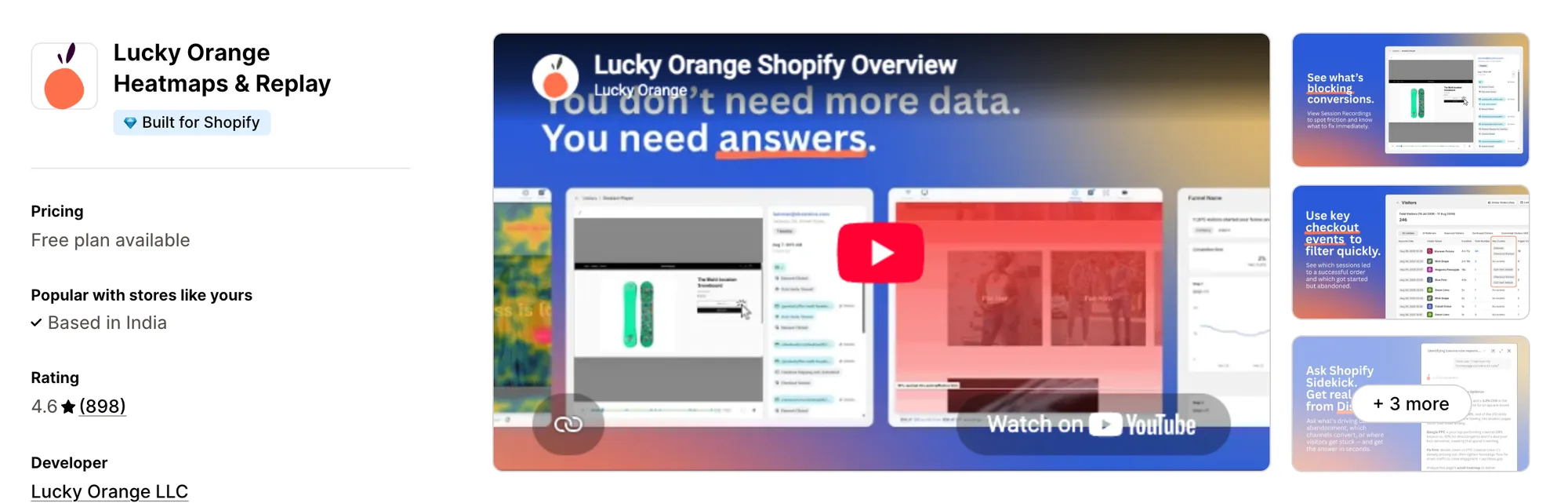
Best for: Stores that want live chat and form analytics next to their recordings and funnels
Rating: 4.6 (898 reviews) | App type: Standalone | Free trial: 7 days | Built for Shopify: Yes
Lucky Orange Heatmaps & Replay is a Shopify app for recordings, heatmaps, funnels and live chat. Its biggest strength is reach, since one account can track stores on BigCommerce, WordPress and other platforms. If you sell on more than one platform, you can study every store from the same dashboard. Every plan also includes form analytics and surveys. If you'd like analytics and live chat in one place, it's a good fit.
Key features:
- Dynamic maps of clicks, scrolling and mouse movement
- Recordings you can filter by cart value, traffic source or UTM
- A live view and visitor profiles
- Funnels that track checkout steps on their own
- Form analytics by field
- Surveys with exit-intent and scroll-depth triggers
- A chat window that shows the shopper's current session
- Targeted announcements
Pros:
- Every plan includes every feature, recordings and heatmaps among them
- Chat with shoppers from the dashboard that holds their recordings
- Discovery AI, which answers questions about visitors and works inside Shopify Sidekick
- Integrations with Google Analytics, HubSpot, Optimizely and Zapier
Cons:
- Focuses on visitor analytics and chat
Pricing:
Prices from luckyorange.com on October 16, 2026, with a 7-day free trial. Discovery AI is a paid add-on.
Alternatives: 6 Best Lucky Orange App Alternatives for Shopify
4. Plerdy: Heatmap, Replay & A/B
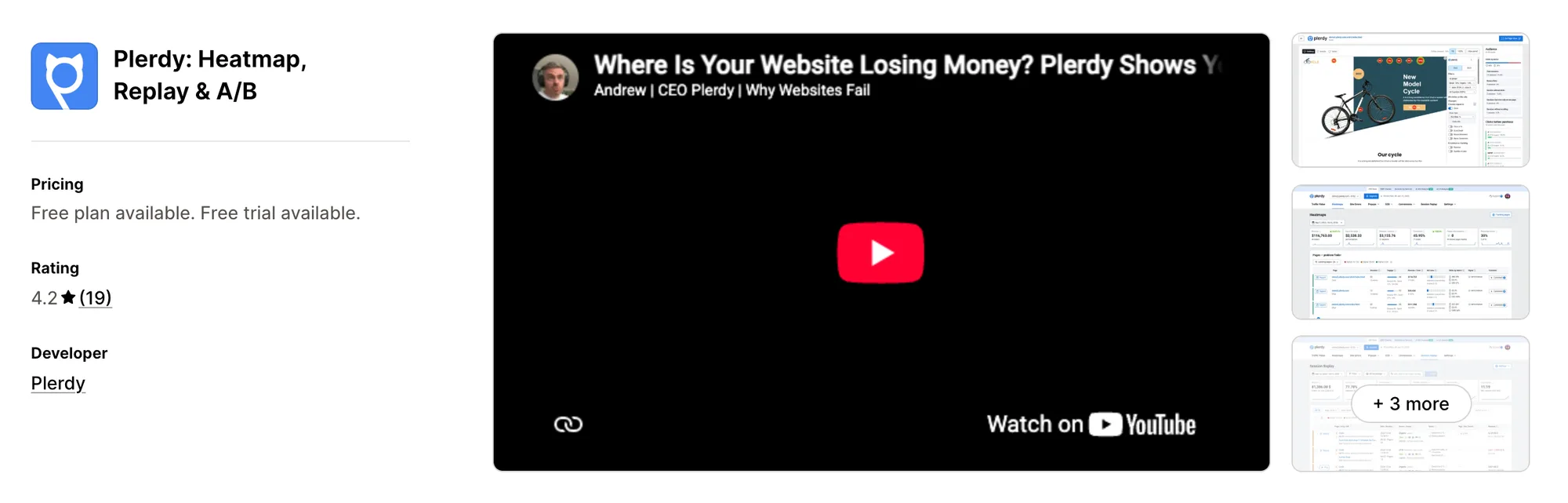
Best for: Stores that want A/B tests and daily SEO checks with their heatmaps
Rating: 4.2 (19 reviews) | App type: Standalone | Free trial: 14 days | Built for Shopify: No
Plerdy: Heatmap, Replay & A/B, formerly Plerdy: Heatmap, Replay & SEO, is a website analytics app for heatmaps, replays, A/B tests and SEO checks. Its standout is the SEO Checker, which reviews titles, descriptions and keywords with Google Search Console connected. You can fix search issues and test page changes in the same account, so one tool looks after both traffic and conversion. Like the Statcounter app, it also works outside Shopify. Choose it if search traffic matters as much to you as on-page behaviour.
Key features:
- Click, scroll-depth and cursor heatmaps
- Replays with a timeline that marks rage clicks, dead clicks, form entries and errors
- Unlimited A/B tests
- An SEO Checker linked to Google Search Console
- Funnels plus revenue reports by channel and product
- Pop-up forms
Pros:
- Tests and SEO checks in the same app as the heatmaps
- Read-only MCP access for Claude, ChatGPT and Cursor on paid plans
- Recordings held for three to twelve months, depending on plan
Cons:
- Its script is added to the theme's code
- Purchase tracking needs a custom pixel
- 2024 and 2025 reviews say the app wouldn't open or showed a blank page
- Focuses on analytics, testing and pop-ups
Pricing:
Prices from plerdy.com on October 16, 2026, with a 14-day free trial. Each plan caps daily heatmap pageviews and total recordings.
Alternatives: 6 Best Plerdy App Alternatives for Shopify
5. Propel Replay, Survey, Heatmap
Best for: Stores that advertise on Meta, TikTok or Microsoft as well as Google and want bot clicks flagged
Rating: 4.9 (710 reviews) | App type: Standalone | Free trial: 7 days | Built for Shopify: Yes
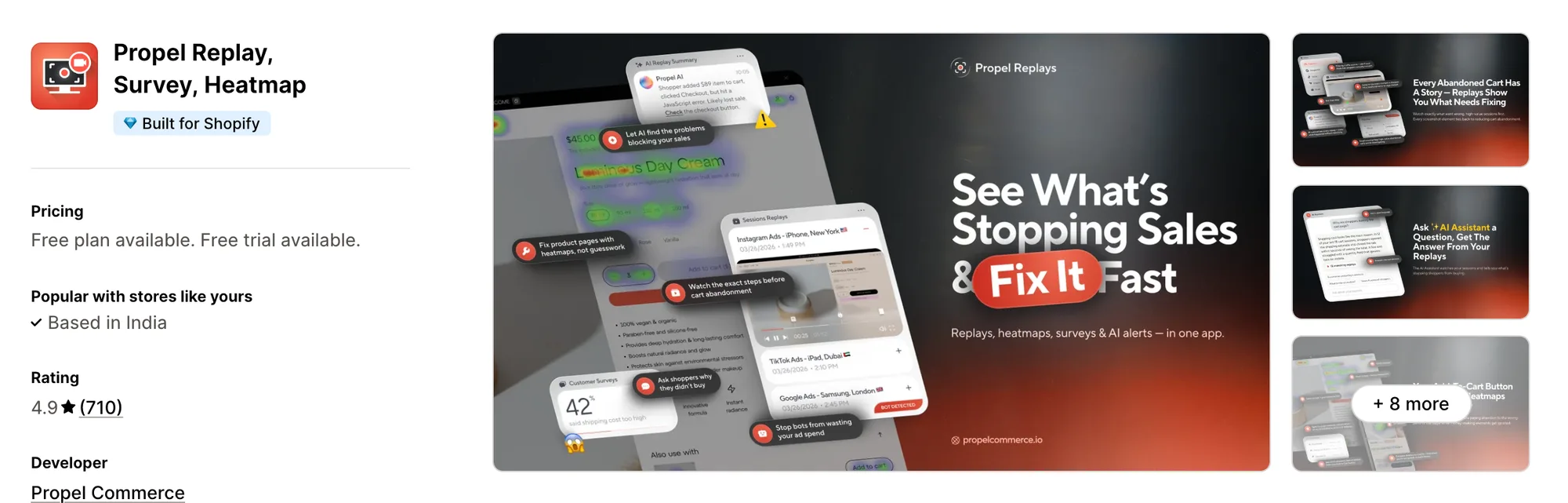
Propel Replay, Survey, Heatmap, from Propel Commerce, is a Shopify app for replays, surveys and bot traffic reports. What makes it different is how many ad networks it checks, with bot and competitor clicks flagged on Google, Meta, Microsoft and TikTok. If you advertise beyond Google, you still see which clicks were wasted, so the Statcounter app's Google Ads link isn't your only check. Replays are included on every paid plan. It works well for stores whose ad budget is split across several networks.
Key features:
- Visits you can watch live or later, abandoned carts included
- Rage clicks, dead clicks and JavaScript errors marked in replays
- Click and area heatmaps by device
- A short AI recap of each replay, up to a monthly quota
- Survey answers linked to the replay of the shopper who gave them
- Reports on bot traffic and a calculator for wasted ad spend (Plus plan)
- Filters built on Shopify customer data, such as order count and total spent
Pros:
- Bot and competitor clicks flagged on four ad networks
- Shopify's Customer Privacy API handles consent, with one click to block EU, EEA and UK visitors
- AI replay summaries on every plan
- A 4.9 rating from 710 reviews
Cons:
- Its website lists scroll and movement heatmaps as coming later
- Focuses on replays, surveys and ad checks
- Upsells and reviews need separate apps, some of them Propel's own
Pricing:
Prices from propelcommerce.io on October 16, 2026, with a 7-day free trial. The site shows yearly prices, and these monthly prices match the App Store listing.
Alternatives: 6 Best Propel Replay App Alternatives for Shopify
6. ReplayPRO: Replays & Heatmaps
Best for: Stores whose buyers return several times before ordering
Rating: 4.7 (16 reviews) | App type: Standalone | Free trial: 7 days | Built for Shopify: Yes
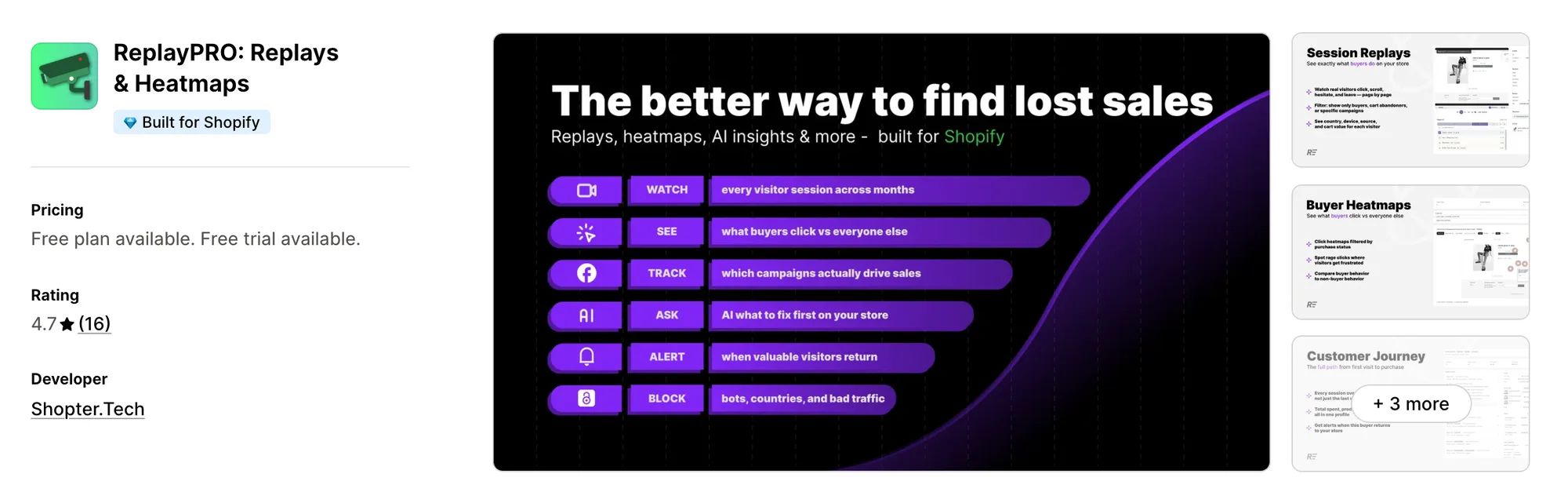
ReplayPRO: Replays & Heatmaps, from Shopter.Tech, is a Shopify app for replays, heatmaps and visitor journeys. It's strongest on the journey view, which joins each visitor's sessions over months into one timeline. You see the visits, cart and order behind every purchase, so you learn what brought a buyer back. Like the Statcounter app, it shows visitor paths, but each path comes with replays. It suits stores whose buyers return several times before they order.
Key features:
- Journeys that link one visitor's sessions across months
- Heatmaps of clicks, rage clicks and scrolling, plus a layer for buyers only
- Visitor filters for campaign, UTM, source, device, country, cart, purchase and coupon
- A live map of current visitors
- An AI assistant that replies to questions with charts
Pros:
- Bots left out of its analytics and of the plan's session count
- Lists MCP Integration on PRO
Cons:
- Its help center says nothing about data retention or consent
- Its changelog still marks surveys as coming soon
- Focuses on replays and visitor journeys
Pricing:
ReplayPRO's help center doesn't list prices, so these come from the Shopify App Store listing on October 16, 2026, with a 7-day free trial. PRO charges $3 for every extra 10,000 sessions.
Alternatives: 6 Best ReplayPRO App Alternatives for Shopify
How Many Apps Each Option Replaces
Every app you install can add its own code to your storefront, and that code affects load time. The table below shows how many separate apps each option replaces, based on our count.
Here's what each option replaces:
- Vitals - All in One App: 40+ apps, including a recording app, a heatmap app, a product reviews app, a sticky add-to-cart app and a trust badges app
- MIDA Replay, Heatmap & Insight: a heatmap app, a replay app, a site search report and a survey app
- Lucky Orange Heatmaps & Replay: a recording app, a heatmap app, a form analytics app, a survey app and a live chat app
- Plerdy: Heatmap, Replay & A/B: a heatmap and replay app, an A/B testing app, a pop-up app and an SEO audit tool
- Propel Replay, Survey, Heatmap: an ad click checker, a replay app, a heatmap app and a survey app
- ReplayPRO: Replays & Heatmaps: a replay app, a heatmap app and a basic visitor analytics app
- Statcounter ‑ Heatmap & Replay: a web analytics app, a heatmap app and a click-fraud checker, with a replay app once you buy the add-on
Say you use the Statcounter app with a product reviews app, a trust badges app and a live chat app. That's four apps loading four scripts. With Vitals, you can replace all four apps with one subscription.
When Should You Stay on Statcounter?
The Statcounter app is still the better choice if:
- You compare traffic across several years and want visitor stats kept for three to five years
- You advertise on Google and want repeat clickers' IPs blocked there from the same app
On the other hand, switch to Vitals if you want recordings and four heatmap types on every plan, with an AI recap of each visit. You also get product reviews and a sticky add-to-cart bar in the same subscription.
How to Switch From Statcounter to Vitals
Your stats and recordings stay in your Statcounter account, so there's no data to import. IPs you blocked in Google Ads also stay blocked there.
- Export the CSV reports you want to keep, because Statcounter's stats won't move to Vitals
- Install Vitals - All in One App, then switch on Vitals Visitor Recordings App so recording starts on new visits
- Set consent, masked typing and hidden elements in the app, so recordings follow your privacy rules
- Build a heatmap for each of your top pages, then check that new visits appear under Recordings
- Add Vitals Product Reviews App or Vitals Sticky Add to Cart App on a duplicate theme where recordings show shoppers stalling, then publish it
- Uninstall the Statcounter app and the Statcounter Installer app last, then check that their app embed and pixels are gone
Where Each Statcounter Feature Goes in Vitals
For example, La Niche de Jules traded its separate store apps for one Vitals subscription.
Read: Best All in One Apps for Shopify in 2026
Find the Best Statcounter Alternative for Your Store
Vitals - All in One App is the best fit for most stores, but the right pick depends on why you're leaving the Statcounter app.
- Vitals - All in One App, if you want session recordings, product reviews, a sticky add-to-cart bar, and 40+ apps in one subscription from $29.99/month
- MIDA Replay, Heatmap & Insight, if you want the most heatmap types and a list of searches that found nothing
- Lucky Orange Heatmaps & Replay, if you sell on more than one platform and want live chat beside your recordings
- Plerdy: Heatmap, Replay & A/B, if SEO checks and A/B tests belong in the same account as your heatmaps
- Propel Replay, Survey, Heatmap, if you advertise on Meta, TikTok or Microsoft as well as Google
- ReplayPRO: Replays & Heatmaps, if you want to see every visit a buyer made before their first order
Frequently Asked Questions
1. What is the best Statcounter alternative for Shopify?
Vitals - All in One App is the best Statcounter alternative for most stores. It's the only all-in-one app in this list, with 40+ apps such as session recordings, heatmaps, product reviews and a sticky add-to-cart bar in one subscription. Since Vitals is our app, we've listed its limitations in its review above.
2. Why do merchants switch from Statcounter?
The Statcounter app focuses on web analytics. If you want product reviews or a sticky add-to-cart bar to act on what shoppers do, you need to install other apps. Its listing and docs also show replay sold as an add-on, heatmaps on Premium Plus only, and an install through a separate installer app.
3. How do Vitals and Statcounter compare on recordings and heatmaps?
Both offer session recordings with form inputs kept private, and both draw click and attention heatmaps. Only the Statcounter app has years of visitor stats and checks on paid ad clicks. Vitals, on the other hand, includes scroll and revenue heatmaps, rage and dead clicks, and an AI recap of each visit on every plan.
4. Can Vitals replace Statcounter and other apps at the same time?
Yes, for most stores. Vitals Visitor Recordings App can replace the Statcounter app's heatmaps and its session replay add-on. Vitals can also replace separate apps for product reviews, a sticky add-to-cart bar and trust badges. The exceptions are years of traffic stats and ad click checks, which Vitals doesn't offer, so keep an analytics app for those.
5. How do these Statcounter alternatives affect store speed?
Each app you install can add its own scripts to your storefront. That means speed depends on how many apps you have, not just which ones. Vitals - All in One App serves recordings, heatmaps and its other apps from one script. If you use several single-purpose apps instead, each one loads its own script. We didn't speed-test these apps, so check your own pages before and after a change.
6. Which Statcounter alternatives have AI features or MCP support?
Not all of them. Vitals writes an AI recap of any visit you open. Claude or ChatGPT can read your recordings through the Vitals MCP, so you can ask what shoppers did in plain words. MIDA and Propel write AI session summaries and sell an AI chat add-on. On Enterprise, MIDA also lists MCP Integration. ReplayPRO's AI assistant answers with charts and lists MCP on PRO. Lucky Orange has Discovery AI as a paid add-on but no MCP. Plerdy offers a read-only MCP server. The Statcounter app has an MCP server for its stats and no built-in AI.
7. Which Statcounter alternatives include session recordings in their plans?
Not all of them. Vitals includes session recordings and heatmaps on every plan. MIDA, Lucky Orange, Propel, ReplayPRO and Plerdy include recordings on every paid plan. The Statcounter app is the exception, since it sells session replay as a separate add-on.