6 Best MIDA Replay App Alternatives for Shopify


Looking for a MIDA Replay Alternative?
MIDA Replay is a popular Shopify app for session replays, revenue heatmaps, site search reports and surveys.
However, some merchants report problems with sessions that don't record or won't play. Reviews from June to August 2026 describe missing sessions. Others describe replays that wouldn't open or share.
To help you find the right alternative, we've compared the six best MIDA Replay app alternatives based on app type, features, customization, pricing, AI capabilities, and the number of additional apps included in the same subscription.
Since Vitals is our app and one of the alternatives, we've also highlighted its limitations.
What Is the MIDA Replay App?
MIDA Replay, Heatmap & Insight is a Shopify app from BSS Commerce for session recordings, heatmaps and site problem reports. It lets merchants watch visits from the first click to the order, see what shoppers click and buy, and spot failed searches and page errors.
Here's what you can do with the MIDA Replay app:
- Session recordings: Watch visits live, replay abandoned carts and open the session behind each order. Customer segments narrow the list.
- Heatmaps: See click, move, scroll and area maps of any page. Revenue, conversion and dynamic maps come with the Growth plan.
- Search and error insight: Find site searches that returned nothing and errors shoppers hit. Each one links to its session.
- Surveys: Ask shoppers questions on the store. Every answer opens the recording behind it.
- AI help: Read AI summaries of sessions and get a weekly AI report by email. An AI Assistant chat is a paid add-on.
How Much Does the MIDA Replay App Cost?
Prices from docs.mida-app.io on October 16, 2026, with a 7-day free trial. Plans also set how many sessions are recorded each month, with $10 for every extra 5,000 on Enterprise.
Why Shopify Merchants Look for MIDA Replay Alternatives
The MIDA Replay app holds a 4.9 rating from 609 reviews and carries the Built for Shopify badge. Still, some merchants switch to another app for these reasons:
- Missing recordings: Some sessions aren't recorded, and some replays won't play or share. Reviews from June to August 2026 describe this.
- Bot traffic: A January 2026 review describes 350+ bot sessions arriving within minutes. Full bot blocking is the separate MIDA Fraud Filter app.
- AI on higher plans: Unlimited AI session summaries and MCP Integration are listed on Enterprise. The AI Assistant chat costs extra on every plan.
- Heatmaps behind a plan: Revenue, conversion and dynamic heatmaps start on Growth. Basic gets click, move, scroll and area maps.
If any of these sound familiar, an all-in-one app alternative may suit your store better.
Read: Best Session Replay and Recording Apps for Shopify Stores
How We Compared the MIDA Replay Alternatives
We reviewed each app's Shopify App Store listing, help docs and changelog (where available) on October 16, 2026. All ratings and review counts come from the listings on that day.
We compared the apps on:
- App type: standalone or all-in-one
- Features: replays, heatmap types, ways to filter recordings, AI summaries, and privacy and consent controls
- Customization: which pages, devices and visits each app records, and which page elements it hides
- Pricing: plan prices, free trial length and any usage charges
- AI capabilities: AI tools and MCP support
- Additional apps: how many additional apps each one includes in the same subscription
Short Answer
Vitals - All in One App is the best MIDA Replay alternative for most stores.
- It offers session replays, revenue heatmaps, product reviews and trust badges, while the MIDA Replay app focuses on recordings, heatmaps and site problem reports
- It includes 40+ apps, such as bundles, discounts and reviews, in one subscription from $29.99/month
- It replaces multiple single-purpose apps you'd otherwise install and pay for one by one each month
What Are the Top MIDA Replay Alternatives for Shopify in 2026?
Here's a quick overview of each app. You'll find what each one can and can't do in the reviews below.
1. Vitals - All in One App
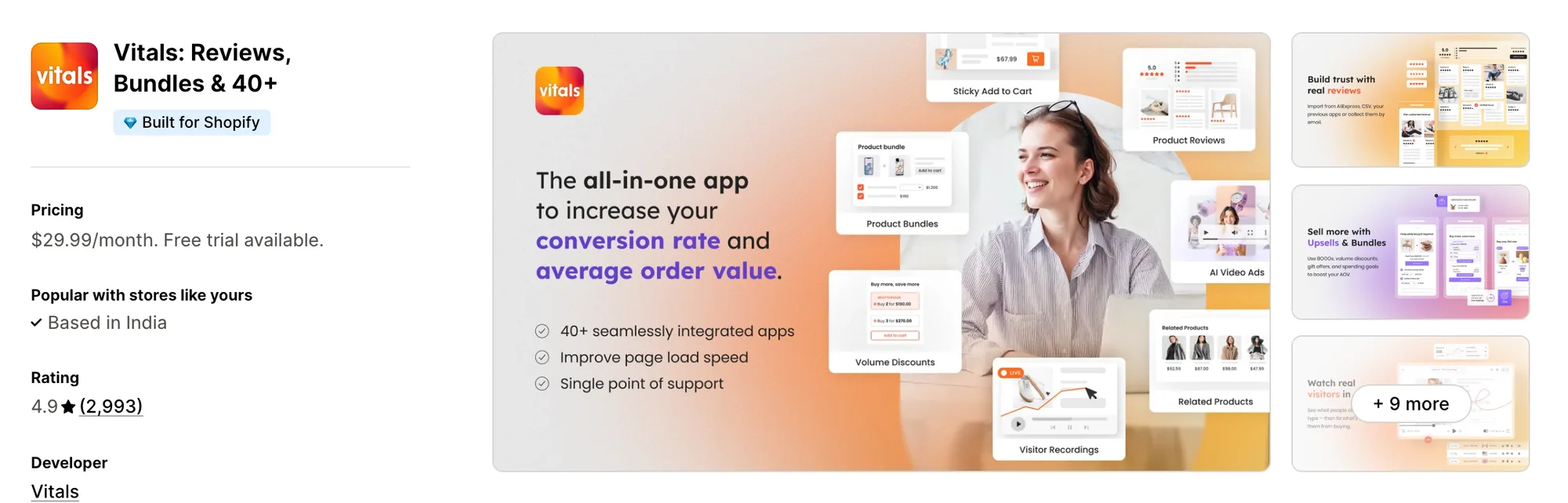
Best for: Stores that want 40+ apps, including Visitor Recordings, Product Reviews, Trust Seals & Badges and Bundles, in one subscription
Rating: 4.9 (2,993 reviews) | App type: All-in-one | Free trial: 7 days | Built for Shopify: Yes
Vitals is an all-in-one Shopify app that offers visitor recordings plus 40+ apps under one subscription, starting at $29.99/month.
With the Vitals Visitor Recordings App, you can replay any visit with its pages, clicks, scrolls and taps, or watch shoppers live as they browse. You can filter visits by tags like abandoned cart or order completed, so you watch the ones that matter first. You can also see click, scroll, attention and revenue heatmaps of any page, on mobile or desktop.
Beyond visitor recordings, Vitals includes a sticky add to cart bar, a currency converter, pop-ups and 40+ apps in one subscription, so you don't have to install and pay for each app separately.
Key features:
- Session replays with every page, click, scroll and tap
- Page markers on a single timeline when a visit spans several pages
- An on-demand Summary tab with an overview, key moments and the point where the shopper left
- Click maps with rage clicks and dead clicks marked
- Scroll, attention and revenue heatmaps from the same recordings
- Heatmaps that keep updating with new traffic or freeze as a snapshot
- Built-in views for added to cart, reached checkout, converted and from ads
- Recordings filtered by duration, country, source, and landing or exit page
- Shoppers watched live as they browse
- Your own and your team's visits left out of the recordings
Pros:
- Recording and heatmaps share the single Vitals script with every other app
- Any heatmap can be filtered by date range, country and traffic source
- Claude or ChatGPT can read your recordings through the Vitals MCP, so you can ask what shoppers did in plain words.
- 40+ apps for one monthly price. Strapsology uses one Vitals plan in place of a row of single-purpose apps
Cons:
- No on-site surveys
- No reports on failed site searches
- Leaves Shopify checkout out of its recordings
Pricing:
Every Vitals plan includes all 40+ apps, Vitals Visitor Recordings App among them. Higher plans record more page views each month.
Prices from vitals.app/pricing on October 31, 2026, with a 7-day free trial and no usage charges on any plan.
Read: Best Conversion Rate Optimization Apps for Shopify
2. Statcounter ‑ Heatmap & Replay
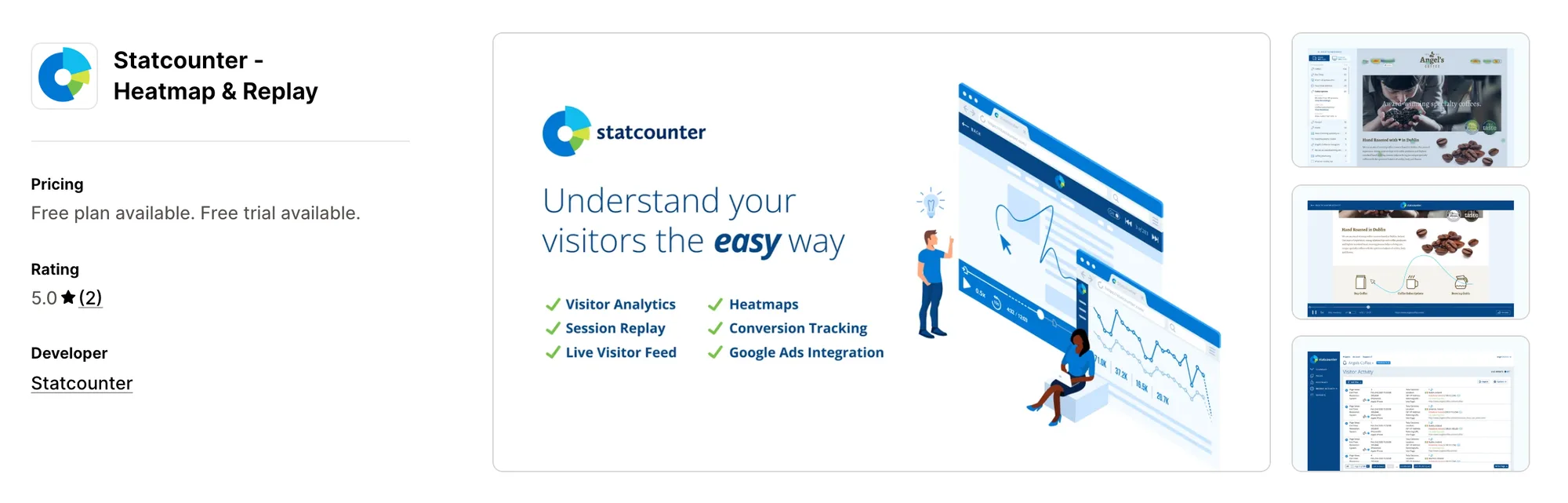
Best for: Stores that keep years of traffic history and pay for replays only in the months they need them
Rating: 5.0 (2 reviews) | App type: Standalone | Free trial: 30 days | Built for Shopify: No
Statcounter ‑ Heatmap & Replay is a Shopify app from Statcounter, a Dublin web analytics company founded in 1999. Its biggest strength is how long it keeps your data. Paid plans hold visitor stats for three to five years, so seasonal trends stay easy to compare. Heatmaps and replay are sold as extras. It's made for stores that read traffic over years and only sometimes need to watch a visit.
Key features:
- A live feed of visitors and the paths they take
- Click heatmaps that include hidden menus, pop-ups and carousels (Premium Plus)
- Attention heatmaps (Premium Plus)
- Session replay as a paid add-on
- Form inputs masked in replays by default
- Repeat paid clicks from the same IP flagged (Premium Plus)
- IP blocking in Google Ads (Premium Plus)
- Visitor alerts and email reports
- CSV export and an API
Pros:
- Three years of stats on Premium, five on Premium Plus
- An MCP server for Claude or ChatGPT to query store stats
- Apps for iOS and Android
Cons:
- Replay costs extra on every plan
- Heatmaps start on Premium Plus
- Focuses on web analytics and traffic history
- Two reviews on its listing since a March 2025 launch
Pricing:
Prices from statcounter.com on October 16, 2026, in euros, with a 30-day free trial. The App Store listing shows lower US dollar prices for the 100,000-session plans.
Alternatives: 6 Best Statcounter App Alternatives for Shopify
3. ReplayPRO: Replays & Heatmaps
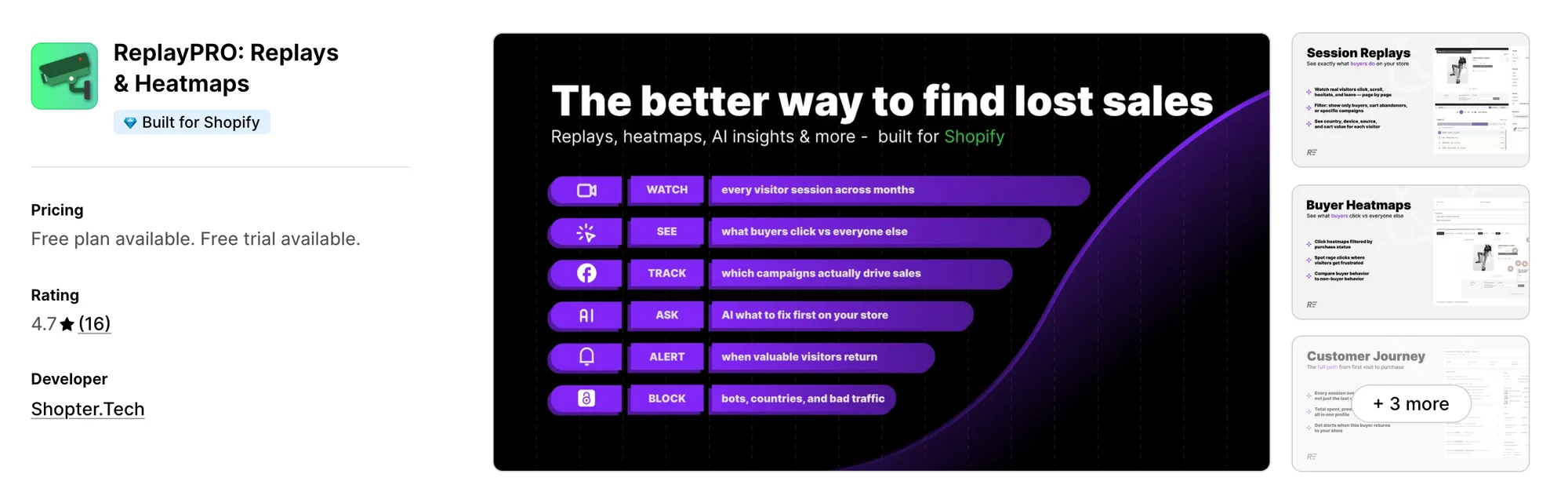
Best for: Stores that want one timeline per shopper, joining every visit before the first order
Rating: 4.7 (16 reviews) | App type: Standalone | Free trial: 7 days | Built for Shopify: Yes
ReplayPRO: Replays & Heatmaps is a Shopify app from Shopter.Tech for replays, heatmaps and shopper histories. Where it stands out is the shopper timeline. It joins every visit a person makes over months, so you can trace the full path from a first look to a first order. Bot visits also stay out of its numbers. If your buyers tend to browse several times before ordering, it's a good fit.
Key features:
- Shopper histories that link sessions across months
- Click, rage-click and scroll heatmaps drawn on full-page screenshots
- A buyers-only layer for heatmaps
- Visitor filters for campaign, UTM, source, device, country, cart, purchase and coupon code
- A live map of who is browsing now
- An AI Analytics Assistant that turns questions into charts
Pros:
- Bot sessions don't count toward its analytics or the plan's sessions
- MCP support comes with PRO
Cons:
- Focuses on replays and shopper histories
- Its changelog still lists surveys as coming soon
- Its help center leaves out the install method, data retention and consent handling
- 16 reviews on its listing since a 2020 launch
Pricing:
These prices come from the Shopify App Store listing on October 16, 2026, with a 7-day free trial, since ReplayPRO's help center doesn't show them. Past the plan's sessions, PRO adds $3 for each extra 10,000 instead of pausing.
Alternatives: 6 Best ReplayPRO App Alternatives for Shopify
4. Propel Replay, Survey, Heatmap
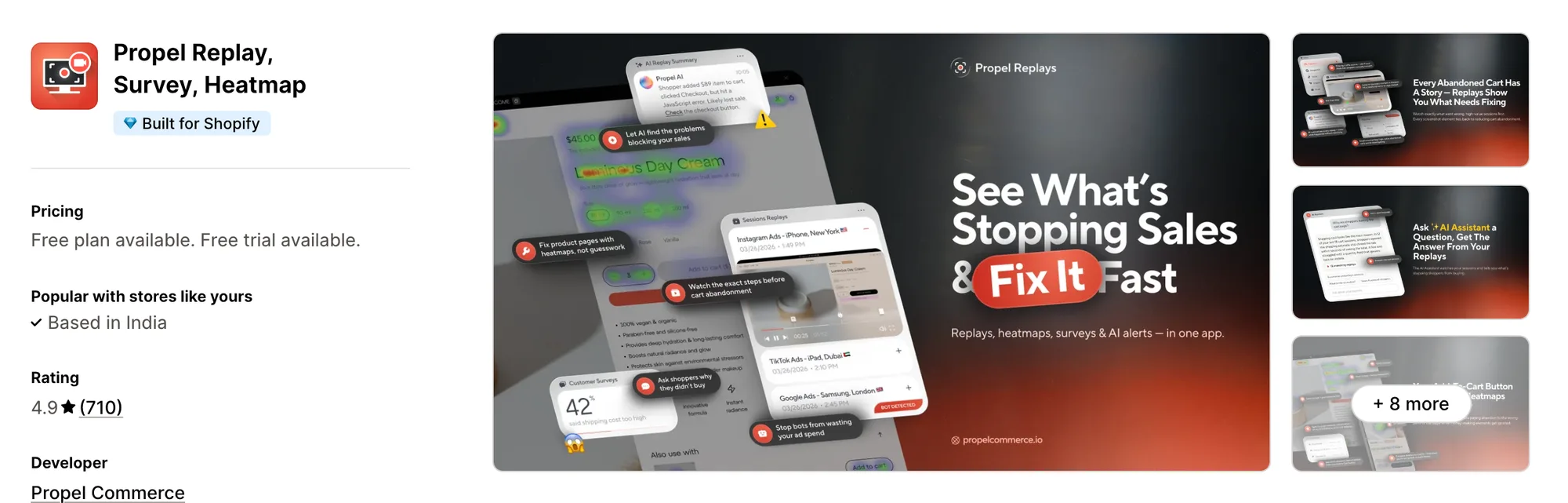
Best for: Stores that suspect bots or competitors are using up their ad budget
Rating: 4.9 (710 reviews) | App type: Standalone | Free trial: 7 days | Built for Shopify: Yes
Propel Replay, Survey, Heatmap is a Shopify app from Propel Commerce for replays, on-site surveys and paid traffic checks. What sets it apart is its watch on ad clicks. It flags clicks from bots and competitors by IP address and traffic source, then estimates the ad spend they waste. Daily alerts also report big orders, abandoned checkouts and drops in add-to-cart. Pick it if a big part of your budget goes to Google, Meta, Microsoft or TikTok ads.
Key features:
- Live replays and recorded abandoned carts
- Frustration signals marked in each replay
- Click and area heatmaps by device
- A short AI summary on each replay, within a monthly quota per plan
- On-site surveys tied to the replay behind each answer
- A bot traffic report and an ad-waste calculator (Plus plan)
- Consent through Shopify's Customer Privacy API
- A one-click block for visitors from the EU, EEA and UK
- Daily alerts on big orders, abandoned checkouts and add-to-cart drops
Pros:
- Click checks on Google, Meta, Microsoft and TikTok ads
- Filters by order count, total spent and other Shopify customer data
- AI summaries of replays on every plan
- 710 reviews with a 4.9 average
Cons:
- Scroll and movement heatmaps aren't out yet, according to its website
- Checkout recording is for Shopify Plus stores on Enterprise only
- Focuses on replays, surveys and paid traffic
Pricing:
Prices from propelcommerce.io on October 16, 2026, with a 7-day free trial. The site quotes yearly prices, so the monthly figures here follow the App Store listing.
Alternatives: 6 Best Propel Replay App Alternatives for Shopify
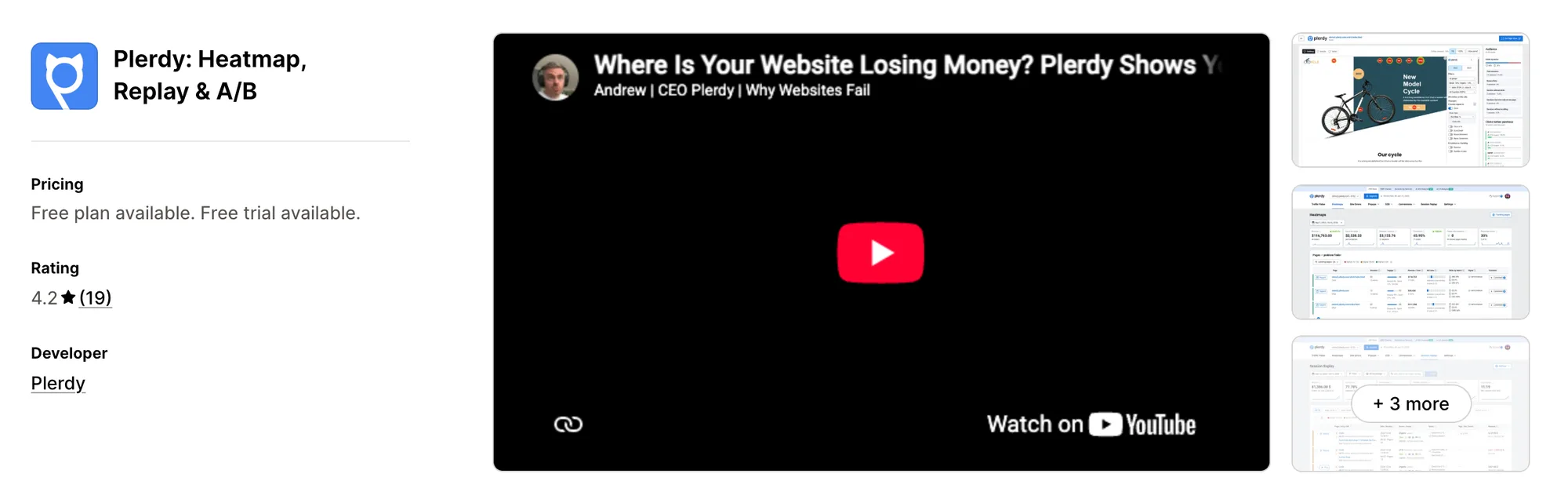
5. Plerdy: Heatmap, Replay & A/B
Best for: Stores that want split tests and daily SEO checks in their heatmap tool
Rating: 4.2 (19 reviews) | App type: Standalone | Free trial: 14 days | Built for Shopify: No
Plerdy: Heatmap, Replay & A/B, formerly Plerdy: Heatmap, Replay & SEO, is a Shopify app for heatmaps, replays, split tests and SEO. It's strongest on experiments. Unlimited A/B tests let you try a page change and judge it with the same heatmaps and replays. The same account also works on WordPress, Wix and other sites. It's a strong choice if you test page versions and watch search rankings yourself.
Key features:
- Click, scroll depth and cursor movement heatmaps on your most-clicked pages
- Replays with a timeline of rage clicks, dead clicks, form entries and errors
- A/B tests with no limit on how many
- An SEO Checker that pulls data from Google Search Console
- Funnels that count unique sessions
- Revenue broken down by channel, product and path to purchase
- Pop-up forms
- Error monitoring
- Alerts through email, Slack or Telegram
Pros:
- Split tests, SEO checks and heatmaps in one account
- A read-only MCP server for Claude, ChatGPT and Cursor, included on every paid plan
- Recordings kept between three and twelve months
Cons:
- The tracking script is added to the theme's code
- Purchases are tracked through a custom pixel
- Focuses on analytics, page tests and pop-ups
Pricing:
Prices from plerdy.com on October 16, 2026, with a 14-day free trial. Each plan is sized by daily heatmap pageviews and total recordings.
Alternatives: 6 Best Plerdy App Alternatives for Shopify
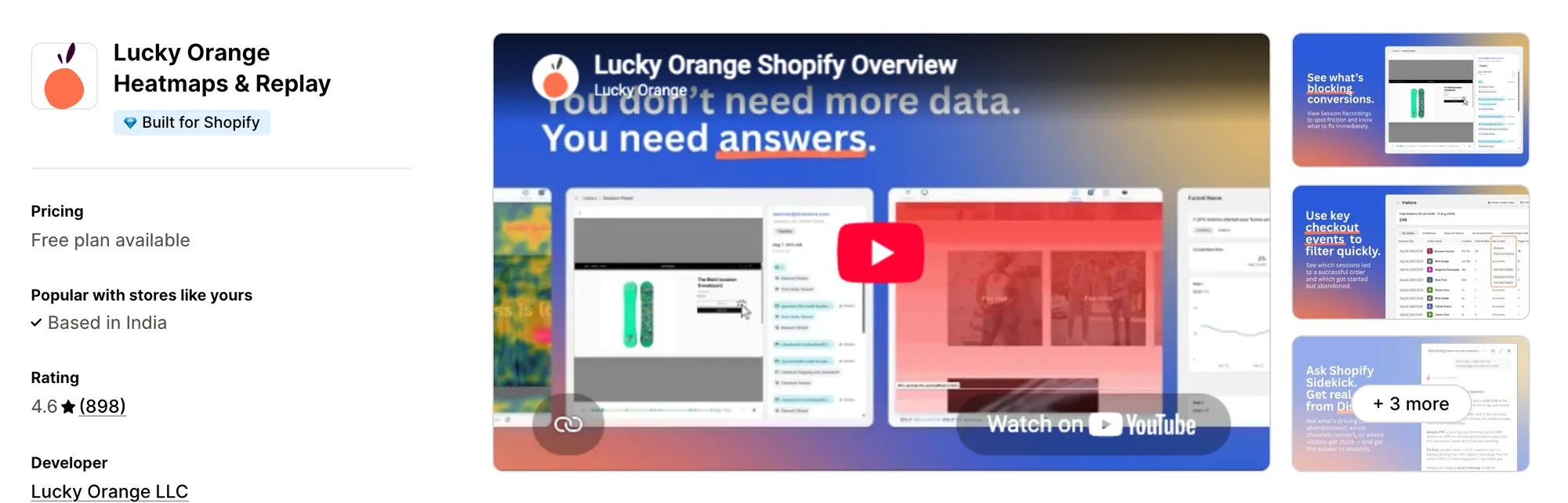
6. Lucky Orange Heatmaps & Replay
Best for: Stores that talk to shoppers in a live chat and study form drop-offs
Rating: 4.6 (898 reviews) | App type: Standalone | Free trial: 7 days | Built for Shopify: Yes
Lucky Orange Heatmaps & Replay is a Shopify app for recordings, heatmaps, funnels and on-site messaging. Its main draw is breadth, with funnels, form analytics, surveys and live chat in the same dashboard as the replays. You can chat with a shopper while their session plays, so questions get answered in context. It's been on Shopify since 2014, the longest in this list. It suits stores that want to talk to shoppers as well as watch them.
Key features:
- Dynamic click, scroll and mouse movement maps
- Recordings filtered by cart value and traffic source
- A live view of current visitors
- Funnels that track each checkout step on their own
- Form analytics field by field
- Surveys and targeted announcements
- A live chat window that shows the shopper's session as you reply
Pros:
- One feature set on every plan
- Live chat and form analytics in the same app as the recordings
- One account for Shopify, BigCommerce, WordPress and other platforms
- Questions about visitor data answered by Discovery AI, inside Shopify Sidekick too
Cons:
- Checkout recordings and heatmaps are for Shopify Plus stores only
- Discovery AI is a paid add-on
- Focuses on visitor analytics and talking to shoppers
Pricing:
Prices from luckyorange.com on October 16, 2026, with a 7-day free trial. Plans are set by monthly sessions, from 500 on Launch.
Alternatives: 6 Best Lucky Orange App Alternatives for Shopify
How Many Apps Each Option Replaces
Every app you install can add its own code to your storefront, and that code affects load time. The table below shows how many separate apps each option replaces, based on our count.
Here's what each option replaces:
- Vitals - All in One App: 40+ apps, including a replay app, a heatmap app, a product reviews app, a trust badges app, a sticky add-to-cart app and a live chat app
- Statcounter ‑ Heatmap & Replay: a web analytics app, a heatmap app and a click-fraud checker, with a replay app once you add it
- ReplayPRO: Replays & Heatmaps: a replay app, a heatmap app and a light visitor analytics app
- Propel Replay, Survey, Heatmap: a replay app, a heatmap app, a survey app and an ad traffic checker
- Plerdy: Heatmap, Replay & A/B: a heatmap and replay app, an A/B test app, a pop-up app and an SEO app
- Lucky Orange Heatmaps & Replay: a recording app, a heatmap app, a survey app, a chat app and a form analytics tool
- MIDA Replay, Heatmap & Insight: a recording app, a heatmap app, a survey tool and a failed-search report
Say you use the MIDA Replay app with a product reviews app, a trust badges app and a sticky add-to-cart app. That's four apps loading four scripts. With Vitals, you can replace all four apps with one subscription.
When Should You Stay on MIDA Replay?
The MIDA Replay app is still the better choice if:
- You want conversion and dynamic heatmaps on top of revenue maps, seven map types in all
- You need reports on site searches that returned nothing, linked to the sessions where they happened
- You want surveys whose answers open the recording behind them
On the other hand, switch to Vitals if you want revenue heatmaps and an AI summary of any visit on every plan, with no add-on for AI. Product reviews and trust badges come in the same subscription.
How to Switch From MIDA Replay to Vitals
Recordings and heatmaps stay with the app that made them, so there's nothing to import into Vitals. Save what you need from the MIDA Replay app first, because it goes when you uninstall.
- Export the recordings and download the heatmaps you want to keep, since MIDA lets you save both
- Install Vitals - All in One App and switch on Vitals Visitor Recordings App, so visits are recorded before MIDA comes off
- Choose your privacy settings, such as masked typing, hidden page elements and waiting for cookie consent
- Turn on Vitals Product Reviews App and Vitals Trust Seals & Badges App for the pages your recordings flag
- Confirm that visits appear under Recordings and that a heatmap builds for one of your top pages
- Uninstall the MIDA Replay app last, then switch off its app embed and its cookie bar if you used it
Where Each MIDA Replay Feature Goes in Vitals
For example, Crystal Pro Jewellery now uses one Vitals subscription where it once paid for several single-purpose apps.
Read: Best All in One Apps for Shopify in 2026
Find the Best MIDA Replay Alternative for Your Store
Vitals - All in One App is the best fit for most stores, but the right pick depends on why you're leaving the MIDA Replay app.
- Vitals - All in One App, if you want session replays, product reviews, trust badges, and 40+ apps in one subscription from $29.99/month
- Statcounter ‑ Heatmap & Replay, if you study traffic over years and need a replay only once in a while
- ReplayPRO: Replays & Heatmaps, if you want every visit a buyer made before ordering in one view
- Propel Replay, Survey, Heatmap, if you think part of your ad spend goes to bots or competitors
- Plerdy: Heatmap, Replay & A/B, if you test page versions and keep an eye on SEO in the same place
- Lucky Orange Heatmaps & Replay, if you want to chat with shoppers live and see which form fields lose them
Frequently Asked Questions
1. What is the best MIDA Replay alternative for Shopify?
Vitals - All in One App is the best MIDA Replay alternative for most stores. It's the only all-in-one app here with 40+ apps, such as session replays, revenue heatmaps, product reviews and trust badges, in one subscription. Since Vitals is our app, we've listed its limitations in its review above.
2. Why do merchants switch from MIDA Replay?
The MIDA Replay app focuses on recordings, heatmaps and site problem reports. If you want product reviews or trust badges to fix what the replays show, you need to install other apps. Lower-rated reviews also mention missing sessions, replays that won't play, and bot traffic.
3. How do Vitals and MIDA Replay compare on recordings and heatmaps?
Both offer session recordings, AI session summaries, and click, scroll and revenue heatmaps. Only the MIDA Replay app has move, area, conversion and dynamic maps, surveys, and search and error reports. It also records the checkout for Shopify Plus stores on Enterprise. Vitals, on the other hand, includes attention heatmaps, saved views, and product reviews and trust badges in the same subscription.
4. Can Vitals replace MIDA Replay and other apps at the same time?
Yes, for most stores. Vitals can replace the MIDA Replay app's recordings, revenue heatmaps and AI session summaries. It can also replace separate apps for product reviews, trust badges and a sticky add-to-cart bar. The exceptions are surveys and search reports, which Vitals doesn't offer.
5. How do these MIDA Replay alternatives affect store speed?
Each app you install can add its own scripts to your storefront. That means speed depends on how many apps you have, not just which ones. Vitals - All in One App loads its recordings, product reviews and other apps from one script. If you use several single-purpose apps instead, each one loads its own script. We didn't speed-test these apps, so check your own pages before and after a change.
6. Which MIDA Replay alternatives have AI features or MCP support?
Not all of them. Vitals writes an AI summary of a recording whenever you ask for one. Claude or ChatGPT can read your recordings through the Vitals MCP, so you can ask what shoppers did in plain words. Propel summarizes replays with AI and sells an AI chat add-on, with no MCP. ReplayPRO's AI assistant answers with charts, and PRO lists MCP. Lucky Orange sells Discovery AI as an add-on. Plerdy and Statcounter offer MCP servers, while Statcounter has no AI features. The MIDA Replay app has AI summaries and an AI chat add-on, and it lists MCP on Enterprise.
7. Which MIDA Replay alternatives have revenue heatmaps?
Not all of them. Vitals has a revenue heatmap that shows the clicks on the way to add to cart and purchase. ReplayPRO can narrow its heatmaps to buyers' clicks. Plerdy shows revenue by product and path in separate reports. Lucky Orange, Propel and Statcounter have no revenue heatmap. The MIDA Replay app offers revenue and conversion heatmaps on its Growth plan.