7 Best Webkul Product Label Alternatives for Shopify [2026]

![7 Best Webkul Product Label Alternatives for Shopify [2026]](/assets/blog/webkul-product-label-alternatives/banner.avif)
Looking for a Webkul Product Label Alternative?
Webkul Product Label is a long-standing Shopify app for putting image labels on products, on the App Store since 2016. Its labels, though, are added through code snippets pasted into the theme, and the app covers image labels only, with no text badges, trust badges or timers.
So, we compared seven alternatives on how labels are built, which rules decide where they show, what else each app adds next to them and how they reach the theme. Vitals is our app, so we've noted its gaps too.
What Is Webkul Product Label Shopify App?
Webkul Product Label is a Shopify app for adding image labels to products on the home page, collection pages and product pages. Labels come from a set of default images or from images you upload, and shoppers can see them on the product photo wherever the label is switched on.
Here's what you can do with Webkul Product Label:
- Default and uploaded labels: Pick a default label image or upload your own, and show more than one label on the same product.
- Automatic labels: Show New, Out of Stock and Discount labels on the products they apply to, without assigning them by hand.
- Product and collection assignment: Assign labels from a product's page in Shopify admin, or give a whole collection the same label.
- Page choice: Show each label on the home page, collection pages, product pages or any mix of the three.
- Position settings: Place labels with top, left, right and bottom values set for each page.
Where Webkul Product Label stands out is how little there is to set up inside the app. Everything sits on one plan with no label caps. A fixed priority order (product label, then Out of Stock, Discount, New and collection label) decides which label wins, so it suits stores that want a few image stickers and nothing more.
Its listing holds a single review, from 2020, so there's no pattern of praise to report.
How Much Does Webkul Product Label App Cost?
store.webkul.com shows the price with no plan name, so the plan name comes from the Shopify App Store listing on October 19, 2026, with a 7-day free trial.
Why Shopify Merchants Look for Webkul Product Label Alternatives
Webkul Product Label holds a 1.0 rating from 1 review and doesn't carry the Built for Shopify badge. These are the reasons stores give for moving to another label app:
- It covers image labels only, so trust badges, a low-stock message, a countdown timer, reviews and bundles each need another app
- Webkul's setup guide has you paste code snippets into the product.liquid and collection.liquid templates, and it mentions no app embed or theme app blocks
- Labels are placed with top, left, right and bottom values, with no visual editor, template library, translations or analytics
- Its one review, from December 2020, reports that labels don't work properly on mobile, with no separate mobile or desktop view
- Webkul's product page was last updated in December 2022 (store.webkul.com), and Webkul sells its other store jobs as 52 separate apps
Switching makes the most sense for stores that want labels and the apps around them in one subscription, rather than one small app for each job.
Read: The Best Shopify Product Labels Apps in 2026
How We Compared the Webkul Product Label Alternatives
We read each app's live Shopify App Store listing, its help docs and its changelog, where available, on October 19, 2026, and took every rating and review count from the listing that day.
We compared the apps on:
- App type: standalone or all-in-one
- Core product label features: label types, design options, display rules and placement
- Store areas covered: home page, collection pages, product pages, search and cart
- How many separate apps each one replaces
- Scripts added to the storefront and theme integration
- AI features and MCP support
- Setup, from the listing, the docs and what merchants report in reviews
Short Answer
Vitals - All in One App is the best Webkul Product Label alternative for most stores.
- It offers product labels next to trust badges, a countdown timer and a low-stock message built from live inventory, while Webkul Product Label covers image labels only and leaves reviews and bundles to other apps
- It includes 40+ apps, such as reviews, bundles and discounts, in one subscription of $29.99/month
- It replaces multiple single-purpose apps that you would otherwise install and pay for every month
Vitals costs more than Webkul Product Label's single plan, with a usage fee once sales from conversion apps pass $1K a month. In return, it also covers trust badges, product reviews, bundles and the rest of its 40+ apps.
What Are the Top Webkul Product Label Alternatives for Shopify in 2026
Each app below suits a different kind of store, and the table shows which one at a glance.
1. Vitals - All in One App
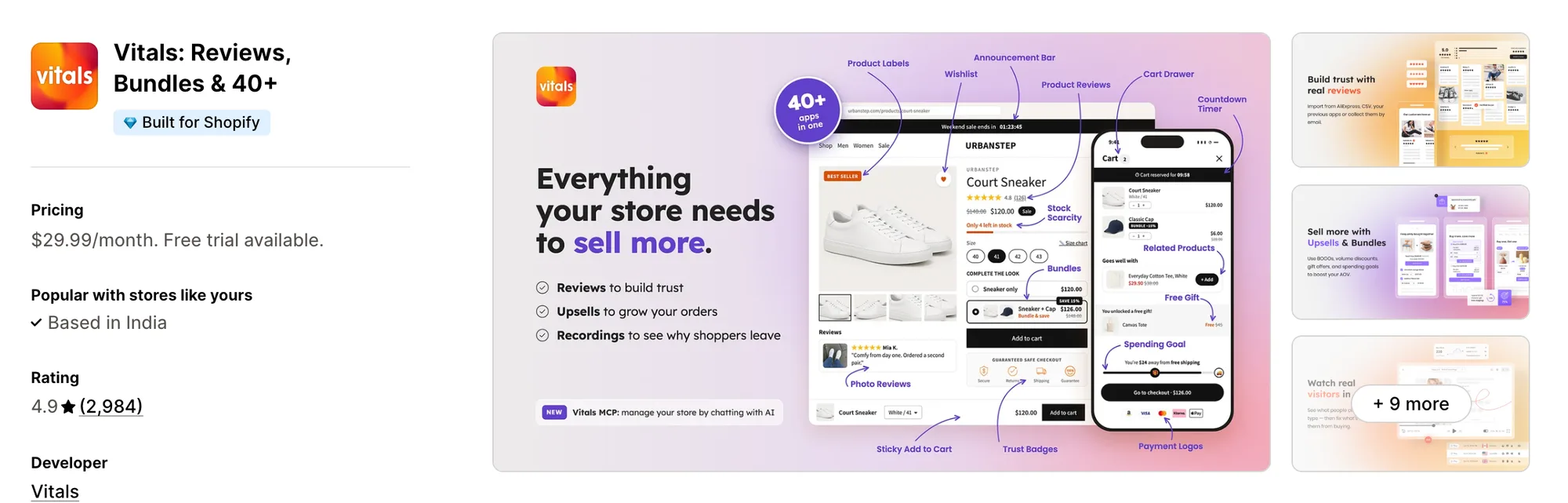
Best for: Stores that want Product Labels, Trust Badges, Product Reviews and Bundles plus 40+ apps in one subscription
Rating: 4.9 (2,984 reviews) | App type: All-in-one | Free trial: 7 days | Built for Shopify: Yes
Vitals is our app, and its 40+ apps start with product labels and reach through reviews, bundles and discounts, all in one subscription of $29.99/month.
The Vitals Product Labels app adds a line of text, such as "Sale", "New" or "Best Seller", over the product photo as a rectangle, a circle or a banner across its full width. Each label goes on the products or collections you pick, and shoppers can see it on product pages, collection pages and the home page.
Labels can sit anywhere on the image and scale with it, and they also show on product cards in the Recently Viewed and Related Products widgets. Around them, the Vitals Trust Seals and Badges app adds trust badges to the product page. The Vitals Stock Scarcity app can show a low-stock message from the store's inventory, and the Vitals Countdown Timer app counts down to a sale's real end date. Webkul Product Label has none of the three.
Key features:
- Text labels with any wording, in rectangle, circle or full-width banner layouts
- Background and text colors, text size from 10 to 32 px, corner radius and opacity
- Position sliders that place a label anywhere on the image, with a fixed size or one that scales with the image
- A switch per label for product pages, collection pages and the home page, plus a live preview in the editor
- Labels on hand-picked products or collections, with no product limit
- Trust badges on the product page from the Vitals Trust Seals and Badges app
- A low-stock message built from Shopify inventory, with an optional stock bar, from the Vitals Stock Scarcity app
- A "sale ends in" countdown to a real end date from the Vitals Countdown Timer app
Pros:
- Labels, trust badges, a stock message and a countdown in one app, where Webkul Product Label covers image labels only
- Product reviews and bundles in the same subscription, with no second label or badge app beside them
- 40+ apps on one plan (e.g., Perk by Kate replaced eight apps with one Vitals plan)
- Through Vitals MCP, a chat in Claude or ChatGPT can change Vitals app settings or turn apps on and off, and Shopify Sidekick can answer questions about them
Cons:
- Labels are styled text on products or collections you choose by hand, with no image upload, template library, or automatic stock, sale or date rules
- Works on Shopify only
Pricing:
Prices from vitals.app/pricing on October 19, 2026, with a 7-day free trial.
Read: Best Conversion Rate Optimization Apps for Shopify
2. Product Labels & Badges - Lably
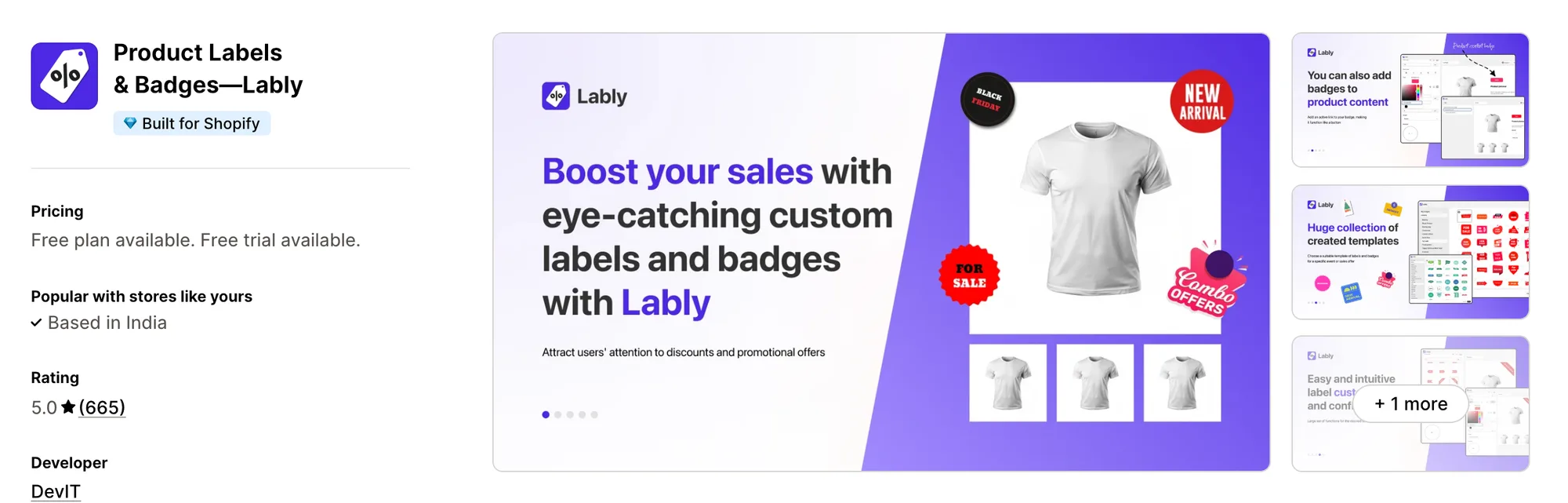
Best for: Stores that need unlimited display conditions on any plan and labels sized for desktop, tablet and phone
Rating: 5.0 (665 reviews) | App type: Standalone | Free trial: 7 days | Built for Shopify: Yes
Product Labels & Badges - Lably comes from DevIT and splits its work into labels on the product image and badges near the title and price. Display conditions are unlimited on every plan, so it fits stores that label by stock, discount, tag, vendor or visitor country.
Reviewers call setup quick and intuitive, and a few needed support to place labels on a custom theme.
Key features:
- Image labels from a library of 1,000+ designs, including seasonal sets, or from your own uploads
- Text labels that can show the exact percent or amount saved from the compare-at price
- Label text taken from product metafields
- Conditions by stock status, discount range, tag, vendor, product type, created date, metafield or visitor country
- Weekly schedules by day and time, plus start and end dates
- Size, text size and spacing set separately for desktop, tablet and phone
- Translated text for each label, and a different image for each language
- Clickable labels that link to another page
- Listed support for Boost, Smart Product Filter, GemPages, PageFly, Shogun and EComposer
Pros:
- Rules by stock and discount follow the catalog on their own, where Webkul Product Label offers three fixed automatic labels
- Labels can show on search and cart pages as well as product cards
- Theme app embed, with no code pasted into templates
Cons:
- Plans cap the number of label and badge rules, with unlimited rules on Plus only
- A few low-star reviews describe labels missing on some collections and in-app support buttons that didn't work
- Covers labels and badges only, so trust seals, timers and reviews come from other apps
Pricing:
DevIT's website doesn't list prices, so these come from the Shopify App Store listing on October 19, 2026, with a 7-day free trial.
3. DECO Product Labels & Badges
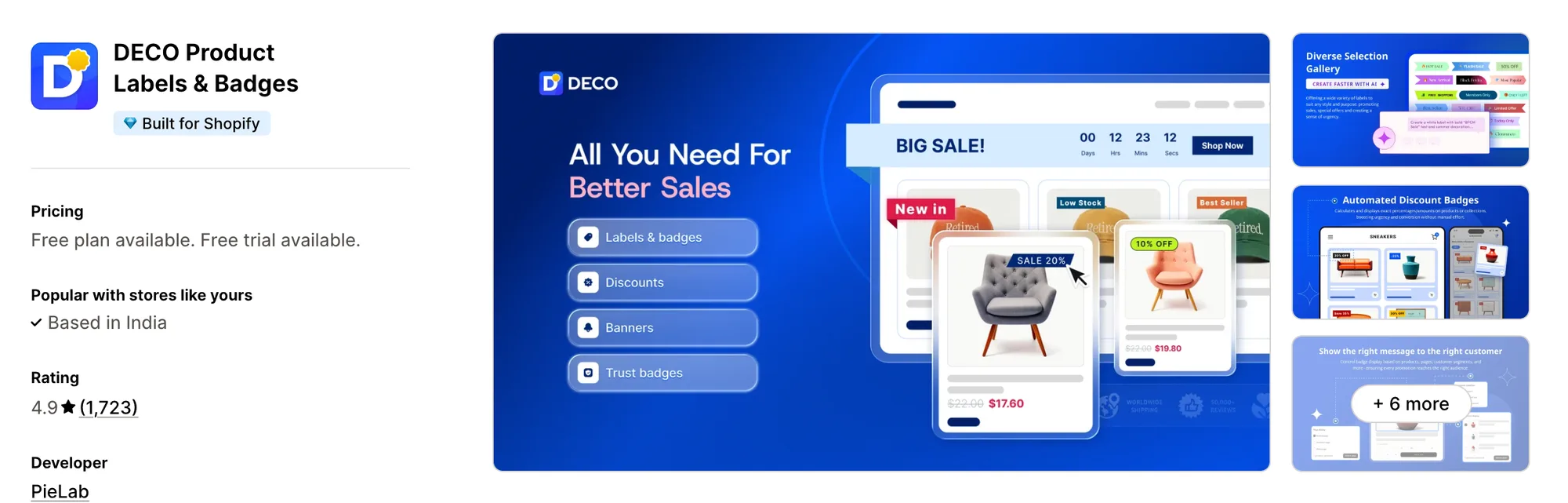
Best for: Stores that want to set up a sale discount and its label in one place
Rating: 4.9 (1,723 reviews) | App type: Standalone | Free trial: 3 days | Built for Shopify: Yes
DECO Product Labels & Badges, formerly Product Labels by Secomapp, is PieLab's label app and has been on the App Store since 2016. It can create a percentage, fixed, new-price or code discount and show the saving on the product's label, with a banner bar and countdown banners next to it.
Reviews describe it as easy to use and say support fixes display problems quickly after install.
Key features:
- Label and badge templates for Sale, Low Stock, BOGO, New In and Pre-order
- An AI Generator that builds labels and badges (Starter plan)
- Discount campaigns with the calculated saving shown on the label (Starter plan)
- Trust badges, plus a banner bar and countdown banners
- Conditions by collection, stock status, discount status, language and metafield, with scheduling (Growth plan)
- Variant labels and a priority order between labels (Unlimited plan)
- Label performance tracking
Pros:
- Discounts and their labels set up together, which Webkul Product Label doesn't offer
- Trust badges and a banner bar in the same app
- Labels on search, cart and announcement areas as well as product cards
- Integrations with Judge.me, Boost and SearchPie
Cons:
- Advanced conditions and scheduling sit on Growth, and variants and priority on Unlimited
- Some reviews from 2023 to 2026 report overlays over the add to cart button, a frozen page or wrong prices after an update
- No help center or changelog, so how it connects to the theme isn't documented
- Covers labels, banners and label discounts only, with nothing for reviews or bundles
Pricing:
Prices from pielab.io on October 19, 2026, with a 3-day free trial. We used its plan comparison table, which matches the App Store listing, and Shopify Plus stores pay $20 more a month on each plan.
4. TA AI Product Labels & Badges
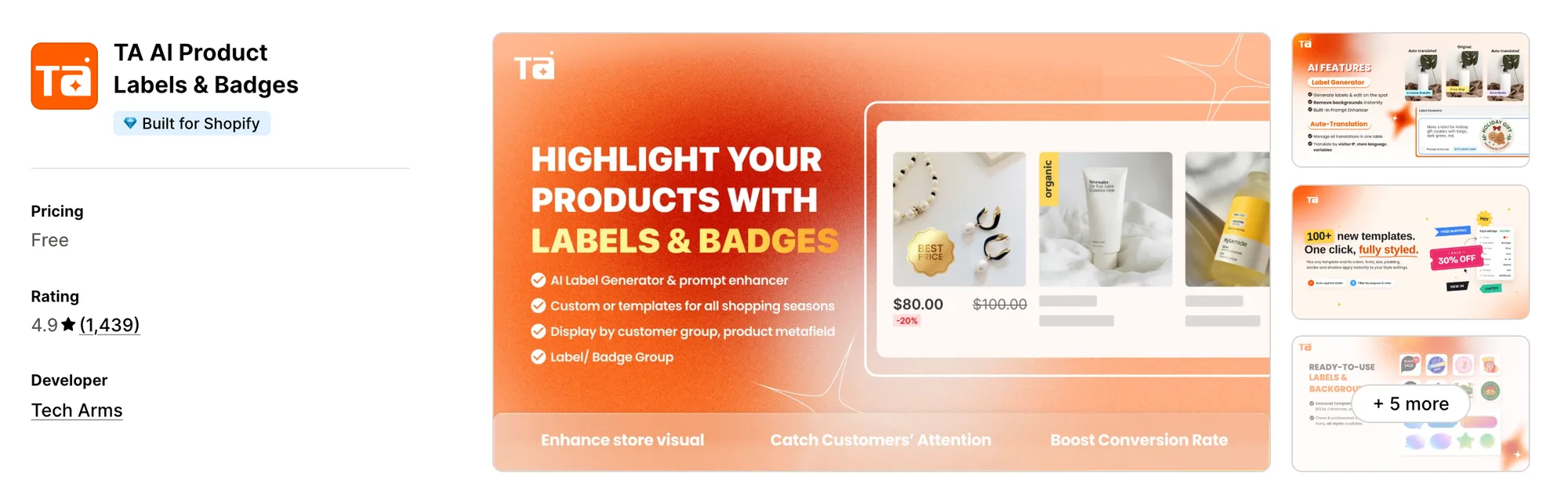
Best for: Stores that show different labels by customer tag, login status, country or store language
Rating: 4.9 (1,439 reviews) | App type: Standalone | Free trial: Free plan | Built for Shopify: Yes
TA AI Product Labels & Badges, formerly Product Labels by BSS, is from Tech Arms. Its labels can change with the shopper, by customer tag, logged-in status, country or store language, and a priority order settles which one shows when several apply.
A 2026 review calls setup straightforward, and Shopify's review summary says it goes smoothly even on custom themes.
Key features:
- Image and text labels on product images, plus badges next to the title, price or add to cart button
- A library of 12,000+ templates for sale, sold-out, trust, shipping and payment labels
- An AI Label Generator that makes a label from a text prompt or edits an uploaded image
- Inventory badges such as "Only {inventory} left"
- Conditions by product, variant, collection, tag, metafield, stock, price and discount range
- Customer conditions by tag and logged-in status, and country conditions by IP
- AI translation of label text by store language or visitor country
- Date and time scheduling with a priority order between labels
Pros:
- Labels that change for each customer group, which Webkul Product Label can't do
- Templates and AI images, so there's no need to design label files elsewhere
- A theme app embed, with free fixes for themes it doesn't fit
Cons:
- Paid plan prices aren't published, and some features sit on higher plans
- Low-star reviews from 2022 to 2026 mention labels covering images on mobile and a conflict with a filter app
- Reviews, bundles and cart offers sit outside its scope and need separate apps
Pricing: Tech Arms doesn't publish its paid plan prices on its website or the App Store listing, so check them inside the app (tech-arms.io and apps.shopify.com on October 19, 2026).
5. Labeler: Product Labels Badges
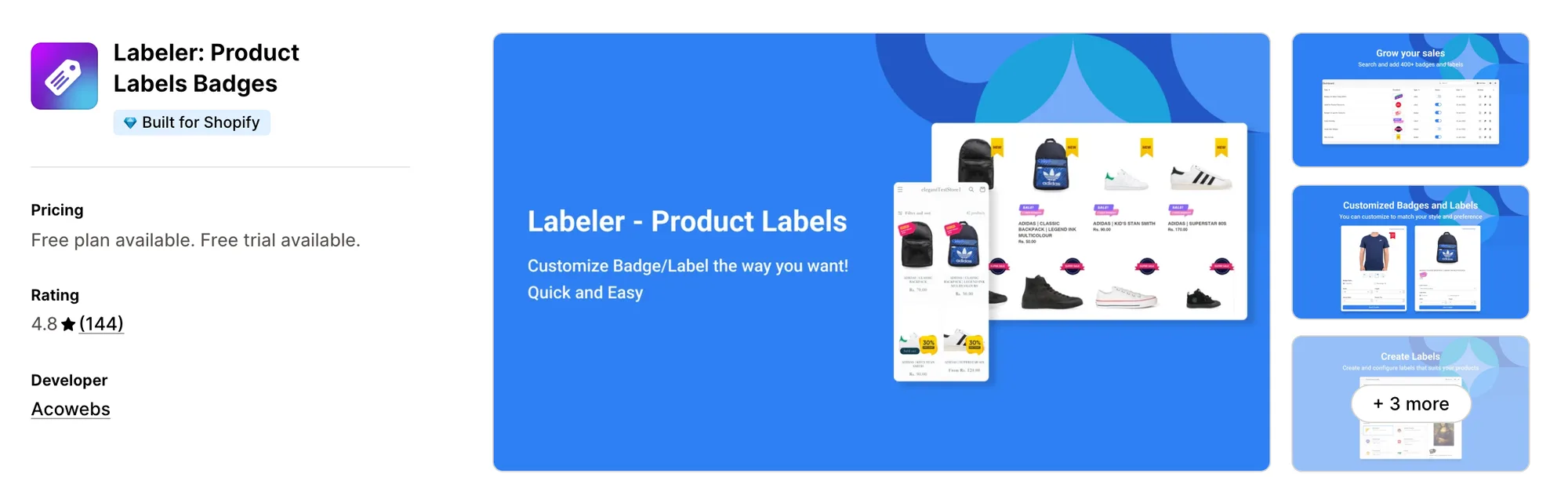
Best for: Stores that want to draw their own badge art in the app, by hand or with AI
Rating: 4.8 (144 reviews) | App type: Standalone | Free trial: 7 days | Built for Shopify: Yes
Labeler: Product Labels Badges is Acowebs' label app, built around a Pro Designer canvas and an AI badge generator. Stores without a designer can make their own sticker art inside the app and add countdown labels on its higher plan.
Reviewers find it easy to install, and support adjusts placement on custom themes when needed.
Key features:
- 500+ free stickers, with 1,000+ on Premium, plus your own uploads
- A Pro Designer canvas for building badges
- AI sticker generation from a prompt, with 5 on Premium and 100 on Advanced
- Discount badges showing the percent off, plus trust and announcement badges (Premium plan)
- Rules by collection, tag, vendor, stock and country, with scheduling (Premium plan)
- Countdown timer labels (Advanced plan)
Pros:
- Original badge art made in the app, where Webkul Product Label needs a ready image file
- Countdown labels and trust badges in the same app
- A theme app embed that works with Online Store 2.0 themes
- Badge priority when several labels share a position
Cons:
- AI generations are capped at 5 a month on Premium
- Low-star reviews from 2023 to 2025 describe badges disappearing, showing twice or floating over menus on mobile
- Some 2022 and 2025 reviews mention weeks without a support reply
- Product reviews and bundles aren't part of it, so they need other apps
Pricing:
Prices from acowebs.com on October 19, 2026, with a 7-day free trial.
6. Fordeer: Product Labels&Badges
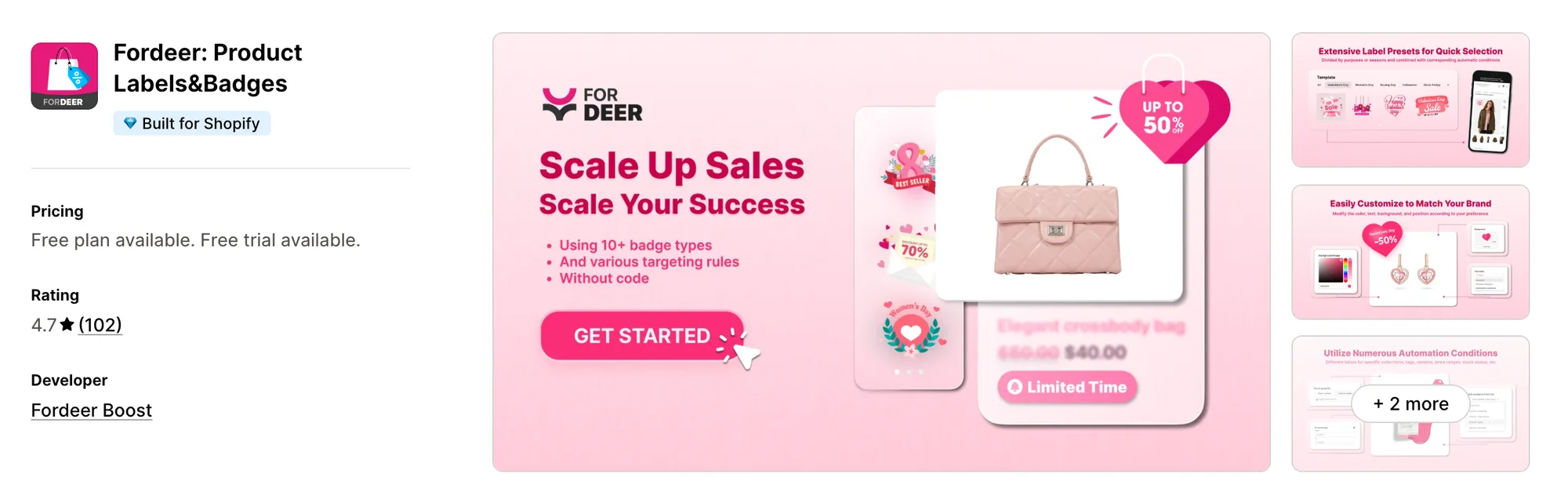
Best for: Stores on a small budget that need bundle labels or label text from variants and metafields
Rating: 4.7 (102 reviews) | App type: Standalone | Free trial: 3 days | Built for Shopify: Yes
Fordeer: Product Labels&Badges is a low-cost label app from Fordeer Boost. Its Advanced plan adds bundle labels and text pulled from variants and metafields, and its Professional plan can show labels to logged-in customers only.
Reviews describe an easy install, with live chat fixing theme conflicts.
Key features:
- A library of 2,000+ labels from Standard, plus custom uploads
- Price badges, discount badges and unlimited trust badges
- Dynamic text, with variant and metafield labels on Advanced
- Bundle labels and several badges in a row (Advanced plan)
- Stock status rules and schedules (Standard plan)
- Collection, tag, customer segment and geo-targeting rules (Professional plan)
- Multi-language labels (Professional plan)
Pros:
- Rules by stock and price on low-cost plans, beyond Webkul Product Label's three automatic labels
- Free theme incompatibility fixes
- Listed compatibility with page builders and review apps
Cons:
- Variants, metafields and bundle labels need Advanced, and collection rules need Professional
- Low-star reviews from 2023 to 2025 report a broken add to cart button, labels not showing and a 2024 move from free to paid
- Covers labels and badges only, so countdowns, reviews and bundles need other apps
Pricing:
Fordeer's website doesn't list prices, so these come from the Shopify App Store listing on October 19, 2026, with a 3-day free trial.
7. Sami AI Product Labels & Badge
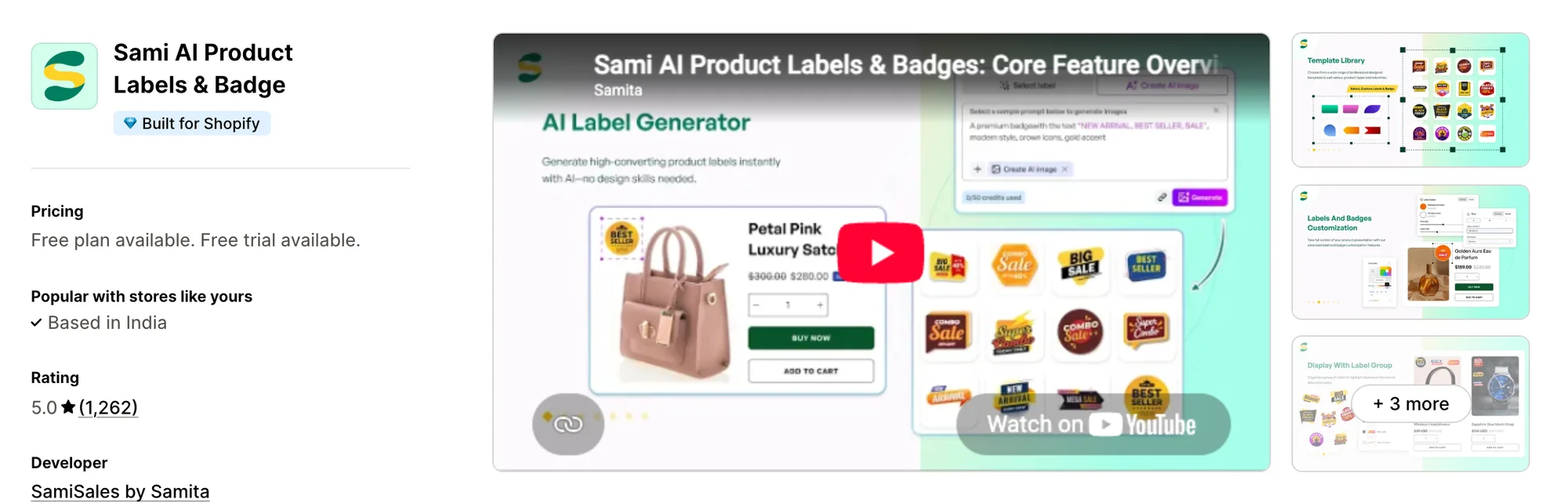
Best for: Stores that want badges tied to review ratings and sales figures for each badge
Rating: 5.0 (1,262 reviews) | App type: Standalone | Free trial: 7 days | Built for Shopify: Yes
Sami AI Product Labels & Badge, from SamiSales by Samita, can show a badge based on a product's rating in Judge.me, Loox, Junip and other review apps. It also creates real Shopify discounts with matching badges and reports add-to-carts, orders and revenue for badged products.
A 2026 review describes a smooth onboarding, with chat support fixing a label within minutes on the first day.
Key features:
- Image and text labels, trust badges, highlights and banners
- Badges by review rating or review count from six review apps
- Real Shopify automatic discounts and codes, with a pre-filled badge showing the saving
- Rules by collection, tag, stock, price range, customer tag, date and country (GOLD plan)
- Variant, language and metafield rules, plus custom positions (DIAMOND plan)
- An AI Badge Generator and image editor, with 50 uses a month (DIAMOND plan)
- AI auto-translate for label text (DIAMOND plan)
- Add-to-cart, order and revenue figures for badged products (DIAMOND plan)
Pros:
- Sales figures for each badge, which Webkul Product Label doesn't track
- Labels in the cart drawer, related-products blocks and blog pages
- Shopify Sidekick can look up badges and explain why one isn't showing
- Shopify discounts and their matching badges created in the same app
Cons:
- AI images, translations, variants and analytics sit on DIAMOND
- Needs an Online Store 2.0 theme
- Some reviews from 2023 to 2025 report badges on the wrong images and slower pages
- Covers labels, badges and label discounts only, so reviews and bundles need separate apps
Pricing:
Prices from docs.samita.io on October 19, 2026, with a 7-day free trial.
How Many Apps Each Option Replaces
A store that adds an app for each job also adds that app's code to its pages, which can slow the store down. By our count, each option covers this many separate apps.
How we counted it:
- Vitals - All in One App replaces up to 40+ single-purpose apps, starting with a product label app, a trust badge app, a stock scarcity app, a countdown timer app and a reviews app
- Product Labels & Badges - Lably replaces a label app and, for stores that show sale badges near the price, a badge app
- DECO Product Labels & Badges replaces a label app, a trust badge app, a banner bar and a simple sale discount app
- TA AI Product Labels & Badges stands in for a label app plus a trust badge app
- Labeler: Product Labels Badges covers a label app, a trust badge app and a countdown app for product cards
- Fordeer: Product Labels&Badges takes the place of a label app and a separate trust badge app
- Sami AI Product Labels & Badge does the work of a label app, a trust badge app and a simple discount app
- Webkul Product Label replaces one basic product label app
A store with Webkul Product Label, a trust badge app and a countdown app loads three apps' code, and one Vitals subscription covers those jobs from a single script.
When Should You Stay on Webkul Product Label
Webkul Product Label is still the better choice in two cases.
- You want every feature on one plan, with no tiers, rule caps or label limits to track
- You prefer to assign labels from each product's page in Shopify admin, rather than in a separate app dashboard
Switch when you want trust badges, a low-stock message from live inventory, a countdown timer, reviews and bundles in one subscription next to your labels.
How to Migrate From Webkul Product Label
Webkul Product Label stores your uploaded label images and per-product assignments, and its code snippets stay in the theme after you uninstall. Save what you need first.
- Download every label image you uploaded, and list which products and collections carry each label and its position on each page
- Install Vitals - All in One App, turn on the Vitals Product Labels app and recreate each label as text on the same products and collections. Vitals has no image upload, so write the label's wording as text, or keep an image label app such as Lably or TA for labels that must stay as artwork
- Vitals labels don't switch on by stock, sale or date, so let the theme's own sold-out and sale badges cover Webkul's automatic labels, and turn on the Vitals Stock Scarcity app for a low-stock message from inventory
- Turn on the Vitals Trust Seals and Badges app and the Vitals Countdown Timer app if you want them, then check every label on a duplicate theme on desktop and on a phone
- Remove Webkul's snippets from product.liquid and collection.liquid in every theme, including copies, then publish the theme and uninstall Webkul Product Label. Webkul emails to ask before deleting app data, so reply if you want it removed
Shopify stores such as Stock Supplier moved their single-purpose apps to one Vitals subscription.
Read: Best All in One Apps for Shopify in 2026
Find the Best Webkul Product Label Alternative for Your Store
Vitals - All in One App is the best fit for most stores, but the right pick depends on why you're leaving Webkul Product Label.
- Vitals, if you'd like labels next to trust badges, a countdown, bundles, discounts and 40+ apps in one single subscription of $29.99/month
- Product Labels & Badges - Lably, if you label by many conditions at once and need each label to fit phones and tablets
- DECO Product Labels & Badges, if you'd rather create sale discounts in the same app that labels them
- TA AI Product Labels & Badges, if wholesale buyers, members or shoppers abroad should see different labels
- Labeler: Product Labels Badges, if you have no designer and want to make badge art yourself
- Fordeer: Product Labels&Badges, if you sell bundles or keep label text in metafields and want a low-cost plan
- Sami AI Product Labels & Badge, if review stars should decide your badges and you want to see what each badge sells
Start a 7-day free trial: Install Vitals - All in One App
Frequently Asked Questions
1. What is the best Webkul Product Label alternative for Shopify?
Vitals - All in One App is the best Webkul Product Label alternative for most stores. It's the only all-in-one app that includes 40+ apps, such as product labels, trust badges, a countdown timer, product reviews and bundles, in one subscription. It's our app, so check its entry for what its labels don't do.
2. Why do merchants switch from Webkul Product Label?
It covers image labels only, so trust badges, timers and reviews need other apps. Labels go in through code snippets pasted into the theme, and its one review, from 2020, reports problems on mobile. Webkul's product page was last updated in December 2022.
3. How do Vitals and Webkul Product Label compare on features?
Both put labels on products on the home page, collection pages and product pages, assigned by product or collection. Webkul Product Label uses uploaded image labels and adds automatic New, Out of Stock and Discount labels. Vitals uses text labels with layout and color settings, and adds trust badges, a low-stock message from inventory, a countdown timer and 40+ other apps.
4. Can Vitals replace Webkul Product Label and other apps at the same time?
Yes. Vitals can replace the label app along with a trust badge app, a stock scarcity app, a countdown timer app and a reviews app. Stores that need image labels or labels that switch on by stock or sale would keep the theme's own badges or a separate label app for those.
5. How do these Webkul Product Label alternatives affect store speed?
Every installed app can bring its own scripts to the storefront, so the number of apps matters for speed as much as the choice of app. Vitals - All in One App loads its labels, badges and other apps from one script, while single-purpose apps each load their own. We didn't speed-test these apps, so check your own pages before and after a change.
6. Which Webkul Product Label alternatives have AI features or MCP support?
Not all of them. Vitals has Vitals MCP, which lets Claude or ChatGPT change Vitals app settings and switch apps on or off by chat. TA AI Product Labels & Badges and Sami AI Product Labels & Badge generate label images and translate label text with AI. Labeler: Product Labels Badges generates sticker art from a prompt, and DECO Product Labels & Badges has an AI Generator for labels. We found no AI features for Lably, Fordeer or Webkul Product Label, and no MCP support for any app except Vitals.
7. Which Webkul Product Label alternatives let you upload your own label images?
Not all of them. Lably, DECO, TA, Labeler, Fordeer and Sami all accept uploaded images, as Webkul Product Label does. Vitals labels are styled text only, with no image upload.
8. How do I migrate from Webkul Product Label to Vitals?
Download your uploaded label images and list each product's labels. Turn on the Vitals Product Labels app and recreate them as text, and use the Vitals Stock Scarcity app and the theme's own badges in place of the automatic labels. Test on a duplicate theme, remove Webkul's snippets from product.liquid and collection.liquid, and uninstall.