
7 Best Nova Multi Currency Converter Alternatives for Shopify [2026]


Looking for a Nova Multi Currency Converter Alternative?
Nova: Multi Currency Converter is a popular free Shopify app for local-currency prices, a floating currency bar, price rounding and a cart notice.
However, the Nova Multi Currency Converter app changes only the prices shoppers see on the storefront. Shoppers still pay in the store's own currency, so the checkout total can differ from the price they saw.
To help you find the right alternative, we've compared the seven best Nova Multi Currency Converter app alternatives based on app type, features, customization, pricing, AI capabilities, and the number of additional apps included in the same subscription.
Since Vitals is our app and one of the alternatives, we've also highlighted its limitations.
What Is the Nova Multi Currency Converter App?
Nova: Multi Currency Converter is a Shopify app from Nova Apps for local prices, a currency bar and a checkout-currency notice. It lets merchants convert prices by visitor location, style a floating switcher and round the converted amounts.
Here's what you can do with the Nova Multi Currency Converter app:
- Automatic currency by location: Convert prices into 130+ currencies based on the visitor's country, or let shoppers choose.
- Floating currency bar: Change the bar's text, colors and design, with separate desktop and mobile views.
- Rounding: Round converted prices with a chosen style and number of decimals.
- Cart notice: Show an editable message on the cart page that explains which currency checkout uses.
- Shopify exchange rates: Use rates from Shopify's own conversion system, so prices follow the same source as the store.
How Much Does the Nova Multi Currency Converter App Cost?
The Nova Multi Currency Converter app is free, with no paid plans, according to its Shopify App Store listing on Oct 22, 2026.
Why Shopify Merchants Look for Nova Multi Currency Converter Alternatives
The Nova Multi Currency Converter app holds a 4.9 rating from 764 reviews. Still, some merchants switch to another app for these reasons:
- Checkout in the store currency: Shoppers pay in the store's own currency, even when the store uses Shopify Payments. Lower-rated reviews describe checkout totals that didn't match the price shown.
- Prices that don't convert: On some themes, nothing converts at all. Lower-rated reviews also describe prices that jump back to the store currency when the cart quantity changes.
- Fixed bar layout: Reviews ask for a way to reorder the currencies in the bar, and the listing gives no setting to change that order.
- Code left behind: App code can stay in the theme after you uninstall. Merchants mention this in lower-rated reviews.
If any of these sound familiar, an all-in-one app alternative may suit your store better.
Read: Best Currency Converter Apps for Shopify in 2026
How We Compared the Nova Multi Currency Converter Alternatives
We reviewed each app's Shopify App Store listing, help docs and changelog (where available) on October 22, 2026. All ratings and review counts come from the listings on that day.
We compared the apps on:
- App type: standalone or all-in-one
- Features: conversion by location, checkout currency, the currency switcher, rounding and exchange rates
- Customization: where the currency switcher shows, from a floating bar or a page corner to the header and menu, and what the cart notice says
- Pricing: plan prices, free trial length and any usage charges
- AI capabilities: AI tools and MCP support
- Additional apps: how many additional apps each one includes in the same subscription
Short Answer
Vitals - All in One App is the best Nova Multi Currency Converter alternative for most stores.
- It offers prices converted by location, local-currency checkout for currencies Shopify Payments handles, shipping info and payment logos, while the Nova Multi Currency Converter app focuses on the prices shown on the storefront
- It includes 40+ apps, such as bundles, discounts and reviews, in one subscription from $29.99/month
- It replaces multiple single-purpose apps you'd otherwise install and pay for one by one each month
What Are the Top Nova Multi Currency Converter Alternatives for Shopify in 2026?
Here's a quick overview of each app. You'll find what each one can and can't do in the reviews below.
1. Vitals - All in One App
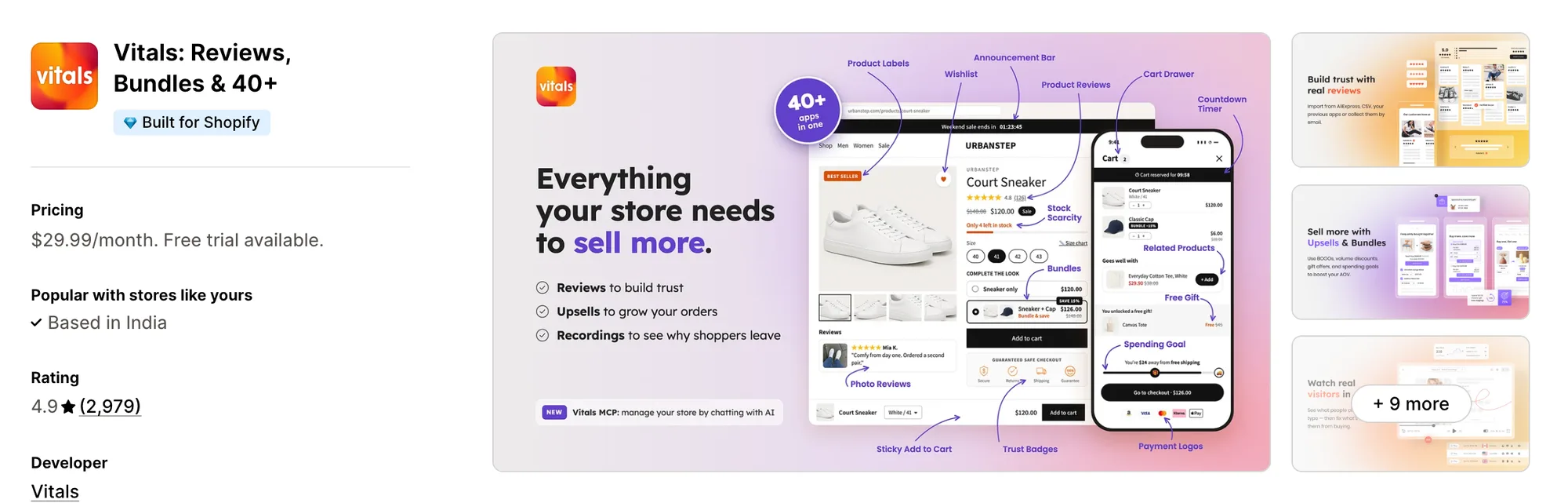
Best for: Stores that want 40+ apps, including Currency Converter, Payment Logos, Shipping Info and Sticky Add to Cart, in one subscription
Rating: 4.9 (2,979 reviews) | App type: All-in-one | Free trial: 7 days | Built for Shopify: Yes
Vitals is an all-in-one Shopify app that offers a currency converter plus 40+ apps under one subscription, starting at $29.99/month.
With the Vitals Currency Converter App, you can show prices in 160+ currencies, picked from each shopper's location. You can also set the switcher's position, flags and colours, with separate settings for desktop and mobile. Prices convert without setting a price for each country.
Beyond the currency converter, Vitals offers product reviews, trust badges, a cart drawer and 40+ apps in one subscription, so you don't have to install and pay for each app separately.
Key features:
- Local-currency checkout for currencies already set up in Shopify's own multi-currency
- Prices in 160+ currencies, picked from where the shopper is
- Repeat visitors see the last currency they chose in the switcher
- Automatic conversion limited to the currencies on your list
- Currencies dragged into the order you want them in the switcher
- A cart message you write yourself that tells shoppers which currency they pay in
- Hovering over a converted price reveals the original in your store currency
- A switcher in any corner, set separately for desktop and mobile, with flags, codes and your colours
- Rounding to a format such as .99, with yen and other zero-decimal currencies kept whole
- Rates from Shopify where your store has them, otherwise Vitals' rates refreshed daily
Pros:
- Shoppers pay in the currency they browsed in wherever Shopify Payments handles it
- A currency list you can reorder by dragging
- No separate currency script, since the converter loads with the rest of Vitals
- 40+ apps in one subscription. Perk by Kate ships worldwide from Singapore and brought its single-purpose apps, its currency converter among them, onto one Vitals plan
Cons:
- Exchange rates come from Shopify or Vitals, with no manual rates
- No markup for a single currency, so price changes by country go through Shopify Markets
- Needs the theme's own currency picker turned off, since it works with its own switcher only
Pricing:
Prices from vitals.app/pricing on October 31, 2026, with a 7-day free trial and no metered fees on any plan.
Read: Currency Converter for Shopify Multi-Currency: How It Works
2. Currency Converter Plus
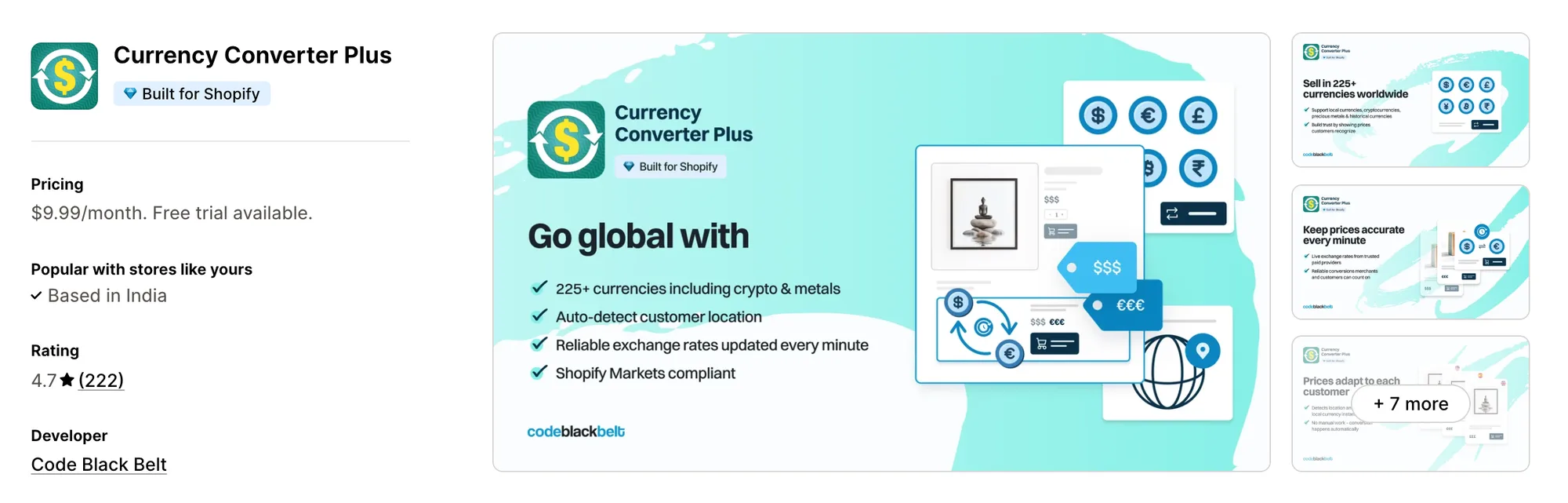
Best for: Stores whose buyers price items in crypto or gold and expect rates that change by the minute
Rating: 4.7 (222 reviews) | App type: Standalone | Free trial: 14 days | Built for Shopify: Yes
Currency Converter Plus is a Shopify app from Code Black Belt for prices in 222 currencies, Bitcoin, Ethereum and gold among them. Its biggest strength is rate freshness, since paid providers update its exchange rates every minute. Converted prices stay close to the market, so buyers who watch rates see figures they can trust. Each order also records the currency and rate the shopper saw. It's a strong choice if your buyers pay in less common currencies or follow prices closely.
Key features:
- Bitcoin, Ethereum and gold among its 222 currencies
- Exchange rates updated every minute
- Each visitor's country detected by a paid IP service
- Shoppers can click any price on the page to change currency
- A cart note when the checkout currency differs from the one shown
- Orders note the currency and rate the shopper saw
Pros:
- A currency menu button placed next to the cart icon
- Shoppers pay in their local currency when Shopify Payments supports it
- Chosen prices, such as shipping, left unconverted
Cons:
- Shopify Markets support is partial
- Thank-you and order status pages stay in the store currency
- Rates can't be set by hand
- Focuses on currency conversion
Pricing:
Prices from the Shopify App Store listing on Oct 22, 2026, with a 14-day free trial.
3. TS ‑ AI Language Translate
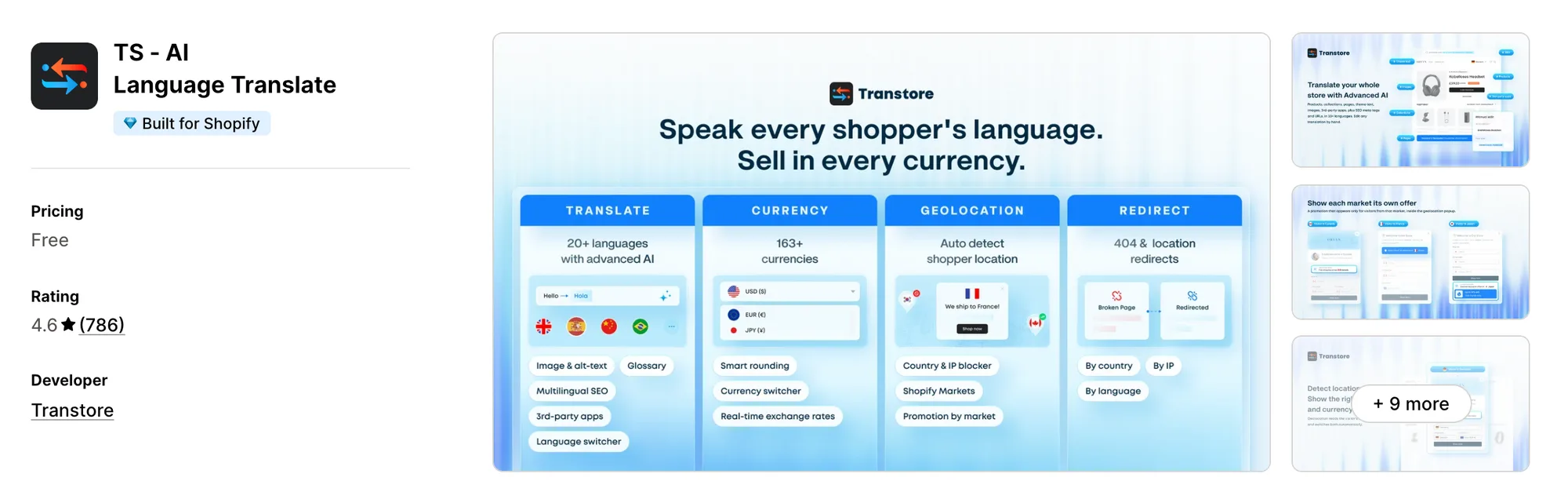
Best for: Stores opening markets where shoppers expect translated pages, redirects and local prices together
Rating: 4.6 (786 reviews) | App type: Standalone | Free trial: 7 days | Built for Shopify: Yes
TS ‑ AI Language Translate, formerly Transtore ‑ Language Translate, is a Shopify app for translation, currency conversion and geolocation. What sets it apart is range, with 163+ currencies and translation into up to 20 languages in one app. A shopper abroad gets both their language and their currency, so the store reads as local from the first page. Rates can be live or set by hand for each currency. If you sell into markets where English isn't enough, it's a good fit.
Key features:
- 163+ currencies, each on live or manual rates
- Rounding rules that also apply to shipping rates
- Prices converted inside many other apps, such as cart drawers and upsell widgets
- Translation of products, pages, theme text and images into up to 20 languages
- AI translation with GPT or DeepSeek, saved to Shopify
- Geolocation with a recommendation pop-up or an automatic switch
- Redirects by market and for broken pages, plus blocking by country or IP
- Multilingual SEO for meta tags and URL handles
Pros:
- Switchers in the menu, header or footer
- Manual rates for any currency
- Translations kept in sync with Shopify's Translate & Adapt
- Local-currency payment through Shopify Payments and Markets
Cons:
- The listing says free, but most stores are asked to pay after install
- Several low-star reviews say hand-made translations were replaced or lost
- No cart notice listed
- Focuses on translation and currency
Pricing:
Prices from transtore.app on Oct 22, 2026, with a 7-day free trial. That's the Shopify Basic figure from its blog, which notes higher prices on larger plans.
4. BEAST Currency Converter
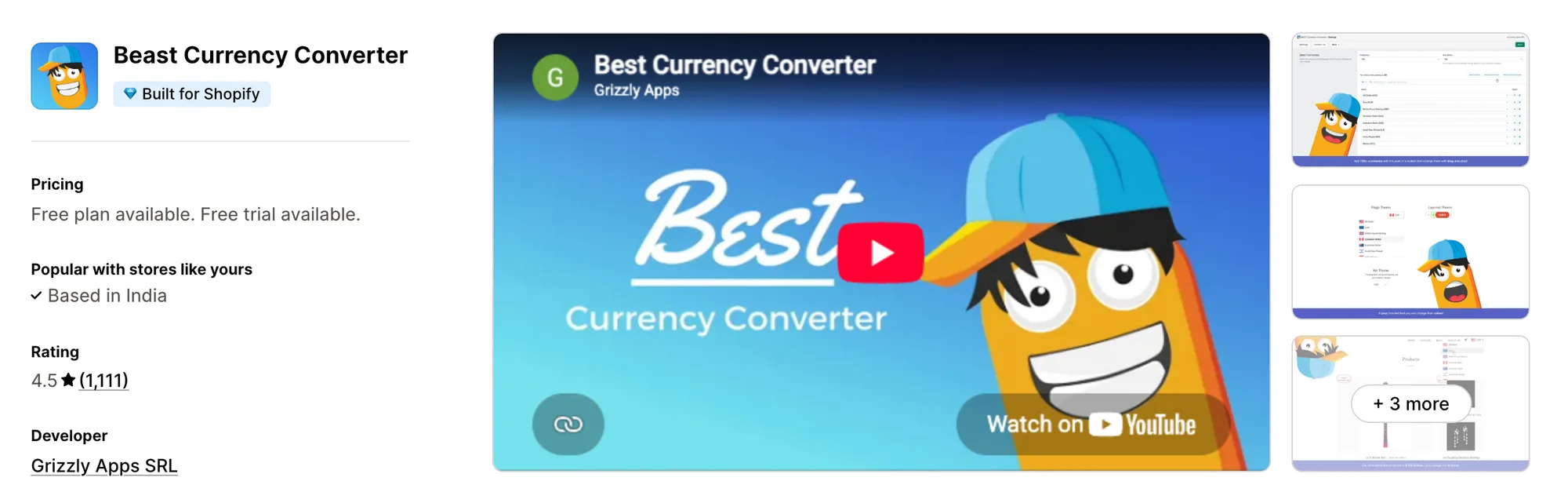
Best for: Stores that want the currency switcher in the theme header
Rating: 4.5 (1,111 reviews) | App type: Standalone | Free trial: 30 days | Built for Shopify: Yes
BEAST Currency Converter, which started out as Doubly, is a Grizzly Apps converter for all 164 currencies. Where it stands out is placement, because it adds the switcher to the theme header on its own. Shoppers find the currency picker where they look for the cart and menu, so it doesn't float over the page. Flags and design themes let it match the store. Pick it if a header switcher matters more to you than local checkout.
Key features:
- Every one of 164 currencies, with flags and several design themes
- A header switcher inserted without code
- Location-based currency plus a fixed currency per country (Elite plan)
- Rounded prices, hidden decimals and currency codes (Elite plan)
- A checkout-currency notice in the cart and the original price on hover (Elite plan)
Pros:
- Design themes and flags to match the switcher to the store
- A 30-day free trial, the longest here
Cons:
- Checkout stays in the store's currency
- Recent low-star reviews report prices converted to the wrong amount
- Some of those reviewers also waited a long time for support
- Handles currency only
Pricing:
Prices from currency.grizzlyapps.com on Oct 22, 2026, with a 30-day free trial.
5. Currency Converter Bear
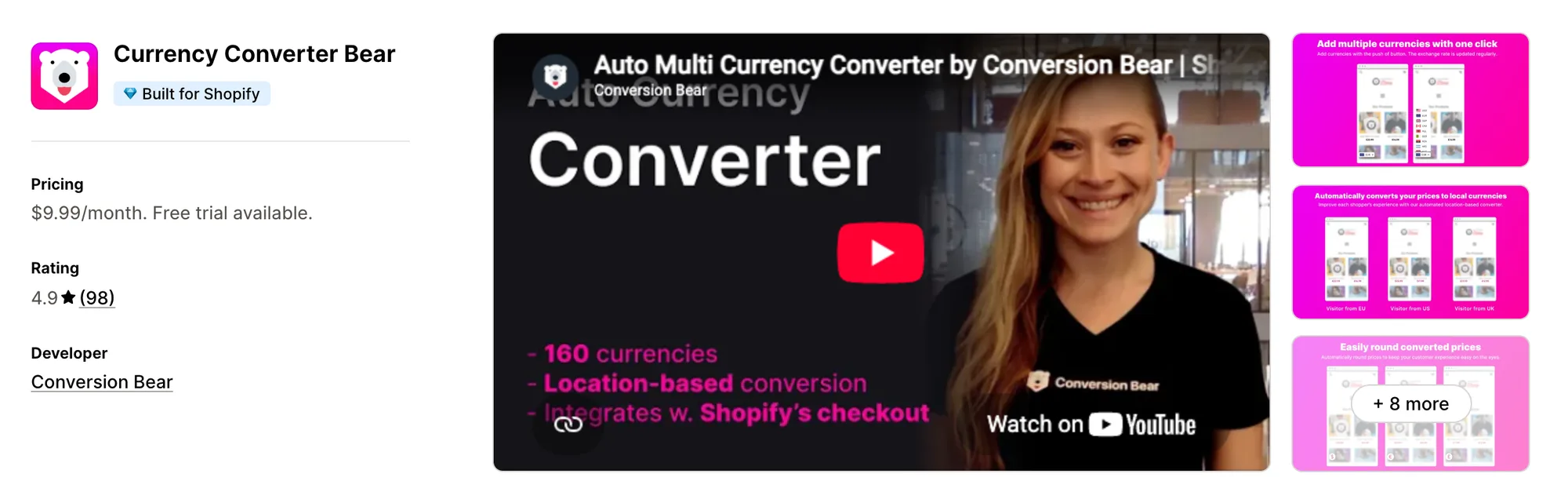
Best for: Stores that want every converter setting, hidden mode included, on one flat plan
Rating: 4.9 (98 reviews) | App type: Standalone | Free trial: 14 days | Built for Shopify: Yes
Currency Converter Bear is a Conversion Bear app for location-based prices that works with Shopify Markets. It's strongest on simplicity, with every setting on a single plan. You don't weigh tiers to get rounding or hidden mode, so the price you see on the listing is the whole cost. Currencies enabled in Shopify Payments also check out locally. It suits stores that want local checkout from a converter with one flat price.
Key features:
- 160+ currencies, converted by location
- Rates refreshed several times a day
- Checkout in local currency for anything enabled in Shopify Payments
- Hidden mode, which converts prices with no switcher on the page
- Rounding that drops decimals or ends on a set number
- A cart notice on the cart page or in the cart drawer
Pros:
- Local checkout included, with no higher tier to buy
- Every setting included on its one plan
- Nearly all of its reviews are five stars
Cons:
- Its docs list conflicts with Weglot, Langify, GemPages and some cart apps
- Focuses on currency. Conversion Bear sells upsells and trust badges as other apps
Pricing:
Prices from the Shopify App Store listing on Oct 22, 2026, with a 14-day free trial.
6. BUCKS Currency Converter PRO++
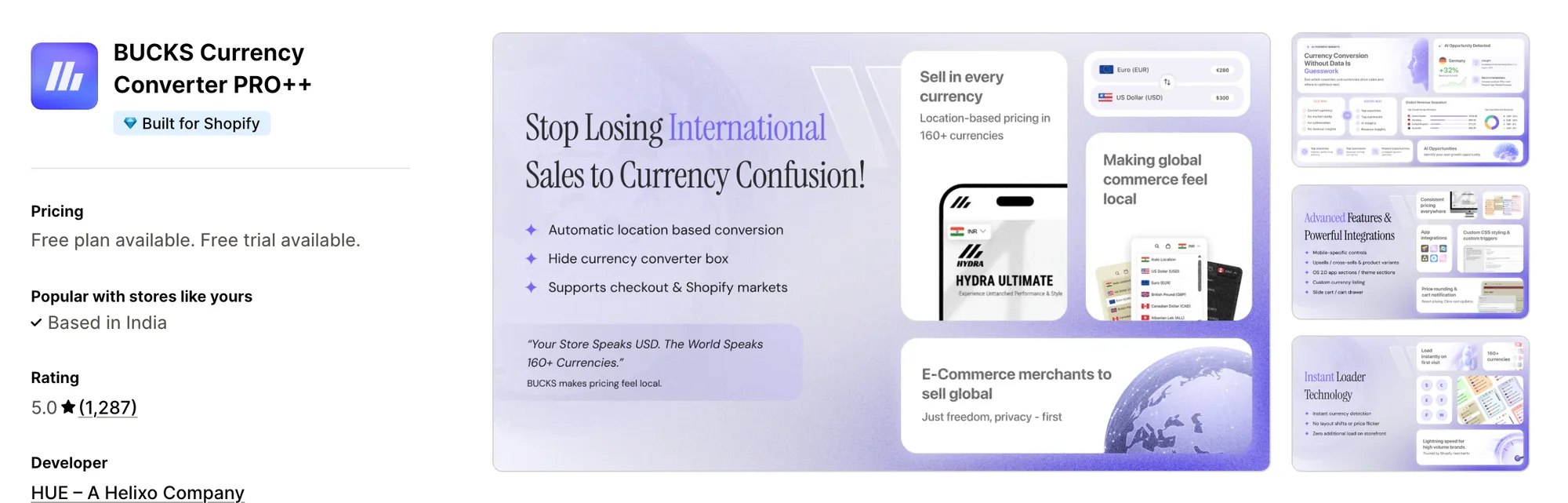
Best for: Stores that want to see revenue split by currency and by country
Rating: 5.0 (1,287 reviews) | App type: Standalone | Free trial: 7 days | Built for Shopify: Yes
BUCKS Currency Converter PRO++ is a Helixo app for converted prices, switcher styling and a cart notice, all on its free plan. Its standout is reporting, since the Pro plan splits revenue by currency and by country and suggests next steps. You learn which markets actually buy, so you know where to spend on ads and shipping. Manual rates and custom placement come on the Plus plan. It works well for stores that want numbers behind each market.
Key features:
- 160+ currencies converted by location, with chosen countries left on the store currency
- A flag drop-down switcher, or a hidden one
- Prices rounded to a set decimal or shown without decimals
- A cart message naming the currency shoppers will pay in
- Local checkout once Shopify Payments and Markets are on
- Manual rates and custom placement (Plus plan)
- Sales broken down by currency and country, plus suggestions (Pro plan)
Pros:
- Sales data by market, which no other app here reports
- Shoppers can pay in their own currency at checkout
Cons:
- Some low-star reviews report inflated prices where the store uses comma decimals
- Some merchants report theme or cart drawer conflicts
- Handles currency only. Helixo offers its cart drawer and free gift apps on their own
Pricing:
Prices from docs.helixo.co on Oct 22, 2026, with a 7-day free trial.
7. Tranzi: Translate and Currency
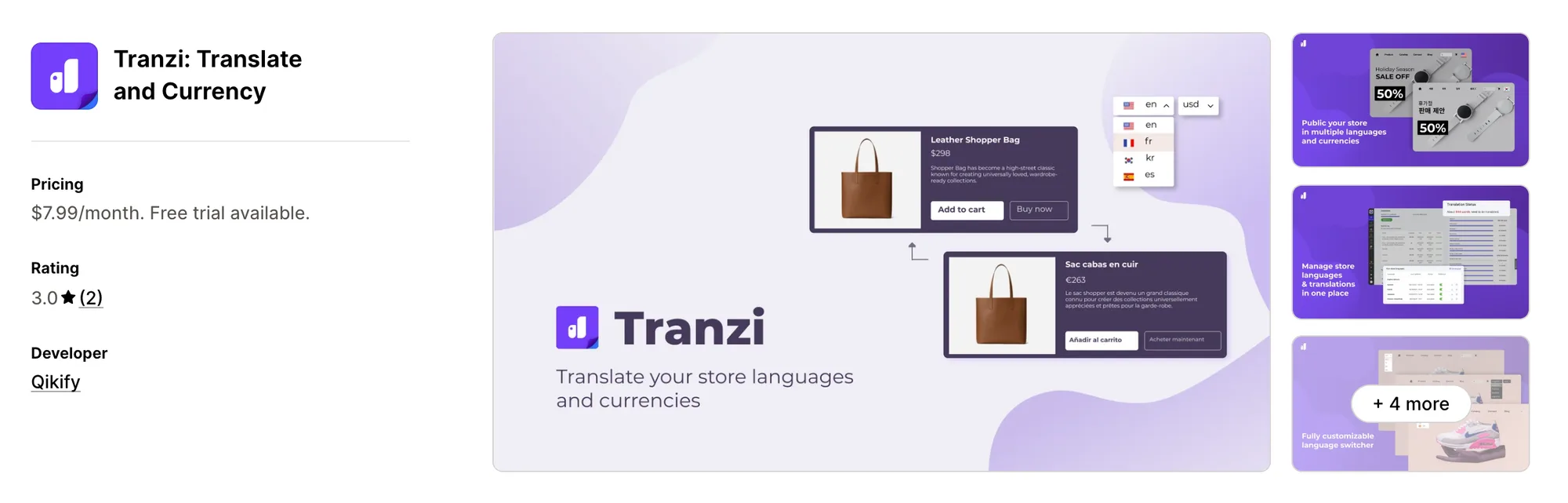
Best for: Stores already on Qikify apps that need store text translated as well
Rating: 3.0 (2 reviews) | App type: Standalone | Free trial: 7 days | Built for Shopify: No
Tranzi: Translate and Currency is a Shopify app from Qikify for store translation with a currency switcher added. The headline feature is reach into other Qikify apps, whose text it also translates. Menus and upsell widgets from Qikify show in the shopper's language too, so nothing on the page stays untranslated. It handles 100+ languages with Google's AI and manual edits. It's made for stores that already use Qikify's menu or upsell apps.
Key features:
- AI translation from Google plus manual edits, in 100+ languages
- A glossary and images swapped per language
- Translations can be exported and imported
- A currency switcher alongside the language one
Pros:
- Translates text from other Qikify apps
- Translated content for search engines
- A single plan with nothing held back
Cons:
- The listing gives no detail on geolocation, rounding or exchange rates
- Two reviews in total, the newest from 2023
- AI translation includes 500 free words, with more sold separately
- Focuses on translation
Pricing:
Prices from the Shopify App Store listing on Oct 22, 2026, with a 7-day free trial. On Shopify Plus, it costs 20% more.
How Many Apps Each Option Replaces
Every app you install can add its own code to your storefront, and that code affects load time. The table below shows how many separate apps each option replaces, based on our count.
Here's what each option replaces:
- Vitals - All in One App: 40+ apps, among them a multi-currency app, a delivery date app, a payment icons app, a trust seals app and a sticky cart bar app
- Currency Converter Plus: a currency converter app
- TS ‑ AI Language Translate: a translation app, a currency converter app and a redirects app
- BEAST Currency Converter: a currency switcher app
- Currency Converter Bear: a currency converter app with local checkout
- BUCKS Currency Converter PRO++: a currency app and a sales-by-market report
- Tranzi: Translate and Currency: a translation app and a basic currency switcher
- Nova: Multi Currency Converter: a currency app with a floating bar
Say you use the Nova Multi Currency Converter app with a shipping info app, a payment logos app and a trust badges app. That's four apps loading four scripts. With Vitals, you can replace all four apps with one subscription.
When Should You Stay on Nova Multi Currency Converter?
The Nova Multi Currency Converter app is still the better choice if:
- You want geolocation, rounding and a cart notice without paying for any of them
- You only need converted prices on the storefront and are happy for checkout to stay in your own currency
On the other hand, switch to Vitals if you want shoppers to pay in their own currency wherever Shopify Payments handles it. Payment logos and delivery info on the product page come in the same subscription.
How to Switch From Nova Multi Currency Converter to Vitals
The Nova Multi Currency Converter app keeps only its settings, so there's nothing to export. Set up Vitals before you remove it, so shoppers abroad never land on prices in the wrong currency.
- Note the currencies, rounding style and cart notice text you use in Nova, so you can match them in Vitals
- Install Vitals - All in One App and open Vitals Currency Converter App, then paste the two currency formats from its Setup box into Shopify, so prices can convert
- Add the same currencies and drag them into the order you want
- Set the rounding format, the switcher corner for desktop and mobile, and your cart notice text
- Turn off your theme's own currency picker, since Vitals works with its own switcher only
- Preview on a duplicate theme and check the cart in a few currencies before you publish
- Uninstall the Nova Multi Currency Converter app last, after turning it off in the theme settings, then check the theme for leftover code
Where Each Nova Multi Currency Converter Feature Goes in Vitals
For example, Stock Supplier traded 15 single-purpose apps for one Vitals subscription and one bill.
Read: Best All in One Apps for Shopify in 2026
Find the Best Nova Multi Currency Converter Alternative for Your Store
Vitals - All in One App is the best fit for most stores, but the right pick depends on why you're leaving the Nova Multi Currency Converter app.
- Vitals - All in One App, if you want currency conversion, payment logos, delivery dates, and 40+ apps in one subscription from $29.99/month
- Currency Converter Plus, if your buyers check prices in Bitcoin, Ethereum or gold
- TS ‑ AI Language Translate, if your next market expects pages in its own language
- BEAST Currency Converter, if you'd like the currency picker up in your header
- Currency Converter Bear, if you'd like a hidden converter and local checkout on one plan
- BUCKS Currency Converter PRO++, if you want to know which countries are buying
- Tranzi: Translate and Currency, if Qikify apps are already part of your store
Frequently Asked Questions
1. What is the best Nova Multi Currency Converter alternative for Shopify?
Vitals - All in One App is the best Nova Multi Currency Converter alternative for most stores. It's the only all-in-one app in this list, with 40+ apps such as a currency converter, payment logos and delivery dates in one subscription. Since Vitals is our app, we've listed its limitations in its review above.
2. Why do merchants switch from Nova Multi Currency Converter?
The Nova Multi Currency Converter app focuses on currency conversion. If you want shipping info, payment logos or trust badges, you need to install other apps. Lower-rated reviews also mention checkout totals in a different currency from the one shown, themes where prices didn't convert, and prices that revert in the cart.
3. How do Vitals and Nova Multi Currency Converter compare on currency features?
Both offer prices converted by location, rounding, a cart notice and a switcher with separate desktop and mobile settings. Only the Nova Multi Currency Converter app is free, with no paid plan. Vitals, on the other hand, includes local-currency checkout for currencies Shopify Payments handles, plus shipping info and payment logos in the same subscription.
4. Can Vitals replace Nova Multi Currency Converter and other apps at the same time?
Yes, for most stores. Vitals can replace the local prices, currency switcher and cart notice from the Nova Multi Currency Converter app. It can also take the place of separate shipping info, payment logos and trust badge apps.
5. How do these Nova Multi Currency Converter alternatives affect store speed?
Each app you install can add its own scripts to your storefront. That means speed depends on how many apps you have, not just which ones. Vitals - All in One App loads its currency converter, shipping info and other apps from one script. If you use several single-purpose apps instead, each one loads its own script. We didn't speed-test these apps, so check your own pages before and after a change.
6. Which Nova Multi Currency Converter alternatives have AI features or MCP support?
Not all of them. TS ‑ AI Language Translate uses GPT or DeepSeek to improve translations. Tranzi: Translate and Currency translates with Google's AI. On its Pro plan, BUCKS Currency Converter PRO++ adds AI revenue insights. Currency Converter Plus, BEAST and Currency Converter Bear list no AI features, and neither does the Nova Multi Currency Converter app.
7. Which Nova Multi Currency Converter alternatives let shoppers pay in their own currency?
Not all of them. Vitals, Currency Converter Plus, TS ‑ AI Language Translate, Currency Converter Bear and BUCKS Currency Converter PRO++ support local-currency checkout when the store uses Shopify Payments. BEAST doesn't offer local-currency checkout, and neither does the Nova Multi Currency Converter app. Tranzi's listing doesn't say.
8. How do I switch from Nova Multi Currency Converter to Vitals?
Note your Nova currencies, rounding style and cart notice. Add them in Vitals Currency Converter App and paste its currency formats into Shopify. Turn off the theme's own currency picker. Check the cart in a few currencies on a duplicate theme. Uninstall the Nova Multi Currency Converter app last.