Best Currency Converter Apps for Shopify [2026]

![Best Currency Converter Apps for Shopify [2026]](/assets/blog/best-shopify-currency-converter-apps/banner.avif)
Every time an international shopper does the math on a foreign price, you lose a little of their trust, and every time they guess at the total, you lose the order. A currency converter swaps each price into the shopper's own currency, and it works since a price they recognize needs no math.
Hundreds of Shopify apps offer one, and they share the same core features: geolocation, a currency switcher, rounding rules, live exchange rates and design controls. What separates them is how those features are split across plans, and how the price scales as you add currencies.
We ranked the 7 best currency converter apps for Shopify by which plan includes each feature and what that plan costs at the number of currencies you sell in.
Why Currency Converters Matter for Shopify Stores
A currency converter allows shoppers to see your prices in their own currency so they can understand the cost without doing the math. We looked at 30 days of data from the Vitals Currency Converter App, which is part of Vitals, installed on 33,647 Shopify stores. Here's what the 3,872 stores that showed the converter between August 27 and September 26, 2026 tell you:
- Shoppers want prices in their own currency, clicking the currency switcher 13.1 million times
- International shoppers use it every day, with about 424,000 switcher clicks a day across stores
- Foreign traffic is steady, not a one-off, as 1,028 stores (27%) saw switcher clicks on at least 25 days of the period
- An average store gets real use from it, with about 3,400 switcher clicks a month
What to Look for in a Currency App
Every currency converter app swaps prices into the shopper's local currency, so the details decide how well it works on your store. Check for these seven things:
- Geolocation converts prices the moment a visitor lands, so shoppers never have to pick a currency.
- A manual switcher lets shoppers change currency and keeps their pick for the next visit.
- Currency coverage decides whether every market you ship to gets its own prices.
- Rounding rules turn converted prices into the clean numbers shoppers expect to see.
- Frequent rate updates keep converted prices close to what the shopper's bank will charge.
- Checkout support through Shopify Markets lets shoppers pay in the currency they browsed in.
- Design controls match the switcher's flags, fonts and colors to your theme.
Then check the plan limits. Some free plans cap you at five currencies or keep geolocation for a paid plan, so what you pay depends on how many markets you sell to as much as on the features.
Read: The 7 best popup apps for Shopify in 2026
The 7 Best Shopify Currency Converter Apps in 2026
Here's how the seven apps compare on rating, price and free plan.
1. Vitals
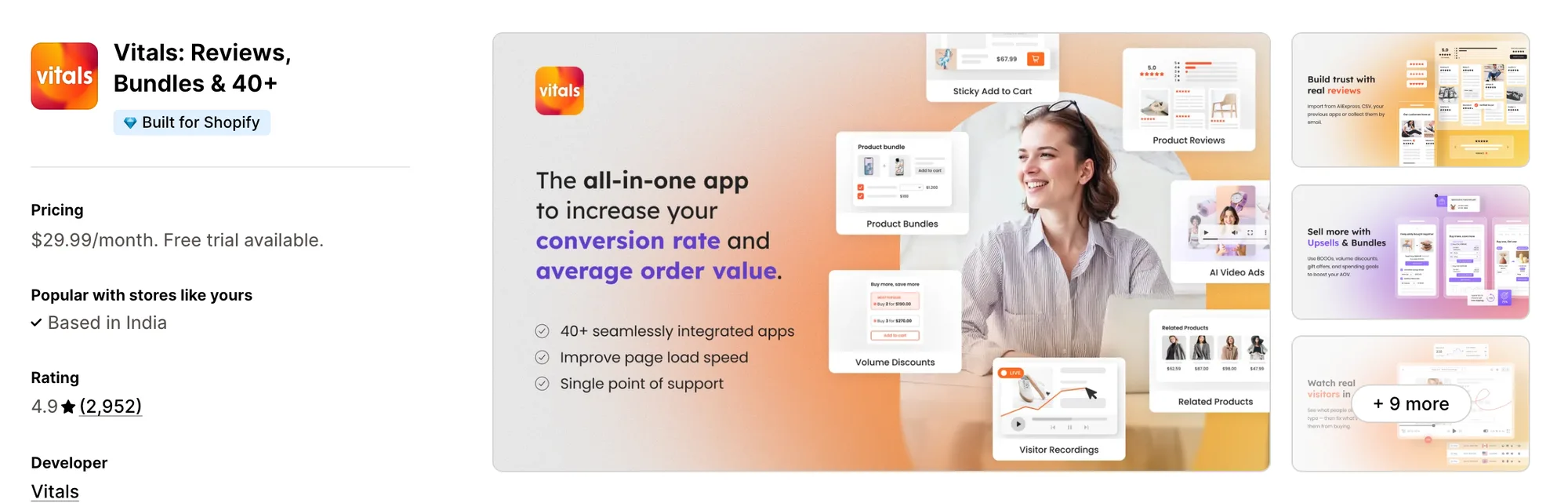
Best for: Shopify stores that want a currency converter app plus 40+ conversion apps in a single install
Rating: 4.9 (2,952 reviews) | Price: From $29.99/mo | Free plan: No
Vitals is one of the most widely used currency converter apps on Shopify. It swaps every price into the visitor's local currency the moment they land, across 160+ currencies.
Shoppers can still switch currency any time, and their pick is saved for the next visit. It pairs with Payment Logos to show familiar ways to pay, Trust Seals & Badges to answer doubts before checkout, and Live Chat to answer the question that's blocking the sale.
Vitals is also the only all-in-one app that offers a currency converter plus 40+ apps (product reviews, bundles, sticky add to cart, countdown timers) in one subscription from $29.99/month.
Key Features
- Automatic conversion by visitor location (160+ currencies)
- Manual currency switcher, with the shopper's pick saved for the next visit
- Rounding rules you choose (e.g., €45.17 shown as €45)
- Exchange rates updated hourly
- Checkout message on the currency shoppers will pay in (when Shopify multi-currency is off)
- Pairs with Payment Logos, Trust Seals & Badges and Live Chat on the same plan
- 40+ other apps included (product reviews, bundles, visitor recordings, pop-ups)
- Vitals MCP for Claude and ChatGPT included
- 24/7 support
Pros
- Currency Converter, Size Chart and Cart Notice on one plan (e.g., Little Dresser prices in GBP, sells to the UK and the US, and switches each shopper to their own currency among 20 Vitals tools on one subscription)
- Built for stores selling across many markets (e.g., Stock Supplier shows prices in 17 currencies, picked by where each shopper browses from, on a store where 92% of shoppers are on mobile)
- Geolocation, rounding and the manual switcher on the same plan, with no currency cap
- Built for Shopify
- 4.9 rating from 2,952 reviews
Cons
- No free plan, with plans from $29.99/month
- Free trial runs 7 days
- Checkout in the shopper's currency needs Shopify multi-currency turned on
Pricing
Prices from vitals.app/pricing on November 4, 2026, with a 7-day free trial and no usage charges on any plan.
Read: The 6 best size chart apps for Shopify in 2026
2. Beast
Best for: Up to five currencies on a free plan
Rating: 4.5 (1,116 reviews) | Price: $0–9.95/mo | Free plan: Yes
Beast Currency Converter places a currency switcher in the header of any Shopify theme automatically. It's designed for stores selling in a handful of currencies that want a free switcher before paying for geolocation.
Key Features
- Currency switcher placed in the theme header automatically
- All currencies added with one button (160+ on Elite)
- Automatic conversion by customer location (Elite)
- Three switcher designs
- Checkout currency notification (Elite)
- Original price shown when the shopper hovers over a converted price
- Custom cart page message about the checkout currency
Pros
- Free plan for up to five currencies
- 1,116 reviews at a 4.5 rating
- 30-day free trial on the Elite plan
Cons
- Free plan capped at five currencies
- Geolocation starts at $9.95/month
- Checkout currency notification starts at $9.95/month
- Not Built for Shopify
Pricing
3. Nova
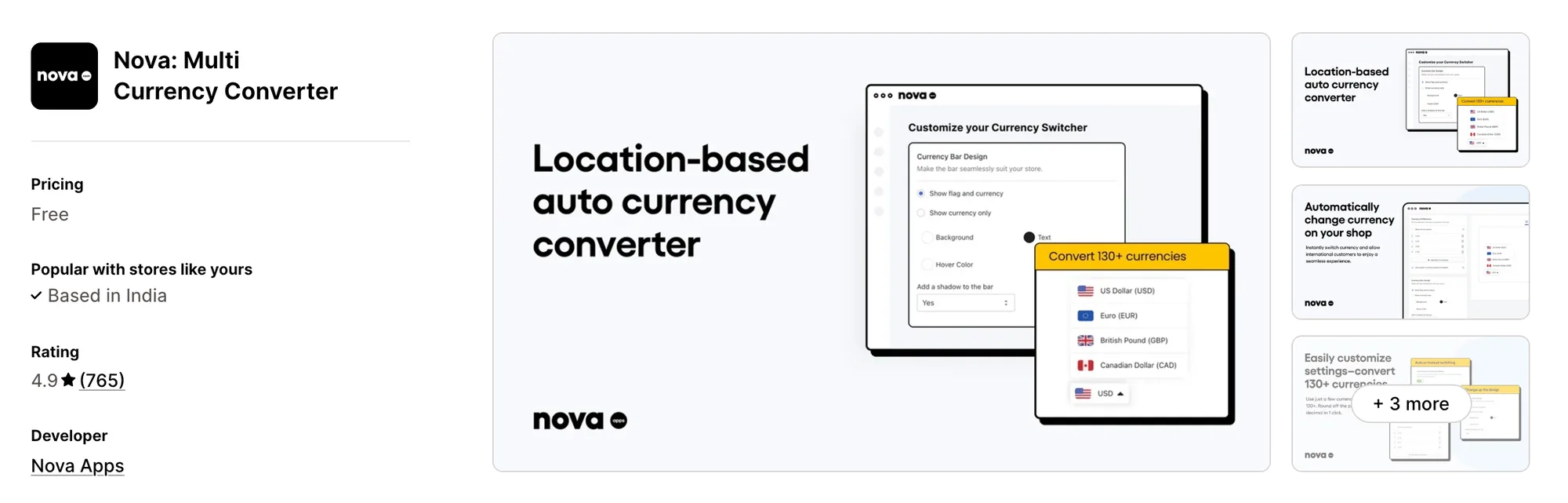
Best for: A floating currency bar with every feature free
Rating: 4.9 (765 reviews) | Price: $0/mo | Free plan: Yes
Nova: Multi Currency Converter adds a floating currency bar that converts prices by location and rounds the decimals. It's designed for stores that want geolocation, rounding and a branded currency bar without paying for a plan.
Key Features
- Floating currency bar (flag and currency, or currency only)
- Automatic or manual switching by customer location
- 130+ currencies added in one click
- Rounding on converted prices
- Exchange rates from Shopify's conversion systems and API
- Design and color controls for the bar
- 24/7 live chat support
Pros
- Every feature free
- 4.9 rating from 765 reviews
- 24/7 live chat support with a person
Cons
- Checkout charged in your shop's currency
- Not Built for Shopify
Pricing
4. CVC
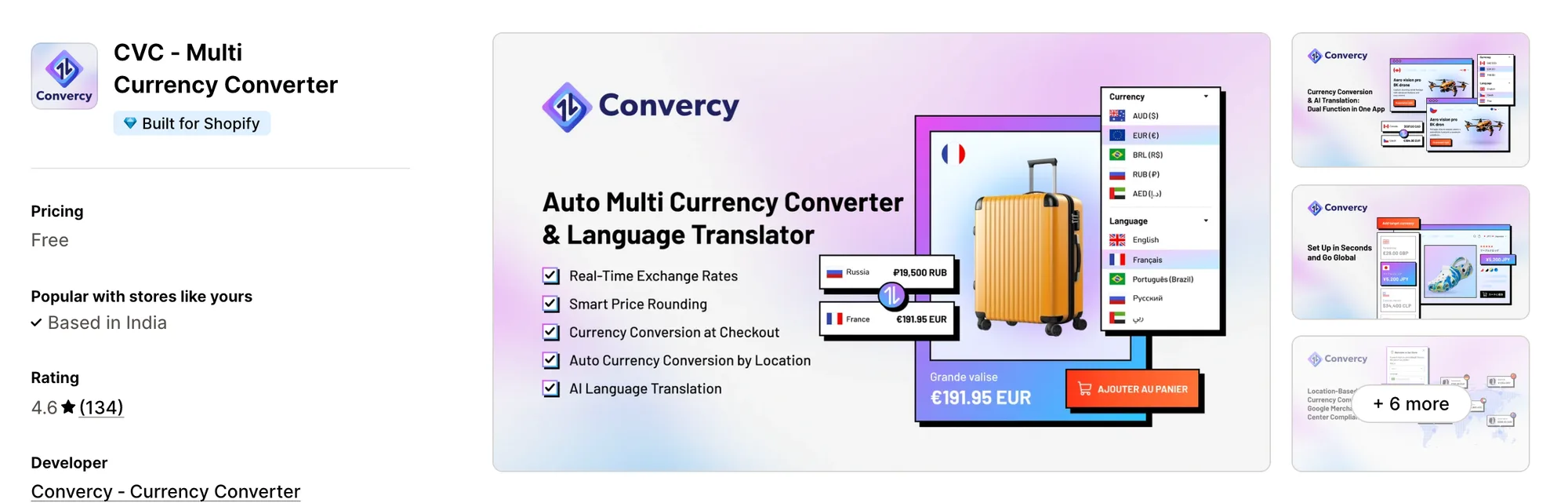
Best for: Currency conversion and AI translation in one free app
Rating: 4.6 (134 reviews) | Price: $0/mo | Free plan: Yes
CVC - Multi Currency Converter pairs geolocation currency conversion with AI translation of your store's content. It's designed for stores entering non-English markets that want local prices and a local language from one free app.
Key Features
- Conversion of prices, shipping fees and discounts
- AI language translation of store content
- IP geolocation for both currency and language
- Glossary to control key terms across translations
- Checkout currency conversion (Shopify Payments)
- Shopify Markets integration
- Language and currency switcher (mobile-friendly)
Pros
- Every feature free
- Built for Shopify
- Currency and translation from one app
Cons
- Checkout conversion needs Shopify Payments
- No paid tier listed for priority support
Pricing
5. MLV
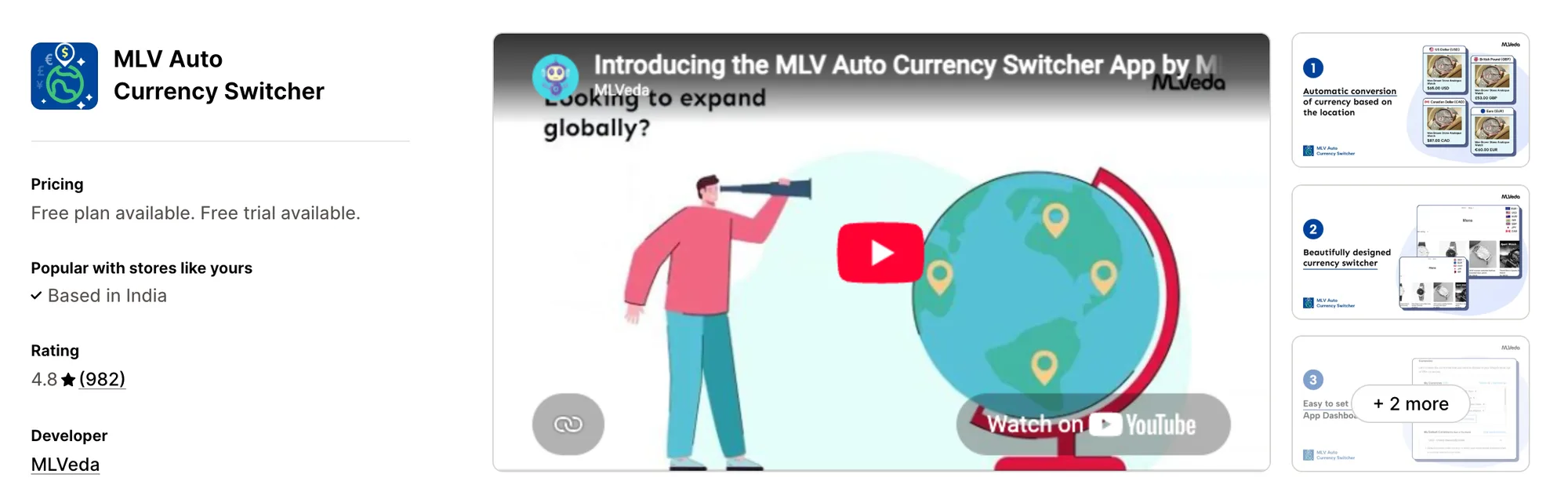
Best for: A theme-integrated switcher with 200+ currencies
Rating: 4.8 (982 reviews) | Price: $0–9.95/mo | Free plan: Yes
MLV Auto Currency Switcher converts prices with real-time exchange rates and rounds them to clean numbers. It's designed for stores that want a theme-integrated switcher for free and geolocation for $9.95 a month.
Key Features
- Theme-integrated currency selector
- 200+ ISO currencies
- IP-based country detection (Super Success)
- Rounded currency prices (Super Success)
- AI recommendations on which currencies to add, based on your traffic (Super Success)
- Country flags in four styles (rounded, rectangular, wavy, highlighted)
- Shopify Payments multi-currency checkout
- Free UX customization of the switcher by the MLVeda team
Pros
- 200+ currencies on the free plan
- 982 reviews at a 4.8 rating
- Annual billing option (20% off)
Cons
- IP country detection starts at $9.95/month
- Rounded prices start at $9.95/month
- Not Built for Shopify
Pricing
6. Currency Converter Bear
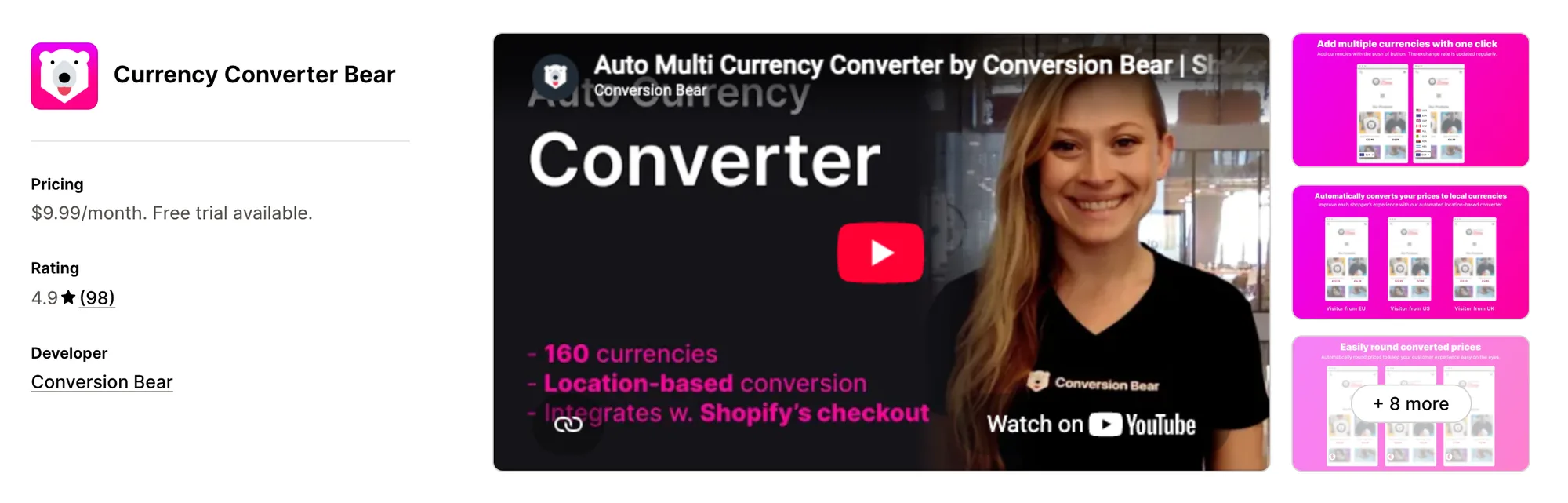
Best for: Local-currency checkout on one flat plan
Rating: 4.9 (98 reviews) | Price: $9.99/mo | Free plan: No
Currency Converter Bear converts prices by location and updates exchange rates several times a day. It's designed for stores selling through Shopify Markets that want every feature, including checkout support, on one plan.
Key Features
- Automatic conversion by customer location
- 160+ currencies (add a few or all of them)
- Rounding (no decimals or fixed decimals)
- Checkout in the shopper's currency (Shopify Payments, Shopify Markets)
- Exchange rates updated several times a day
- Hidden mode
- Smart pricing
- Cart notification
- Full design control of the switcher
Pros
- 4.9 rating from 98 reviews
- Every feature on one plan
- 14-day free trial
Cons
- No free plan, with the only plan at $9.99/month
- Not Built for Shopify
Pricing
7. Currency Converter Plus
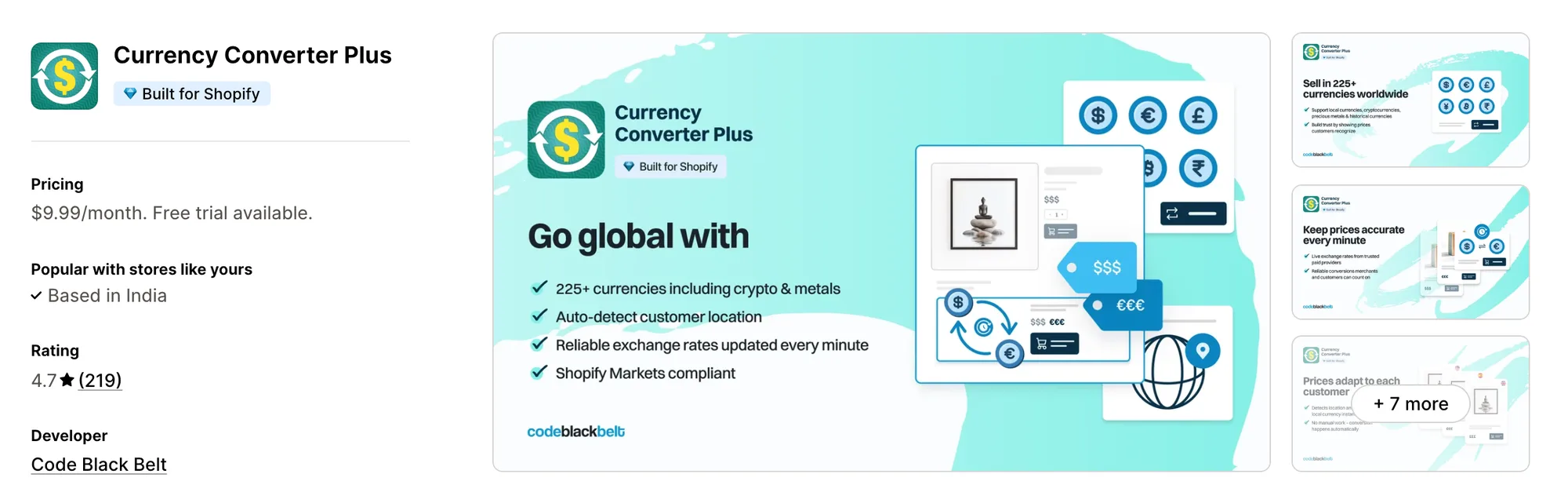
Best for: Crypto and precious metal prices with minute-by-minute rates
Rating: 4.7 (219 reviews) | Price: $9.99/mo | Free plan: No
Currency Converter Plus detects each customer's country and converts every price, with rates refreshed every minute. It's designed for stores selling to niche audiences that want 222 currencies, including cryptocurrencies and precious metals.
Key Features
- IP geolocation from regularly updated databases
- 222 currencies (including cryptocurrencies and precious metals)
- Exchange rates updated every minute
- Style, rounding and menu button settings
- Conversion of every price on the store
- Shopify Markets compatibility (most-used configurations)
Pros
- Built for Shopify
- Exchange rates refreshed every minute
- Annual billing option (17% off)
Cons
- No free plan, with the only plan at $9.99/month
- Shopify Markets support listed for the most-used configurations
Pricing
Read: The 9 best session replay & recording apps for Shopify stores
Conclusion
A currency converter is one of the simplest ways to make an international visitor shop like a local on a Shopify store. The right app makes local prices easy to show, and the right markets make them worth showing.
- If you want an all-in-one app that includes a currency converter and 40+ apps under a single subscription, choose Vitals.
- If you sell in five currencies or fewer, choose Beast Currency Converter on its free plan.
- If you want a floating currency bar with every feature free, choose Nova: Multi Currency Converter.
- If you also need your store translated into the shopper's language, choose CVC - Multi Currency Converter.
- If you want AI suggestions on which currencies to add based on your traffic, choose MLV Auto Currency Switcher on its Super Success plan at $9.95/month.
- If you want local-currency checkout and cart notifications on a single $9.99/month plan, choose Currency Converter Bear.
- If you price in cryptocurrencies or precious metals, choose Currency Converter Plus.
Frequently Asked Questions
1. What is the best currency converter app for Shopify?
Vitals Currency Converter App is the best currency converter app for Shopify for most stores. It converts prices by location across 160+ currencies and comes with Payment Logos, Live Chat and 40+ apps in one subscription from $29.99/month. Free options like Nova: Multi Currency Converter and CVC - Multi Currency Converter suit stores that only need the converter.
2. What does a currency converter app do?
A currency converter app shows your prices in each shopper's local currency instead of your store's currency. The best ones add geolocation, rounding rules and frequent rate updates, so converted prices look like prices set for that market.
3. Can shoppers check out in their own currency with a currency converter app?
Not all of them. Currency Converter Bear and CVC - Multi Currency Converter support checkout in the shopper's currency through Shopify Payments. Vitals does the same when Shopify multi-currency is on, and tells shoppers which currency they'll pay in when it's off.
4. Can I round converted prices?
Yes, and it matters. A price like €45 reads as set for the shopper's market, while €45.17 reads as a conversion.
5. What's the difference between a currency converter and multi-currency checkout?
A currency converter changes the prices shoppers see while they browse. Multi-currency checkout, handled by Shopify Payments and Shopify Markets, changes the currency they actually pay in. The best apps do both.