Best Countdown Timer Apps for Shopify [2026]

![Best Countdown Timer Apps for Shopify [2026]](/assets/blog/best-shopify-countdown-timer-apps/banner.avif)
Every time a shopper leaves a sale page to think it over, you lose the deadline, and every time they come back after the sale ends, you lose the order. A countdown timer puts the end of an offer on screen as a ticking clock, and it works since shoppers act faster on a deadline they can see.
Hundreds of Shopify apps offer one, and they share the same core features: a timer bar, product page timers, cart timers, stock countdowns and design controls. What separates them is how those features are split across plans, and how the price scales as your page views grow.
We ranked the 7 best countdown timer apps for Shopify by which plan includes each feature and what that plan costs at your monthly page views.
Why Countdown Timers Matter for Shopify Stores
A countdown timer allows you to show shoppers when an offer ends so they can decide to buy before it's gone. We looked at 30 days of data from the Vitals Countdown Timer App, which is part of Vitals, installed on 33,647 Shopify stores. Here's what the 466 stores that showed a timer between August 27 and September 25, 2026 tell you:
- A deadline only works if shoppers see it, and timers were shown 10.8 million times, about 360,000 a day
- Timers work as an everyday tool, not only for one-day sales, as 272 stores (58%) kept one live on at least 25 of the 30 days
- Busy stores put timers in front of many shoppers, as 214 stores showed theirs 1,000+ times and 106 stores 10,000+ times
- One timer reaches a lot of shoppers, with about 23,000 views a month at the average store
What to Look for in a Countdown App
Every countdown timer app puts a deadline on screen, so the details decide how well it works on your store. Check for these seven things:
- A fixed end date keeps the clock honest, so the deadline shoppers see is the real one.
- Placement options put the timer in the header bar, on product pages or in the cart.
- A stock countdown shows how many units are left next to the time left.
- Scheduling tools start and stop timers on their own for recurring or daily deals.
- An end-of-timer action hides the clock or swaps in a message once the offer ends.
- Design controls match the timer's fonts and colors to your theme.
- Page targeting shows the timer only on the products or pages that carry the offer.
Then check the plan limits. Some free plans cap banner views at 2,000 a month or keep extra timers for a paid plan, so what you pay depends on your traffic as much as on the features.
Read: The 7 best sticky add to cart apps for Shopify in 2026
The 7 Best Shopify Countdown Timer Apps in 2026
Here's how the seven apps compare on rating, price and free plan.
1. Vitals
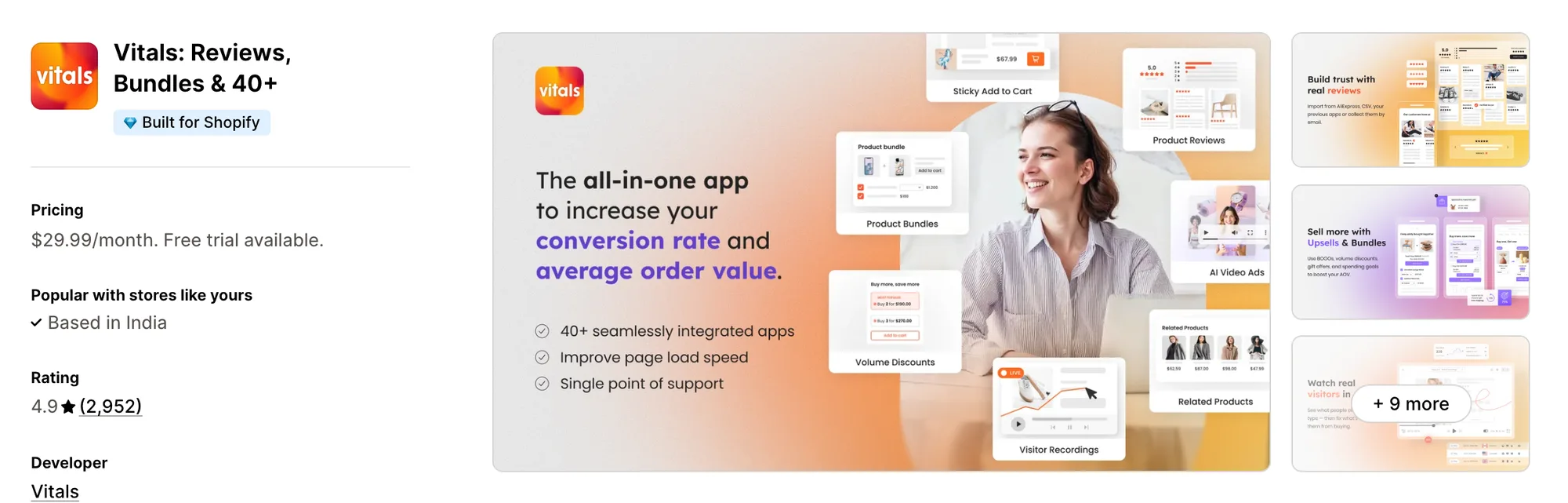
Best for: Shopify stores that want a countdown timer app plus 40+ conversion apps in a single install
Rating: 4.9 (2,952 reviews) | Price: From $29.99/mo | Free plan: No
Vitals is one of the most widely used countdown timer apps on Shopify. It puts a ticking clock on the product page that counts down to a real end date, in seven themes.
Every visitor sees the same clock, and at zero you choose to hide the timer, restart it or show an offer-ended message. It pairs with Stock Scarcity to show low stock, Cart Notice to carry urgency into the cart, and Sticky Add to Cart to keep the buy button on screen.
Vitals is also the only all-in-one app that offers a countdown timer plus 40+ apps (product reviews, bundles, pop-ups, wishlist) in one subscription from $29.99/month.
Key Features
- Countdown to a fixed end date, with the same clock for every visitor
- Seven timer themes
- Three options at zero (hide the timer, restart it, show an offer-ended message)
- Digits, labels and colors matched to your theme
- Loads from the same single Vitals script as every other app
- Pairs with Stock Scarcity, Cart Notice and Sticky Add to Cart on the same plan
- 40+ other apps included (product reviews, bundles, visitor recordings, pop-ups)
- Vitals MCP for Claude and ChatGPT included
- 24/7 email support
Pros
- Countdown Timer, Cart Notice and Announcement Bars on one plan (e.g., Little Dresser runs a sale bar and a cart reservation message among 20 Vitals tools on one subscription)
- Real stock counts alongside the clock (e.g., FreeShippingAllOrders shows the live stock count with Stock Scarcity across a 2,094-product catalogue)
- Built for stores where most traffic is mobile (e.g., Stock Supplier sees 92% of shoppers on mobile and a 41x return on Vitals)
- Timers tied to a real end date, so the deadline shoppers see is the real one
- 4.9 rating from 2,952 reviews
Cons
- No free plan, with plans from $29.99/month
- Free trial runs 7 days
Pricing
Prices from vitals.app/pricing on November 4, 2026, with a 7-day free trial and no usage charges on any plan.
Read: The 7 best BOGO apps for Shopify in 2026
2. GA
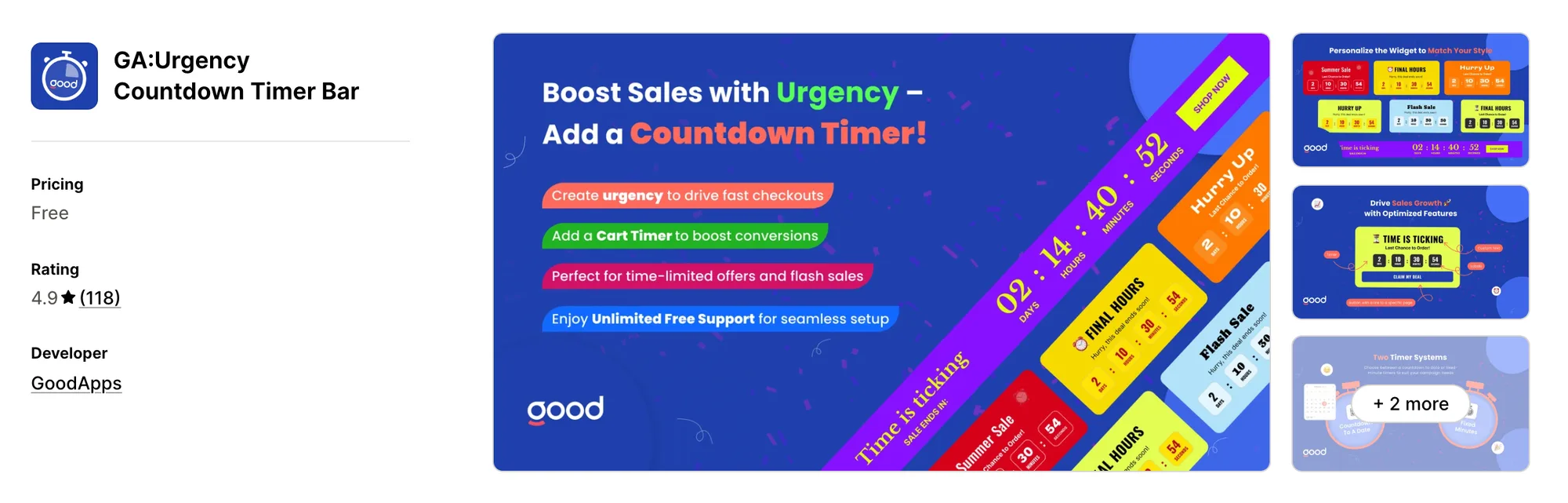
Best for: A timer bar in the header, sidebar or a popup
Rating: 4.9 (118 reviews) | Price: $0/mo | Free plan: Yes
GA:Urgency Countdown Timer Bar places a timer bar in the header, trust bar, sidebar or a sales popup. It's designed for stores running flash sales and launches that want a free timer bar in several spots.
Key Features
- Countdown timer bar (header bar, trust bar, sidebar)
- Countdown banner
- Sales timer popup
- Promo bar and sales counter
- Cart timer and checkout timer
- Scarcity timer
- Custom timer behavior
Pros
- Every feature free
- 4.9 rating from 118 reviews
- Popup and sidebar placements alongside the bar
Cons
- Not Built for Shopify
- No paid tier listed for priority support
Pricing
3. Profy
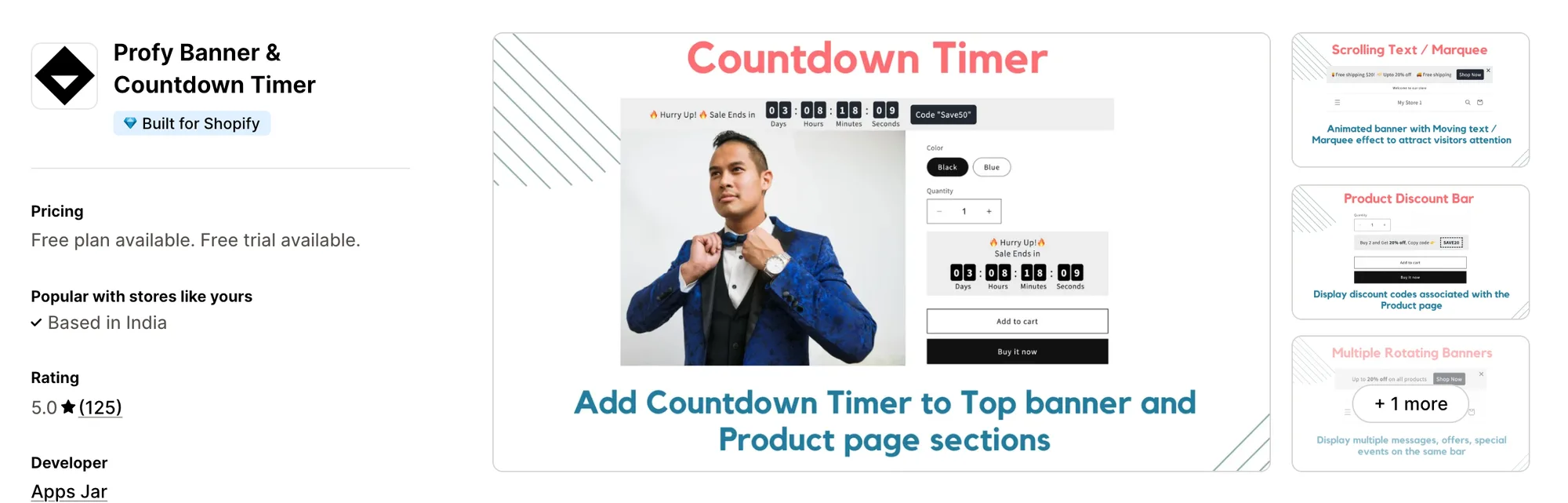
Best for: Coupon banners and marquees next to the timer
Rating: 5.0 (125 reviews) | Price: $0–9.99/mo | Free plan: Yes
Profy Banner & Countdown Timer pairs a sales countdown with a copyable coupon code banner and scrolling marquee text. It's designed for stores that want the timer, coupon codes and rotating announcements in one banner app.
Key Features
- Sales countdown timer (expiration date or fixed duration)
- Order delivery timer
- Coupon code banner (visitors copy the discount code)
- Scrolling text and marquee banners
- Rotating announcement bar with multiple messages
- Targeting by page URL and device type
- Translation into the shopper's local language
- Banners on the password page
Pros
- Every feature on every plan, including free
- Built for Shopify
- 5.0 rating from 125 reviews
- Annual billing option (17% off)
Cons
- Free plan capped at 2,000 monthly views
- Up to 15,000 monthly views at $5.99/month
- Unlimited views start at $9.99/month
- Priority support starts at $5.99/month
Pricing
4. Urgency Bear
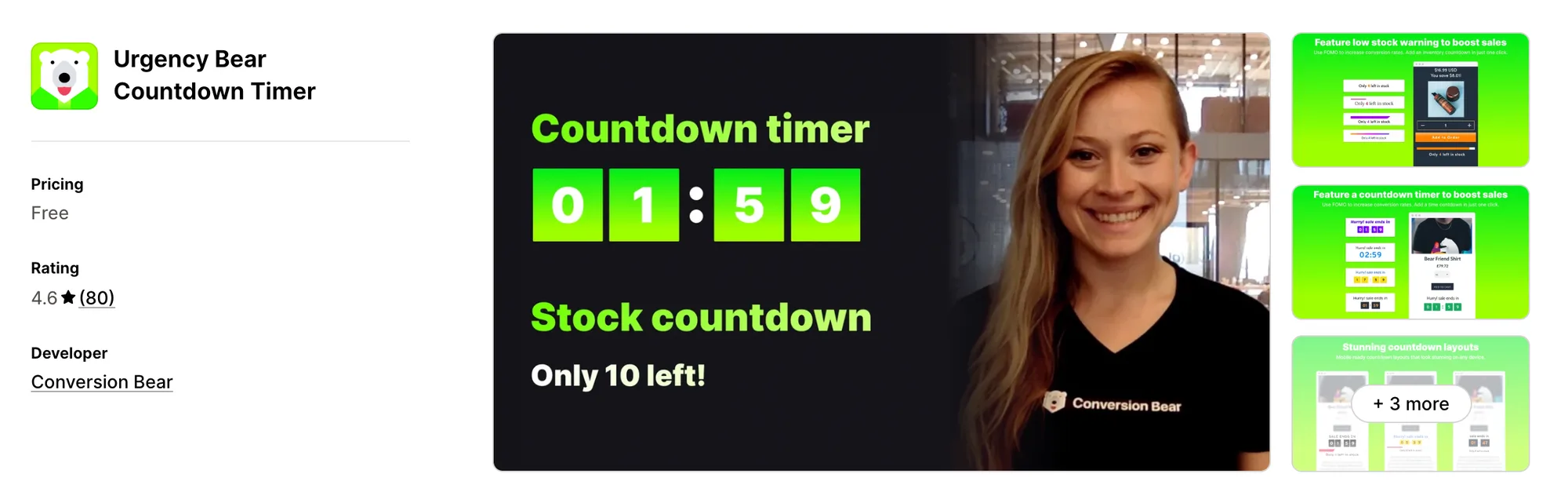
Best for: Stock countdown for the selected variant
Rating: 4.6 (80 reviews) | Price: $0/mo | Free plan: Yes
Urgency Bear Countdown Timer pairs a countdown timer with a real stock countdown for the selected variant. It's designed for stores that want time left and units left shown together on the product page.
Key Features
- Countdown timer (renewed by session or set to a fixed end date)
- Real inventory countdown for each selected variant
- Stock countdown hidden on chosen product pages
- Checkout timer
- Custom placement across the store
- Color, text and design control
Pros
- Every feature free
- Stock countdown follows the variant the shopper picks
- Session-based timers alongside fixed end dates
Cons
- Not Built for Shopify
- No paid tier listed for priority support
Pricing
5. KILATECH
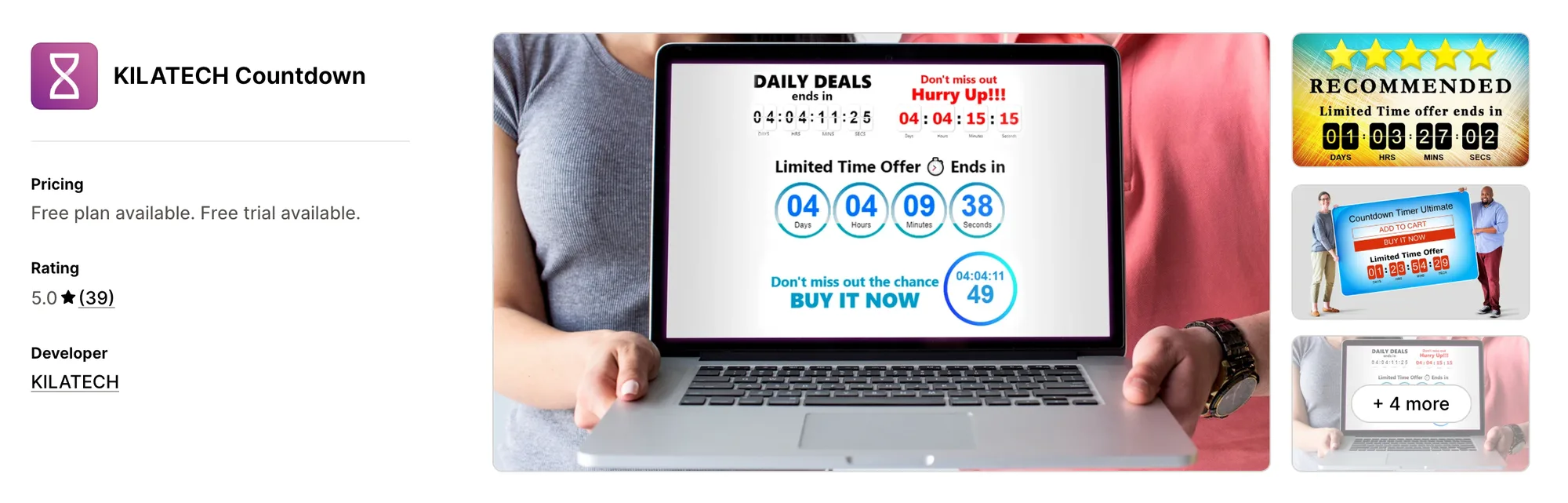
Best for: Scheduled timers on tagged products
Rating: 5.0 (39 reviews) | Price: $0–3.99/mo | Free plan: Yes
KILATECH Countdown offers seven main timer designs and five ways to schedule each timer. It's designed for stores running flash sales, daily deals and Black Friday campaigns on tagged products.
Key Features
- Seven main designs (configurable animations and colors)
- Five time-scheduling methods (fresh timer for new visitors, repeating, specific period, weekly)
- Display conditions (tagged products, sale items, out-of-stock items, all products)
- Timer on specific pages only
- Up to five separate timers (Premium)
- Actions when the timer expires (Premium)
Pros
- 5.0 rating from 39 reviews
- Premium plan from $3.99/month
- Annual billing option (10% off)
Cons
- Free plan shows a Free Version label
- Five separate timers start at $3.99/month
- Actions on expiry start at $3.99/month
- Not Built for Shopify
Pricing
6. Hoppy
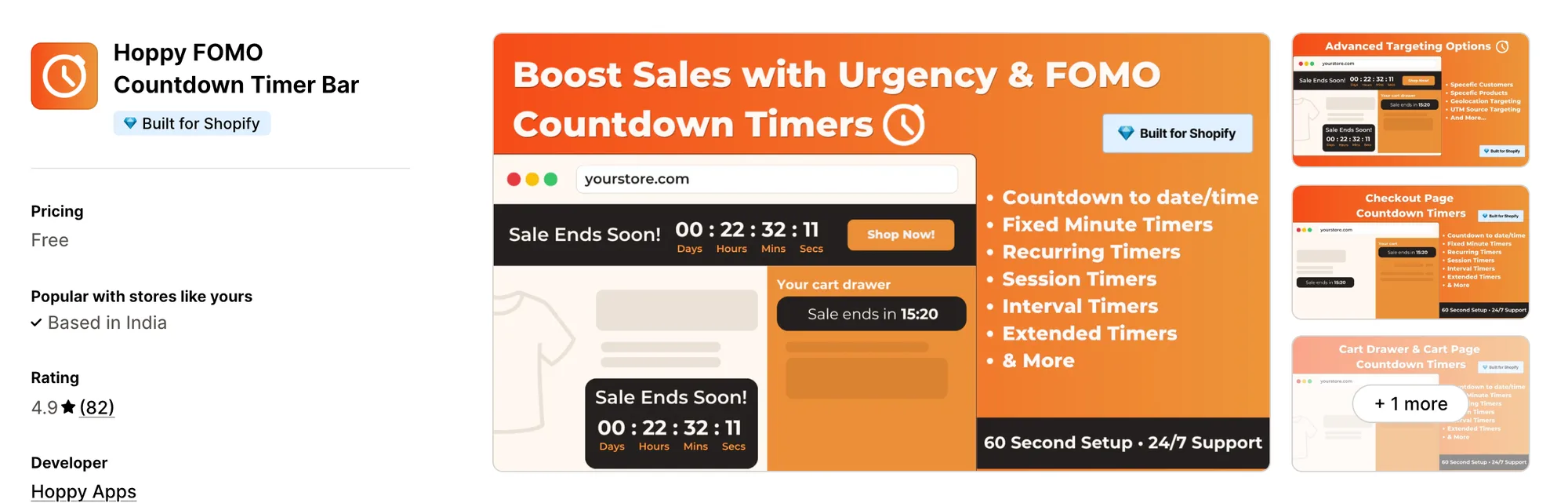
Best for: Recurring and session timers across the store
Rating: 4.9 (82 reviews) | Price: $0/mo | Free plan: Yes
Hoppy FOMO Countdown Timer Bar adds timers to the announcement bar, product pages, cart, checkout and password page. It's designed for stores that want recurring, daily and session timers running on their own schedule.
Key Features
- Countdown announcement bar (top or bottom)
- Product timer and countdown banner
- Cart timer and checkout timer
- Password page timer
- Timer schedules (recurring, daily, session, evergreen, offer)
- Custom text, colors, timer type and placement
Pros
- Every feature free
- Built for Shopify
- 4.9 rating from 82 reviews
- Evergreen timers alongside fixed-date sales
Cons
- Timer placement limited to spots your theme allows
- No stock counter listed alongside the timer
Pricing
7. Timex
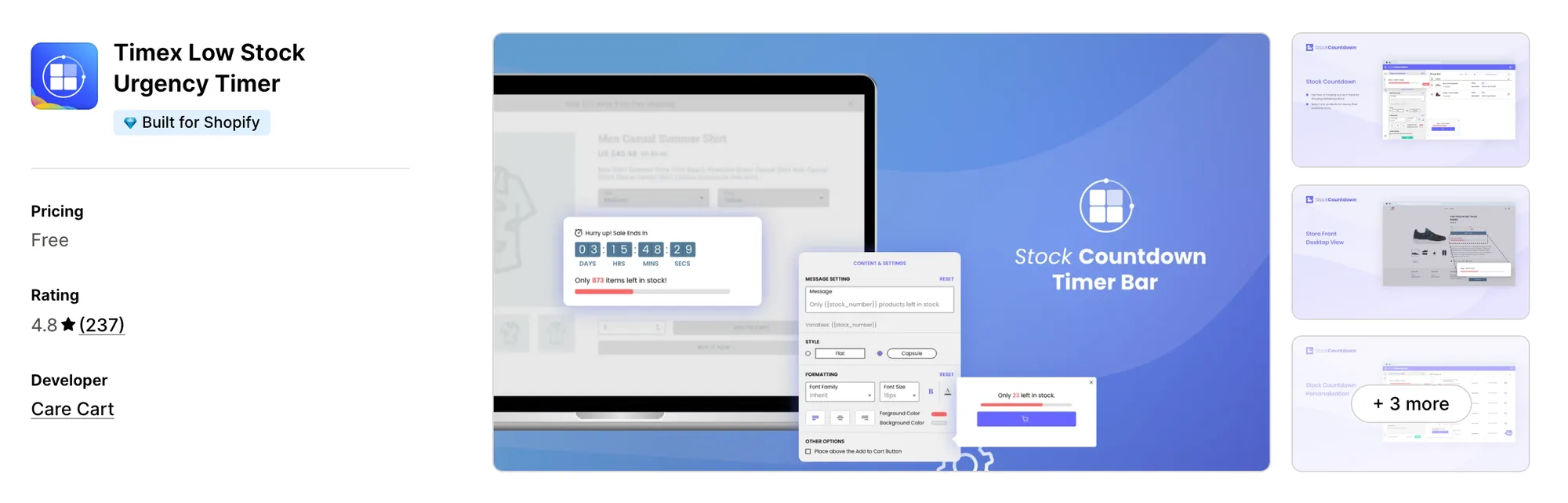
Best for: Low stock counters with a cart timer
Rating: 4.8 (237 reviews) | Price: $0/mo | Free plan: Yes
Timex Low Stock Urgency Timer shows a low stock counter and a cart countdown timer on product and cart pages. It's designed for stores that want stock scarcity and a cart deadline from one free app.
Key Features
- Stock countdown timer bar
- Low stock counter (remaining units of the product)
- Cart countdown timer (cart and product pages)
- Sales countdown clock
- Custom look and feel for the bar
- Setup in under 30 seconds
Pros
- Every feature free
- Built for Shopify
- 237 reviews at a 4.8 rating
Cons
- Timers listed for product and cart pages only
- No scheduling options listed
Pricing
Read: The 12 best Shopify volume discount apps in 2026
Conclusion
A countdown timer is one of the simplest ways to turn a sale into a deadline on a Shopify store. The right app makes the deadline easy to show, and the right offer makes it worth acting on.
- If you want an all-in-one app that includes a countdown timer and 40+ apps under a single subscription, choose Vitals.
- If you want the timer in a sales popup or sidebar rather than inside the page, choose GA:Urgency Countdown Timer Bar.
- If your banners get under 15,000 views a month, choose Profy Banner & Countdown Timer on its Starter plan at $5.99/month.
- If you want the real stock count for the selected variant under the timer, choose Urgency Bear Countdown Timer.
- If you run up to five timed campaigns at once, choose KILATECH Countdown on its Premium plan at $3.99/month.
- If you want a daily timer that resets on its own schedule, choose Hoppy FOMO Countdown Timer Bar.
- If you want a countdown on the cart page itself, choose Timex Low Stock Urgency Timer.
Frequently Asked Questions
1. What is the best countdown timer app for Shopify?
Vitals Countdown Timer App is the best countdown timer app for Shopify for most stores. The timer comes with Stock Scarcity, Cart Notice and 40+ apps in one subscription from $29.99/month. Free options like Hoppy FOMO Countdown Timer Bar and Timex Low Stock Urgency Timer suit stores that only need the timer.
2. What does a countdown timer app do?
A countdown timer app shows a ticking clock that counts down to the end of a sale or offer. The best ones add stock counts, cart timers and page targeting, so the deadline appears where shoppers make the decision.
3. Does a countdown timer app show stock levels?
Not all of them. Urgency Bear Countdown Timer shows the real stock count for the selected variant, and Timex Low Stock Urgency Timer shows a low stock counter next to its timer. Vitals pairs Countdown Timer with Stock Scarcity on the same plan.
4. Can I match a countdown timer to my theme?
Yes, and it matters. A timer in your own fonts and colors reads as part of the offer, while a mismatched one reads as an ad.
5. What's the difference between a countdown timer and a stock countdown?
A countdown timer counts the time left until an offer ends. A stock countdown counts the units left before a product sells out. The best apps do both.