Best Sticky Add to Cart Apps for Shopify [2026]

![Best Sticky Add to Cart Apps for Shopify [2026]](/assets/blog/best-shopify-sticky-add-to-cart-apps/banner.avif)
Every time a shopper scrolls past your add to cart button to read reviews, you lose the button, and every time they have to scroll back up to buy, you lose a share of those shoppers. A sticky add to cart bar pins the price and the buy button to the edge of the screen, and it works since the decision to buy rarely happens at the top of a product page.
Hundreds of Shopify apps offer one, and they share the same core features: a fixed bar, variant and quantity selectors, a quick buy button, a countdown timer and a cart drawer. What separates them is how those features are split across plans, and how the price scales as your add-to-cart clicks grow.
We ranked the 7 best sticky add to cart apps for Shopify by which plan includes each feature and what that plan costs at your add-to-cart volume.
Why Sticky Add to Cart Buttons Matter for Shopify Stores
A sticky add to cart button allows shoppers to add a product to the cart from anywhere on the page so they don't have to scroll back up to buy. We looked at 30 days of data from the Vitals Sticky Add to Cart App, which is part of Vitals, installed on 33,647 Shopify stores. Here's what the 10,989 stores that showed the bar between August 27 and September 25, 2026 tell you:
- Shoppers use the button while they scroll, clicking it 1.53 million times, about once every 46 views
- Clicks become cart adds, with 82% of clicks turning into an add to cart
- The bar is part of real sales, with 187,564 orders following a click, worth $63.6 million
- One bar does steady work, with about 139 clicks and 17 orders a month at the average store
The full breakdown by store size, order value and Shopify plan is in our sticky add to cart statistics study.
What to Look for in a Sticky Cart App
Every sticky add to cart app keeps a buy button on screen, so the details decide how well the bar works on your store. Check for these seven things:
- Variant and quantity selectors let shoppers pick a size or color without scrolling back to the product form.
- Personalization support carries engraving and custom text fields from the product page through to the order.
- Mobile display keeps the bar usable on small screens, where most shoppers browse.
- A quick buy button sends shoppers from the product page straight to checkout.
- A cart drawer lets shoppers review their cart without leaving the page.
- A countdown timer adds urgency to the bar during a sale or launch.
- Click tracking shows how many add to carts and orders follow a click on the bar.
Then check the plan limits. Several free plans cap the bar at 25–50 add-to-cart clicks a month, so what you pay depends on your traffic as much as on the features.
Read: The 7 best popup apps for Shopify in 2026
The 7 Best Shopify Sticky Add to Cart Apps in 2026
Here's how the seven apps compare on rating, price and free plan.
1. Vitals
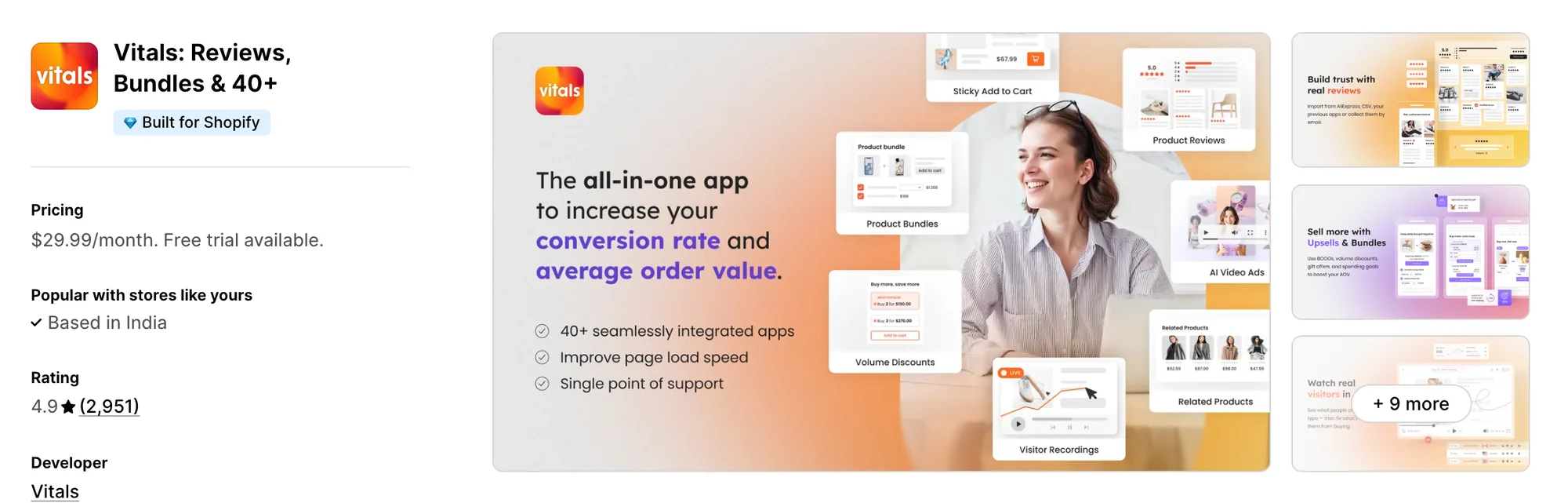
Best for: Shopify stores that want a sticky add to cart app plus 40+ conversion apps in a single install
Rating: 4.9 (2,951 reviews) | Price: From $29.99/mo | Free plan: No
Vitals is one of the most widely used sticky add to cart apps on Shopify. Its sticky bar keeps the product image, price, variant and quantity selectors, and the buy button on screen as shoppers scroll, on desktop and mobile.
The bar carries your theme's personalization fields through to the order, so engraved and custom products arrive with their details attached. It pairs with Animated Add to Cart to pull the eye to the button, and with Cart Drawer to keep shoppers on the page after they add.
Vitals is also the only all-in-one app that offers sticky add to cart plus 40+ apps (product reviews, bundles, volume discounts, free gifts) in one subscription from $29.99/month.
Key Features
- Sticky bar with product image, title, price and buy button
- Variant and quantity selection inside the bar
- Theme personalization fields carried through to the order (line-item properties, required-field checks)
- Display on desktop and mobile
- Design settings to match your theme (colors, button text)
- Pairs with Cart Drawer and Animated Add to Cart on the same plan
- 40+ other apps included (product reviews, upsells, visitor recordings, sale bar)
- Vitals MCP for Claude and ChatGPT included
- 24/7 email support
Pros
- Sticky bar, Cart Drawer and Animated Add to Cart on one plan (e.g., FreeShippingAllOrders runs six Vitals apps between the product page and checkout)
- One subscription in place of several single-purpose apps (e.g., Little Dresser runs 20 Vitals tools on one subscription)
- Built for stores where most traffic is mobile (e.g., Stock Supplier sees 92% of shoppers on mobile and a 41x return on Vitals)
- Personalized products reach the order with their custom details attached
- 4.9 rating from 2,951 reviews
Cons
- No free plan, with plans from $29.99/month
- Free trial runs 7 days
Pricing
Prices from vitals.app/pricing on November 4, 2026, with a 7-day free trial and no usage charges on any plan.
Read: The 7 best BOGO apps for Shopify in 2026
2. Uplinkly
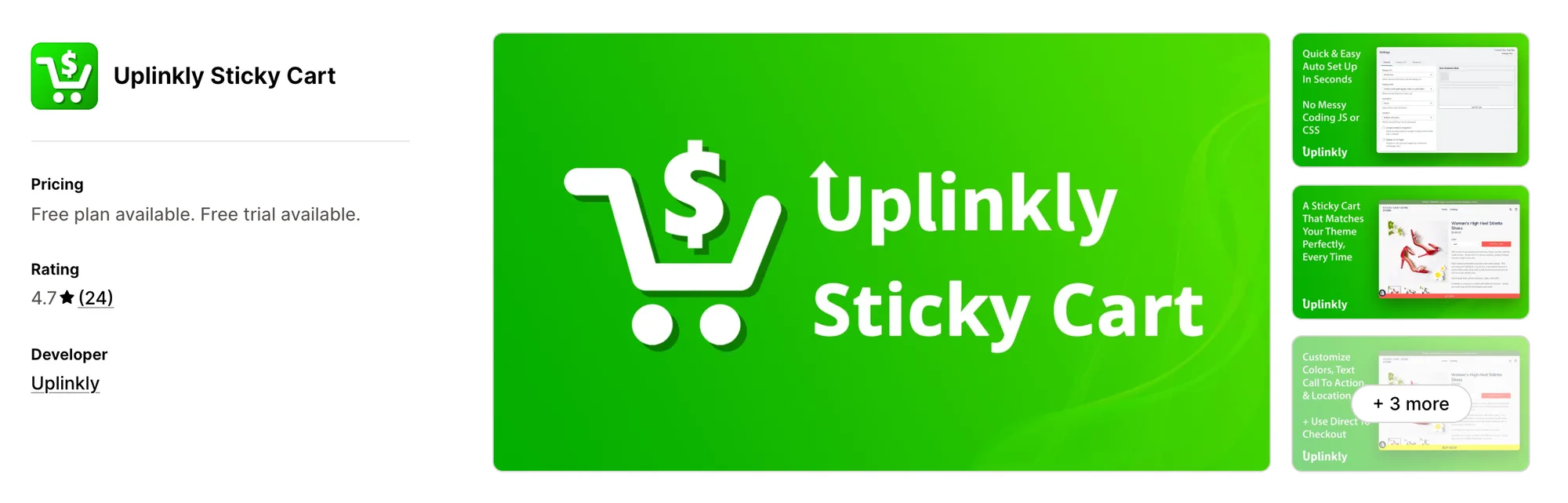
Best for: A free bar with basic tracking
Rating: 4.7 (24 reviews) | Price: $0–9/mo | Free plan: Yes
Uplinkly Sticky Cart adds a sticky add to cart button with a built-in Animator that moves the button. It's designed for new stores that want a free sticky bar and simple click tracking before paying for anything.
Key Features
- Sticky add to cart button at the top or bottom of the page
- Button Animator (movement to draw attention)
- Styles that match your store theme automatically
- Custom button text
- Display on mobile, desktop and tablet
- Unlimited impressions and clicks
- Facebook Pixel and Google Analytics tracking
- Smart countdown timers (Professional plan)
Pros
- Unlimited visitors, impressions and clicks on the free plan
- One-click install
- Facebook Pixel tracking included free
Cons
- Countdown timers start at $9/month
- Professional templates and real-time tracking start at $9/month
- Not Built for Shopify
Pricing
Alternatives: 6 Best Uplinkly Sticky Cart App Alternatives for Shopify
3. STKY
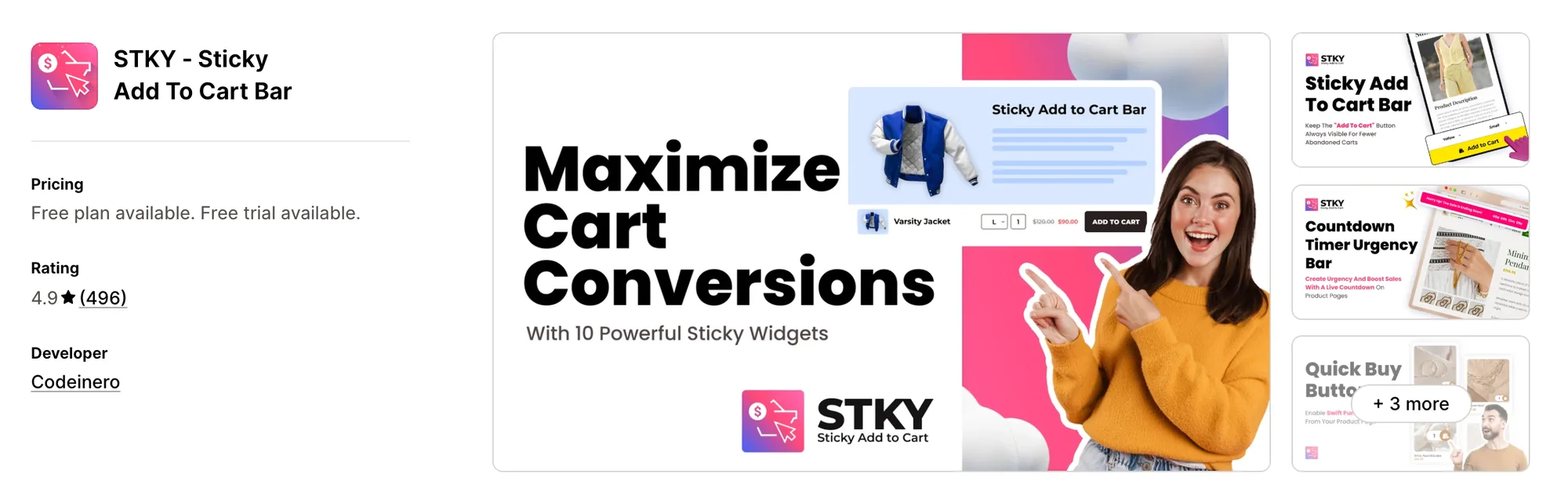
Best for: A sticky bar with a cart drawer built in
Rating: 4.9 (496 reviews) | Price: $0–18.99/mo | Free plan: Yes
STKY - Sticky Add To Cart Bar combines a sticky add to cart bar with a slider cart drawer that carries in-cart upsells. It's designed for stores that want the sticky bar, quick buy buttons and a cart drawer from a single app.
Key Features
- Sticky add to cart bar with countdown timer
- Floating sticky cart icons
- Sticky cart and sticky checkout bars
- Quick view, quick buy and buy now buttons
- Slider cart drawer (in-cart upsells and cross-sells)
- 10+ conversion widgets on every plan
- Annual billing option (up to 30% off)
Pros
- Every feature available on the free plan
- Built for Shopify
- 496 reviews at a 4.9 rating
- Tech support for all themes on paid plans
Cons
- Free plan capped at 25 add-to-cart clicks per month
- Unlimited clicks start at $6.99/month
- Paid plans carry the same features, priced $6.99–18.99/month by plan tier
Pricing
Alternatives: 6 Best STKY Sticky Add To Cart App Alternatives for Shopify
4. Zoorix
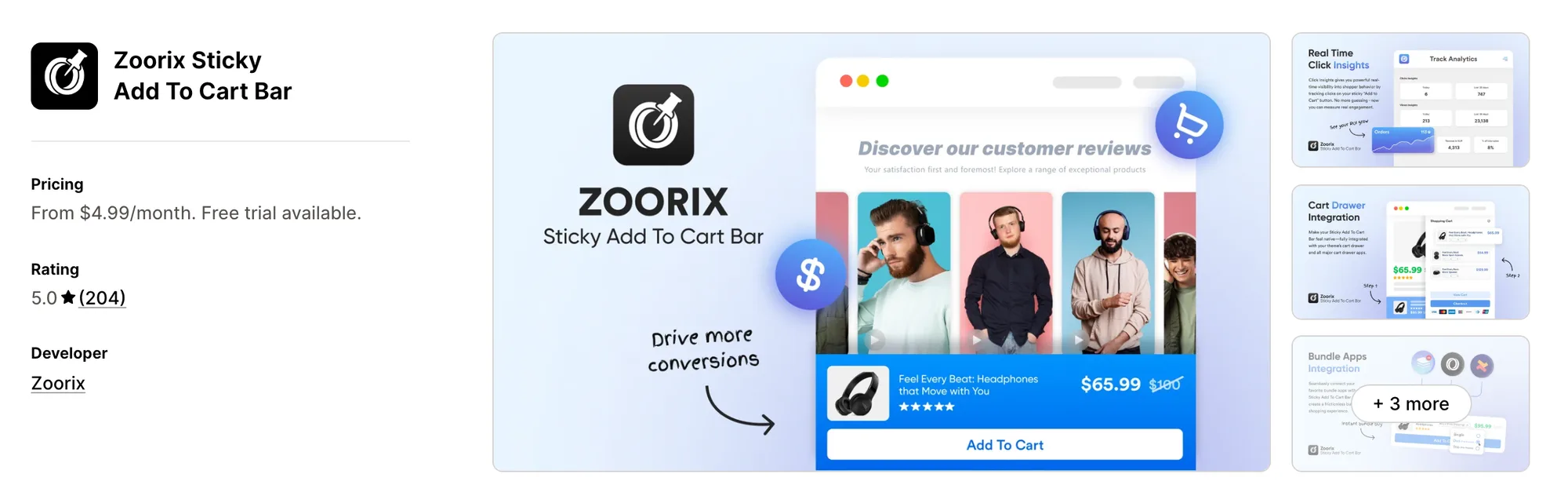
Best for: Sending shoppers straight to checkout
Rating: 5.0 (204 reviews) | Price: $4.99–9.99/mo | Free plan: No
Zoorix Sticky Add To Cart Bar adds a Fast Checkout option that skips the cart page entirely. It's designed for stores selling in several currencies and languages that want the shortest route from product to checkout.
Key Features
- Always-visible sticky add to cart bar
- Fast Checkout (skips the cart page)
- Multi-currency support (Shopify Multi Currencies and conversion apps)
- Multi-language support with translations
- Cart drawer integration
- Custom CSS and JavaScript
- Sticky bar on collections and pages (Premium)
- Quick-add on home page and collections (Premium)
- Bundle app integrations (Premium)
Pros
- 5.0 rating from 204 reviews
- Built for Shopify
- Custom CSS and JavaScript on the entry plan
- Full integration with Dawn and Online Store 2.0
Cons
- No free plan, with plans from $4.99/month
- Sticky bar on collections and pages starts at $9.99/month
- Quick-add on home page and collections starts at $9.99/month
Pricing
Alternatives: 6 Best Zoorix Sticky Add To Cart App Alternatives for Shopify
5. EA
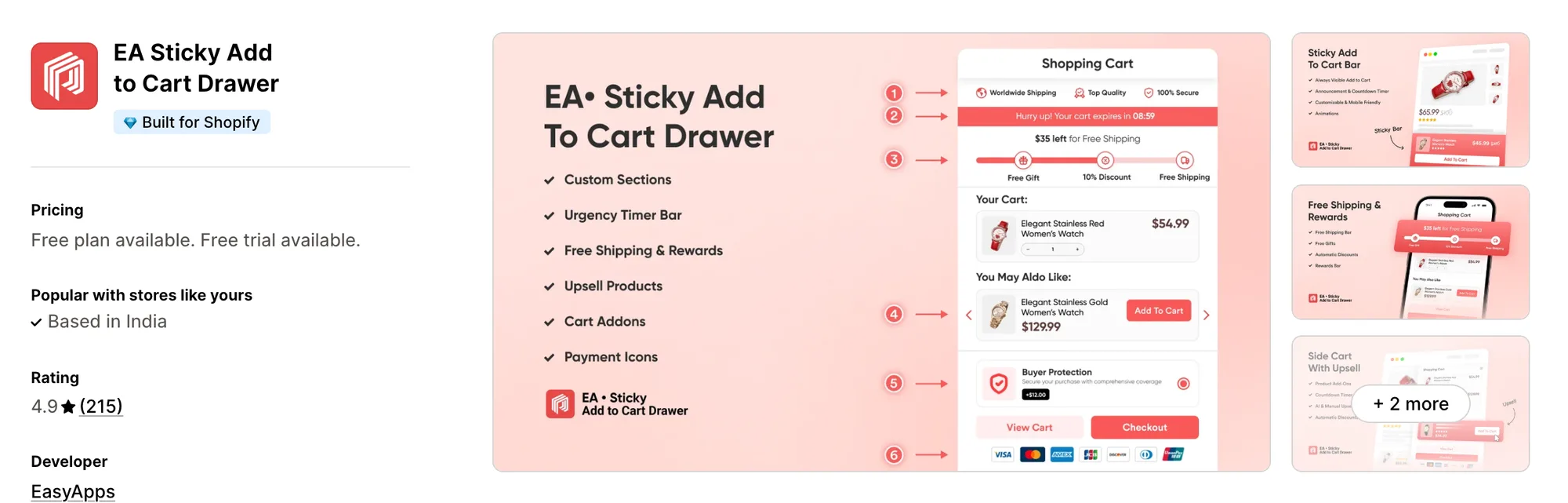
Best for: Every feature on one flat plan
Rating: 4.9 (215 reviews) | Price: $9.99/mo | Free plan: No
EA • Sticky Add to Cart Drawer pairs a sticky bar with a side cart drawer that runs AI upsells. It's designed for stores that want a sticky bar, cart drawer and free shipping bar on one plan with no tiers to compare.
Key Features
- Sticky add to cart bar and floating button
- Side cart drawer (AI upsells and cross-sells)
- Free shipping bar with progress to discounts
- Reward and discount bar
- Countdown sale bar
- One-click checkout from the product page
- Quick buy buttons on any page
- AI design assistant
Pros
- Every feature on a single plan, with no tiers to outgrow
- Built for Shopify
- Free shipping bar included alongside the sticky bar
Cons
- No free plan, with every feature at $9.99/month
- Free trial runs 7 days
- Sticky bar and cart drawer ship as one app, with no bar-only install
Pricing
Alternatives: 6 Best EA Sticky Cart App Alternatives for Shopify
6. Buy Me
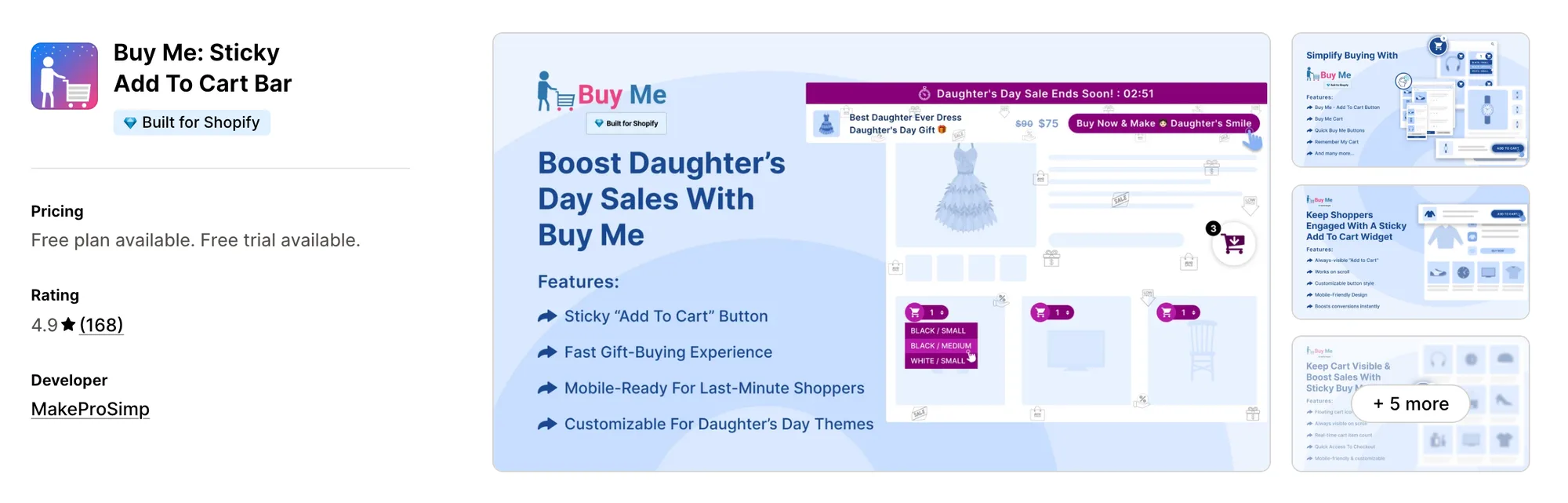
Best for: Low-traffic stores on a tight budget
Rating: 4.9 (168 reviews) | Price: $0–6.95/mo | Free plan: Yes
Buy Me: Sticky Add To Cart Bar prices its sticky add to cart bar by monthly add to carts, starting at $2.95. It's designed for small stores that want to pay only for the add-to-cart volume they actually get.
Key Features
- Sticky add to cart bar with countdown timer
- Sticky cart (floating cart)
- Quick buy buttons on the homepage and collections
- Remember My Cart across devices
- Social media sharing option
- Product reviews display option
- Seasonal themes and animations
Pros
- Paid plans from $2.95/month
- Built for Shopify
- Online Store 2.0 compatible on the free plan
Cons
- Free plan capped at 50 add to carts per month
- Sticky cart starts at $2.95/month (250 add to carts)
- Quick buy buttons on listings start at $4.95/month
- Unlimited add to carts start at $6.95/month
Pricing
Alternatives: 6 Best Buy Me Sticky Add To Cart App Alternatives for Shopify
7. SEOWILL
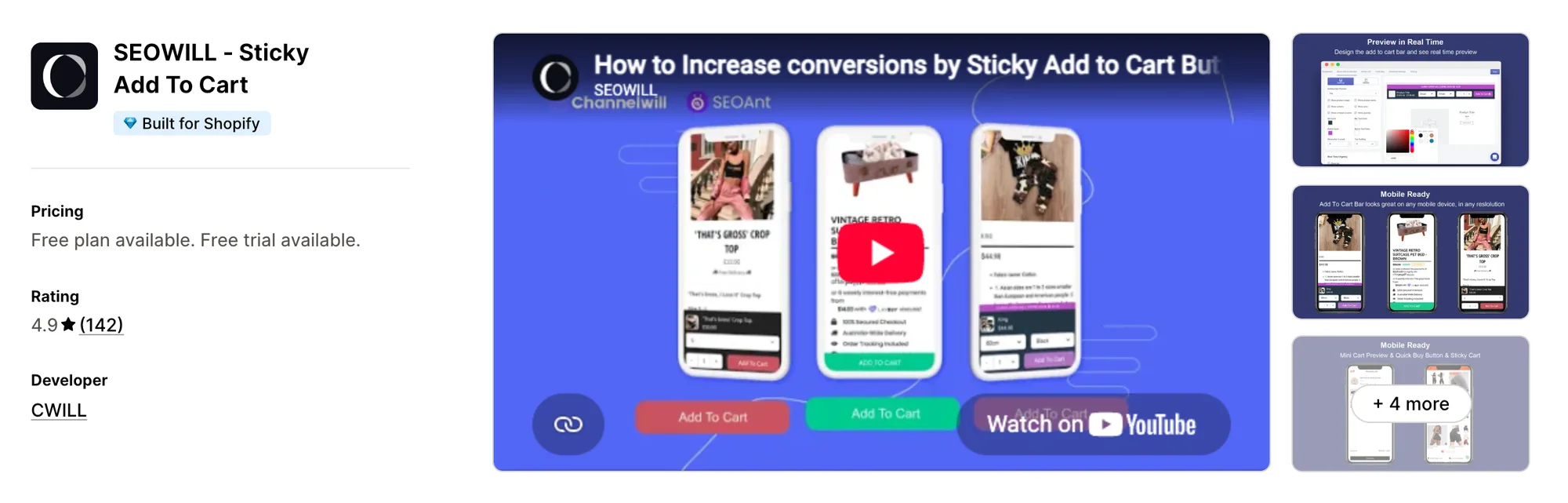
Best for: A mini cart alongside the sticky bar
Rating: 4.9 (142 reviews) | Price: $0–7.99/mo | Free plan: Yes
SEOWILL - Sticky Add To Cart, formerly SEOAnt, lets you choose between a mini cart and a floating sticky cart. It's designed for stores that want a sticky bar, a cart slider and a countdown timer on one paid plan.
Key Features
- Sticky add to cart bar
- Mini cart or floating sticky cart
- Cart slider
- Quick buy button
- Real-time countdown timer
- Sticky add to cart banner on the homepage
- Full design customization
Pros
- 24/7 live chat support on every plan, including free
- Built for Shopify
- One-click install
Cons
- Free plan capped at 25 clicks
- Unlimited clicks and the cart slider start at $7.99/month
Pricing
Alternatives: 6 Best SEOWILL Sticky Add To Cart App Alternatives for Shopify
Read: The 7 best wishlist apps for Shopify stores in 2026
Conclusion
A sticky add to cart bar is one of the cheapest conversion wins on a Shopify product page. The right app keeps the buy button in reach, and the right setup around it gets shoppers from that button to checkout.
- If you want an all-in-one app that includes sticky add to cart and 40+ apps under a single subscription, choose Vitals.
- If you want an animated button with Facebook Pixel tracking on a free plan, choose Uplinkly Sticky Cart.
- If you're on Shopify Basic and want quick view, quick buy and a slider cart with unlimited clicks, choose STKY - Sticky Add To Cart Bar on its Shopify Basic plan at $6.99/month.
- If you want shoppers to skip the cart page and go straight to checkout, choose Zoorix Sticky Add To Cart Bar.
- If you want a sticky bar, cart drawer and free shipping bar on one flat plan, choose EA • Sticky Add to Cart Drawer at $9.99/month.
- If your store gets fewer than 250 add to carts a month, choose Buy Me: Sticky Add To Cart Bar on its Small plan at $2.95/month.
- If you want a mini cart next to the bar with 24/7 live chat support, choose SEOWILL - Sticky Add To Cart on its Pro plan at $7.99/month.
Frequently Asked Questions
1. What is the best sticky add to cart app for Shopify?
Vitals Sticky Add to Cart App is the best sticky add to cart app for Shopify for most stores. The bar comes with Cart Drawer, Animated Add to Cart and 40+ apps in one subscription from $29.99/month. Free options like Uplinkly Sticky Cart and STKY - Sticky Add To Cart Bar suit stores that only need the bar.
2. What does a sticky add to cart app do?
A sticky add to cart app keeps the price and buy button fixed to the screen as shoppers scroll a product page. The best ones add variant selectors, quick buy buttons and a cart drawer, so shoppers can pick an option and check out from anywhere on the page.
3. Does a sticky add to cart bar work with a cart drawer?
Not all of them. STKY - Sticky Add To Cart Bar and EA • Sticky Add to Cart Drawer ship a slide cart drawer in the same app as the bar, and Zoorix Sticky Add To Cart Bar integrates with existing slide carts. Vitals pairs Sticky Add to Cart with its own Cart Drawer on the same plan.
4. Can I use a sticky add to cart bar on mobile?
Yes, every app on this list shows the bar on mobile. It matters most there, since the theme's buy button sits furthest from the reviews and details on a phone screen.
5. What's the difference between sticky add to cart and a sticky cart?
A sticky add to cart bar keeps the buy button for the current product on screen. A sticky cart is a floating cart icon or drawer that shows what the shopper has already added. The best apps do both.