6 Best Uplinkly Sticky Cart App Alternatives for Shopify


Looking for an Uplinkly Sticky Cart Alternative?
Uplinkly Sticky Cart is a popular Shopify app for sticky add-to-cart bars, buy now buttons and countdown timers.
However, shoppers can't pick a quantity in its bar. Hiding the bar on a page or translating its text also takes code snippets from its knowledge base, not settings.
To help you find the right alternative, we've compared the six best Uplinkly Sticky Cart app alternatives based on app type, features, customization, pricing, AI capabilities, and the number of additional apps included in the same subscription.
Since Vitals is our app and one of the alternatives, we've also highlighted its limitations.
What Is the Uplinkly Sticky Cart App?
Uplinkly Sticky Cart is a Shopify app for sticky add-to-cart bars, buy now buttons and click tracking. It lets merchants keep a buy button on screen as shoppers scroll, shorten the path to checkout and send bar clicks to their analytics tools.
Here's what you can do with the Uplinkly Sticky Cart app:
- Sticky add-to-cart bar: Show a buy bar at the top or bottom of the screen once the theme's button scrolls away. It works on mobile, desktop and tablet and takes its colours from your theme.
- Buy now option: Let shoppers head to checkout from the bar in fewer steps.
- Urgency and design: Add a countdown timer, a button animation and ready-made templates to the bar (Professional plan).
- Bars on other pages: Place a bar for a chosen product on any page of the store.
- Click tracking: Send bar clicks to Google Analytics and Facebook Pixel. Reporting goes deeper on the Professional plan.
How Much Does the Uplinkly Sticky Cart App Cost?
Prices from uplinkly.com on October 16, 2026, with a 7-day free trial. The plan has unlimited clicks.
Why Shopify Merchants Look for Uplinkly Sticky Cart Alternatives
The Uplinkly Sticky Cart app holds a 4.7 rating from 24 reviews and doesn't carry the Built for Shopify badge. Still, some merchants switch to another app for these reasons:
- No quantity picker: Shoppers can't set how many units they want in the bar. Its listing and knowledge base describe the bar without one.
- Code for basic settings: Hiding the bar on a page and translating its text both need code snippets. Neither one is a setting in the app.
- Speed and mobile issues: A February 2023 review says GTmetrix flagged the app's JavaScript as slowing the store. An August 2023 review says the bottom bar didn't work in Chrome on mobile.
- Few signs of updates: The newest of its 24 reviews dates from January 2024. Its knowledge base holds eight short articles and no changelog.
If any of these sound familiar, an all-in-one app alternative may suit your store better.
Read: Best Sticky Add to Cart Apps for Shopify in 2026
How We Compared the Uplinkly Sticky Cart Alternatives
We reviewed each app's Shopify App Store listing, help docs and changelog (where available) on October 16, 2026. All ratings and review counts come from the listings on that day.
We compared the apps on:
- App type: standalone or all-in-one
- Features: sticky add-to-cart bars, variant and quantity pickers, display triggers, quick buy and skip-to-checkout
- Customization: where the bar shows on product pages and other store pages, and how it looks on phones and desktop
- Pricing: plan prices, free trial length and any usage charges
- AI capabilities: AI tools and MCP support
- Additional apps: how many additional apps each one includes in the same subscription
Short Answer
Vitals - All in One App is the best Uplinkly Sticky Cart alternative for most stores.
- It offers a sticky add-to-cart bar with a quantity box, low-stock counters and trust badges, while the Uplinkly Sticky Cart app focuses on the sticky bar
- It includes 40+ apps, such as bundles, discounts and reviews, in one subscription from $29.99/month
- It replaces multiple single-purpose apps you'd otherwise install and pay for one by one each month
What Are the Top Uplinkly Sticky Cart Alternatives for Shopify in 2026?
Here's a quick overview of each app. You'll find what each one can and can't do in the reviews below.
1. Vitals - All in One App
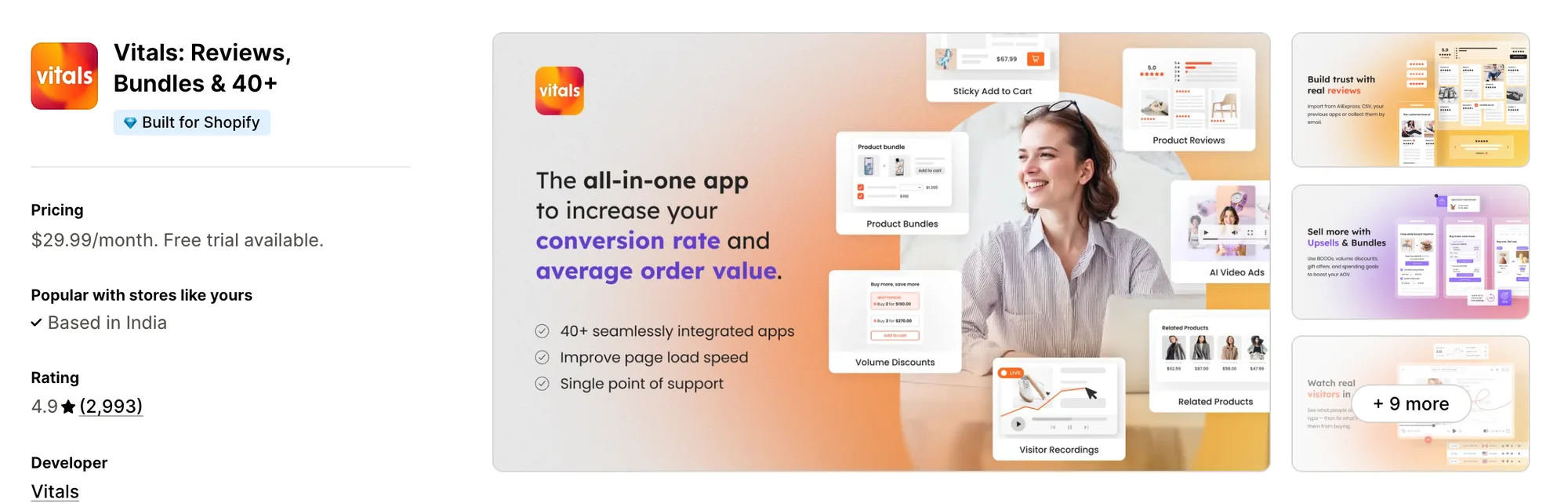
Best for: Stores that want 40+ apps, including Sticky Add to Cart, Stock Scarcity, Trust Seals & Badges and Product Reviews, in one subscription
Rating: 4.9 (2,993 reviews) | App type: All-in-one | Free trial: 7 days | Built for Shopify: Yes
Vitals is an all-in-one Shopify app that offers a sticky add to cart bar plus 40+ apps under one subscription, starting at $29.99/month.
With the Vitals Sticky Add to Cart App, you can show the product image, title, price and review stars in a bar pinned to the top or bottom of the screen, with the compare-at price crossed out. You can also show or hide the bar by product, price, discount or stock. Shoppers can add the right variant and quantity from the bar wherever they are on the page.
Beyond the sticky add to cart bar, Vitals offers product reviews, a countdown timer, a cart drawer and 40+ apps in one subscription, so you don't have to install and pay for each app separately.
Key features:
- A quantity box in the bar
- A variant picker in the bar
- The product image, title, price and review stars beside the button
- Three display options: on first scroll, once your own Add to cart button leaves the screen, or on page load
- Separate phone and desktop settings, with a button-only bar on phones
- Rules to show or hide the bar by product, price, discount or stock
- Your theme's button style copied in one setting, or your own colours, corners and text
- Personalization fields from the product form carried into the cart
- A choice after the add: open the cart drawer on supported themes, go to the cart or checkout, or stay on the page
- The same button animation as your product page, from Vitals Animated Add to Cart App
Pros:
- A quantity box and a variant picker in the bar on every Vitals plan
- Display rules set from the dashboard, with no code snippets to paste
- A bar that loads from the same single Vitals script as the other 40+ apps
- 40+ apps in one subscription. Little Dresser now uses one Vitals plan where it once had 20 single-purpose apps
Cons:
- No countdown inside the bar itself, only on the product page
- No Buy it now button in the bar
- Button font size and weight need custom CSS
Pricing:
Prices from vitals.app/pricing on October 31, 2026, with a 7-day free trial and no usage charges on any plan.
Read: Best Shopify Apps to Increase Conversion Rate in 2026
2. EA Sticky Cart Drawer & Upsell
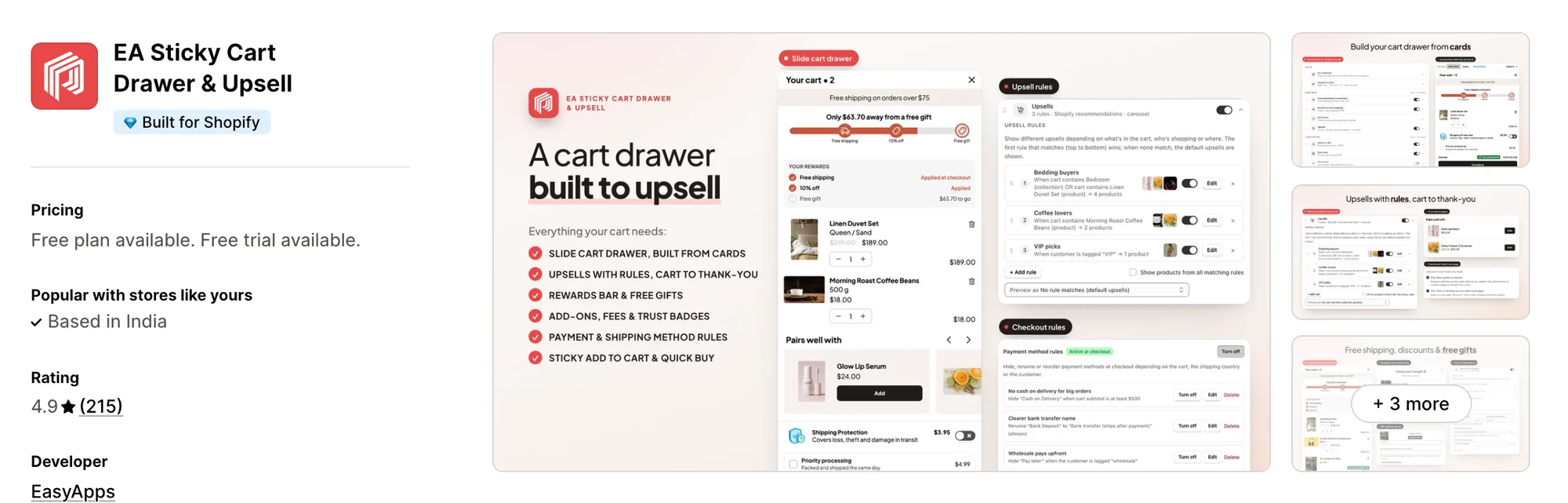
Best for: Stores that want to A/B test their cart and control payment methods at checkout
Rating: 4.9 (215 reviews) | App type: Standalone | Free trial: 7 days | Built for Shopify: Yes
EA Sticky Cart Drawer & Upsell, formerly EA • Sticky Add to Cart Drawer, is a Shopify app from EasyApps for a sticky bar, a slide cart and checkout rules. Where it stands out is testing, since its Pro plan can split shoppers between two cart setups and keep the winner. You see which cart layout sells more on your own store, so changes rest on real numbers. Pro also adds rules that hide, rename or reorder payment and shipping methods at checkout. It works well for stores that like to test before they commit.
Key features:
- Bottom bar, top bar and side tab layouts for the sticky bar
- Variant and quantity selectors inside the bar
- Separate desktop and phone settings
- Quick buy buttons on collection pages, hidden for tagged products if you choose
- A slide cart drawer that replaces the theme cart
- Upsells in the cart, on product pages and on the thank-you page (Pro plan)
- A rewards bar with free shipping, discount and free gift tiers (Pro plan)
- Payment and shipping method rules at checkout (Pro plan)
- Cart A/B tests and revenue by feature (Pro plan)
- A low-stock message and review stars inside the sticky bar
Pros:
- Cart A/B tests that keep the better setup
- Payment and shipping rules at checkout from the same app as the bar
- Upsells on the thank-you page
- Works with GemPages and PageFly
Cons:
- Focuses on the cart drawer and the sticky bar
- Sticky bar settings explained in a marketing guide only
- No help center or changelog
- An AI assistant listed on Pro, with no word on what it does
Pricing:
Prices from easyappsecom.com on October 16, 2026, with a 7-day free trial.
Alternatives: 6 Best EA Sticky Cart App Alternatives for Shopify
3. Zoorix Sticky Add To Cart Bar
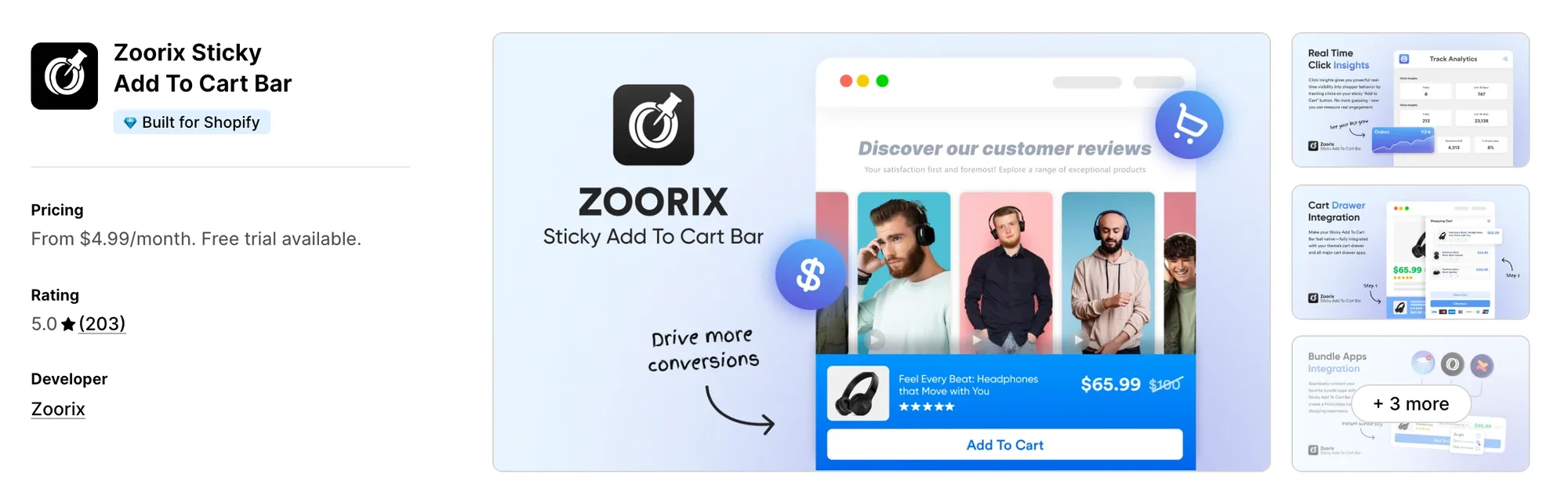
Best for: Stores that keep a slide cart app such as Upcart, Rebuy or iCart and want a bar that opens it
Rating: 5.0 (203 reviews) | App type: Standalone | Free trial: 7 days | Built for Shopify: Yes
Zoorix Sticky Add To Cart Bar is a Shopify app for a sticky buy bar that hands shoppers to the cart app you already use. What sets it apart is its list of connected carts, from Upcart and Rebuy to iCart, Monster Upsell and AMP. A click on the bar can open that drawer, so the cart shoppers see stays the one you've set up. The bar can also send shoppers to checkout or the cart page instead. If your slide cart already works well, it's a good fit.
Key features:
- An always-visible bar with a slide animation
- Custom colours, fonts and button text
- Click actions for checkout, the cart page, a page refresh or a connected cart drawer
- An option to hide the bar while the theme's button is in view (Premium plan)
- Quick-add buttons on product cards on home and collection pages (Premium plan)
- Product and collection exclusions
- Translations, local currencies and click tracking
Pros:
- Opens the drawers of slide cart apps such as Upcart, Rebuy and iCart
- Links to bundle apps such as Kaching (Premium plan)
- Leaves no code behind when uninstalled, per its help center
Cons:
- Focuses on the bar and quick-add buttons
- No variant picker, quantity picker or countdown mentioned in its listing or help center
Pricing:
Prices from the Shopify App Store listing on October 16, 2026. Basic comes with a 7-day free trial and Premium with 14 days. Zoorix.com shows no prices for this app.
Alternatives: 6 Best Zoorix Sticky Add To Cart App Alternatives for Shopify
4. SEOWILL ‑ Sticky Add To Cart
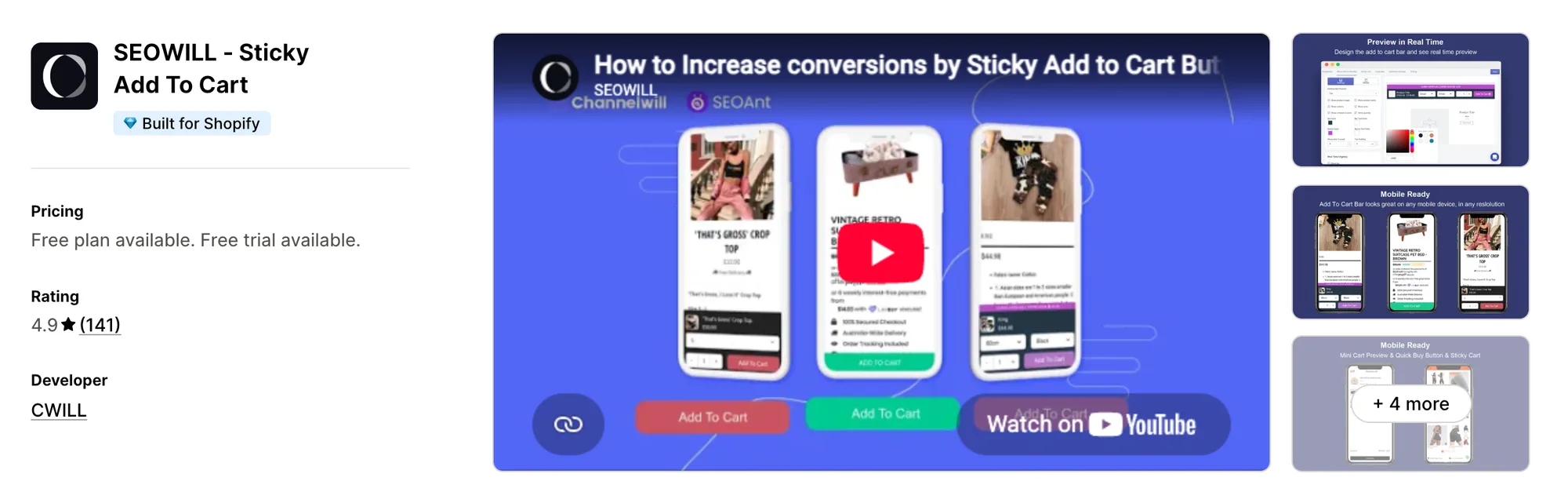
Best for: Stores that track ad clicks on Pinterest and Snapchat as well as Facebook
Rating: 4.9 (141 reviews) | App type: Standalone | Free trial: 14 days | Built for Shopify: Yes
SEOWILL ‑ Sticky Add To Cart, formerly SEOAnt ‑ Sticky Add To Cart, is a Shopify app from CWILL for a sticky bar with tracking and urgency messages. Its biggest strength is ad tracking, with Facebook, Pinterest, Snapchat and Google Analytics IDs entered in its own settings. Bar clicks then reach the ad tools you already pay for, so you can tell which campaigns lead to adds. Stock-scarcity messages and countdowns can appear next to the bar as well. It's made for stores that advertise heavily on Pinterest or Snapchat.
Key features:
- A sticky bar with the price, a variant picker and a quantity picker
- Its own fonts, colours and animation for the bar
- A floating mini cart and a cart slider listing the items added
- Quick buy buttons on home and collection listings
- Countdown timers next to the bar
- Stock-scarcity messages
- Click and cart-open tracking
- Facebook, Pinterest, Snapchat and Google Analytics IDs in the settings
Pros:
- One plan with unlimited clicks
- Tracking IDs for four ad and analytics platforms
- A countdown and a stock message from the same app as the bar
Cons:
- Handles the sticky bar, quick buy buttons and a mini cart
- No help center or changelog, so its trigger and position settings aren't documented
- A July 2024 review says the theme's cart opened behind the bar
Pricing:
Price from the Shopify App Store listing on October 16, 2026, with a 14-day free trial. Seowill.com shows no current price for this app.
5. STKY ‑ Sticky Add To Cart Bar
Best for: Stores that want quick view on collection pages and a cart that holds items on a timer
Rating: 4.9 (496 reviews) | App type: Standalone | Free trial: 14 days | Built for Shopify: No
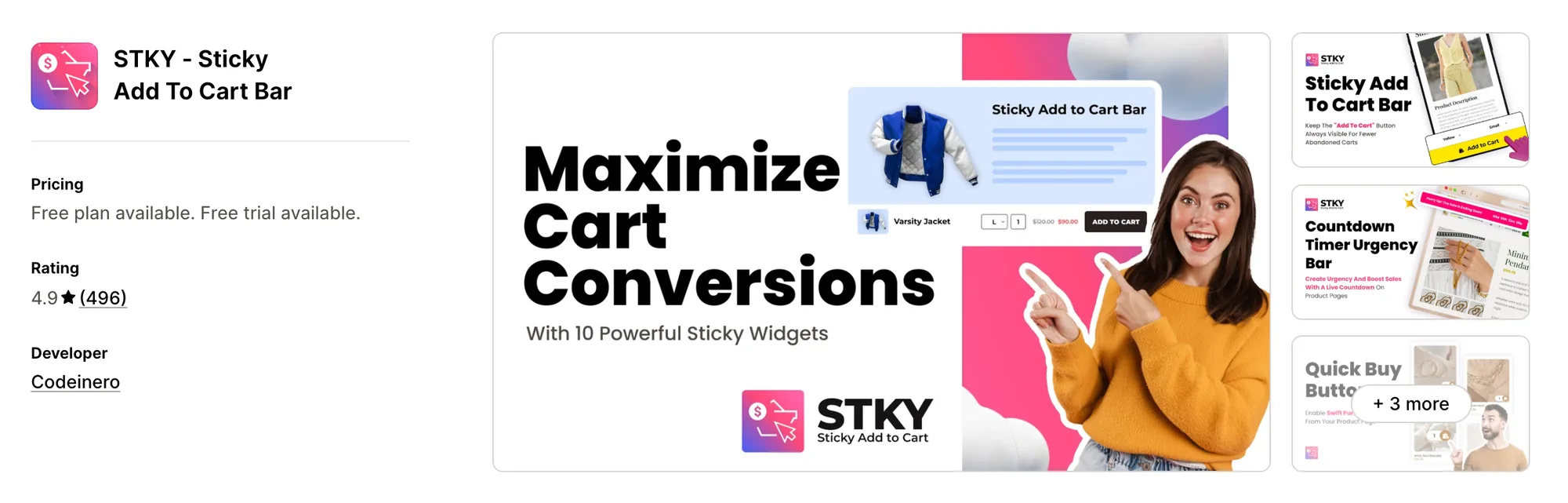
STKY ‑ Sticky Add To Cart Bar, formerly Sticky Add To Cart BOOSTER PRO, is a Shopify app from Codeinero for sticky widgets, quick view and an Ajax slide cart. Its strongest point is the collection page, which gains quick view and quick buy buttons. Shoppers can add a product straight from the grid, so they don't have to open each product page first. A reserve-cart timer can also hold items in the cart for a set time. It suits stores whose shoppers buy straight from collection pages.
Key features:
- A sticky bar at the top or bottom of the screen
- Separate desktop and mobile settings
- An urgency countdown bar shown over the sticky bar
- Quick buy and buy now buttons that can skip to checkout
- Quick view and a quick buy button on each collection grid item
- A slide cart whose upsells come from hand-picked pairs, past orders or the same collection
- A reserve-cart timer that can take low-stock items out when it ends
- A floating cart icon and a sticky checkout bar
Pros:
- Every feature on every plan, with unlimited clicks
- A product tag that turns the bar off for that product
- Its own slide cart, so the bar doesn't need a second cart app
Cons:
- Handles the product page, collection pages and the cart
- No variant or quantity picker mentioned for the bar in its listing or help center
- Price set by the store's Shopify plan, reaching $29.99 a month on Plus
- A bundle app conflict that went two weeks without a fix, per an April 2025 review
Pricing:
Prices from codeinero.net on October 16, 2026, with a 14-day free trial. Your Shopify plan decides which STKY plan you pay for.
Alternatives: 6 Best STKY Sticky Add To Cart App Alternatives for Shopify
6. Buy Me: Sticky Add To Cart Bar
Best for: Stores that want to choose exactly when the bar appears and show it on blog or landing pages
Rating: 4.9 (168 reviews) | App type: Standalone | Free trial: 14 days | Built for Shopify: Yes
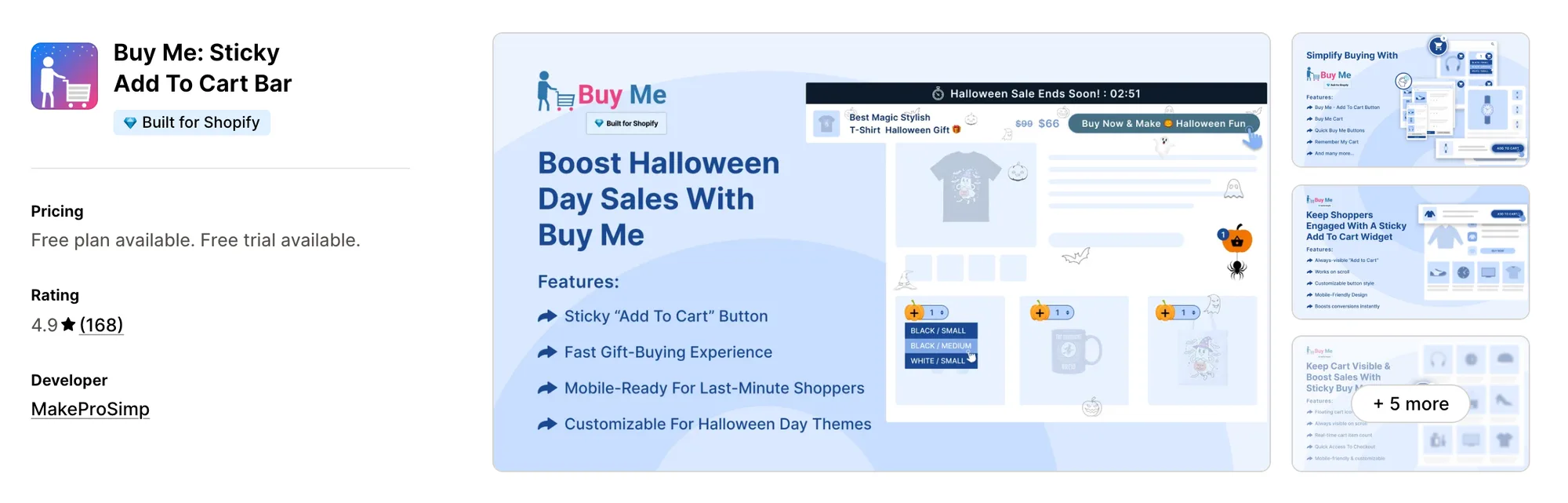
Buy Me: Sticky Add To Cart Bar, formerly Buy Me ‑ Sticky Buy Button, is a Shopify app for a sticky buy bar, quick buy buttons and a floating cart icon. What sets it apart is how fully its bar settings are documented, from four triggers to a top or bottom position for each device. You decide the exact moment shoppers see the bar, so it doesn't crowd the top of the page. A bar for a chosen product can also appear on home, blog or landing pages. It's a strong choice if you sell from content pages as well as product pages.
Key features:
- A bar with the product image, title, price and compare-at price
- Variant and quantity selectors and review stars in the bar
- Separate desktop and mobile templates
- Four triggers, from the theme's button scrolling away to a set share of the page
- Click actions that stay on the page, reload it, open the cart or skip to checkout
- A bar that sells one chosen product from home, blog, collection or landing pages (Small plan)
- Quick buy buttons on home and collection listings, with an optional quantity box (Medium plan)
- A floating cart icon
- A cart preview and Remember My Cart (Extra Large plan)
Pros:
- The most bar settings in this list
- Remember My Cart, which keeps a shopper's cart the same across devices
- Click analytics by product and by device
- Translated button text
Cons:
- Focuses on the sticky bar and quick buy buttons
- The cart preview needs the top Extra Large plan
Pricing:
Prices from buystro.app on October 16, 2026, with a 14-day free trial. The App Store listing shows only Small, Medium and Large.
Alternatives: 6 Best Buy Me Sticky Add To Cart App Alternatives for Shopify
How Many Apps Each Option Replaces
Every app you install can add its own code to your storefront, and that code affects load time. The table below shows how many separate apps each option replaces, based on our count.
Here's what each option replaces:
- Vitals - All in One App: 40+ apps, including a sticky add-to-cart app, a low-stock counter app, a trust badge app, a countdown timer app and a product reviews app
- EA Sticky Cart Drawer & Upsell: a sticky bar app, a slide cart app, a rewards bar app and a checkout rules app
- Zoorix Sticky Add To Cart Bar: a sticky bar app and, on Premium, a quick-add app
- SEOWILL ‑ Sticky Add To Cart: a sticky bar app, a quick buy app, a mini cart app and a countdown app
- STKY ‑ Sticky Add To Cart Bar: a sticky bar app, a quick view app, a slide cart app and an urgency bar app
- Buy Me: Sticky Add To Cart Bar: a sticky bar app and a quick buy button app
- Uplinkly Sticky Cart: a sticky bar app with a built-in countdown
Say you use the Uplinkly Sticky Cart app with a low-stock counter app, a trust badge app and a reviews app. That's four apps loading four scripts. With Vitals, you can replace all four apps with one subscription.
When Should You Stay on Uplinkly Sticky Cart?
The Uplinkly Sticky Cart app is still the better choice if:
- You want a countdown timer shown inside the sticky bar itself
- You want to place a bar for a chosen product on a page straight from that page's settings in the Shopify admin
On the other hand, switch to Vitals if you want shoppers to set a quantity in the bar and you'd rather pick where it shows without code snippets. You also get low-stock counters and trust badges in the same subscription.
How to Switch From Uplinkly Sticky Cart to Vitals
The Uplinkly Sticky Cart app keeps no customer data. Its settings hold your bar's design, button text and any snippets you added, so switching means rebuilding the bar, not moving data.
- Note the bar's colours, button text and any CSS or JavaScript snippets you added from Uplinkly's knowledge base, so you can match them in Vitals
- Install Vitals - All in One App and turn on Vitals Sticky Add to Cart App and Vitals Countdown Timer App
- Choose when the bar appears and pin it to the top or bottom for phones and desktop, so it shows where shoppers expect it
- Build the bar on a duplicate theme, then test products with and without variants on phones and desktop before you publish it
- Uninstall the Uplinkly app last, then switch off its Sticky Cart and Cart Animator app embeds and remove the snippets you added
Where Each Uplinkly Sticky Cart Feature Goes in Vitals
For example, Stock Supplier replaced 15 single-purpose apps with one Vitals subscription.
Read: Best All in One Apps for Shopify in 2026
Find the Best Uplinkly Sticky Cart Alternative for Your Store
Vitals - All in One App is the best fit for most stores, but the right pick depends on why you're leaving the Uplinkly Sticky Cart app.
- Vitals - All in One App, if you want a sticky add-to-cart bar, low-stock counters, trust badges, and 40+ apps in one subscription from $29.99/month
- EA Sticky Cart Drawer & Upsell, if you'd like to test two cart setups and set payment method rules from one app
- Zoorix Sticky Add To Cart Bar, if you're happy with your cart drawer app and only need a bar that works with it
- SEOWILL ‑ Sticky Add To Cart, if you advertise on Pinterest or Snapchat and want the bar's clicks tracked there
- STKY ‑ Sticky Add To Cart Bar, if shoppers browse collection pages and you want them to buy from there
- Buy Me: Sticky Add To Cart Bar, if you want fine control over when the bar appears and on which pages
Frequently Asked Questions
1. What is the best Uplinkly Sticky Cart alternative for Shopify?
Vitals - All in One App is the best Uplinkly Sticky Cart alternative for most stores. It's the only all-in-one app in this list, with 40+ apps, such as a sticky add-to-cart bar, low-stock counters and trust badges, in one subscription. Since Vitals is our app, we've listed its limitations in its review above.
2. Why do merchants switch from Uplinkly Sticky Cart?
The Uplinkly Sticky Cart app focuses on the sticky bar. If you want low-stock counters or trust badges next to it, you need to install other apps. Lower-rated reviews from 2023 also mention a slower store and a bottom bar that didn't work in Chrome on mobile. Hiding or translating the bar needs code snippets as well.
3. How do Vitals and Uplinkly Sticky Cart compare on sticky bar features?
Both offer a buy bar that stays on screen as shoppers scroll, a quick path to checkout and colours taken from your theme. Only the Uplinkly Sticky Cart app has a countdown timer inside the bar. Vitals, on the other hand, includes a quantity box, three display triggers, separate phone and desktop settings, and translations.
4. Can Vitals replace Uplinkly Sticky Cart and other apps at the same time?
Yes, for most stores. Vitals can replace the Uplinkly Sticky Cart app's bar with Vitals Sticky Add to Cart App and its timer with a product page countdown from Vitals Countdown Timer App. It can also replace separate apps for low-stock counters, trust badges and product reviews. The one exception is a countdown inside the bar itself, which Vitals doesn't offer.
5. How do these Uplinkly Sticky Cart alternatives affect store speed?
Each app you install can add its own scripts to your storefront. That means speed depends on how many apps you have, not just which ones. Vitals - All in One App loads its sticky bar, low-stock counter and trust badges from one script. If you use several single-purpose apps instead, each one loads its own script. We didn't speed-test these apps, so check your own pages before and after a change.
6. Which Uplinkly Sticky Cart alternatives have AI features or MCP support?
Not all of them. EA Sticky Cart Drawer & Upsell lists an AI assistant on its Pro plan but doesn't say what it does. Vitals, Zoorix, SEOWILL, STKY and Buy Me list no AI features or MCP support for their sticky bars, and neither does the Uplinkly Sticky Cart app.
7. Which Uplinkly Sticky Cart alternatives let shoppers pick a quantity in the bar?
Not all of them. Vitals - All in One App, EA Sticky Cart Drawer & Upsell, SEOWILL ‑ Sticky Add To Cart and Buy Me: Sticky Add To Cart Bar each put a quantity picker in the bar. STKY and Zoorix don't mention one for their bars, and neither does the Uplinkly Sticky Cart app.