
7 Best AfterShip Page Builder Alternatives for Shopify in 2026


Looking for an AfterShip Page Builder Alternative?
AfterShip Page Builder, formerly Automizely Page Builder, is a popular Shopify app for landing pages, product pages, home pages and ready-made page templates.
However, the app builds pages and little around them. Its listing and help center show no AI features or A/B testing. Product reviews and upsells are separate AfterShip apps, each with its own plan.
To help you find the right alternative, we've compared the seven best AfterShip Page Builder app alternatives based on app type, features, customization, pricing, AI capabilities, and the number of additional apps included in the same subscription.
Since Vitals is our app and one of the alternatives, we've also highlighted its limitations.
What Is the AfterShip Page Builder App?
AfterShip Page Builder is a Shopify app for landing pages, store pages and the sales widgets on them. It lets merchants build pages from templates, add a sticky add-to-cart bar or a timer and collect email sign-ups.
Here's what you can do with the AfterShip Page Builder app:
- Drag-and-drop editor: Build pages from sections and 30+ elements, such as slideshows, FAQ accordions, contact forms and product details. Custom fonts and a custom code element are included.
- Templates by page type: Start from templates for product, home, about us, blog, FAQ and contact pages. Pro templates come with the Pro plan.
- Sales widgets: Add a sticky add-to-cart bar from the Essentials plan, plus a countdown timer on the page. Email sign-up forms hand new subscribers a coupon.
- Page data: See visitors, add-to-cart rate and subscribers for each page. The numbers refresh every hour.
- Speed and SEO settings: Lazy loading is on by default. You can also set SEO details for each page.
How Much Does the AfterShip Page Builder App Cost?
Prices from the Shopify App Store listing on October 27, 2026, with a 7-day free trial.
Why Shopify Merchants Look for AfterShip Page Builder Alternatives
The AfterShip Page Builder app holds a 4.8 rating from 542 reviews. Still, some merchants switch to another app for these reasons:
- Pages only: The app builds pages and nothing around them. AfterShip sells product reviews and upsells as separate apps, each with a plan of its own.
- No AI or page tests: We found no AI features in its listing or help center. A/B testing isn't listed either.
- Fewer editable pages: The default product and collection pages can't be edited in the app. Its help doc also says older 1.0 themes give better compatibility.
- Pages lost on uninstall: Regular pages and blog posts built in the app disappear from the store once it's deleted. Its help doc describes this.
If any of these sound familiar, an all-in-one app alternative may suit your store better.
Read: Best AI Page Builders for Shopify in 2026
How We Compared the AfterShip Page Builder Alternatives
We reviewed each app's Shopify App Store listing, help docs and changelog (where available) on October 27, 2026. All ratings and review counts come from the listings on that day.
We compared the apps on:
- App type: standalone or all-in-one
- Features: the editor, templates, page types, AI page building, A/B tests and page data
- Customization: which store pages each app can create or edit, and which sales widgets show on them
- Pricing: plan prices, free trial length and any usage charges
- AI capabilities: AI tools and MCP support
- Additional apps: how many additional apps each one includes in the same subscription
Short Answer
Vitals - All in One App is the best AfterShip Page Builder alternative for most stores.
- It offers AI-built product pages, 46 theme sections, product reviews and product labels, while the AfterShip Page Builder app focuses on building pages
- It includes 40+ apps, such as bundles, discounts and reviews, in one subscription from $29.99/month
- It replaces multiple single-purpose apps you'd otherwise install and pay for one by one each month
What Are the Top AfterShip Page Builder Alternatives for Shopify in 2026?
Here's a quick overview of each app. You'll find what each one can and can't do in the reviews below.
1. Vitals - All in One App
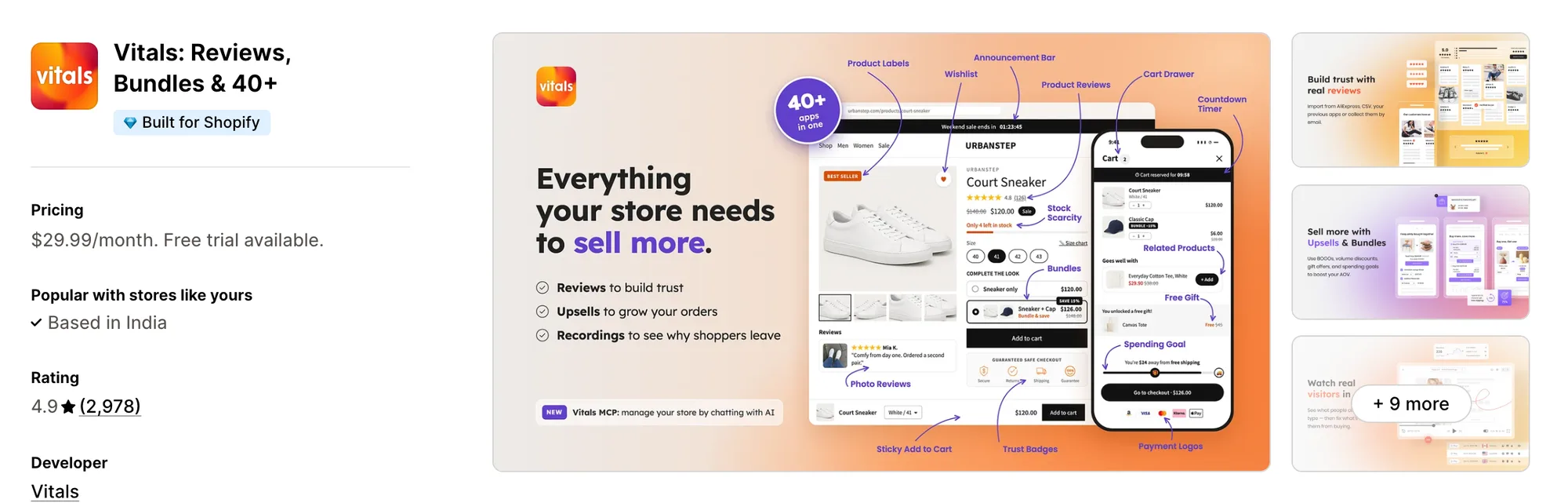
Best for: Stores that want 40+ apps, including AI Page Builder, Theme Sections, Product Reviews and Product Labels, in one subscription
Rating: 4.9 (2,978 reviews) | App type: All-in-one | Free trial: 7 days | Built for Shopify: Yes
Vitals is an all-in-one Shopify app that offers an AI page builder plus 40+ apps under one subscription, starting at $29.99/month.
With the Vitals AI Page Builder App, you can turn one product into a full product page, with a rewritten description, a tagline, key benefits and FAQ answers. You can also start from Classic or one of six other designs, written in your store's language. Every section of the page can be changed in the Shopify theme editor before it goes live.
Beyond the AI page builder, Vitals offers a cart drawer, volume discounts, a wishlist and 40+ apps in one subscription, so you don't have to install and pay for each app separately.
Key features:
- One product in, one full product page out, with a rewritten description and key benefits
- Products from your Shopify catalog, or new ones imported from an AliExpress or Amazon link
- AliExpress reviews brought over with the import
- FAQ answers and trust badges written into each page
- Seven designs, with Classic as the default
- The store's language detected automatically, with the option to write in another
- A theme editor preview, one-click publishing and a Generated product pages list for drafts
- 46 theme sections in seven groups, including product carousels, video, before-and-after sliders and value icons
- Draft-theme installs, so you can try a section before shoppers see it
- A sticky add-to-cart bar, a countdown timer and sign-up pop-ups from other Vitals apps
Pros:
- Product reviews come in the same plan as the pages they show on
- Sections you install but don't use add nothing to page load
- You can ask Shopify Sidekick for help with Vitals Theme Sections App
- 40+ apps in one subscription. La Niche de Jules traded a stack of single-purpose apps for one Vitals plan
Cons:
- No drag-and-drop editor
- AI page building is for product pages only
- Its pages and sections need an Online Store 2.0 theme
Pricing:
Prices from vitals.app/pricing on October 31, 2026, with a 7-day free trial and no metered fees on any plan.
Read: The 8 Best Theme Sections Apps for Shopify in 2026
2. LayoutHub ‑ Easy Page Builder
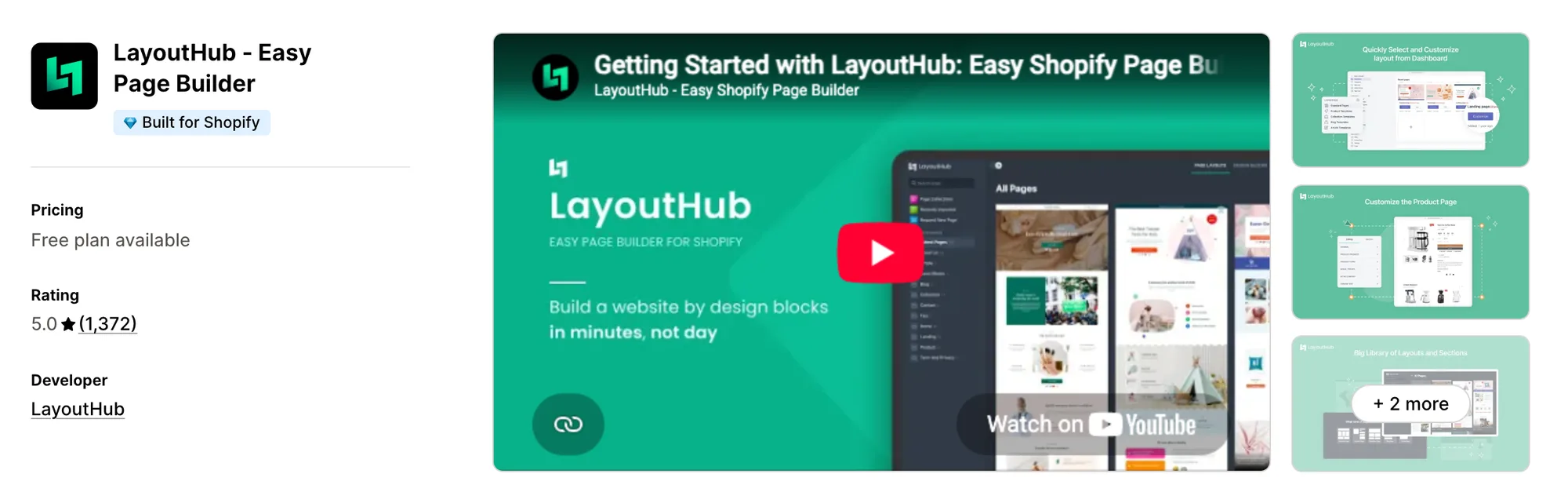
Best for: Stores that need a few pages built from ready-made layouts, with no design work
Rating: 5.0 (1,372 reviews) | App type: Standalone | Free trial: Free plan | Built for Shopify: Yes
LayoutHub ‑ Easy Page Builder is a Shopify app for store pages made from ready-made layouts. What sets it apart is that its layouts and sections come from e-commerce designers. You choose one, change the content in its drag-and-drop editor and publish, so there's no design work to do. FAQ and contact pages come alongside the usual store pages. If you're not technical and want finished layouts, it's a good fit.
Key features:
- A drag-and-drop editor with a library of ready-made layouts and sections
- Landing, home, product, collection, blog, FAQ and contact pages from the Basic plan
- Page versions, autosaved drafts, global sections and custom code
- Basic adds translation and code editing, and Pro adds page analytics
- Integrations with reviews apps such as Loox, Stamped and Yotpo
Pros:
- A 5.0 rating, the highest in this list
- Every paid plan includes all editor features
Cons:
- We found no AI features or A/B testing
- Page analytics, import and export and lazy-loaded images start on Pro
- Focuses on page layouts
Pricing:
Prices from layouthub.com on October 27, 2026.
3. EComposer Landing Page Builder
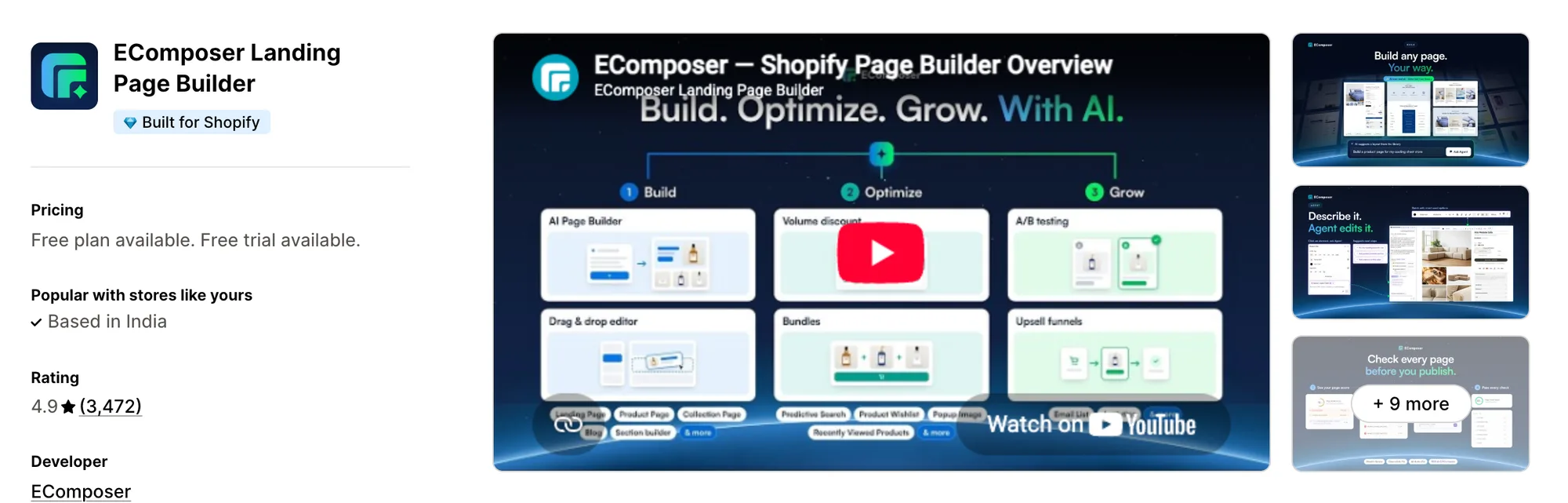
Best for: Stores that would rather get a wishlist, back-in-stock alerts and product compare from their page builder than from separate apps
Rating: 4.9 (3,472 reviews) | App type: Standalone | Free trial: 7 days | Built for Shopify: Yes
EComposer Landing Page Builder is a Shopify app for drag-and-drop pages, sections and 30+ sales extensions. Its biggest strength is the extension list on Pro, with a wishlist, back-in-stock alerts and product compare. That gives you a few store widgets without installing more apps. Its AI can write a product page or change an existing one on request. It's a strong choice if you want store add-ons to come with your builder.
Key features:
- 100+ elements, with 400+ page templates and 1,600+ section templates to start from
- AI Layout Builder and AI Product Page Generator, plus an assistant that can audit a page for SEO and CRO
- Cart, search, 404 and password pages alongside landing, product and collection pages
- Global Blocks that update on every page that uses them, on Pro
- A/B testing from Pro, with no cap on tests on Premium
- 30+ extensions on Pro, among them back in stock, wishlist, product compare, recently viewed and age verification
- Sticky add to cart, an AJAX cart and color swatches from the Standard plan
- Pro can show a different page to each Shopify Market
Pros:
- Extensions such as a wishlist and back-in-stock alerts come in the same subscription as the builder
- AI credits come with every paid plan, from 200 a month on Standard
- Page analytics for sessions, visitors and revenue begin on Standard
- A sticky add-to-cart bar is part of the Standard plan
Cons:
- Most extensions and A/B tests need the Pro plan
- Pages stop working 48 hours after uninstall and are deleted 30 days later
- Focuses on pages and sales add-ons
Pricing:
Prices from ecomposer.io on October 27, 2026, with a 7-day free trial. Unlimited blog posts cost $39 a month extra on Standard and Pro.
4. PageFly ✦ AI Page Builder
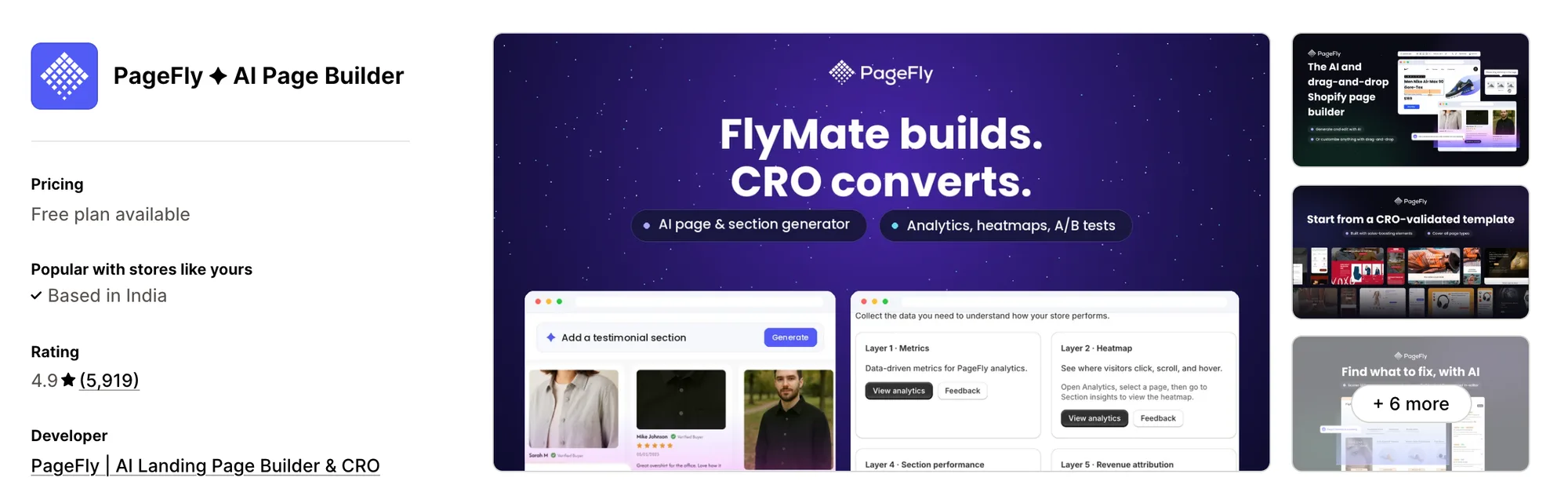
Best for: Stores that want to score, heatmap and A/B test their pages inside one builder
Rating: 4.9 (5,919 reviews) | App type: Standalone | Free trial: Free plan | Built for Shopify: No
PageFly ✦ AI Page Builder is a Shopify app for drag-and-drop pages that you keep improving after launch. It's strongest on optimization. FlyMate AI drafts or edits a page by chat, and AI Page Checkup flags what may be losing sales, so you know what to fix first. The Optimize plan adds A/B tests and click heatmaps. It suits stores that treat every page as something to test.
Key features:
- 320+ templates for pages and sections in a drag-and-drop editor
- 20+ page types, from home and collection pages to thank-you, 404 and link-in-bio pages
- FlyMate AI page building and section edits by chat, on every plan
- AI Page Checkup to score pages, and an AI Translator from Builder
- A/B testing, click heatmaps and a sales funnel view on Optimize and up
- An MCP connector that works in Claude, ChatGPT and Sidekick to build and publish pages
- A cart drawer in beta with upsells, bundles and shipping goals
Pros:
- Testing and heatmaps inside the builder, with no separate CRO app
- The MCP connector is available on any plan
- The largest review count in this article
Cons:
- Pages go blank if Remove all data is picked at uninstall
- Pages export only in its own .pagefly format
- Reviews report spacing changes and broken pages after app updates
- Focuses on pages and testing
Pricing:
Prices from pagefly.io on October 27, 2026. Enterprise plans start at $299, and every paid plan carries a 30-day money-back guarantee.
5. Omnise ✧ AI Page Builder
Best for: Stores that want to test single sections on existing theme pages before rebuilding them
Rating: 4.9 (879 reviews) | App type: Standalone | Free trial: Free plan | Built for Shopify: Yes
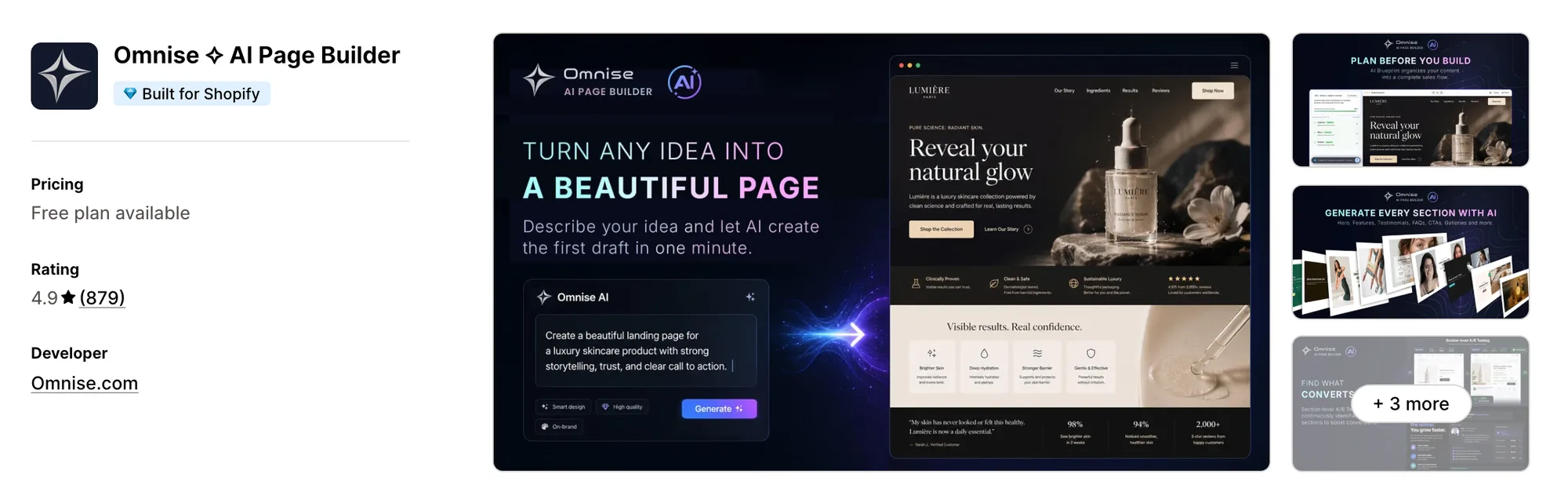
Omnise ✧ AI Page Builder, formerly Beae, is a Shopify app for prompt-built pages and section-level tests. Its biggest draw is AI Blueprint, which maps a page's sales story and section order before the AI writes it. The page arrives with sections, images and copy in place, so you start from a draft rather than a blank page. Paid plans add A/B tests on single sections inside existing theme pages. Pick it if you'd like AI to plan a page before building it.
Key features:
- Prompt-to-page generation that also produces sections, images and copy
- AI Blueprint planning of the message and section order
- A/B tests on individual sections, with AI recommendations on the winner
- Omnise sections inserted into, or swapped into, pages built by the theme
- Translation of one section or the full page in the editor on paid plans
- A Store Health audit of SEO, speed, AI visibility and conversion blockers
Pros:
- Existing theme pages can be tested without a rebuild first
- Its "Works with" list names 20+ apps, from Judge.me and Loox to Klaviyo and Recharge
Cons:
- We found no MCP support in its listing or website
- Reviews from 2023 and 2025 say code stayed in the theme after uninstalling
- Focuses on page building and testing
Pricing:
Prices from the Shopify App Store listing on October 27, 2026. Every plan includes section-level A/B testing. Each page, template, section and A/B variant uses one of the plan's published slots.
6. GemPages Landing Page Builder
Best for: Stores that send paid traffic to pre-sell advertorials and want post-purchase upsells in the same app
Rating: 4.9 (4,261 reviews) | App type: Standalone | Free trial: Free plan | Built for Shopify: No
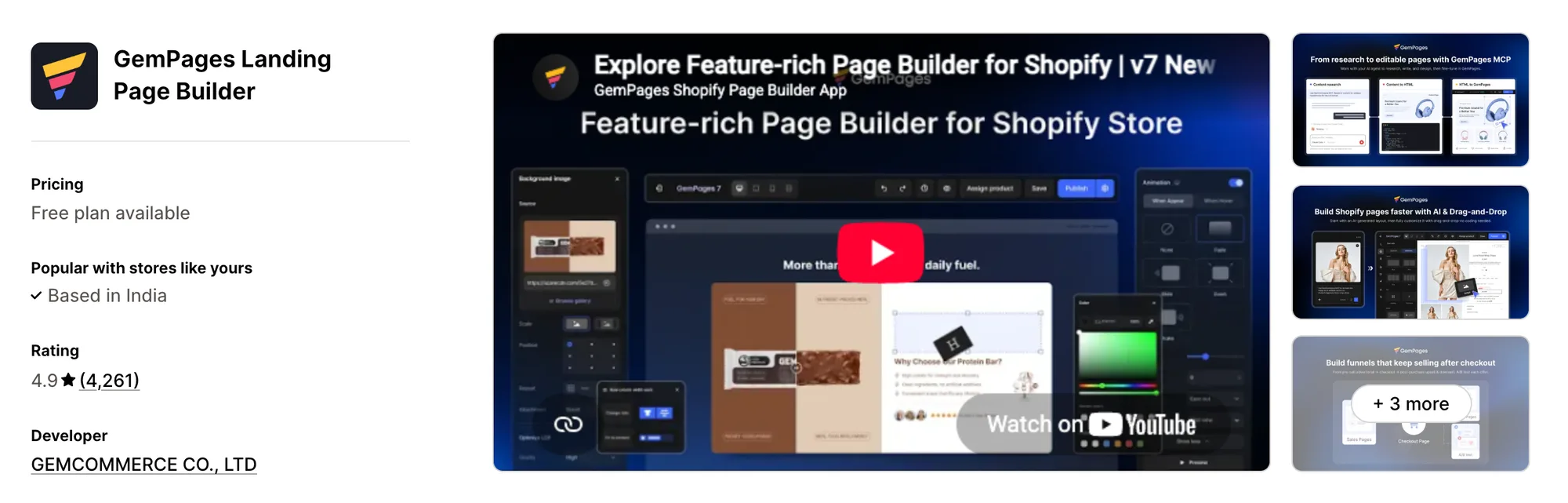
GemPages Landing Page Builder is a Shopify app for ad funnels, from the pre-sell page to the offer after checkout. Where it stands out is how it handles the whole funnel. Its editor builds advertorial and listicle pages, and its funnels add upsells, downsells and subscription offers once the order is paid, so the whole path lives in one app. Page tests come from a sister app, GemX. It works well for stores that send paid traffic to advertorials.
Key features:
- 400+ templates and prebuilt CRO sections in a drag-and-drop editor
- Per-device editing for mobile, tablet and desktop
- Pre-sell advertorial, listicle and sales pages
- Post-purchase upsells and downsells, plus subscription upsells after checkout, with A/B tests on the offers
- Page elements for a countdown, stock counter, quantity breaks, bundles and a sticky add-to-cart bar
- GemPages MCP, which lets Claude or ChatGPT turn content, HTML or an image into an editable page
- Headless "Instant" landing pages on Optimize
Pros:
- The pre-sell page and the post-purchase offer can live in one app
- Unlimited publish slots from the Build plan
- MCP is included on every plan
Cons:
- A/B tests of whole pages need a separate app, GemX
- Reviews from 2024 and 2025 mention slow product pages
- Some of those reviews also mention code left after uninstall
- Focuses on pages and funnels
Pricing:
Prices from gempages.net on October 27, 2026. Optimize takes a commission on post-purchase upsell revenue.
7. Zipify Landing Page Builder
Best for: Stores that send ads to long-form sales pages and want one design across many product pages
Rating: 4.7 (423 reviews) | App type: Standalone | Free trial: 14 days | Built for Shopify: Yes
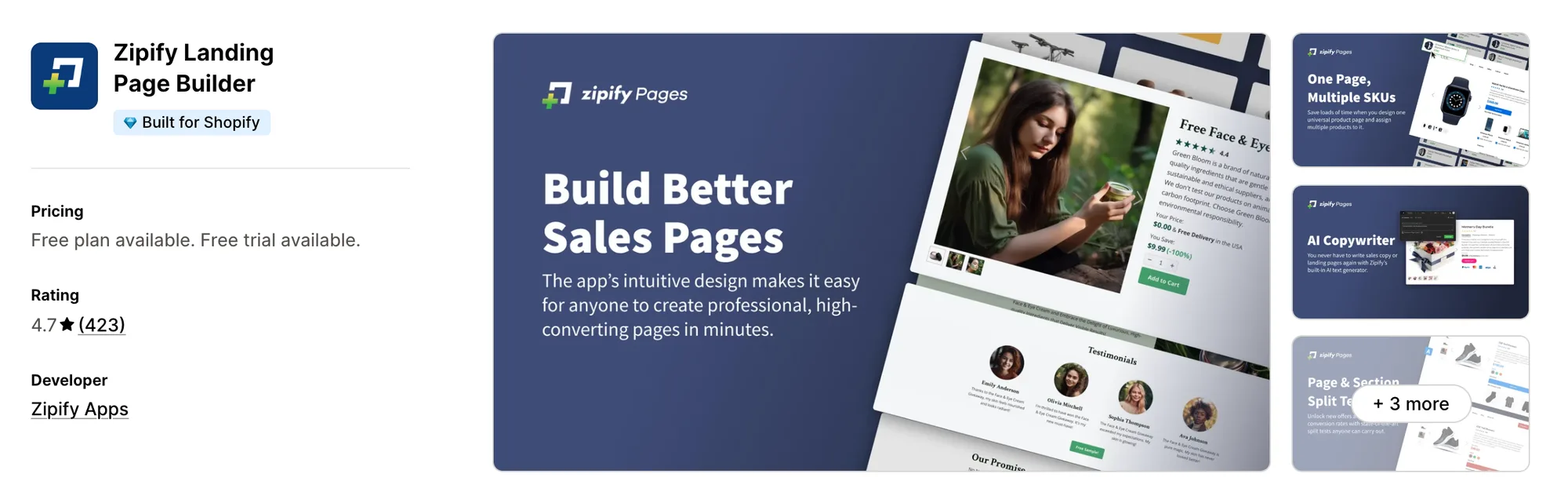
Zipify Landing Page Builder, still called Zipify Pages on zipify.com, is a Shopify app for long-form sales pages and funnels. What makes it different is where its templates come from, since the team built them on its own direct-response store. Universal Product Pages let one design serve many products, so a large catalog can share one layout. Split testing is included from the first plan. It's made for stores that send ads to long sales pages.
Key features:
- 125+ direct-response page templates in a drag-and-drop block builder
- Split tests of pages and sections, from one of each on Starter to unlimited on Advanced
- Universal Product Pages that assign one design to many products, on Advanced
- Product page buy boxes for bundles (Bundle Builder) and cross-sells
- An AI Copywriter that writes product page and funnel copy
- Global sections that keep blocks and styles in sync from page to page
Pros:
- Split testing comes with the entry plan
- A single product page design can apply to the whole catalog
- A 14-day free trial on every plan
Cons:
- One-click and post-purchase upsells are a separate Zipify app, One Click Upsell
- Published pages lose their styles after uninstall unless they're unpublished first
- Focuses on sales pages
Pricing:
Prices from zipify.com on October 27, 2026, with a 14-day free trial. Starter allows 5 published landing pages and 1 product page.
How Many Apps Each Option Replaces
Every app you install can add its own code to your storefront, and that code affects load time. The table below shows how many separate apps each option replaces, based on our count.
Here's what each option replaces:
- Vitals - All in One App: 40+ apps, including a product page builder, a page sections app, a product reviews app, a product labels app, a sticky add-to-cart app and a countdown timer app
- LayoutHub ‑ Easy Page Builder: a single page builder
- EComposer Landing Page Builder: a page builder, a wishlist app, a back-in-stock app, a product compare app, a pop-up app and a sticky add-to-cart app
- PageFly ✦ AI Page Builder: a page builder, a split testing app, a heatmap app and a translation app
- Omnise ✧ AI Page Builder: a page builder, a testing app, an AI copy app and a page translation app
- GemPages Landing Page Builder: a page builder, a post-purchase upsell app, a timer app and a stock counter app
- Zipify Landing Page Builder: a funnel page builder, an A/B testing app and a buy-box bundle app
- AfterShip Page Builder: a simple page builder, a countdown timer app, a sticky add-to-cart app and an email sign-up app
Say you use the AfterShip Page Builder app with a product reviews app, a product labels app and a trust badges app. That's four apps loading four scripts. With Vitals, you can replace all four apps with one subscription.
When Should You Stay on AfterShip Page Builder?
The AfterShip Page Builder app is still the better choice if:
- You already use AfterShip's tracking or returns apps and want your page builder from the same company
- You want coupon sign-up forms placed inside the page itself rather than shown as a pop-up
- You want to drag and drop your own landing and blog page layouts
On the other hand, switch to Vitals if you want AI-built product pages and ready-made sections for the rest of the store. Product reviews and product labels come in the same subscription too.
How to Migrate From AfterShip Page Builder
Order matters here, because regular pages and blog posts built in the app disappear once it's deleted. Copy them before you change anything else.
- List every page and blog post built in the app with its URL. Note which products and collections use a template whose name starts with aftership
- Copy the text and images of every regular page and blog post, since both disappear from the store when the app is deleted. Write down each page's visitors, add-to-cart rate and subscribers too, as that data doesn't carry over
- Install Vitals - All in One App, then work on a copy of your live theme. Build product pages with Vitals AI Page Builder App, and the home page and other pages with Vitals Theme Sections App
- Move the sticky bar to Vitals Sticky Add to Cart App, timers to Vitals Countdown Timer App and sign-up forms to Vitals Pop-ups App
- Republish blog posts in Shopify's own blog editor. Keep a separate page builder for custom blog layouts or drag-and-drop landing pages, since Vitals has no drag-and-drop editor
- Redirect any old page URLs that change, and update the links in ads, emails and menus
- Switch products and collections back to the theme's default template, then uninstall the app. Remove leftover aftership templates and automizely Liquid files from the theme last
Where Each AfterShip Page Builder Feature Goes in Vitals
For example, Metal Art Cafe cut its separate store apps down to a single Vitals plan.
Read: Best All in One Apps for Shopify in 2026
Find the Best AfterShip Page Builder Alternative for Your Store
Vitals - All in One App is the best fit for most stores, but the right pick depends on why you're leaving the AfterShip Page Builder app.
- Vitals - All in One App, if you want AI-built product pages, product reviews, product labels, and 40+ apps in one subscription from $29.99/month
- LayoutHub ‑ Easy Page Builder, if you only need a handful of pages and would rather pick a finished layout than design one
- EComposer Landing Page Builder, if your page builder should also handle wishlists, back-in-stock alerts and product compare
- PageFly ✦ AI Page Builder, if you want heatmaps, page scores and A/B tests next to the editor
- Omnise ✧ AI Page Builder, if you want to try a new section on a live page before redesigning it
- GemPages Landing Page Builder, if your ad traffic lands on an advertorial and should see an upsell after checkout
- Zipify Landing Page Builder, if long-form sales pages and one design for many products matter most
Frequently Asked Questions
1. What is the best AfterShip Page Builder alternative for Shopify?
Vitals - All in One App is the best AfterShip Page Builder alternative for most stores. It's the only all-in-one app in this list, with 40+ apps such as AI product pages, theme sections and product labels in one subscription. Since Vitals is our app, we've listed its limitations in its review above.
2. Why do merchants switch from AfterShip Page Builder?
The AfterShip Page Builder app focuses on building pages. If you want product reviews or product labels on those pages, you need to install other apps. Its listing and help center also show no AI features, no A/B tests, and pages that disappear when the app is deleted.
3. How does Vitals compare with AfterShip Page Builder on features?
Both offer a sticky add-to-cart bar, a countdown timer and a way to collect email sign-ups. Only the AfterShip Page Builder app has a drag-and-drop editor for landing and blog pages. Vitals, on the other hand, includes AI-built product pages, 46 theme sections, product reviews and product labels.
4. Can Vitals replace AfterShip Page Builder and other apps at the same time?
Yes, for most stores. Vitals can replace the AfterShip Page Builder app's product page templates, home page layouts, sticky add-to-cart bar, countdown timer and email sign-ups. It can also replace separate product reviews and product labels apps. The one exception is drag-and-drop landing and blog pages, which Vitals doesn't offer.
5. How do these alternatives affect store speed?
Each app you install can add its own scripts to your storefront. That means speed depends on how many apps you have, not just which ones. Vitals - All in One App loads its sticky add-to-cart bar, product labels and other apps from one script. If you use several single-purpose apps instead, each one loads its own script. We didn't speed-test these apps, so check your own pages before and after a change.
6. Which AfterShip Page Builder alternatives have AI features or MCP support?
Not all of them. Vitals AI Page Builder App builds a product page from one product. PageFly's FlyMate AI drafts and edits pages, and its MCP connector builds and publishes pages from Claude, ChatGPT or Sidekick. GemPages MCP turns content, HTML or an image into an editable page. Omnise writes whole pages from a prompt, EComposer generates product pages, and Zipify's AI Copywriter writes page copy. We found no MCP support in those three. LayoutHub lists no AI features, and neither does the AfterShip Page Builder app.
7. Which AfterShip Page Builder alternatives come with their own product reviews?
Not all of them. Vitals includes Vitals Product Reviews App, which shows star ratings and photo reviews on the pages you build. LayoutHub works with reviews apps such as Loox, Stamped and Yotpo. EComposer, PageFly and GemPages rely on apps such as Judge.me or Loox. Omnise and Zipify leave reviews to other apps as well. None of those six has reviews of its own, and neither does the AfterShip Page Builder app.
8. How do I move from AfterShip Page Builder to Vitals?
Copy every regular page and blog post first. Then, on a duplicate theme, build product pages with Vitals AI Page Builder App and other pages with Vitals Theme Sections App. Move the sticky bar, timers and sign-up forms to their Vitals apps. Test each page and redirect any changed URLs. Uninstall the AfterShip Page Builder app last, then remove its leftover theme files.