7 Best Transtore Alternatives for Shopify [2026]

![7 Best Transtore Alternatives for Shopify [2026]](/assets/blog/transtore-alternatives/banner.avif)
Looking for a Transtore Alternative?
TS ‑ AI Language Translate, formerly Transtore ‑ Language Translate, is a popular Shopify app for translating a store and showing each visitor their own currency. Its low-star reviews, though, describe manual translations that were overwritten or deleted, and French or Italian copy that reads like a literal machine translation.
So, we compared seven alternatives on how they handle local prices and languages, what happens to a store's existing translations, and what else each one covers. Vitals is our app, and we've called out its gaps, translation among them.
What Is Transtore Shopify App?
TS ‑ AI Language Translate is a Shopify localization app from Transtore. It translates the store into other languages, converts prices into each shopper's currency, and uses geolocation to show every visitor the right language, currency and market.
Here's what you can do with Transtore:
- AI translation: Translate products, collections, pages, theme text, images and other apps' content into up to 20 languages, with a glossary and manual edits.
- Currency conversion: Convert prices into 163+ currencies with live or manual rates and rounding rules that also cover shipping rates.
- Geolocation: Suggest or switch language, currency and ship-to country by location, with region detection in some countries.
- Redirects and blocking: Send visitors to their market's domain, redirect broken pages, and block countries or IP addresses.
- Multilingual SEO: Translate meta titles, descriptions, URL handles and image alt text.
Where Transtore stands out is how much localization sits in one app. Translation, currency, market redirects and country blocking are all there, and translations improved with AI are saved to Shopify, so they stay in sync with Translate & Adapt.
Reviews often describe the translations as natural and the support team as quick to make custom fixes.
How Much Does Transtore App Cost?
Prices from transtore.app on Oct 22, 2026, with a 7-day free trial. The developer's blog lists the Growth price for Shopify Basic stores only and says it is higher on larger Shopify plans.
Why Shopify Merchants Look for Transtore Alternatives
TS ‑ AI Language Translate has a 4.6 rating from 786 reviews and is Built for Shopify. Still, merchants who stop using it describe these problems:
- Manual or professional translations that were overwritten by auto-translation or deleted
- Literal translations from its default Google engine, with no DeepL option
- A listing that says "Free" while most stores are asked to pay once they open the app
- Features tied to leaving a review, and free users moved to paid plans after reinstalling
- Support tickets closed without a fix, and ads shown inside the admin
Switching makes the most sense for stores that want their prices and storefront apps from one team, with translations kept in Shopify's own tools.
Read: Best Currency Converter Apps for Shopify in 2026
How We Compared the Transtore Alternatives
We studied each app's live Shopify App Store listing, its help docs and its changelog, where available, on the day of writing, and pulled ratings and review counts from the listings.
We compared the apps on:
- App type: a single localization job or a whole-store app
- Core localization features: currency conversion, checkout currency, translation, geolocation and the switcher
- Store areas reached, from product pages to checkout and beyond
- The count of standalone apps each option replaces
- App embeds, theme code and scripts on the storefront
- AI translation or other AI features, and MCP support
Short Answer
Vitals - All in One App is the best Transtore alternative for most stores.
- It offers local prices with a cart notice and reviews translated automatically, and leaves page translations in Shopify's own Translate & Adapt, while low-star Transtore reviews describe manual translations overwritten or deleted
- It includes 40+ apps, such as reviews, bundles and discounts, in one subscription of $29.99/month
- It replaces multiple single-purpose apps that you would otherwise install and pay for every month
Transtore starts at $15 a month for Shopify Basic, so Vitals costs more. In return, Vitals has a flat base price, with a usage fee only past $1K a month in conversion-app sales, and the converter comes with reviews, bundles and discounts.
What Are the Top Transtore Alternatives for Shopify in 2026
Start with the table for a quick view, then read the entries for the detail.
1. Vitals - All in One App
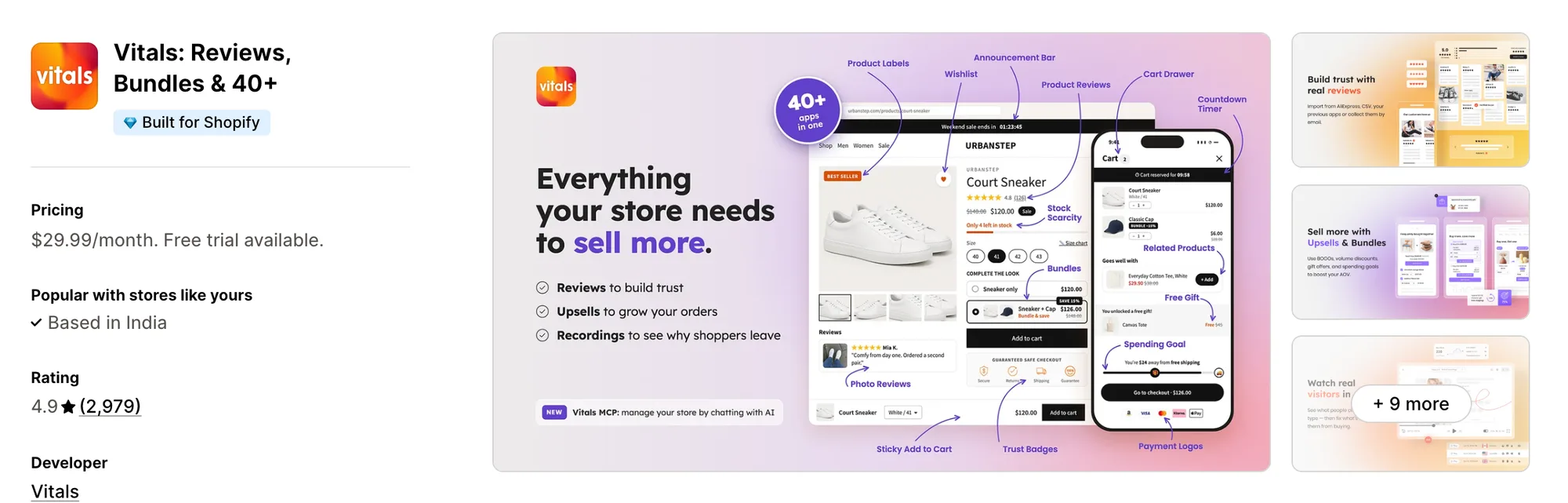
Best for: Stores that want Currency Converter, Offers by Market, Product Reviews and Bundles plus 40+ apps in one subscription
Rating: 4.9 (2,979 reviews) | App type: All-in-one | Free trial: 7 days | Built for Shopify: Yes
Vitals is our app. Among its 40+ apps are a currency converter, reviews, bundles and discounts, all included in a single subscription of $29.99/month.
The Vitals Currency Converter app changes prices to the shopper's currency based on their location, and shoppers can switch to another one at any time. Currencies set up in Shopify Payments check out locally, and a cart notice covers the rest.
Language is handled where shoppers read most. Vitals Product Reviews can translate each review into the visitor's language, and offer text in Upsell Builder can be auto-translated into every published language. Page translations stay in Shopify's own Translate & Adapt app.
Key features:
- Prices converted by location, with a switcher for shoppers who want another currency
- Shoppers pay in their currency when Shopify Payments supports it
- A cart notice whose message and color the store sets
- Rounding of converted prices, with zero-decimal currencies shown whole
- Reviews translated automatically into each visitor's language
- Offer text auto-translated into every published language, filling only the gaps
- Bundles and discounts shown only in the Shopify Markets a store picks
Pros:
- Reviews and offers read in the shopper's language without manual work
- Page translations stay in Shopify, separate from any app
- 40+ apps under one subscription (e.g., Little Dresser converts prices for its UK and US shoppers and moved its single-purpose apps to one Vitals plan)
- Claude and ChatGPT can manage it through Vitals MCP
Cons:
- Doesn't translate store pages, theme text or SEO tags
- Works on Shopify only
Pricing:
Prices from the Vitals website on Oct 22, 2026, with a 7-day free trial.
Read: Currency Converter for Shopify Multi-Currency: How It Works
2. BUCKS Currency Converter PRO++
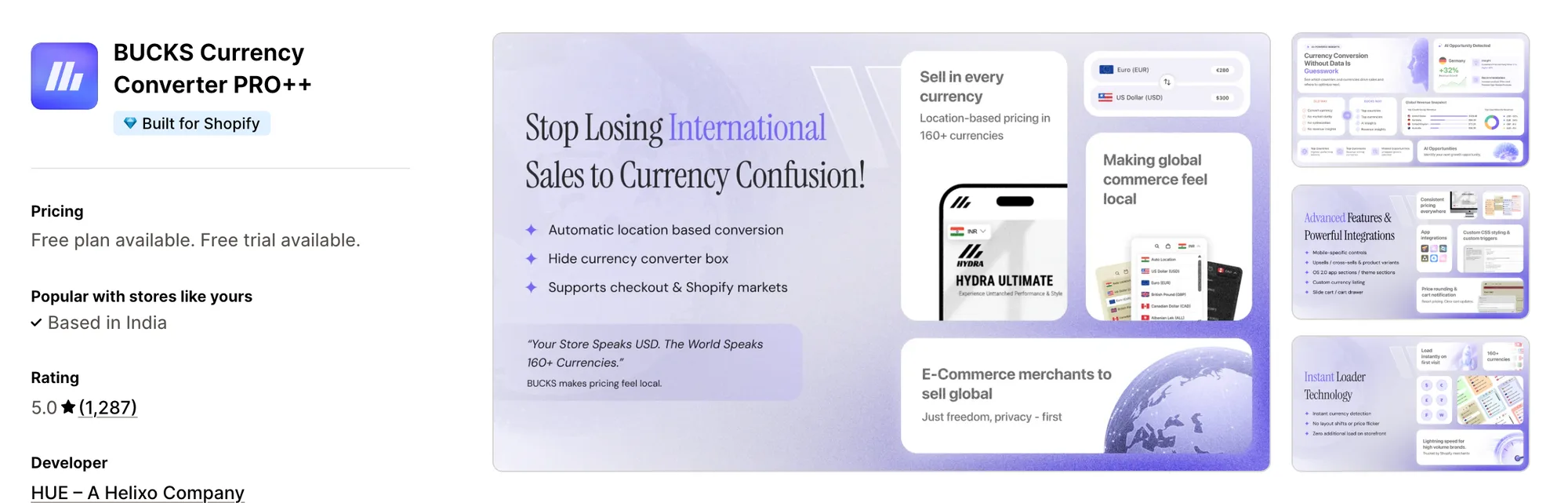
Best for: Stores that want reports on which currencies and countries buy
Rating: 5.0 (1,287 reviews) | App type: Standalone | Free trial: 7 days | Built for Shopify: Yes
BUCKS Currency Converter PRO++ handles currency alone, which its own docs say plainly. It switches prices by location on its free plan and, on Pro, shows which currencies and countries bring in revenue. It suits stores that keep translation in Shopify and want a dedicated converter.
Key features:
- Every currency it supports, 160+, available on all plans
- Auto-switching that can skip countries a store names
- Flag switcher styles, from fixed to scrolling boxes
- A note in the cart naming the payment currency
- Hand-set exchange rates and custom formats (Plus plan)
- Revenue per currency and country with suggested next steps (Pro plan)
Pros:
- Revenue reports by market, which Transtore doesn't list
- Shoppers can pay locally when Shopify Payments and Markets are on
- Recent reviews name individual support agents who helped quickly
Cons:
- Prices only, so another app has to translate the store
- A few low-star reviews report prices far too high on comma-decimal stores
- Cart drawers and free gifts are separate Helixo apps
Pricing:
Prices from docs.helixo.co on Oct 22, 2026, with a 7-day free trial.
3. Tranzi: Translate and Currency
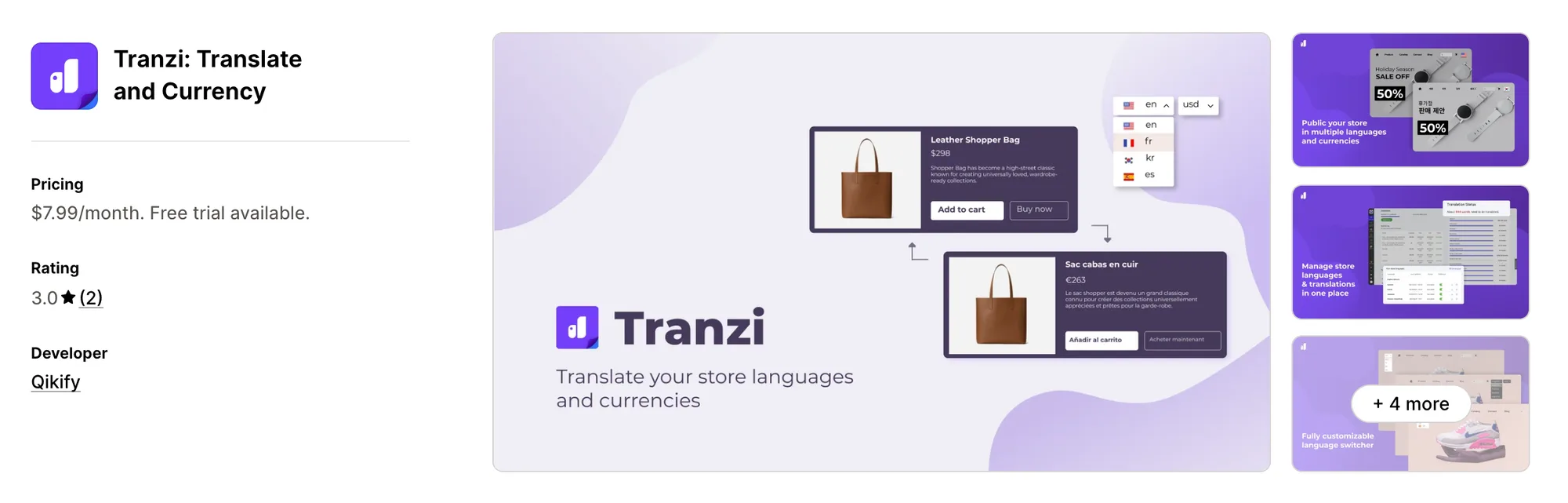
Best for: Stores using qikify menus or upsells that need translating too
Rating: 3.0 (2 reviews) | App type: Standalone | Free trial: 7 days | Built for Shopify: No
Tranzi: Translate and Currency is the closest match to Transtore's shape in this list, a translation app with a currency switcher, from Qikify. It covers 100+ languages and can translate the content of Qikify's other apps. It's worth a look for stores already built around those apps.
Key features:
- Google AI translation in 100+ languages, editable by hand
- Autopilot that keeps translating as content is added
- Whole pages translated at once, or one page at a time
- A glossary for brand words
- A different image per language
- Translation data exported and imported in bulk
- Content from other qikify apps translated
- A switcher for currencies next to the one for languages
Pros:
- Translation and currency on one plan, as in Transtore
- Multilingual SEO on its only plan
Cons:
- Its listing doesn't say how many currencies it has or how rates are set
- Only two reviews, and none since 2023
- 500 free AI words, after which more must be bought
- Covers language and currency, not offers or reviews
Pricing:
Prices from the Shopify App Store listing on Oct 22, 2026, with a 7-day free trial. Shopify Plus adds 20% to the price.
4. Nova: Multi Currency Converter
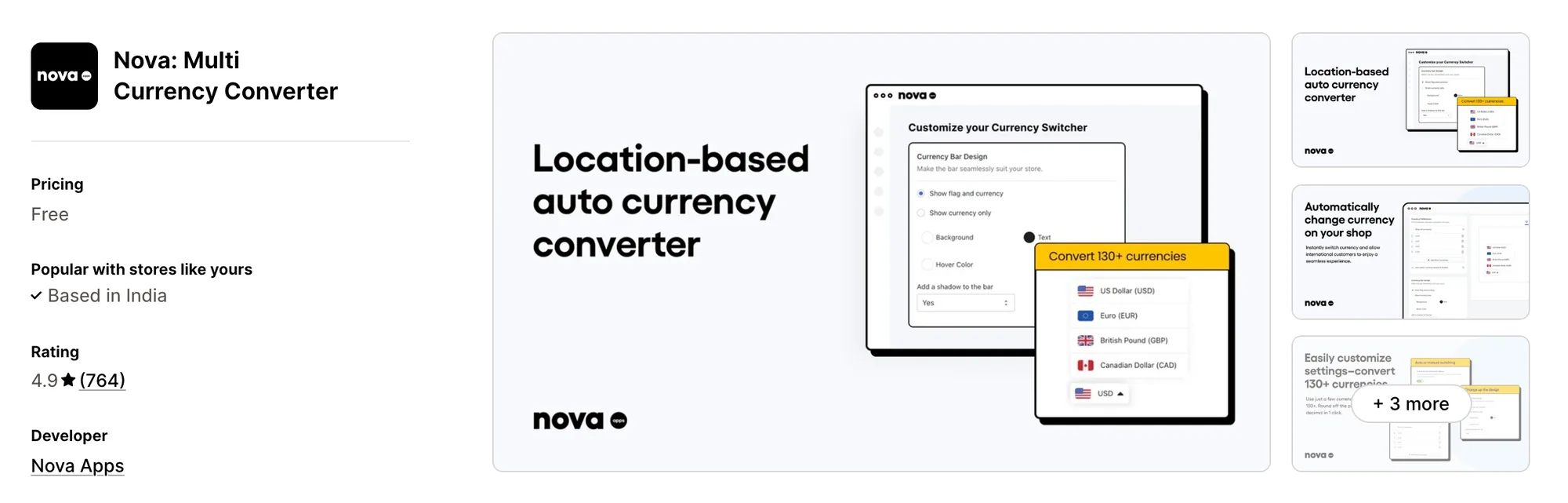
Best for: Stores that only need local prices and want them free
Rating: 4.9 (764 reviews) | App type: Standalone | Free trial: Free plan | Built for Shopify: No
Nova: Multi Currency Converter does one part of Transtore's job, local prices, at no cost. A floating bar converts prices by location using Shopify's rates, with rounding and a cart notice included. It fits stores that translate with Shopify's free tools and just need a converter.
Key features:
- 130-plus currencies from Shopify's conversion system
- Visitor location sets the currency, and shoppers can change it
- Bar text, colors and design all editable
- Rounding by a chosen style and number of decimals
- A pre-checkout message about the payment currency
Pros:
- Nothing to pay, on any feature
- Round-the-clock chat with a person
- Prices convert without the page reloading
Cons:
- Payment always happens in the store's currency
- The bar has no header or footer position
- No translation of any kind
Pricing:
Nova has no paid plans and is free to use, per its Shopify App Store listing on Oct 22, 2026.
5. BEAST Currency Converter
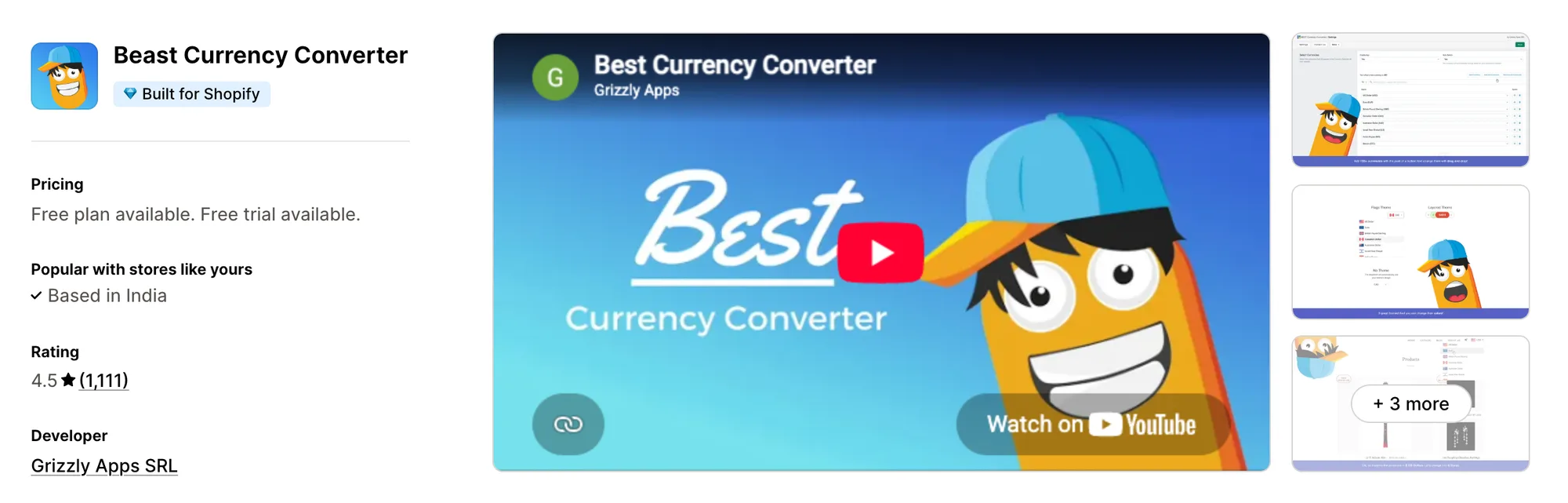
Best for: Stores that want Grizzly's team to place a header switcher
Rating: 4.5 (1,111 reviews) | App type: Standalone | Free trial: 30 days | Built for Shopify: Yes
BEAST Currency Converter, previously Doubly, focuses on getting the switcher right. It places one in the header automatically, and on Elite its team moves it and matches it to the store's design. It fits stores that want a polished switcher without theme work.
Key features:
- A 164-currency list with flags
- Header placement done automatically
- Location-based currency and per-country assignments (Elite plan)
- Design matched to the store by Grizzly's team (Elite plan)
- Decimal and rounding controls (Elite plan)
- A checkout currency message and hover price (Elite plan)
Pros:
- A full month of trial time
- Switcher placement handled for you
Cons:
- No local-currency checkout, so shoppers pay in the store's currency
- Leaves translation to other apps
- Low-star reviews mention wildly wrong prices and slow fixes
- No manual exchange rates, which Transtore offers
Pricing:
Prices from currency.grizzlyapps.com on Oct 22, 2026, with a 30-day free trial.
6. CVC ‑ Multi Currency Converter
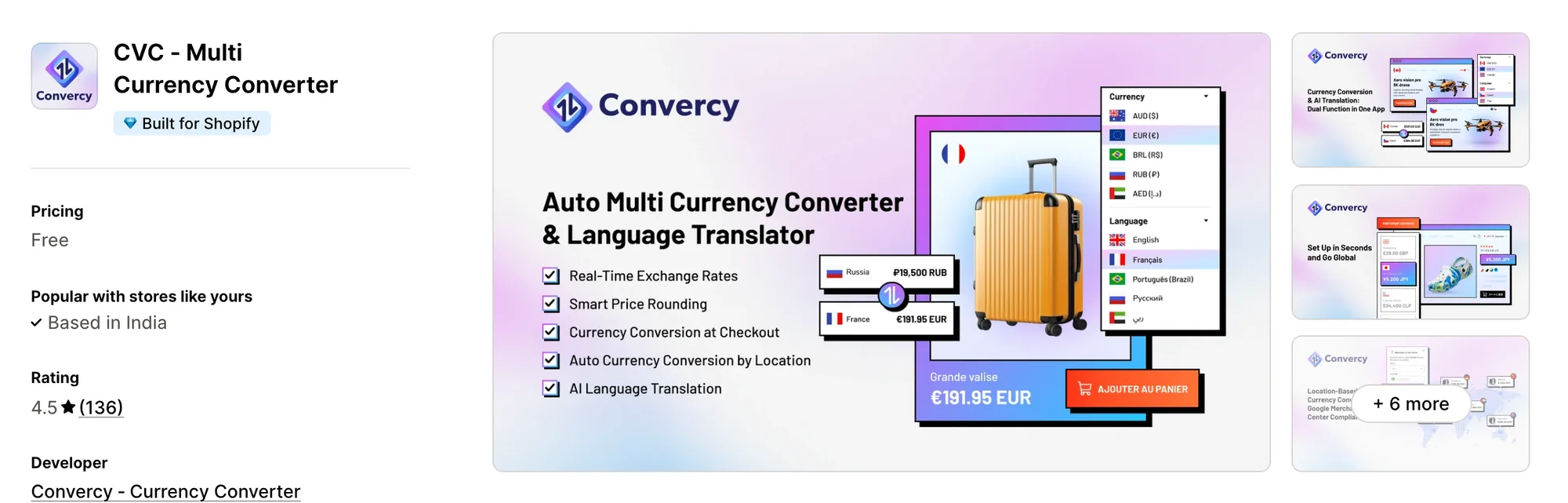
Best for: Stores offering shoppers a choice of two currencies in one country
Rating: 4.5 (136 reviews) | App type: Standalone | Free trial: Free plan | Built for Shopify: Yes
CVC ‑ Multi Currency Converter, from Convercy, works much like Transtore, with AI translation, geolocation and a currency switcher in one app. Its own twist is offering two currencies inside one market, such as CAD and USD in Canada. It suits stores near borders where shoppers mix currencies.
Key features:
- Two currencies available to shoppers in the same country
- Prices, shipping fees and discounts all converted
- Location detection that switches automatically or asks first
- Region-level detection within a country
- Rounding chosen currency by currency
- AI translation backed by a glossary
- Header and footer switcher spots on desktop and mobile
Pros:
- Two currencies per market, which Transtore doesn't list
- Checkout in local currency through Shopify Payments
- One currency and one language free
Cons:
- Automatic translations live only on the storefront and aren't saved to Shopify
- The paid plan's price shows only after install
- Low-star reviews describe emails that went unanswered
Pricing:
Neither the Shopify App Store listing nor convercy.app shows CVC's paid prices (checked Oct 22, 2026).
7. Currency Converter Bear
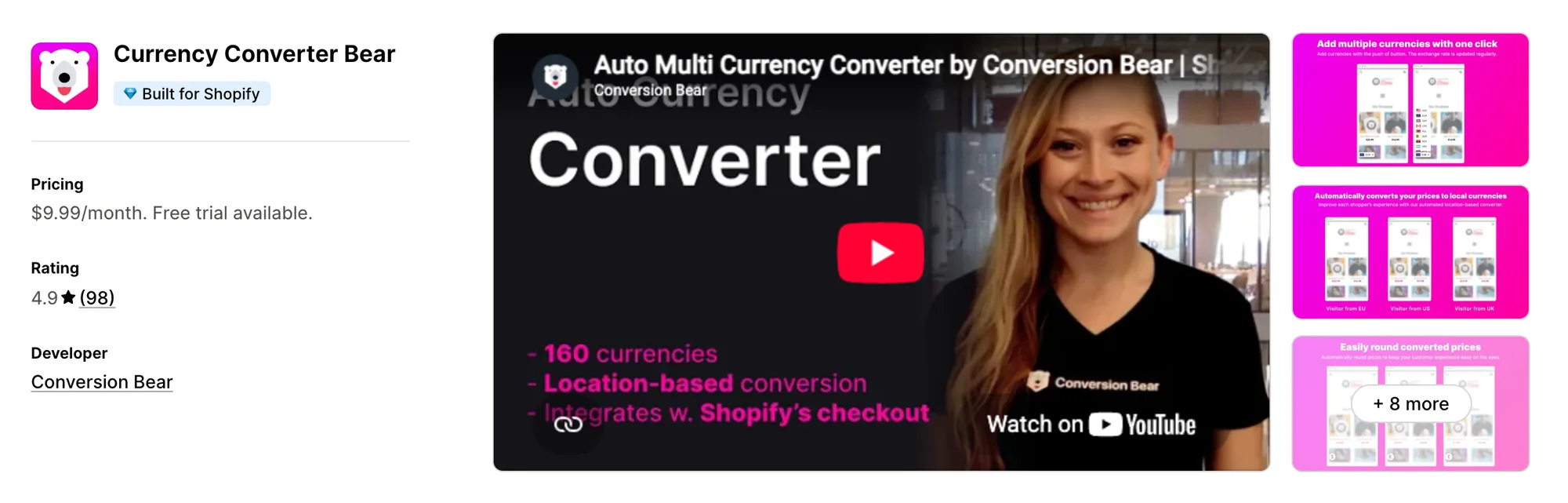
Best for: Stores that want converted prices with no visible switcher
Rating: 4.9 (98 reviews) | App type: Standalone | Free trial: 14 days | Built for Shopify: Yes
Currency Converter Bear converts prices by location and can do it in a hidden mode, with no switcher on the page. Its single plan includes rounding, a cart notice and local checkout for Shopify Payments currencies. It suits stores that want prices to change quietly in the background.
Key features:
- A hidden mode that converts prices without a switcher
- 160-plus currencies matched to each visitor's location
- Rates that refresh more than once a day
- Price endings set by smart rounding
- Local checkout for currencies on in Shopify Payments
Pros:
- Hidden mode, which no other converter here offers
- Every setting included on one plan
- 96 of 98 reviews give five stars
- A reconvert call for themes that reset prices
Cons:
- Its docs say it conflicts with Weglot, Langify and GemPages
- No translation, so a language app is still needed
Pricing:
Prices from the Shopify App Store listing on Oct 22, 2026, with a 14-day free trial.
How Many Apps Each Option Replaces
The more apps a store adds, the more code can load on each page, as our guide to Shopify store load time covers. Here's what each option replaces.
How we counted it:
- Vitals - All in One App replaces up to 40+ single-purpose apps, a currency converter, a reviews app with translation, a bundles app and a discount app among them
- BUCKS Currency Converter PRO++ replaces a currency app with sales reporting
- Tranzi: Translate and Currency stands in for a translation app and a basic currency switcher
- Nova: Multi Currency Converter covers one currency app for free
- BEAST Currency Converter takes the place of one currency app
- CVC ‑ Multi Currency Converter does the work of a currency app and a lighter translation app
- Currency Converter Bear handles what one currency app would
- TS ‑ AI Language Translate replaces a translation app, a currency app and a redirect app
A store using Transtore next to a reviews app and a bundles app keeps three plans. With Vitals for prices, reviews and bundles, and Shopify's own Translate & Adapt for pages, those jobs sit in one subscription.
When Should You Stay on Transtore
TS ‑ AI Language Translate keeps the edge in two situations.
- You need full-store translation, currency and market redirects managed together, which no other app here matches
- You want to fix your own exchange rate on a currency while also translating the store
Switch when you want local prices, translated reviews and your storefront apps in one subscription, with page translations kept in Shopify.
How to Migrate From Transtore
Transtore holds translations, manual rates, redirects and blocking rules that a store can lose by uninstalling. Work through these before you remove it.
- Export your translations from Shopify's Settings → Languages, since Transtore saves its AI-improved and manual translations there, and note that its automatic storefront translations aren't stored anywhere
- Write down your glossary, manual exchange rates, rounding rules, market redirects, country and IP block lists and market promotions
- Install Vitals, turn on the Vitals Currency Converter app with the same currencies and rounding, and set manual rates in Shopify Markets where you need them
- Keep your page translations in Shopify's Translate & Adapt, recreate redirects with Shopify's URL redirects, and keep a separate app if you need country or IP blocking
- Turn on review translation in the Vitals Product Reviews app, and test prices and languages on a duplicate theme
- Disable the Transtore Widgets app embed, remove any `ts-switcher` code and `notranslate` classes, restore your currency format in Shopify's settings, and uninstall TS ‑ AI Language Translate
Shopify stores such as Little Dresser moved their currency converter and other single-purpose apps to one Vitals subscription.
Read: Best All in One Apps for Shopify in 2026
Find the Best Transtore Alternative for Your Store
Vitals - All in One App is the best fit for most stores, though what you used Transtore for decides the rest.
- Vitals, if you want local prices, translated reviews, bundles, discounts and 40+ apps in one single subscription of $29.99/month
- BUCKS Currency Converter PRO++, if you only used Transtore for currency and want sales figures by market
- Tranzi: Translate and Currency, if your store relies on qikify apps that need translating
- Nova: Multi Currency Converter, if you translate with Shopify's tools and want a free converter
- BEAST Currency Converter, if a neatly placed header switcher matters most to you
- CVC ‑ Multi Currency Converter, if some shoppers in one country prefer a second currency
- Currency Converter Bear, if you'd rather prices change without a visible switcher
Start a 7-day free trial: Install Vitals - All in One App
Frequently Asked Questions
1. What is the best Transtore alternative for Shopify?
Vitals - All in One App is the best Transtore alternative for most stores. It's the only all-in-one app that includes 40+ apps, such as a currency converter, reviews, bundles and discounts, in one subscription. Vitals is our app, and its entry says what it doesn't cover.
2. Why do merchants switch from Transtore?
Lower-rated reviews describe manual translations that were overwritten or deleted, literal machine translations, and a "Free" listing that turns into a paid plan after install. Some merchants also mention features tied to leaving a review and slow support.
3. How do Vitals and Transtore compare on localization features?
Both convert prices by location, round them and let Shopify Payments currencies check out locally. Transtore adds full-store translation, manual rates, market redirects and country blocking. Vitals adds a cart notice, translated reviews, auto-translated offer text and offers limited to chosen markets.
4. Can Vitals replace Transtore and other apps at the same time?
Partly. Vitals can replace Transtore's currency converter along with separate apps for reviews, bundles and discounts, but page translation needs Shopify's Translate & Adapt or another translation app, and country blocking needs its own app.
5. How do these Transtore alternatives affect store speed?
Any app can add its own scripts to a store, so the count of apps matters. In Vitals, the converter and the other apps load from one script, and a converter, a translation app and other single-purpose apps each load their own. We haven't measured load times for these apps, so check your own pages before and after.
6. Which Transtore alternatives have AI features or MCP support?
Not all of them. Vitals has MCP for Claude and ChatGPT and auto-translates offer text. CVC ‑ Multi Currency Converter and Tranzi: Translate and Currency translate stores with AI, and BUCKS Currency Converter PRO++ lists AI revenue insights on Pro. Nova, BEAST and Currency Converter Bear list no AI features.
7. Which Transtore alternatives also translate the store?
Not all of them. CVC ‑ Multi Currency Converter and Tranzi: Translate and Currency translate store pages. Vitals translates reviews and offer text but not pages, and BUCKS, Nova, BEAST and Currency Converter Bear handle currency only.
8. How do I migrate from Transtore to Vitals?
Export your translations from Shopify's language settings and note your rates, redirects and block lists. Turn on the Vitals Currency Converter app, keep page translations in Translate & Adapt, test on a duplicate theme, then remove Transtore's code and uninstall it.