7 Best CVC Multi Currency Converter Alternatives for Shopify [2026]

![7 Best CVC Multi Currency Converter Alternatives for Shopify [2026]](/assets/blog/cvc-multi-currency-converter-alternatives/banner.avif)
Looking for a CVC Multi Currency Converter Alternative?
CVC ‑ Multi Currency Converter is a popular Shopify app for showing prices in each visitor's currency and language, picked from their location. Its low-star reviews, though, describe currencies disappearing from the switcher and converted prices that ignored a store's Shopify Markets adjustments, with support emails left unanswered.
So, we compared seven alternatives on how they convert prices, how they handle checkout and Shopify Markets, and what else they cover on the store. Vitals is our app, so we've named its limits alongside everyone else's.
What Is CVC Multi Currency Converter Shopify App?
CVC ‑ Multi Currency Converter is a Shopify app from Convercy for localizing prices and store text. It converts prices, shipping fees and discounts into the shopper's currency, and it can translate the store with AI and switch both language and currency by location.
Here's what you can do with CVC:
- Currency conversion: Convert product prices, shipping fees and discounts, with rounding rules such as .99 endings for each currency.
- Several currencies per market: Offer more than one currency inside a single country, such as CAD and USD in Canada.
- Geolocation: Switch language and currency by IP automatically, or suggest them in a pop-up, with optional detection by region.
- AI translation: Translate the store into other languages, with a glossary for brand terms and manual edits that override the AI.
- Switchers: Choose a floating or embedded language and currency switcher, placed separately on desktop and mobile.
Where CVC stands out is currency choice within a market. Shopify Markets gives each country one currency, while CVC can offer two, which helps stores whose shoppers near a border pay in a neighbor's currency.
Recent reviews say it lets customers buy in their own currency, and earlier ones mention that conversion by location doesn't slow the store.
How Much Does CVC Multi Currency Converter App Cost?
CVC lists no paid prices on its Shopify App Store listing or on convercy.app (checked Oct 22, 2026). Its free plan covers one language and one currency.
Why Shopify Merchants Look for CVC Multi Currency Converter Alternatives
CVC ‑ Multi Currency Converter has a 4.5 rating from 136 reviews and is Built for Shopify. Still, merchants who move on from it give these reasons:
- Converted prices that overrode Shopify Markets price adjustments, and a currency that vanished from the list
- Support emails that went unanswered, including on billing problems
- A listing that says "Free" while a second currency or language needs a paid plan whose price appears only after install
- A floating switcher that merchants couldn't move where they wanted
Switching makes the most sense for stores that want one support team behind their prices and the apps around them.
Read: Best Currency Converter Apps for Shopify in 2026
How We Compared the CVC Multi Currency Converter Alternatives
Our research covered each app's live Shopify App Store listing, help docs and changelog, where available, all read on the day of writing, with ratings and review counts taken from the listings.
We compared the apps on:
- Standalone versus all-in-one design
- Core currency features: conversion by location, checkout currency, the switcher, rounding, exchange rates and Shopify Markets support
- Coverage across the product page, the cart, checkout and post-purchase pages
- Separate apps replaced by each option
- Theme integration, from app embeds to code edits, and scripts added
- Any AI features and whether MCP is supported
Short Answer
Vitals - All in One App is the best CVC Multi Currency Converter alternative for most stores.
- It offers conversion by location, rounding and a cart notice backed by one support team for every app it includes, while several CVC reviews say their emails got no reply
- It includes 40+ apps, such as reviews, bundles and discounts, in one subscription of $29.99/month
- It replaces multiple single-purpose apps that you would otherwise install and pay for every month
CVC has a free plan, so a store using only one currency pays less there. Vitals has a flat base price and charges a usage fee only after its conversion apps pass $1K in monthly sales, with reviews, bundles and discounts included.
What Are the Top CVC Multi Currency Converter Alternatives for Shopify in 2026
The table below gives the short version, and the entries that follow go into each app.
1. Vitals - All in One App
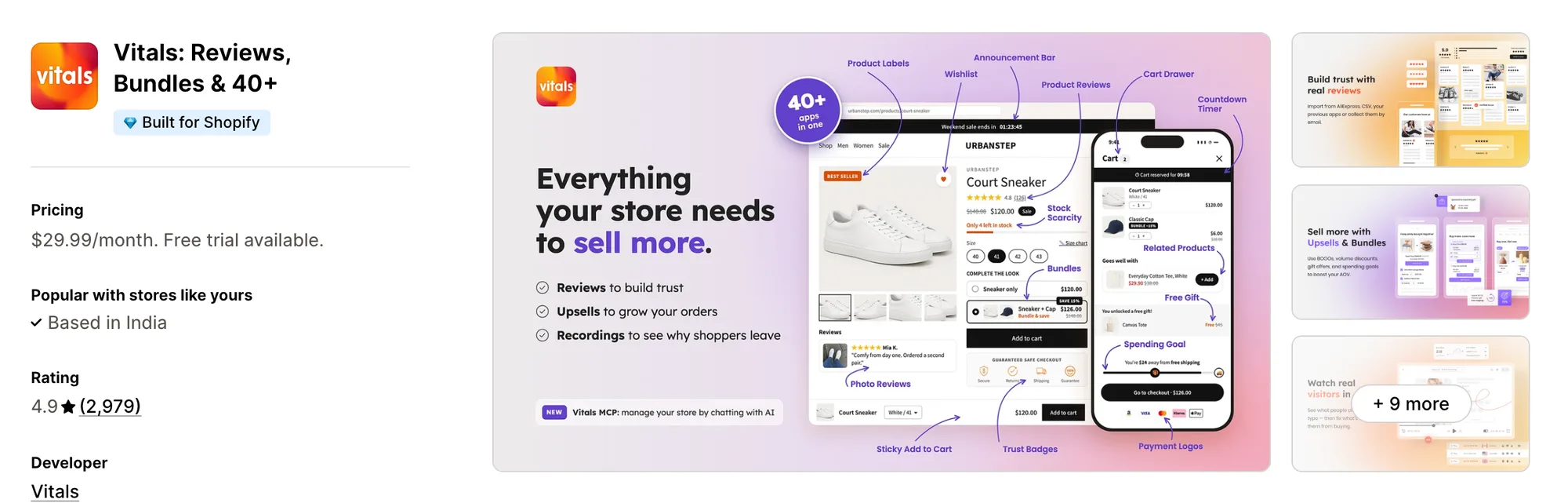
Best for: Stores that want Currency Converter, Offers by Market, Product Reviews and Bundles plus 40+ apps in one subscription
Rating: 4.9 (2,979 reviews) | App type: All-in-one | Free trial: 7 days | Built for Shopify: Yes
Vitals is our app. It brings together 40+ apps, starting with a currency converter and including reviews, bundles and discounts, in a single subscription of $29.99/month.
The Vitals Currency Converter app shows each visitor prices in the currency of the country they browse from. It uses Shopify's exchange rates where the store exposes them, so currencies set up in Shopify Payments check out in local currency too.
A store can choose which currencies to list and in what order, and a cart notice covers any currency that checks out in the store's own. Offers can follow the same markets, since another Vitals app, Upsell Builder, can show a bundle or discount only in the Shopify Markets a store picks.
Key features:
- Prices shown in each visitor's currency, picked from their location
- Shopify's exchange rates used where available, with local-currency checkout for Shopify Payments currencies
- A currency list the store picks and orders by dragging
- A cart notice for currencies charged in the store's currency
- Rounding, with whole numbers for currencies like the yen and the won
- Offers that appear only in the Shopify Markets a store selects
Pros:
- One support team answers for the converter, the offers and the cart
- Every currency setting sits on the same plan as the other 40+ apps
- 40+ apps under one subscription (e.g., Little Dresser shows its UK and US shoppers their own currency and moved its single-purpose apps to one Vitals plan)
- Works with Claude and ChatGPT through Vitals MCP
Cons:
- Doesn't translate store pages, only reviews
- Works on Shopify only
Pricing:
Prices from the Vitals website on Oct 22, 2026, with a 7-day free trial.
Read: Currency Converter for Shopify Multi-Currency: How It Works
2. Currency Converter Bear
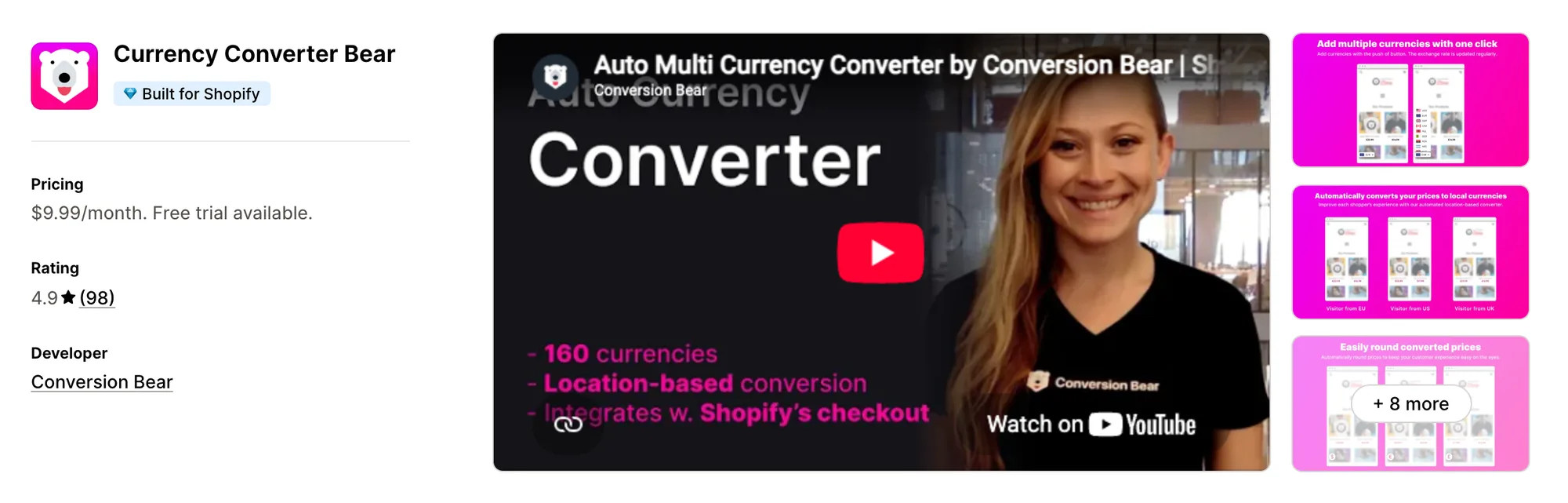
Best for: Stores that want every converter setting from day one, local checkout included
Rating: 4.9 (98 reviews) | App type: Standalone | Free trial: 14 days | Built for Shopify: Yes
Currency Converter Bear, from Conversion Bear, was built with Shopify Markets in mind. Currencies enabled in Shopify Payments check out locally, and the rest are shown with a cart notice. All of it comes on a single plan, which suits stores that don't want to pay extra for a second currency later.
Key features:
- 160+ currencies, with an option to convert only into the ones a store picks
- Conversion by visitor location
- Exchange rates updated multiple times daily
- Shopify Payments currencies paid locally at checkout
- Hidden mode with no visible switcher
- Smart pricing that drops decimals or rounds to an ending
- A checkout-currency note in the cart or cart drawer
Pros:
- Every currency on its single plan, where CVC charges for a second one
- Support that reviewers describe as quick and personal
- Nearly all of its reviews give five stars
Cons:
- No translation, and its docs list clashes with Weglot and Langify
- Header placement means pasting code into theme files
- Conversion Bear bills its upsell, bundle and badge apps separately
Pricing:
Prices from the Shopify App Store listing on Oct 22, 2026, with a 14-day free trial.
3. Nova: Multi Currency Converter
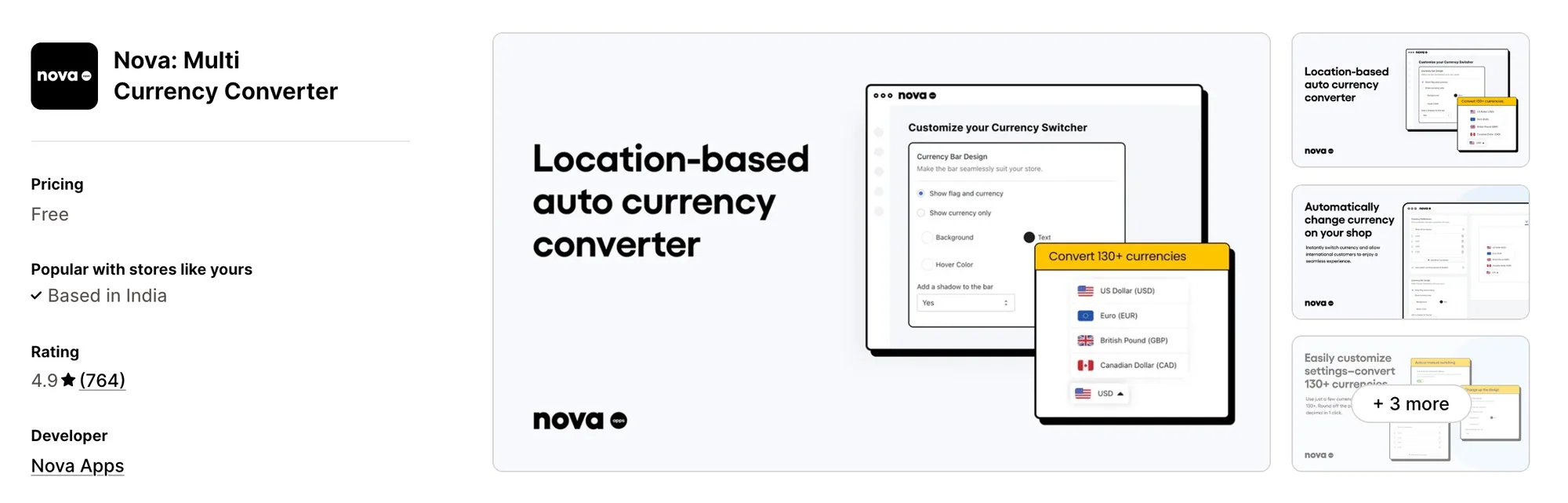
Best for: Stores that want a free currency bar backed by 24/7 chat
Rating: 4.9 (764 reviews) | App type: Standalone | Free trial: Free plan | Built for Shopify: No
Nova: Multi Currency Converter is a free floating currency bar that switches prices by location. Every setting, including rounding and the cart notice, is free, and support is available around the clock by chat. It suits stores that want currency help without a paid plan.
Key features:
- A list of 130+ currencies to choose from
- Currency chosen by location, or by the shopper
- A floating bar with separate desktop and mobile settings
- Price rounding with a chosen number of decimals
- An editable cart notice
Pros:
- Multiple currencies at no cost
- A 24/7 human live chat
Cons:
- Shoppers pay in the store's currency, whatever they browsed in
- The bar can't move into the header or footer
- Doesn't carry the Built for Shopify badge
- Converts prices only, with no translation or offers
Pricing:
Nova is free, with no paid plans, according to its Shopify App Store listing on Oct 22, 2026.
4. TS ‑ AI Language Translate
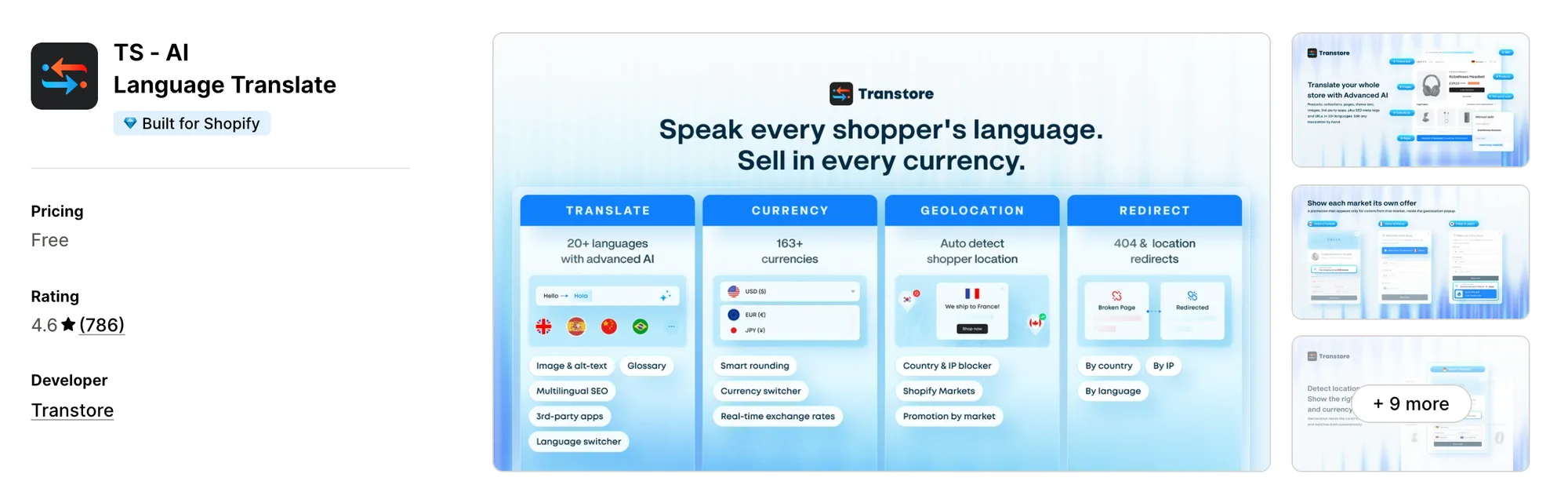
Best for: Stores that need full-store translation with manual rates and market redirects
Rating: 4.6 (786 reviews) | App type: Standalone | Free trial: 7 days | Built for Shopify: Yes
TS ‑ AI Language Translate, formerly Transtore ‑ Language Translate, covers the same ground as CVC and goes further on both sides. It translates pages, theme text and images into up to 20 languages and converts prices into 163+ currencies, with manual rates where a store wants them. It also redirects visitors to their market and can block countries.
Key features:
- Translation of products, pages, theme text, notifications and images into up to 20 languages
- GPT or DeepSeek translations stored in Shopify
- A glossary for terms that should stay as they are
- 163+ currencies on live or manual rates
- Rounding rules for prices and shipping rates
- Location detection that suggests or switches language and currency
- Promotion messages shown to each market
- Visitors redirected to their market, with country and IP blocking
- Meta titles, descriptions and handles in each language
Pros:
- AI translations saved to Shopify, where CVC's automatic translations aren't
- A store can fix its own rate for any currency
- Prices converted inside many other apps, such as cart drawers
Cons:
- The listing shows it as free, yet most stores are asked to pay after installing
- Low-star reviewers report losing manual translations
- Covers localization only, leaving reviews and offers to other apps
Pricing:
Prices from transtore.app on Oct 22, 2026, with a 7-day free trial. Only the Shopify Basic price is public, and the blog says larger Shopify plans cost more.
5. Currency Converter Plus
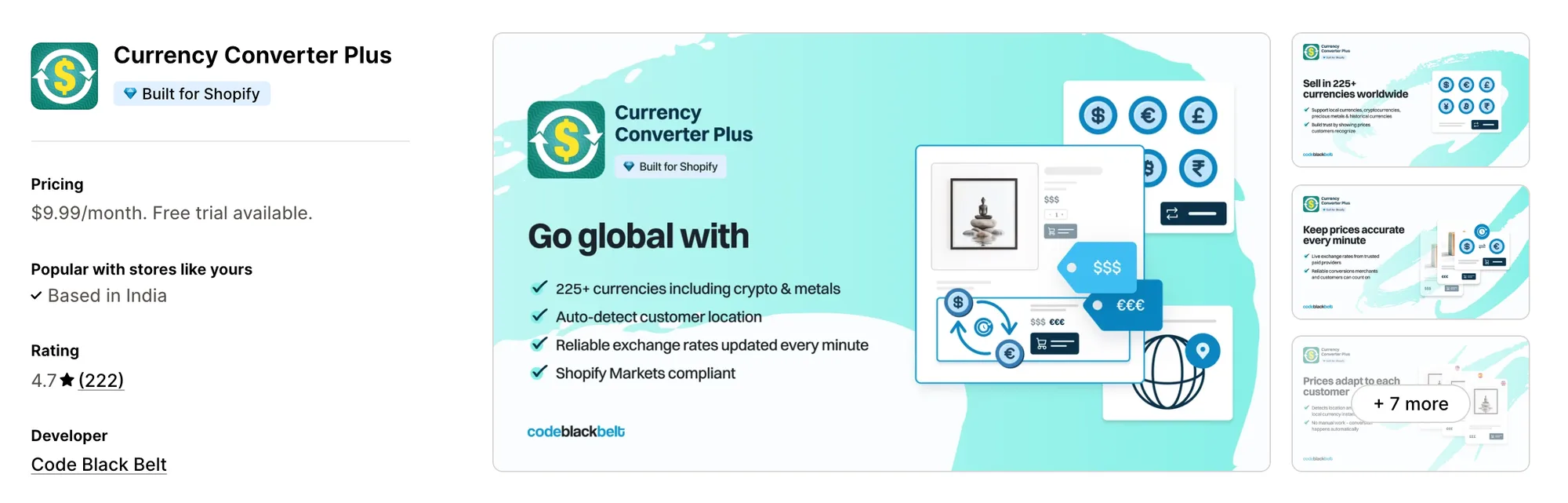
Best for: Stores pricing for buyers who think in crypto or precious metals
Rating: 4.7 (222 reviews) | App type: Standalone | Free trial: 14 days | Built for Shopify: Yes
Currency Converter Plus, from Code Black Belt, offers 222 currencies, with Bitcoin, Ethereum and gold among them. Its rates come from paid providers and update every minute. It fits stores where buyers check prices against fast-moving rates.
Key features:
- 222 currencies, from the euro to Bitcoin and gold
- Rates updated every minute
- Visitor currency set by IP location
- Any price on the page works as a currency chooser
- A cart note for shoppers who'll be charged in another currency
- The currency and rate each shopper used, kept on the order
Pros:
- Rates that update by the minute
- One plan with the same features on every Shopify plan
- Selected prices, such as shipping, can be excluded from conversion
- Checkout in Shopify Payments currencies
Cons:
- Some Shopify Markets setups aren't supported, and post-purchase pages keep the store currency
- No translation, so a second language needs another app
Pricing:
Prices from the Shopify App Store listing on Oct 22, 2026, with a 14-day free trial.
6. BEAST Currency Converter
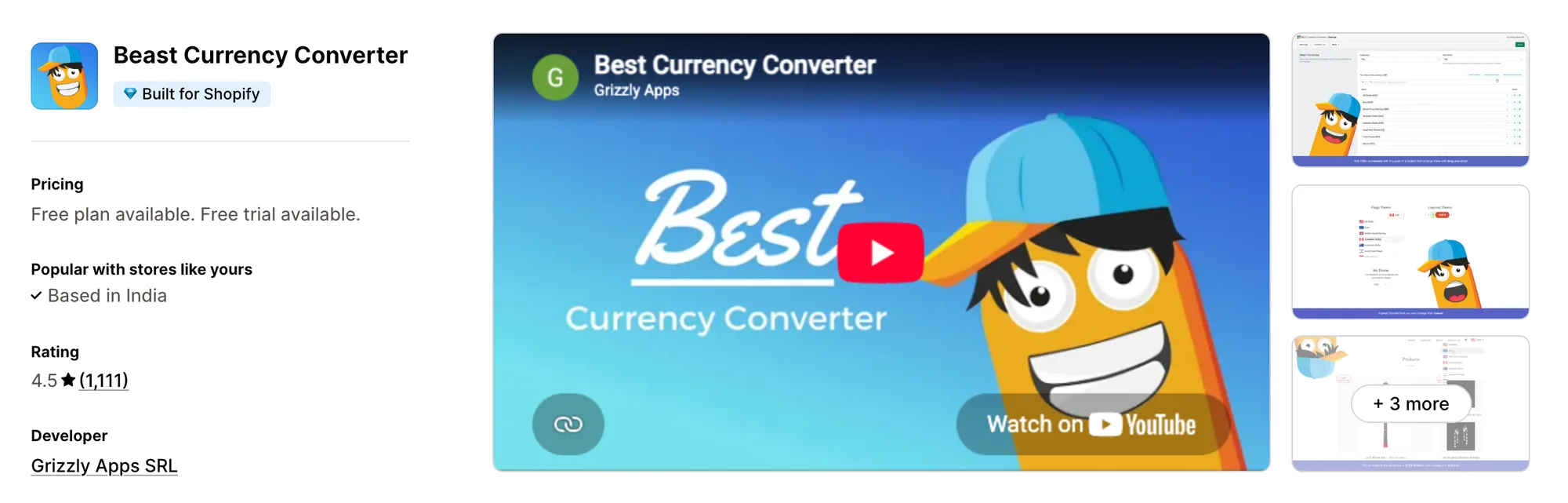
Best for: Stores that want a month to test and the developer's team to fit the switcher
Rating: 4.5 (1,111 reviews) | App type: Standalone | Free trial: 30 days | Built for Shopify: Yes
BEAST Currency Converter, once named Doubly, adds all 164 currencies and places a switcher in the theme header. On its Elite plan, the Grizzly Apps team moves the switcher and matches its design to the store. It's for stores that want switcher placement handled for them.
Key features:
- 164 currencies available on both plans
- A header switcher with flags and design themes
- Currency by location and a currency for each country (Elite plan)
- Rounding and currency codes (Elite plan)
- Hover to see the original price, plus a cart notice (Elite plan)
Pros:
- Thirty days to try it, more than any other app here
- Its team places and styles the switcher on request
Cons:
- Shoppers always pay in the store's currency
- No translation
- Low-star reviews from 2024–2026 describe wrong prices and slow replies
- Converts prices only, so offers and reviews need other apps
Pricing:
Prices from currency.grizzlyapps.com on Oct 22, 2026, with a 30-day free trial.
7. BUCKS Currency Converter PRO++
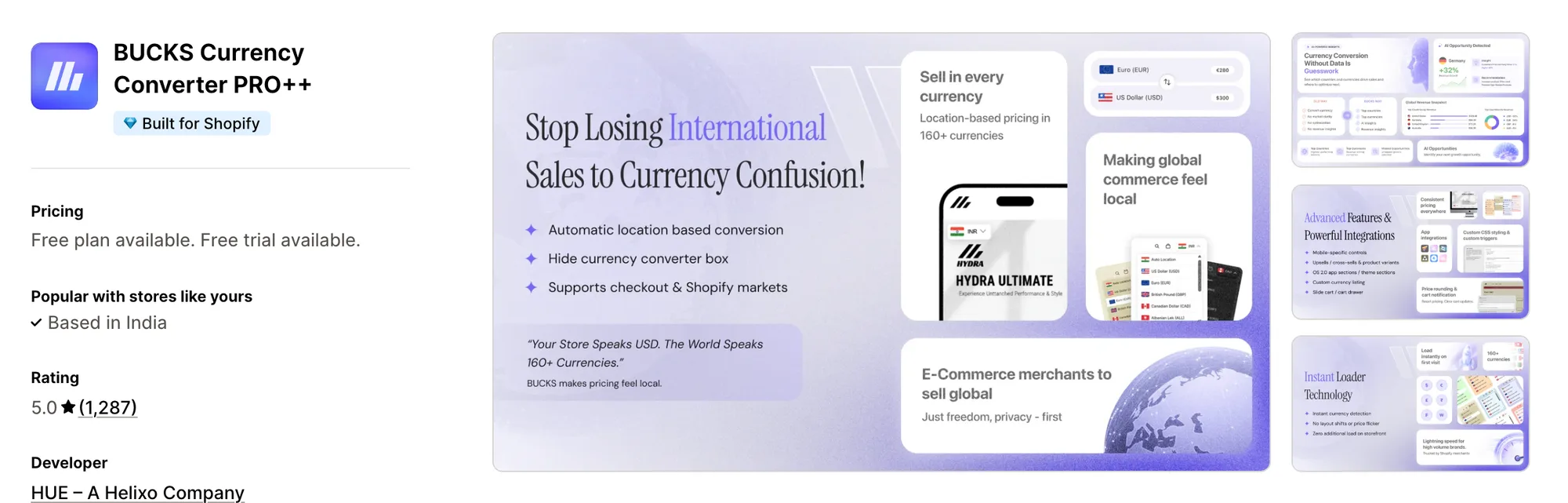
Best for: Stores that want revenue reports split by currency and country
Rating: 5.0 (1,287 reviews) | App type: Standalone | Free trial: 7 days | Built for Shopify: Yes
BUCKS Currency Converter PRO++ is Helixo's converter, with unlimited currencies and geolocation on its free plan. Its Pro plan breaks revenue down by currency and country and suggests where to act. It suits stores comparing their markets before investing in one.
Key features:
- 160+ currencies converted by location
- Chosen countries kept on the store's currency
- A flag drop-down switcher, or conversion with it hidden
- Rounding to a chosen decimal
- Cart notification about the payment currency
- Checkout in local currency through Shopify Payments and Markets
- Rates set by hand and the switcher placed anywhere (Plus plan)
- Revenue by currency and country (Pro plan)
Pros:
- Unlimited currencies on its free plan, where CVC allows one
- Sales reports by market, which no other app here has
- Support that recent reviews call fast
Cons:
- No translation
- Inflated prices on comma-decimal stores come up in low-star reviews
- Handles currency only; cart drawers and free gifts are separate Helixo apps
Pricing:
Prices from docs.helixo.co on Oct 22, 2026, with a 7-day free trial.
How Many Apps Each Option Replaces
More apps usually means more code on each page, as our guide to Shopify store load time sets out. Here's how we counted each one.
How we counted it:
- Vitals - All in One App replaces up to 40+ single-purpose apps, such as a currency converter, a bundles app, a discount app and a reviews app
- Currency Converter Bear fills the role of one currency app
- Nova: Multi Currency Converter takes the place of a single currency app for free
- TS ‑ AI Language Translate replaces a translation app, a currency app and a redirect app
- Currency Converter Plus does the work of one currency app
- BEAST Currency Converter is a swap for one currency app
- BUCKS Currency Converter PRO++ covers a currency app and its own sales reporting
- CVC ‑ Multi Currency Converter replaces a currency app and a basic translation app
A store using CVC beside a bundles app and a reviews app manages three dashboards and three plans. Vitals moves the converter, bundles and reviews to one subscription and one support team.
When Should You Stay on CVC Multi Currency Converter
CVC ‑ Multi Currency Converter is still the better fit in two cases.
- Shoppers in one country need a choice of two currencies, which no other app here offers
- You want AI translation and currency in one app, with a free plan for a single language and currency
Switch when you want prices, offers and reviews in one subscription with one support team.
How to Switch From CVC Multi Currency Converter to Vitals
CVC's automatic translations aren't saved to Shopify, and its currency settings live in the app, so there's little to move.
- List your currencies and rounding rules in CVC, then install Vitals and turn on the Vitals Currency Converter app with the same currencies
- Set the switcher position, rounding and cart notice on a duplicate theme, and keep a translation app, such as Shopify's Translate & Adapt, if you need translated pages
- Uninstall CVC ‑ Multi Currency Converter, restore your currency format in Shopify's settings, and remove any switcher placeholders or `notranslate` classes you added to the theme
Read: Best All in One Apps for Shopify in 2026
Find the Best CVC Multi Currency Converter Alternative for Your Store
Vitals - All in One App is the best choice for most stores, but your reason for leaving CVC decides the rest.
- Vitals, if you want local prices, a cart notice, bundles, discounts and 40+ apps in one single subscription of $29.99/month
- Currency Converter Bear, if you want every currency on one plan without paying more for a second
- Nova: Multi Currency Converter, if you need multiple currencies and would rather not pay
- TS ‑ AI Language Translate, if translation matters as much as currency and you want manual rates
- Currency Converter Plus, if your buyers pay attention to crypto or metal prices
- BEAST Currency Converter, if you'd like a month to test and help placing the switcher
- BUCKS Currency Converter PRO++, if you want sales figures for each market
Start a 7-day free trial: Install Vitals - All in One App
Frequently Asked Questions
1. What is the best CVC Multi Currency Converter alternative for Shopify?
Vitals - All in One App is the best CVC Multi Currency Converter alternative for most stores. It's the only all-in-one app that includes 40+ apps, such as a currency converter, reviews, bundles and discounts, in one subscription. Vitals is our app, and its entry lists its gaps.
2. Why do merchants switch from CVC Multi Currency Converter?
Lower-rated reviews describe prices that ignored Shopify Markets adjustments, a currency that vanished from the list, and support emails that got no answer. Others leave because a second currency or language needs a paid plan whose price isn't published.
3. How do Vitals and CVC Multi Currency Converter compare on currency features?
Both convert prices by location, round them and support local-currency checkout through Shopify Payments. CVC adds a second currency within one market, shipping fee conversion and AI translation. Vitals adds a cart notice, offers limited to chosen markets, and reviews and bundles in the same subscription.
4. Can Vitals replace CVC Multi Currency Converter and other apps at the same time?
Yes for currency. Vitals can replace CVC's converter together with separate apps for bundles, discounts and reviews, but it doesn't translate store pages, so a store that uses CVC for translation needs a translation app as well.
5. How do these CVC Multi Currency Converter alternatives affect store speed?
Any app can add its own scripts, so a store's total app count matters. Vitals ships its converter and other apps as one script, while a converter with a handful of single-purpose apps means several. We didn't measure their speed, so test your own pages before and after you switch.
6. Which CVC Multi Currency Converter alternatives have AI features or MCP support?
Not all of them. Vitals connects to Claude and ChatGPT through its MCP. TS ‑ AI Language Translate improves translations with GPT or DeepSeek, and BUCKS Currency Converter PRO++ lists AI revenue insights on Pro. CVC itself translates with AI, while Currency Converter Bear, Nova, Currency Converter Plus and BEAST list no AI features.
7. Which CVC Multi Currency Converter alternatives also translate the store?
Not all of them. TS ‑ AI Language Translate translates pages, theme text and images into up to 20 languages. Vitals translates its product reviews automatically but not store pages, and Currency Converter Bear, Nova, Currency Converter Plus, BEAST and BUCKS don't translate at all.
8. How do I switch from CVC Multi Currency Converter to Vitals?
Turn on the Vitals Currency Converter app with your currencies and rounding, and test on a duplicate theme. Keep a translation app if you need one, then uninstall CVC, restore your currency format in Shopify and remove any switcher code you added.