7 Best SEOWILL Trust Badges Alternatives for Shopify in 2026


Looking for a SEOWILL Trust Badges Alternative?
SEOWILL ‑ Trust Badges & Icon, formerly SEOAnt ‑ Trust Badges & Icon, is a popular Shopify app for adding free payment and trust badges to product pages and the homepage. It has no help center or changelog, though, and a July 2025 review says its badges appear on every product page with no way to pick which ones.
So, we compared six alternatives on the badges they offer, the store pages they reach and the other jobs each app handles. Vitals is our app, so its entry lists its gaps as well.
What Is SEOWILL Trust Badges Shopify App?
SEOWILL ‑ Trust Badges & Icon is a free Shopify app from CWILL for placing trust and payment badges on a store. Merchants can pick badges in one click, style them, preview them on a phone or desktop screen, and the app positions them on the page.
Here's what you can do with SEOWILL Trust Badges:
- Badge types: Add payment badges, trust badges such as free shipping or a 30-day money-back guarantee, shipping badges, and product-value badges such as gluten free, organic or no animal testing.
- Styling and animation: Change the size, font, colors, background, border and alignment, add header text, and give badges an animation effect.
- Mobile and desktop sizing: Preview badges on mobile or desktop and set the icon size so it fits each screen.
- Placements: Show badges on the homepage and product pages, with automatic positioning.
- Integrations: Use it alongside Loox, PageFly and Spocket, with the app admin available in 17 languages.
Where SEOWILL Trust Badges stands out is its badge range for a free app. Next to payment icons, it ships ready-made badges for product claims such as organic or gluten free, which suits food, beauty and eco stores that want those claims visible near the price.
Reviews most often praise the look of its badges, the wide choice of icons and support staff who step in when a merchant asks for help.
How Much Does SEOWILL Trust Badges App Cost?
Pricing: Free, with no paid plan (seowill.com on October 27, 2026).
Why Shopify Merchants Look for SEOWILL Trust Badges Alternatives
SEOWILL ‑ Trust Badges & Icon has a 4.9 rating from 686 reviews and carries the Built for Shopify badge. Still, merchants who move on from it mention these reasons:
- A July 2025 review says its badges show on all product pages, with no setting to limit them to certain products
- Its listing places badges on the homepage and product pages, and the cart and checkout placements its website mentions aren't confirmed there
- Low-star reviews from 2024 say menus, search or page scrolling stopped working until the app was uninstalled
- The same reviews say support took a day or more to reply, with template answers, and the app has no help center or changelog to check first
- CWILL sells SEO, page speed, 404 redirects and a sticky add-to-cart bar as separate apps, each its own install
Switching makes the most sense for stores that want badges they can target and would rather manage them with their other store apps under one subscription.
Read: Best Trust Badges Apps for Shopify in 2026
How We Compared the SEOWILL Trust Badges Alternatives
We went through each app's live Shopify App Store listing, along with its help docs and changelog where available, on October 27, 2026. Ratings and review counts come from the listing on that date.
We compared the apps on:
- App type: standalone or all-in-one
- Core trust badge features: badge range, uploads, design settings, placements, product targeting and verification
- Store areas included: the homepage, product pages, the cart page, the cart drawer, checkout and the pages after purchase
- The number of separate apps each one replaces
- Scripts added to the storefront and how each app fits into the theme
- AI features and MCP support
Short Answer
Vitals - All in One App is the best SEOWILL Trust Badges alternative for most stores.
- It offers trust seals with display rules by product, price, discount or stock level, plus payment logos for the cart page and its own cart drawer, while a SEOWILL review says its badges show on every product page
- It includes 40+ apps, such as reviews, bundles and discounts, in one subscription of $29.99/month
- It replaces multiple single-purpose apps that you would otherwise install and pay for every month
SEOWILL ‑ Trust Badges & Icon is free, and Vitals costs more at $29.99/month. In return, that subscription also includes product reviews, bundles and the sticky add-to-cart bar CWILL sells as a separate app.
What Are the Top SEOWILL Trust Badges Alternatives for Shopify in 2026
Each row below names the kind of store an app fits best, and the full entries come right after the table.
1. Vitals - All in One App
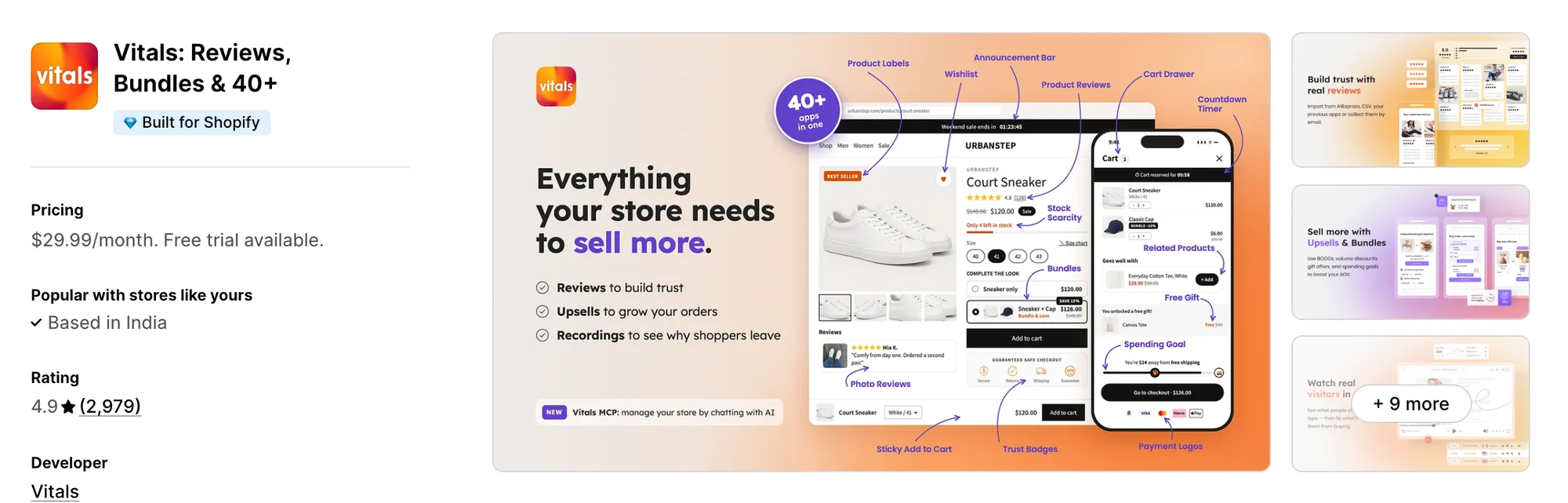
Best for: Stores that want Trust Seals and Badges, Payment Logos, Product Reviews and Bundles plus 40+ apps in one subscription
Rating: 4.9 (2,979 reviews) | App type: All-in-one | Free trial: 7 days | Built for Shopify: Yes
Vitals is our app, and trust badges are one of the 40+ apps it offers next to reviews, bundles and discounts, all in a single subscription of $29.99/month.
The Vitals Trust Seals and Badges app places seals such as secure checkout, money-back guarantee and free shipping on the product page, by the description, the buy buttons or the add-to-cart button. Merchants can choose from 28 seals in eight styles, from a simple icon to a stamp, and drag them into any order.
Display rules can then show those seals only on chosen products or within a price, discount or stock range. For card brands and wallets, the Vitals Payment Logos app adds its own row, and the Vitals Cart Drawer app can repeat those logos in the slide-out cart, a spot SEOWILL ‑ Trust Badges & Icon doesn't document.
Key features:
- 28 trust seals in eight styles, with settings for badge color, text color, size from 75% to 150%, margin and a line of text above the row
- Product page placement near the description, the buy buttons, the add-to-cart button or the end of the product section, above, below or inside it
- Display rules that show or hide seals and payment logos for specific products, a price range, a discount range or a stock level
- A theme app block that repeats the seal row on the homepage and the cart page
- 48 payment icons in color or black, plus up to 10 uploaded logos in JPG, PNG or WebP for methods the library lacks
- Payment logos in the slide-out cart through the Vitals Cart Drawer app, with desktop and mobile alignment set separately
Pros:
- Payment logos can appear on the cart page and in the cart drawer, both included in one subscription
- One support team answers for the badges and for every other Vitals app on the store
- Product reviews, bundles and a sticky add-to-cart bar come in the same plan (e.g., Metal Art Cafe brought its single-purpose apps together under one Vitals subscription)
- Through Vitals MCP, ChatGPT or Claude can answer questions about your store's Vitals data
Cons:
- No trust badges inside checkout or on the thank-you page
- Works on Shopify only
Pricing:
Prices from the Vitals website on October 27, 2026, with a 7-day free trial.
Read: Best Shopify Apps to Increase Conversion Rate in 2026
2. Iconito ‑ Trust badges & icons
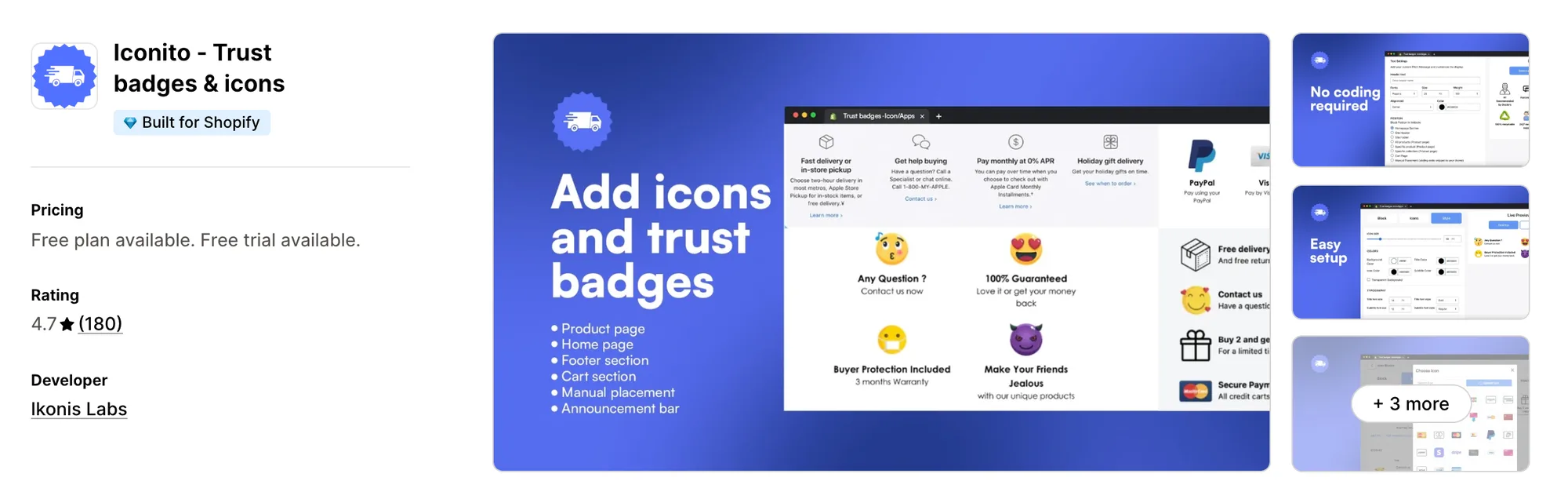
Best for: Stores that want trust icons to keep showing after checkout, on the thank-you and order status pages
Rating: 4.7 (180 reviews) | App type: Standalone | Free trial: 3 days | Built for Shopify: Yes
Iconito ‑ Trust badges & icons is an icon block app from Ikonis Labs. Its blocks can follow the shopper past the add-to-cart button and into checkout, the Thank You page and the Order Status page on its MVP Plan.
Key features:
- A library of 6,000+ icons for payment methods, shipping, guarantees and social media
- Automatic or manual placement on product pages, the cart, the footer or a custom location
- Icons on checkout, the Thank You page and the Order Status page (MVP Plan)
- Uploaded icons and a custom link on each icon (MVP Plan)
- Unlimited icon blocks (MVP Plan)
- Colors, fonts, size, layout and custom styling on every plan
- Blocks that appear by product tag (VIP Plan)
Pros:
- Reaches the Thank You and Order Status pages, where SEOWILL documents no placement
- Blocks can be tied to product tags on the VIP Plan, so each product page can carry its own icons
- Works with GemPages, PageFly and customer accounts
Cons:
- Offers icon blocks only, so reviews, pop-ups and a sticky add-to-cart bar need other apps
- Its listing doesn't state whether checkout icons require Shopify Plus
- No help center or changelog, and the website link on its listing doesn't resolve
- Low-star reviews from August and November 2025 say icons didn't appear on the live store
Pricing:
Prices from the Shopify App Store listing on October 27, 2026, with a 3-day free trial.
3. TrustedSite ‑ Trust Badges
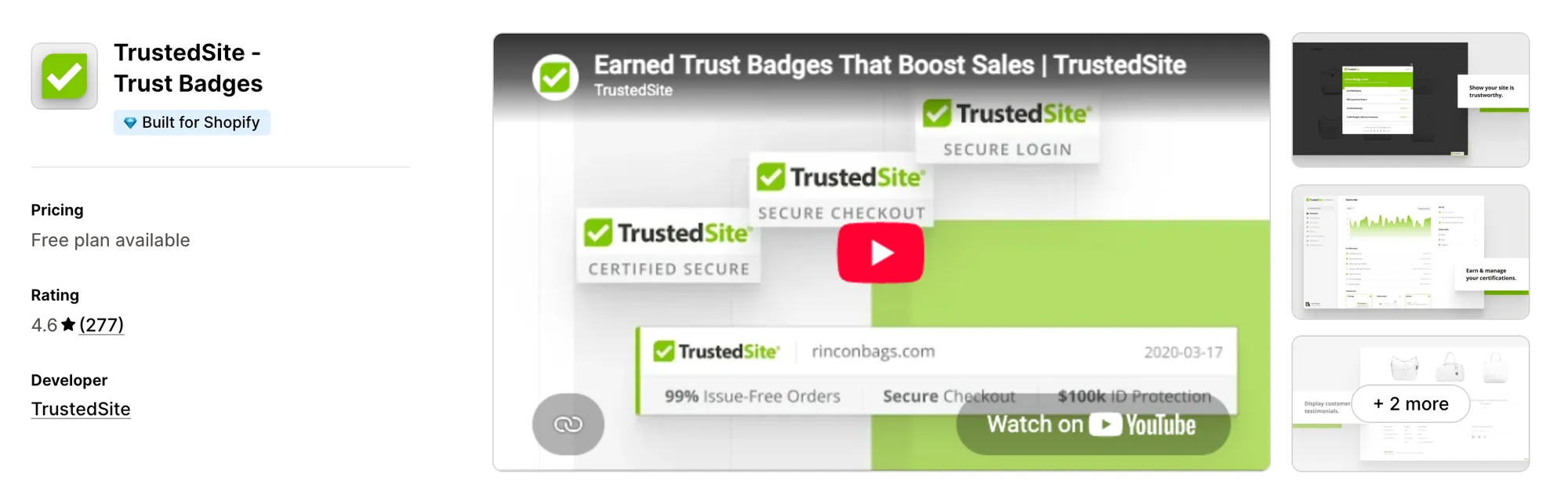
Best for: Stores that want a seal shoppers can click to see a real security and business check
Rating: 4.6 (277 reviews) | App type: Standalone | Free trial: No | Built for Shopify: Yes
TrustedSite ‑ Trust Badges, formerly McAfee SECURE, awards its badges instead of letting a store pick them. The store has to pass a daily security scan and a business check, and shoppers can click a badge to open the certificate behind it.
Key features:
- A Certified Secure badge backed by a daily scan for malware, malicious links and blacklisting
- A Verified Business certification after checks on the store's email, address, phone and contact form
- A floating badge in a corner of the screen, plus inline badges on any template through app blocks
- Checkout badges through a checkout extension for Shopify Plus stores
- Verified testimonials collected after purchase and shown in a testimonials badge
- 31 languages for badges and certificate pages
Pros:
- Each badge links to a certificate shoppers can read, where SEOWILL's badges are decorative
- A help center with setup guides, which SEOWILL doesn't have
- Checkout badges for Shopify Plus stores, plus a thank-you page block for conversion tracking
- Links up with REVIEWS.io, Sitejabber and Verified Reviews by Skeepers
Cons:
- Shows TrustedSite's own seal designs only, with no payment, shipping or product-value icons and no uploads
- The price climbs with monthly visits, and each extra 1,000 visits over the allowance is billed on top
- Low-star reviews from June and October 2026 say the visit counts came out higher than the store's real traffic
Pricing:
Prices from trustedsite.com on October 27, 2026. TrustedSite lists no free trial, every Pro plan has the same features, and visits over the allowance are billed per extra 1,000.
4. ShopClimb ‑ Trust Badges
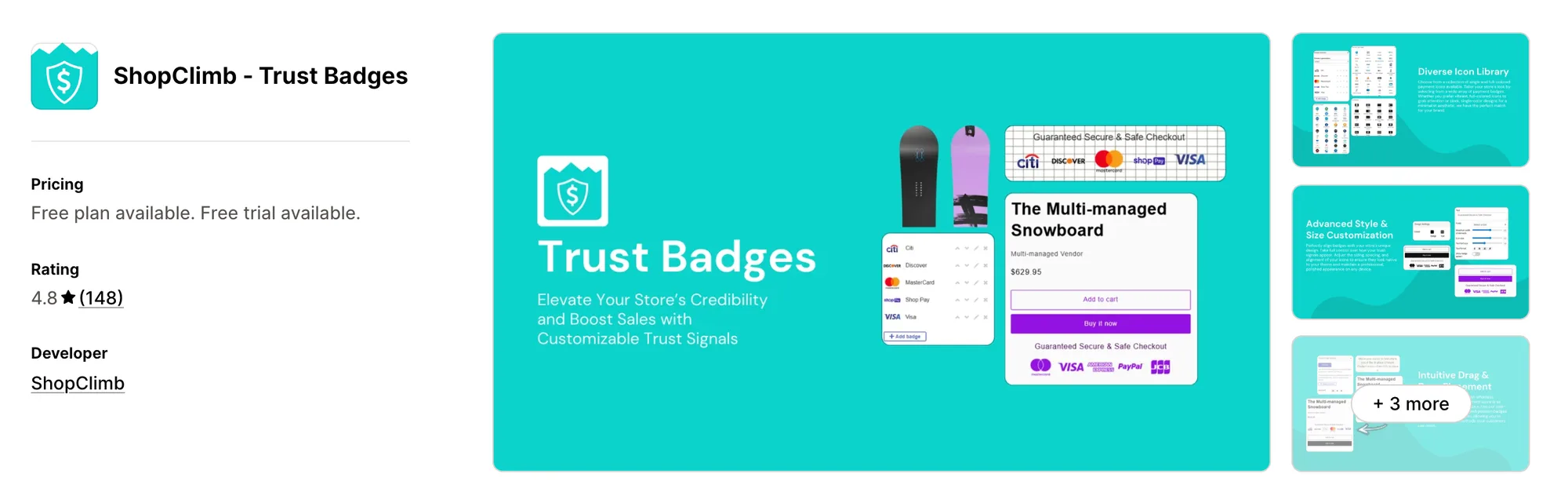
Best for: Stores with shoppers abroad that want each visitor to see the payment methods common in their country
Rating: 4.8 (148 reviews) | App type: Standalone | Free trial: 14 days | Built for Shopify: No
ShopClimb ‑ Trust Badges focuses on payment badges alone. Its Premium plan reads the shopper's location and swaps in the payment methods people use in that country.
Key features:
- 145 payment badges, with 670+ on the Premium plan
- A drag-and-drop editor that places badges where you click on the chosen page
- Geolocation badges with local payment methods for each country (Premium plan)
- Home page badges with custom CSS styling (Premium plan)
- Badges in checkout for Shopify Plus stores, plus priority support and concierge setup (Plus plan)
Pros:
- Payment badges that change with the shopper's country, a setting SEOWILL doesn't list
- Badges can go wherever you click in the editor, while SEOWILL's listing shows automatic placement on the homepage and product pages
Cons:
- Offers payment badges only, and ShopClimb sells guarantee and feature icons as a separate app
- It hasn't passed Shopify's Built for Shopify review, and the listing is in English only
- No help center, pricing page or changelog, and the support link on its listing returns a "not found" page
- Most of its reviews date from 2017 to 2019, and the newest on the listing is from May 2024
Pricing:
Prices from the Shopify App Store listing on October 27, 2026, with a 14-day free trial.
5. Hoppy Trust Badges & Icons
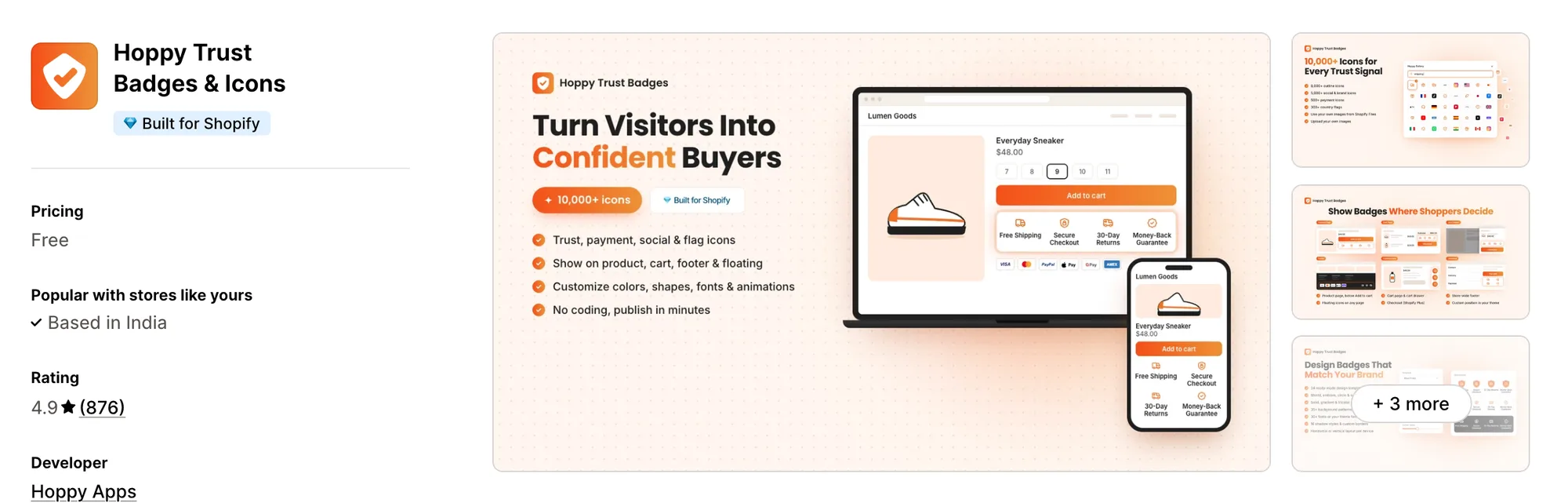
Best for: Stores that want to limit badges to certain shoppers, by customer tag, spend, country or ad source, for free
Rating: 4.9 (876 reviews) | App type: Standalone | Free trial: Free plan | Built for Shopify: Yes
Hoppy Trust Badges & Icons is a free badge app from Hoppy Apps. Its rules decide who sees each badge, so a store can show one only to tagged customers, big spenders, shoppers in one country or visitors from a single ad campaign.
Key features:
- Payment icons, icon blocks, single banners and social and brand icons
- Uploaded icons for every badge type
- Placements on the product page, cart page, cart drawer, footer and as floating icons
- Plus-only checkout badges
- Display rules by product, collection, tag, customer tag, lifetime spend, country or UTM source
- A start and end date per badge
- Desktop-only, mobile-only or both, with a separate layout for each
- Templates, entry animations, gradient backgrounds, tooltips and custom CSS
Pros:
- Targets badges by product, collection or tag, where a SEOWILL review says badges show on every product page
- Cart page and cart drawer placement documented in its help center
- No paid plan at all, and Built for Shopify
Cons:
- Offers badges and icons only, and Hoppy Apps sells pop-ups, bundles and announcement bars as separate apps
- No stats on badge views or clicks
- Low-star reviews between July 2025 and October 2026 report badges not appearing, or a Badge ID showing on the live page
Pricing: Free, with no paid plan (hoppyapps.com on October 27, 2026).
6. Conversion Bear Trust Badges
Best for: Stores that want a free badge row below Add to cart and don't mind asking support to add a missing badge
Rating: 4.9 (383 reviews) | App type: Standalone | Free trial: Free plan | Built for Shopify: No
Conversion Bear Trust Badges, formerly Ultimate Trust Badges, puts a single row of payment and trust badges under the Add to cart button. When a badge isn't in its library, its support team can add it on request.
Key features:
- 300+ trust and payment badges, with new ones added on request
- Full-color or mono-color badges, shown plain or as cards
- Settings for the tagline, alignment, size and, on mono styles, color
- Desktop and mobile each get their own badge size
- Automatic placement under Add to cart, plus a code snippet for the cart page or footer
Pros:
- No paid plan and no view limit
- A help center that walks through each placement, which SEOWILL doesn't have
- A documented cart page placement, where SEOWILL's cart support isn't confirmed
- Support can design a missing badge at no cost
Cons:
- Offers a badge row only, and Conversion Bear sells sticky add to cart, sales pop-ups and countdowns as separate apps
- Not Built for Shopify
- No upload for your own badges
- One bar per page, and its help docs say it can't go inside a cart drawer
Pricing: Free, with no paid plan (conversionbear.com on October 27, 2026).
7. Essential Trust Badges & Icons
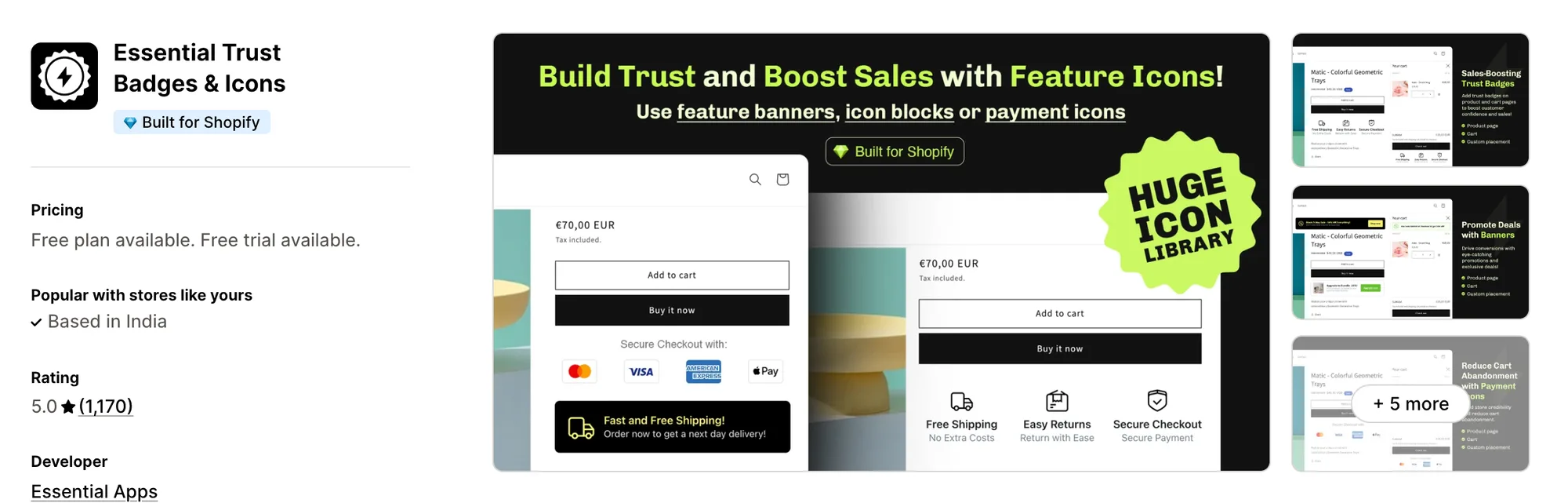
Best for: Stores that want product feature icons and small promo banners with a button, beyond payment badges
Rating: 5.0 (1,170 reviews) | App type: Standalone | Free trial: 7 days | Built for Shopify: Yes
Essential Trust Badges & Icons from Essential Apps builds more than payment rows. Its banners can pair a short message with an icon and a button, and its icon blocks can list product features with a title and subheading.
Key features:
- Single banners, icon blocks, minimal icons and payment icons as its four layouts
- Icon collections such as ecommerce, payment and medical, plus uploads of your own (Starter plan)
- Size, font, color, background, border, emoji and custom CSS settings
- Product page placement for all, chosen or tagged products, plus an app block for any other spot
- Badges on the cart page and in the cart drawer (Essential plan)
- Country, product tag and customer tag targeting (Essential plan)
- Text for each store language, plus start and end dates (Essential plan)
Pros:
- Badges can be limited to chosen or tagged products
- The highest rating in this list, 5.0 from 1,170 reviews
- A help article explains how to remove leftover snippets after uninstalling, which SEOWILL doesn't document
Cons:
- Nothing for checkout or the thank-you page, and Essential Apps sells announcement bars and countdown timers as separate apps
- Priced by widget views, and badges are unpublished three days after a store passes its plan's limit
- The cart, country targeting and translations need the Essential plan or higher
Pricing:
Prices from the Shopify App Store listing on October 27, 2026, with a 7-day free trial.
How Many Apps Each Option Replaces
Each extra app can add its own code to the storefront, which is one of the common reasons a store gets slower. The table shows what each option handles before a store needs another app.
How we counted it:
- Vitals - All in One App replaces up to 40+ single-purpose apps, beginning with a trust seal app, a payment icon app, a cart drawer app and a reviews app
- Iconito ‑ Trust badges & icons takes the place of a trust badge app and a thank-you page badge add-on
- TrustedSite ‑ Trust Badges takes the place of a security seal service and a testimonial widget
- ShopClimb ‑ Trust Badges does the work of a single payment badge app
- Hoppy Trust Badges & Icons replaces a trust badge app and a simple banner app
- Conversion Bear Trust Badges replaces one payment badge app
- Essential Trust Badges & Icons stands in for a trust badge app and a product feature icon app
- SEOWILL ‑ Trust Badges & Icon does the work of one badge app
When badges stop showing next to a sticky add-to-cart bar from another developer, a store using SEOWILL has two support teams to contact. With Vitals, the badges, the bar and the reviews sit with one support team and one dashboard.
When Should You Stay on SEOWILL Trust Badges
SEOWILL ‑ Trust Badges & Icon still fits some stores well.
- Your products carry claims such as gluten free, organic or no animal testing, and you want ready-made badges for them, with animation, at no cost
- Your store already uses Loox, PageFly or Spocket, the apps its listing says it works with
Switch when you want seals limited to chosen products or price ranges, payment logos on the cart page and in the cart drawer, and reviews and bundles in one subscription.
How to Switch From SEOWILL Trust Badges to Vitals
SEOWILL ‑ Trust Badges & Icon holds only badge choices and styles, so there's no data to move. CWILL doesn't document whether the app leaves code in the theme after removal, so it's worth checking the theme once it's gone.
- Install Vitals - All in One App, then turn on the Vitals Trust Seals and Badges app and the Vitals Payment Logos app and pick the seals and logos you need
- On a duplicate theme, place the seals and logos on the product page and add the app block to the homepage and cart page. Set any display rules, turn on payment logos in the Vitals Cart Drawer app, then publish the theme
- Uninstall SEOWILL ‑ Trust Badges & Icon, then look through the theme files and the live pages for any leftover badge code or empty space and remove it
Read: Best All in One Apps for Shopify in 2026
Find the Best SEOWILL Trust Badges Alternative for Your Store
Vitals - All in One App fits most stores, though the right choice depends on what you want SEOWILL's badges to do that they don't.
- Vitals, if you want trust seals with product rules, payment logos in the cart drawer, bundles, discounts and 40+ apps in one single subscription of $29.99/month
- Iconito ‑ Trust badges & icons, if your badges should still be there on the Thank You and Order Status pages
- TrustedSite ‑ Trust Badges, if shoppers should be able to open a security and business certificate from the badge
- ShopClimb ‑ Trust Badges, if your buyers live in several countries and pay with local methods
- Hoppy Trust Badges & Icons, if a badge is meant only for certain customers, spend levels or ad campaigns
- Conversion Bear Trust Badges, if one free row under Add to cart is enough and you're fine requesting missing badges
- Essential Trust Badges & Icons, if product feature icons and a banner with a button matter as much as payment badges
Start a 7-day free trial: Install Vitals - All in One App
Frequently Asked Questions
1. What is the best SEOWILL Trust Badges alternative for Shopify?
Vitals - All in One App is the best SEOWILL Trust Badges alternative for most stores. It's the only all-in-one app that includes 40+ apps, from trust seals and payment logos to reviews and bundles, in one subscription. It's our app, so its entry lists its gaps too.
2. Why do merchants switch from SEOWILL Trust Badges?
A July 2025 review says the badges show on every product page with no product targeting, and the listing documents only the homepage and product pages. Low-star reviews from 2024 describe broken menus, search or scrolling and slow, templated support replies. There's also no help center or changelog, and CWILL sells its sticky add-to-cart bar and SEO apps separately.
3. How do Vitals and SEOWILL Trust Badges compare on trust badge features?
Both apps can show trust badges on product pages and the homepage, with settings for color, size and alignment. SEOWILL adds product-value badges such as organic or gluten free, animation effects and icon sizes set per device. Vitals adds display rules by product, price, discount or stock, a cart page app block, up to 10 uploaded payment logos and payment logos in the cart drawer.
4. Can Vitals replace SEOWILL Trust Badges and other apps at the same time?
Yes. The Vitals Trust Seals and Badges app and the Vitals Payment Logos app replace SEOWILL's badges, and the Vitals Cart Drawer app carries the payment logos into the slide-out cart. The same subscription includes the Vitals Sticky Add to Cart app, the Vitals Product Reviews app and the Vitals Product Bundles app, so a sticky bar no longer needs a second CWILL install.
5. How do these SEOWILL Trust Badges alternatives affect store speed?
Every app a store adds can bring its own scripts. SEOWILL's badges, CWILL's sticky add-to-cart app and a separate reviews app are three apps, while Vitals - All in One App loads its badges, sticky bar and reviews from one script. We didn't speed-test these apps, so check your own pages before and after any change.
6. Which SEOWILL Trust Badges alternatives have AI features or MCP support?
Not all of them. Vitals connects to Claude or ChatGPT through Vitals MCP, so they can answer questions about your store's Vitals data. Iconito, TrustedSite, ShopClimb, Hoppy, Conversion Bear and Essential list no AI features or MCP support, and neither does SEOWILL ‑ Trust Badges & Icon.
7. Which SEOWILL Trust Badges alternatives can show badges on chosen products only?
Not all of them. Vitals can show or hide seals and payment logos for specific products or by price, discount or stock level. Hoppy targets by product, collection or tag, Essential by chosen or tagged products, and Iconito by product tag on its VIP Plan. We found no product targeting in TrustedSite, ShopClimb or Conversion Bear.