How to know what apps a Shopify store is using


TL;DR
The fastest way to know what apps a Shopify store is using is the free Shopify app detector tool. Paste the store's URL and get a list back in seconds. Vitals Shopify App Detector shows every app a Shopify store is using, and how much every detected app costs, plus calculates what you'd save by consolidating them into a single subscription.
Introduction
Every Shopify store you admire is running a set of apps, and most of them are visible from the outside. You don't need a login or backend access to know what a store uses, because the apps announce themselves in the code the store serves to every visitor. That matters when you're researching a competitor, benchmarking what a growth stack costs, or trying to figure out why a store loads slowly.
This guide shows you how to know what apps a Shopify store is using, why the answer is useful, and where detection falls short.
Why you'd want to detect a store's apps
Knowing a store's apps tells you its growth strategy and roughly what that strategy costs. The app stack is a map of the merchant's priorities, so reading it saves you weeks of guessing.
- Competitive research: A store running upsell and cross-sell apps is working on average order value. A store running review and user-generated-content apps is working on trust and social proof. When you see which apps a competitor installed, you see where they decided to spend their attention.
- Cost benchmarking: Each app carries a monthly fee, so a stack of eight or ten single-purpose apps adds up before a store makes a sale. Seeing the stack tells you what copying it would cost you, which is useful before you commit to the same setup instead of an all-in-one app.
- Troubleshooting: Redundant or conflicting apps slow a store down, and several apps each loading their own script hurts page speed, something you can watch shoppers react to with session replay. Detecting the stack helps you spot overlap, both in stores you're studying and in your own.
- inspiration: When a store you respect does something well, checking its apps often shows you the tool behind it, so you can build the same experience, whether that's product bundles or a wishlist, instead of reverse-engineering it from scratch.
Quick ways to detect what apps a store uses
You have three routes, from fastest to slowest: a detector tool, your browser's inspection tools, and the visible storefront itself. Most people want the first one.
1. Use a Shopify app detector
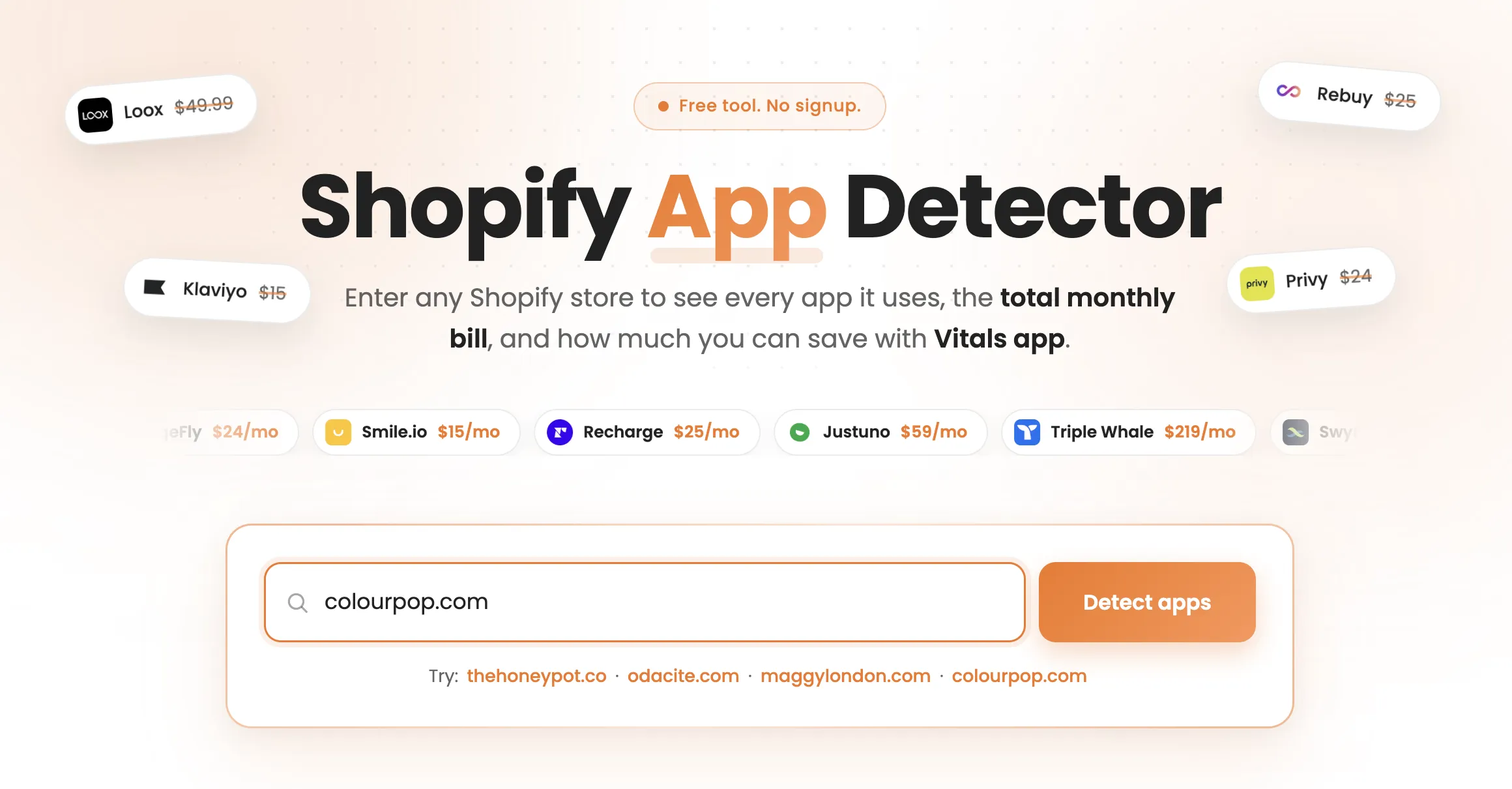
A Shopify app detector scans a store's pages and identifies the apps and technologies installed on it. You paste in a store URL, the tool reads the page code, and it returns the app list in a few seconds. Several free tools work this way, and most stop at naming the apps.
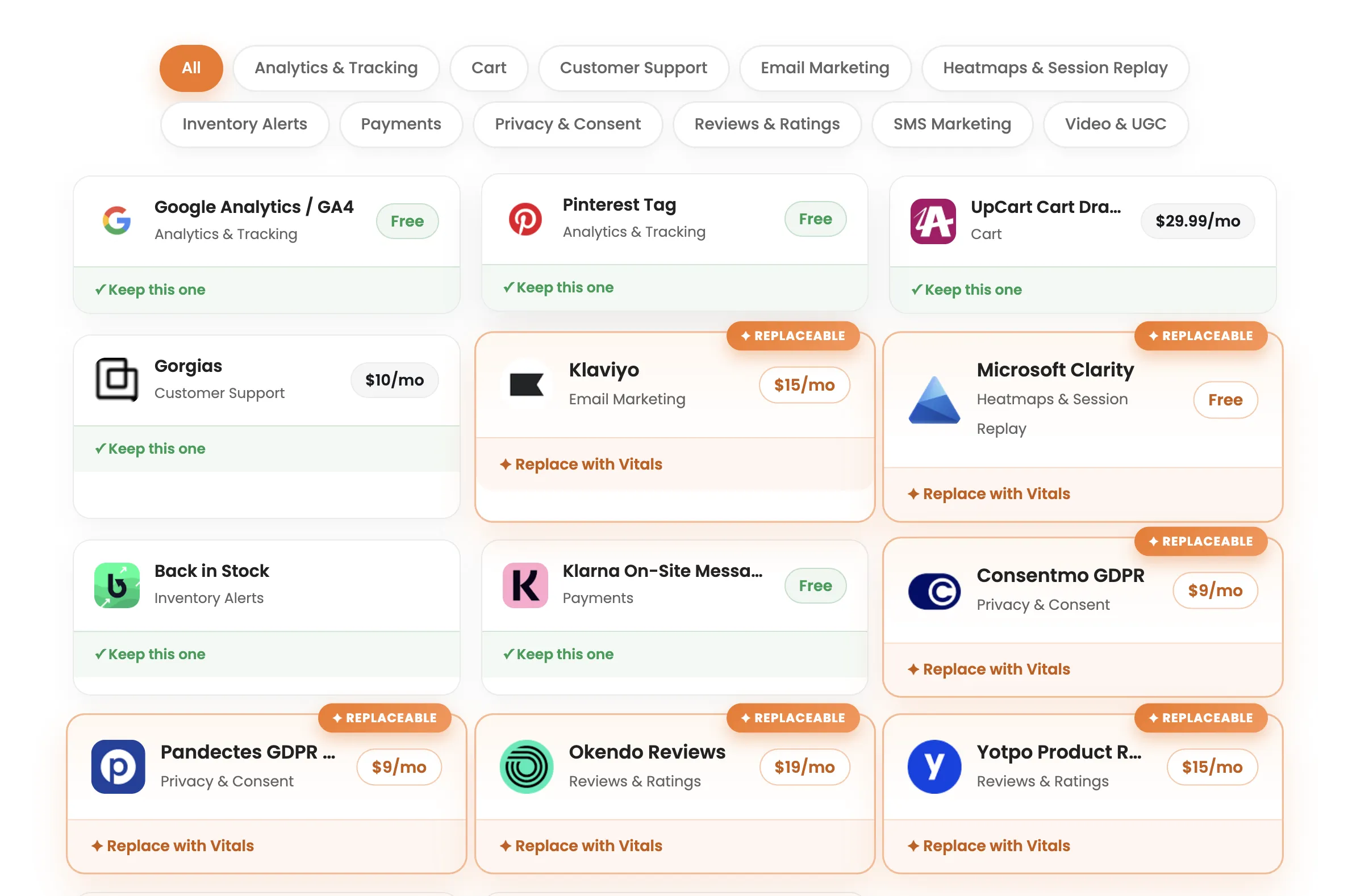
The Vitals Shopify App Detector adds pricing on top of the list. It runs in your browser with no install or signup, confirms the store runs on Shopify, detects the installed apps, and shows what each one costs.
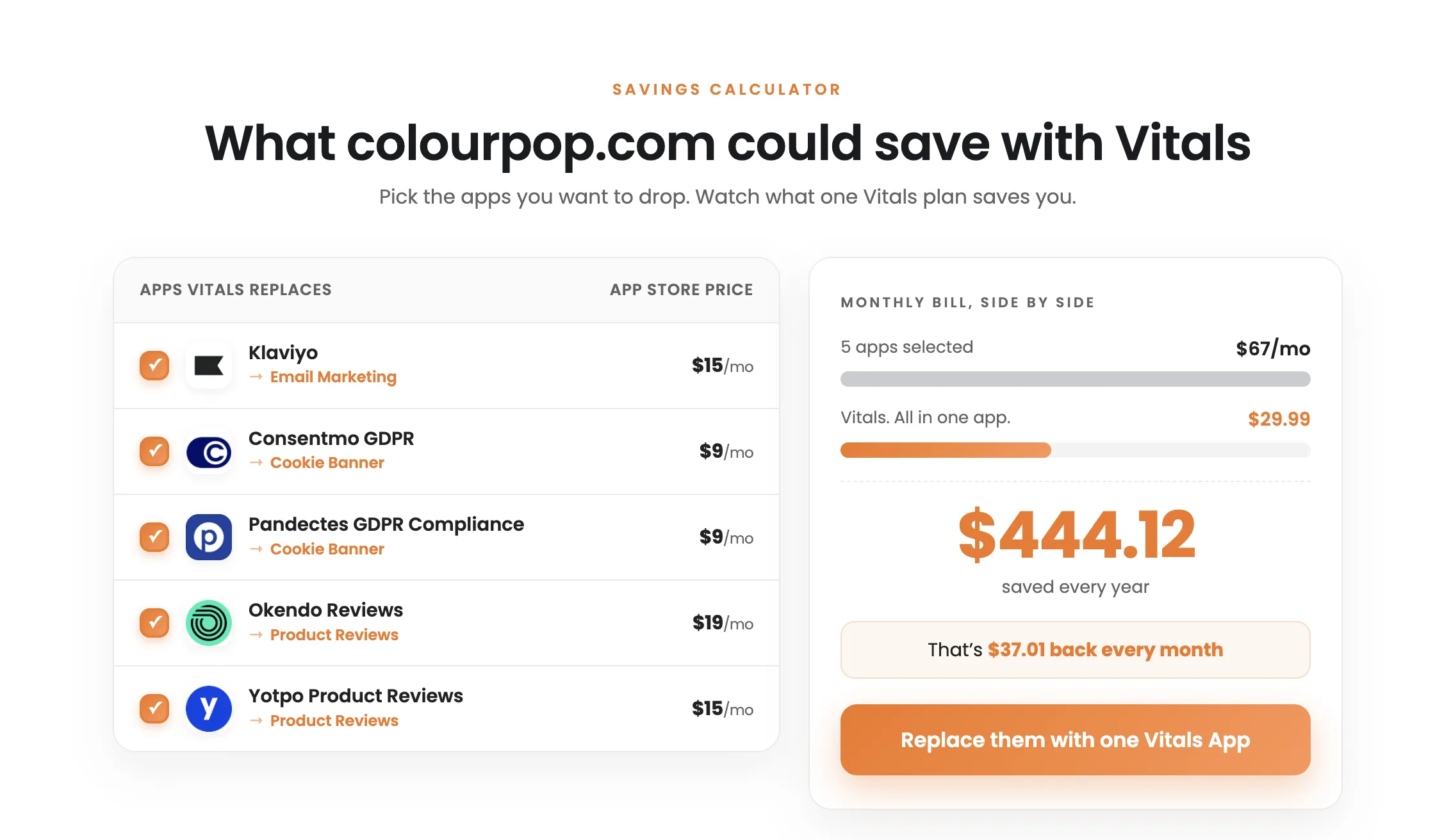
It then totals the paid apps it can replace and compares that number to Vitals' flat $29.99/month, so you see the store's monthly bill and the savings from consolidating in the same view. That pricing step is the reason to reach for it over a detector that only identifies apps.
2. Inspect the page code in your browser
You can find the same information by hand. Open the store, right-click, and choose "View page source" or open your browser's developer tools, then search the code for clues. App scripts load from recognizable domains, and many apps leave their name in CSS classes, HTML comments, or the URLs of the files they load. Searching the source for a term like "reviews" or "upsell" often surfaces the app behind a feature you noticed on the page.
This route is free and needs no tool, but it's slower and rewards knowing what to look for. You're reading raw code and matching fragments to apps, so a detector will be faster whenever you want the full list rather than one specific answer.
3. Read the storefront itself
Some apps are obvious before you touch any code. A review carousel, a "frequently bought together" block, a currency switcher, a spin-to-win pop-up, a countdown timer, a sticky add-to-cart bar: each of these is a visible app doing its job. Browsing the store like a shopper tells you a large part of the stack, and it's often enough when you only want to know whether a store runs reviews or upsells rather than the exact tool.
Common limitations of app detection
App Detection is a strong signal, not a complete audit. It reads what a store shows on the pages you scan, so a few things stay hidden.
Apps with no front-end footprint won't appear. Email marketing, shipping and fulfillment, accounting, and inventory tools run behind the scenes and rarely touch the storefront code, so a scan of the public pages can miss them.
Custom code muddies the picture. A feature built directly into the theme can look like an app, and an app configured to hide its usual markers can slip past detection, so the list is a strong guess rather than a guarantee.
Coverage depends on the page you scan. Some apps load only in certain places, like a checkout upsell or a post-purchase offer, so scanning the homepage alone can miss tools that appear deeper in the funnel. Checking a product page and the cart alongside the homepage gives you a fuller read.
Final thoughts
You can learn most of a Shopify store's apps from the outside, because apps leave traces on the pages every shopper sees. A Shopify app detector tool reads those traces in seconds, browser inspection finds the same clues more slowly, and the visible storefront tells you a surprising amount on its own. Keep the limits in mind, since backend apps and custom code won't always show, and confirm anything important across more than one page.
For the fastest read on both the stack and its cost, run a store you admire through the Vitals Shopify App Detector and see what the apps behind it cost each month. Then compare that number to what the same features cost inside one app.
Frequently asked questions
1. What is a Shopify app detector?
A Shopify app detector is a tool that scans a Shopify store's pages and identifies which third-party apps the store has installed. You give it a store URL, and it reads the store's public code to return the app list. The Vitals Shopify App Detector adds pricing and savings data on top of that list.
2. Can you see every app a store uses?
No. You can see the apps that leave a trace on the pages you scan, which covers most conversion and storefront apps. Apps that run in the background, like email or fulfillment tools, often won't show, so treat the result as a strong signal rather than a full inventory.
3. Is it legal to check what apps a store uses?
Yes. A detector reads the same public page code your browser already downloads to display the store. You're looking at information the store serves to every visitor, not accessing anything private.
4. How do you find what theme a store is using?
The same public code that reveals apps also names the theme, and theme detector tools read it the same way an app detector does. Several free tools identify a store's Shopify theme from its URL. If you're studying stores to model your own, an AI store builder can assemble a comparable setup for you in minutes.
5. Is there a free way to detect a store's apps?
Yes. Browser inspection is free and needs no tool, and several app detectors run free in your browser. The Vitals Shopify App Detector is free, requires no signup, and adds the cost of each app to the list it returns.