How to use a Shopify App Detector


TL;DR
A Shopify app detector scans any store's public pages and tells you which apps it runs. The Vitals Shopify App Detector adds the part other detectors skip: it shows what each app costs and totals the ones you could replace with a single app. Scan colourpop.com, for example, and you learn it uses 14 apps, that 6 of them are replaceable, and that swapping those 6 for Vitals saves $444.12 a year. Paste a store URL, run the scan, read the breakdown, tick the apps you'd drop, and see the monthly bill next to Vitals' flat $29.99. The whole thing takes under a minute and needs no signup.
Introduction
You can learn a competitor's entire app setup in about thirty seconds, and you don't need anything installed to do it. A Shopify app detector reads the public code every store serves to shoppers and returns the list of apps behind it. The Vitals Shopify App Detector goes further and prices each app, so you see both the stack and what it costs the merchant each month. To show you exactly what to expect at each stage, this guide walks through a single real store, colourpop.com, from the URL you paste to the savings number you act on.
How to use the Vitals Shopify App Detector
You'll move through five steps: paste a URL, run the scan, read the breakdown, calculate your savings, and act on what you found. We'll run colourpop.com through all five so each step shows a real result.
1. Paste the store's URL
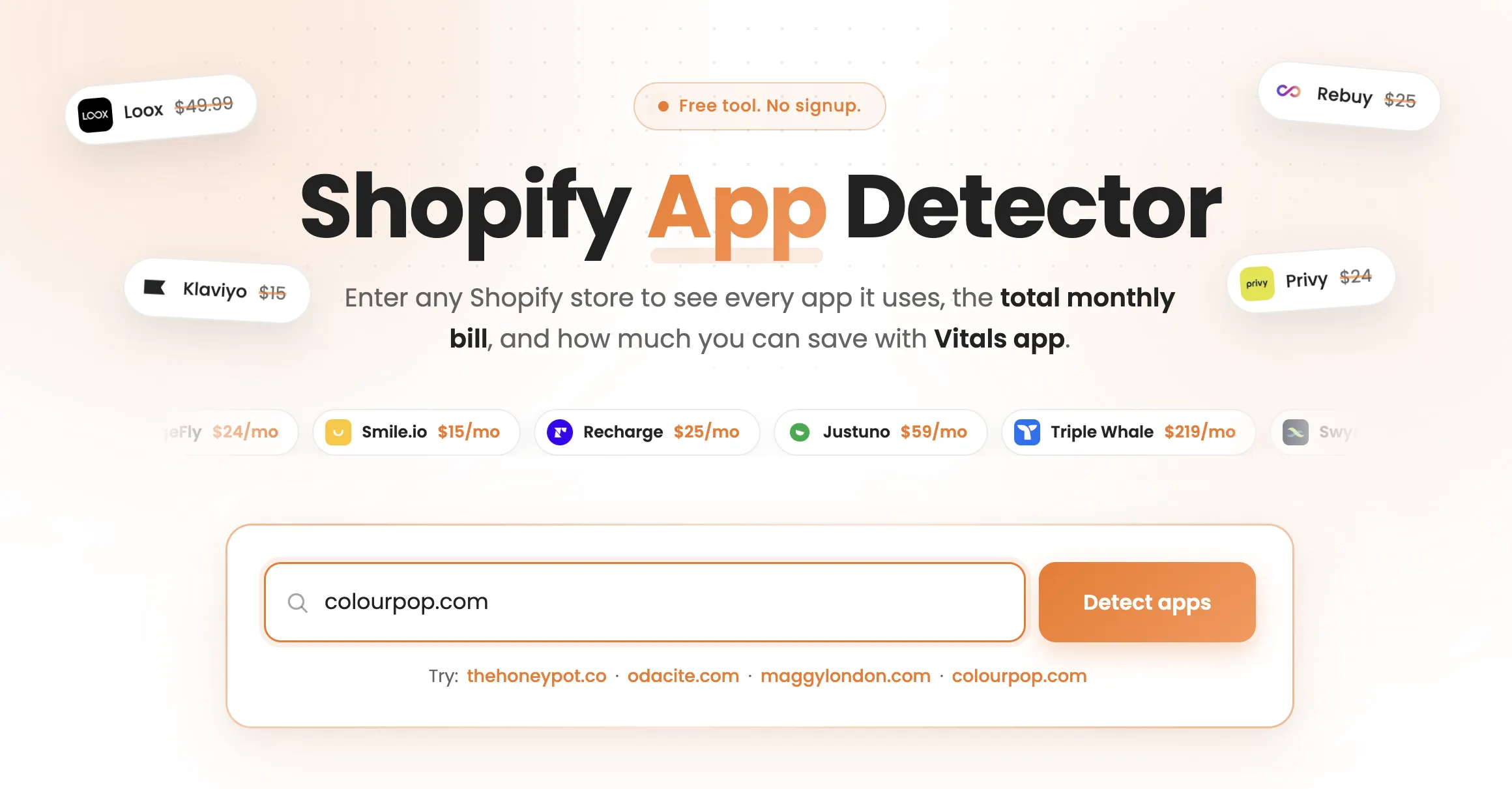
Open the Vitals Shopify App Detector and enter a store's address in the "Store URL" field. Here we'll type colourpop.com, which is one of the example stores the page suggests, so you can follow along with the same result. You can scan any Shopify store the same way, including your own or a competitor's, by swapping in its address instead.
2. Run the detector
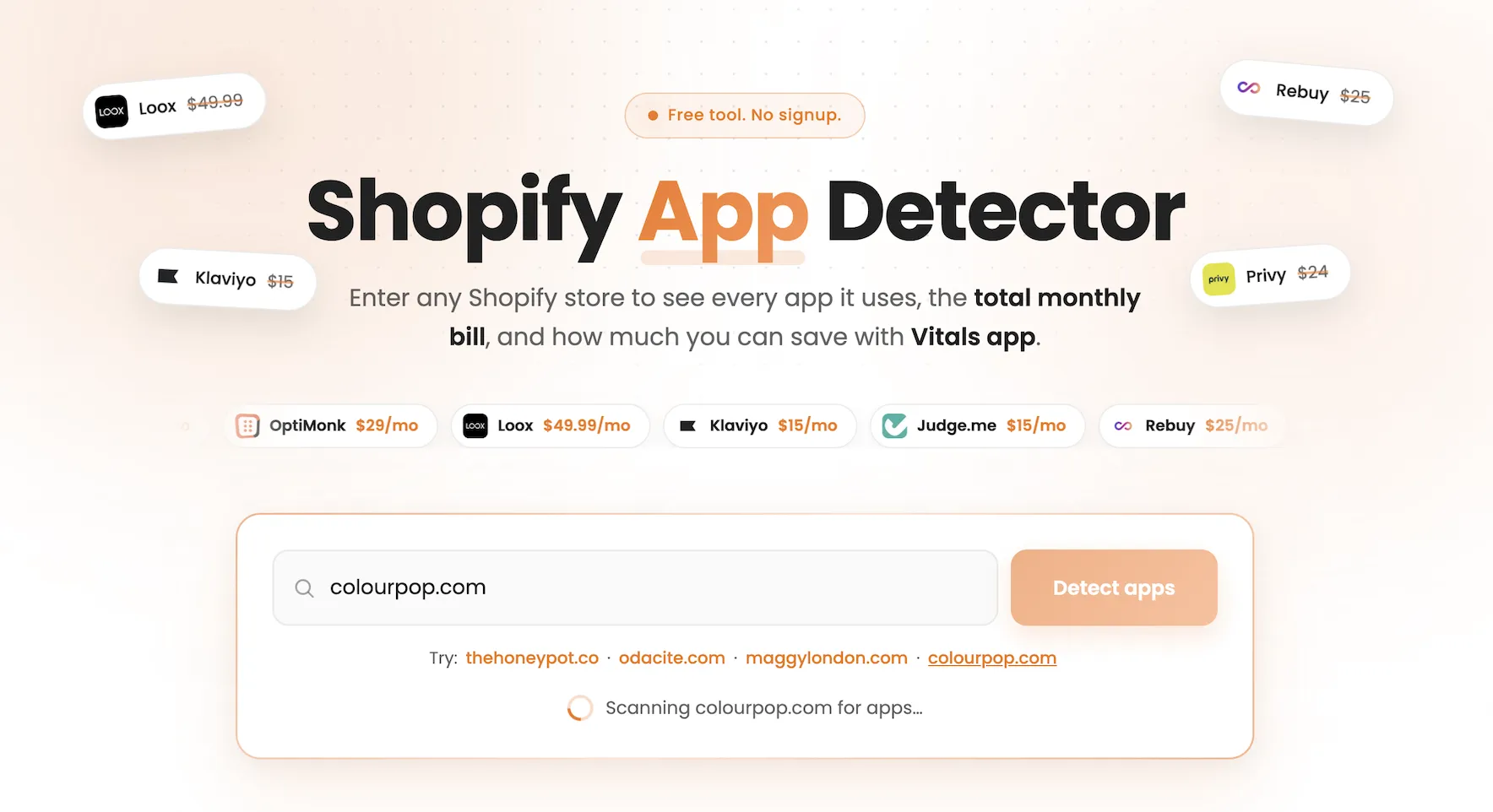
Click "Detect apps" and the scan runs in your browser. No install, no account, and no signup gate stands between you and the result. The tool reads colourpop.com's public pages, confirms the store runs on Shopify, and returns the full app list in a few seconds, so you're reading results almost as fast as you can type the URL.
3. Review the app breakdown
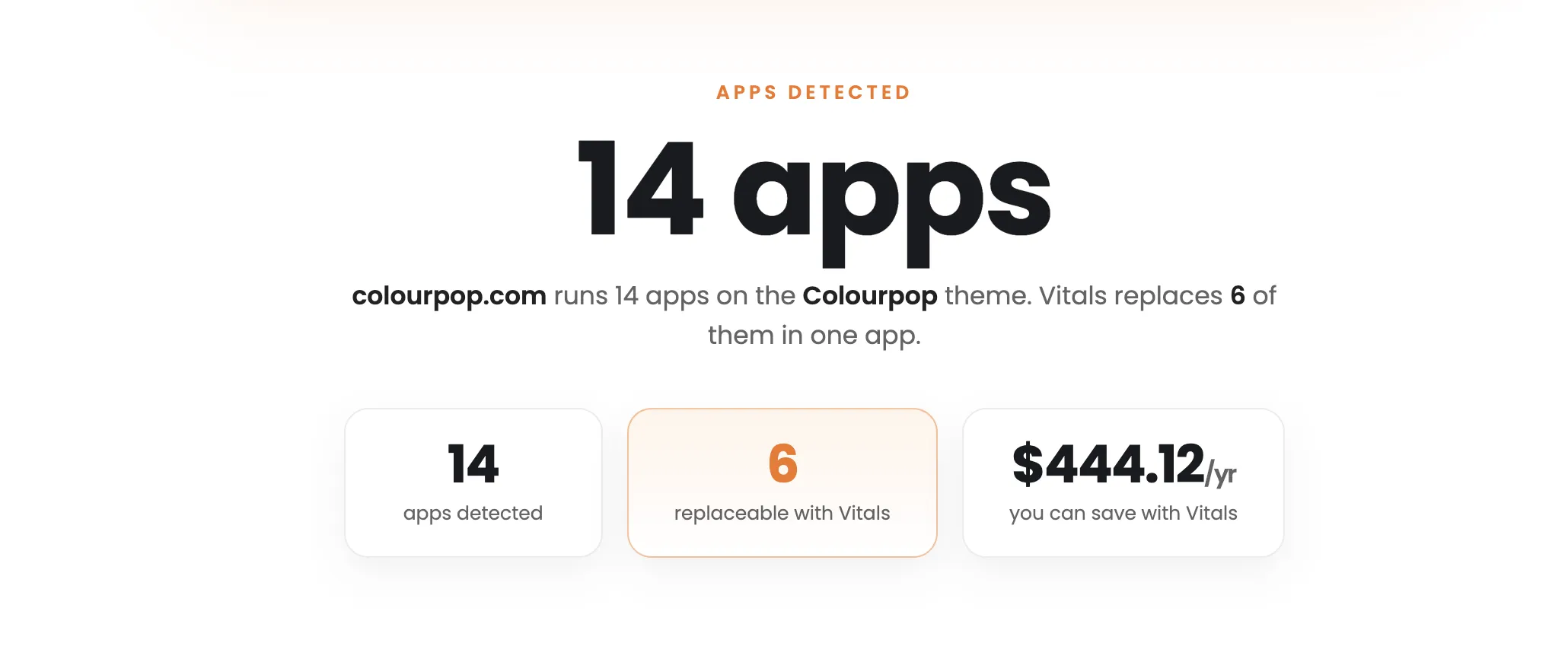
The detector lists every app it found, grouped by category, with a price next to each one. For colourpop.com, it identifies 14 apps and sorts them into groups like reviews, email marketing, session replay, and privacy, so you read the store's setup the way the merchant built it.
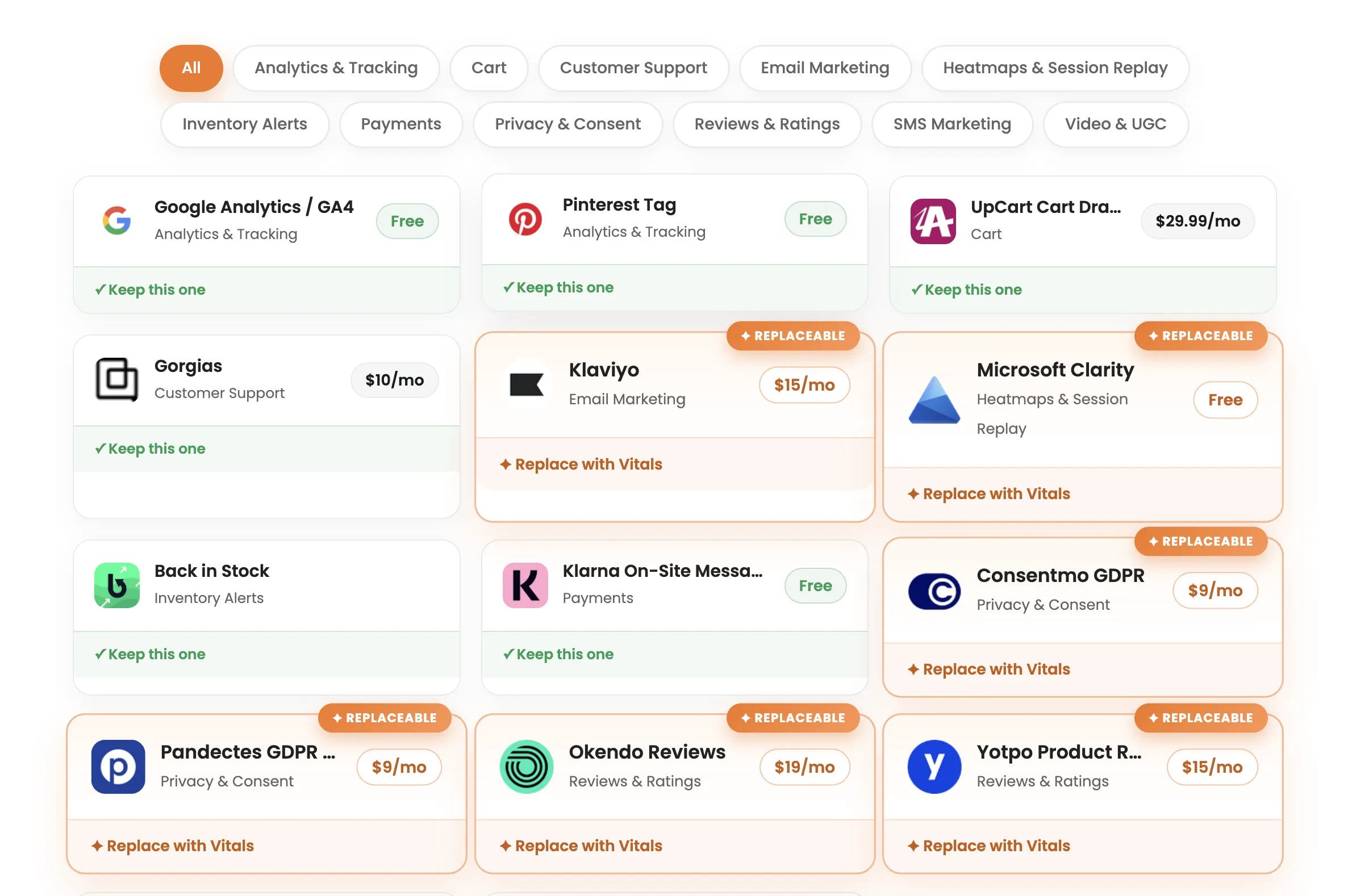
Those categories tell you colourpop.com's priorities at a glance, since its review and email apps point to a trust-and-retention focus. Each app carries a tag showing whether Vitals covers the same job, which sets up the next step.
4. Calculate your savings
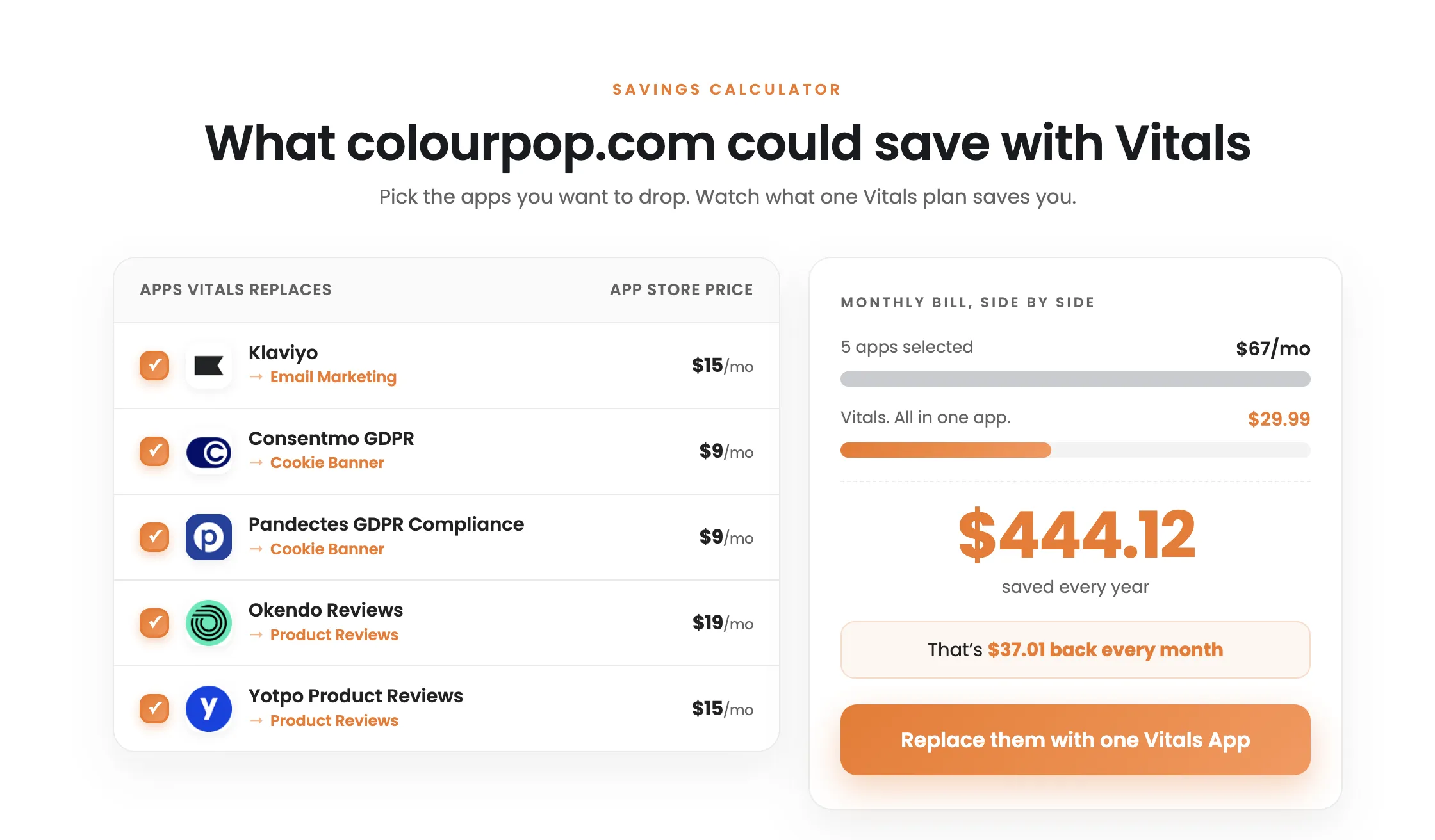
The tool flags which detected apps Vitals replaces and totals their combined cost. For colourpop.com, 6 of the 14 apps are replaceable, and the savings calculator lets you tick the ones you'd drop to watch the side-by-side bill update. Selecting colourpop.com's reviews, email, privacy, and session-replay apps stacks their monthly fees against Vitals' flat $29.99, which comes to $444.12 saved across a year. You're seeing the exact math colourpop.com would use to decide whether consolidating pays off.
5. Act on what you found
Use the breakdown to make a decision. If colourpop.com were your competitor, its app list and cost would tell you where it invests and what that investment costs each month.
If colourpop.com were your own store, the replaceable total would show what you'd save by consolidating overlapping single-purpose apps into one. From the results, you can install Vitals and cover reviews, email capture, session replay, upsells, and 40+ conversion apps in a single subscription.
Final thoughts
A Shopify app detector turns a store's public code into a readable app list, and the Vitals Shopify App Detector adds the cost of every app on top. That pricing step is the reason to use it: scanning colourpop.com tells you it runs 14 apps and that dropping 6 of them for Vitals saves $444.12 a year, all in one view. Run a store you admire through the tool, tick the apps Vitals replaces, and see the yearly number for yourself. It costs nothing and takes less than a minute.
Frequently asked questions
1. Is the Vitals Shopify App Detector free?
Yes. The tool is free, runs in your browser, and needs no signup or install. You paste a store URL and get the app list, each app's price, and the potential savings without creating an account.
2. How accurate is a Shopify app detector?
It accurately reads the apps that leave a trace on the pages it scans, which covers most storefront and conversion apps. Apps that run entirely in the background, like some fulfillment or accounting tools, may not appear, so treat the result as a strong read of the store's setup rather than a complete inventory.
3. Can I scan a competitor's store?
Yes. The detector reads the same public code your browser downloads to display any store, so you can scan any Shopify store, including a competitor's. You see which apps they run, what each costs, and how their choices overlap with features inside Vitals.
4. What does "replaceable with Vitals" mean?
It means Vitals includes an app that does the same job as the detected one. On colourpop.com, 6 apps carry that tag, and the tool totals their combined monthly cost and compares it to Vitals' flat $29.99, so you can see what replacing them with one app would save.