
7 Best G: Theme Sections Alternatives for Shopify in 2026


Looking for a G: Theme Sections Alternative?
G: Theme Sections & Blocks is a popular Shopify app for theme sections, product page blocks, page layouts and AI-built sections.
However, the app doesn't publish what its Pro sections cost. Reviewers describe buying them one at a time, yet neither its listing nor Grouptify's website shows a price.
To help you find the right alternative, we've compared the seven best G: Theme Sections app alternatives based on app type, features, customization, pricing, AI capabilities, and the number of additional apps included in the same subscription.
Since Vitals is our app and one of the alternatives, we've also highlighted its limitations.
What Is the G: Theme Sections App?
G: Theme Sections & Blocks is a Shopify app from Grouptify, the team behind Tapita, for theme sections, product page blocks and page layouts. It lets merchants add ready-made sections in the theme editor, place small sales blocks inside the product page and build new sections with AI.
Here's what you can do with the G: Theme Sections app:
- Pre-built sections: Pick from a library that its demo store shows at 126 sections in about 25 categories. They range from FAQs and comparison tables to bento grids and forms.
- Product page blocks: Add countdowns, badges and coupon codes next to the buy button.
- Page layouts: Build landing, coming soon, FAQ, pricing, about and thank-you pages. Footer and mega menu designs are part of the library too.
- AI Section Builder: Upload a picture of a section you like, and AI writes a new section from it. Its help center describes how this works.
- Section updates: Apply a new version of a section with a Reinstall button.
How Much Does the G: Theme Sections App Cost?
The G: Theme Sections app is free to install. Pro sections are one-time purchases, according to reviews. Grouptify publishes no prices for them on its listing or website (checked Oct 27, 2026).
Why Shopify Merchants Look for G: Theme Sections Alternatives
The G: Theme Sections app holds a 4.9 rating from 301 reviews and carries the Built for Shopify badge. Still, some merchants switch to another app for these reasons:
- Unpublished Pro prices: Pro sections are bought one at a time. Their prices appear on neither the listing nor the developer's website, so the cost of a page is only clear at checkout.
- Tapita branding on AI sections: Sections made with the AI Section Builder carry a Powered by Tapita mark. Support has to take it off for you.
- A quiet changelog: The help center changelog hasn't changed since May 2025. That makes it hard to see what has been added or fixed since.
- English only: The Shopify App Store listing is in English only. Merchants who work in another language get no translated listing to read.
If any of these sound familiar, an all-in-one app alternative may suit your store better.
Read: The Best Theme Sections Apps for Shopify in 2026
How We Compared the G: Theme Sections Alternatives
We reviewed each app's Shopify App Store listing, help docs and changelog (where available) on October 27, 2026. All ratings and review counts come from the listings on that day.
We compared the apps on:
- App type: standalone or all-in-one
- Features: section libraries, page templates, product page blocks, AI section or page building and section updates
- Customization: which pages the sections reach, from home and product pages to collection, cart and landing pages, and whether they install on a draft theme first
- Pricing: plan prices, free trial length and any usage charges
- AI capabilities: AI tools and MCP support
- Additional apps: how many additional apps each one includes in the same subscription
Short Answer
Vitals - All in One App is the best G: Theme Sections alternative for most stores.
- It offers 46 theme sections, AI-built product pages, a countdown timer and trust badges, while the G: Theme Sections app focuses on sections and product page blocks
- It includes 40+ apps, such as bundles, discounts and reviews, in one subscription from $29.99/month
- It replaces multiple single-purpose apps you'd otherwise install and pay for one by one each month
What Are the Top G: Theme Sections Alternatives for Shopify in 2026?
Here's a quick overview of each app. You'll find what each one can and can't do in the reviews below.
1. Vitals - All in One App
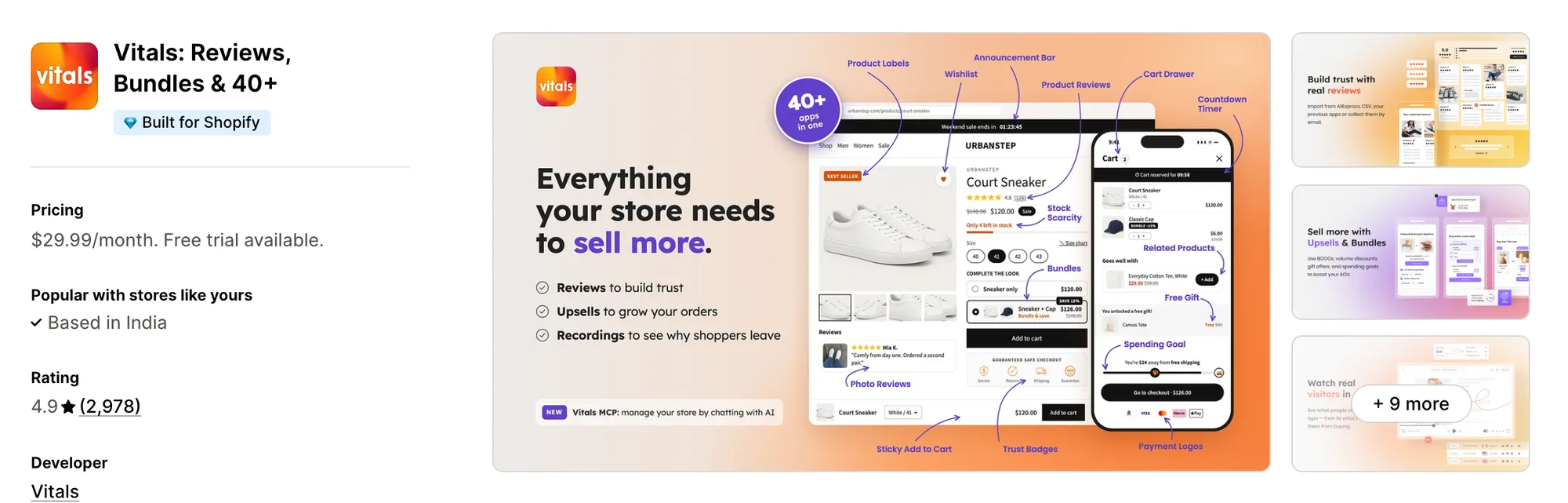
Best for: Stores that want 40+ apps, including Theme Sections, Countdown Timer, Trust Seals & Badges and Product Reviews, in one subscription
Rating: 4.9 (2,978 reviews) | App type: All-in-one | Free trial: 7 days | Built for Shopify: Yes
Vitals is an all-in-one Shopify app that offers theme sections plus 40+ apps under one subscription, starting at $29.99/month.
With the Vitals Theme Sections App, you can add 46 ready-made sections, from product carousels and Shop the Look to testimonials and FAQs, without writing code. You can also install a section on a draft theme and set it up before shoppers see it. Every section is edited in the Shopify theme editor, where you change the text, images, colours and layout.
Beyond theme sections, Vitals offers product reviews, trust badges, a sticky add to cart bar and 40+ apps in one subscription, so you don't have to install and pay for each app separately.
Key features:
- 46 sections in seven groups, from product carousels and collection circles to maps
- Shop the Look, with clickable product pins on a styled photo
- Before-and-after compare sliders
- A flash sale countdown section with a button to the sale
- Installs on the live theme or on a draft theme first
- Copy, pictures, colours and layout changed from the Shopify theme editor
- A single click updates each copy of a section across the theme
- Full product pages built from one product by Vitals AI Page Builder App, with copy, key benefits, FAQ answers and trust badges
- Sale countdowns on discounted product pages, from Vitals Countdown Timer App
- A row of trust seals next to the buy button, from Vitals Trust Seals & Badges App
Pros:
- All 46 sections install at no extra fee, with no Pro tier to buy
- Sections load only on the pages that use them
- AI-built product pages are laid out with the same Vitals sections
- Every Vitals app shares one support team, so one conversation sorts out a problem that touches the sections and other Vitals apps
- 40+ apps in one subscription. Metal Art Cafe moved its wishlist, slide-out cart and other apps onto one Vitals plan
Cons:
- Its 46 sections are fewer than the 126 on the demo store of the G: Theme Sections app
- Most sections can't go in a theme's header or footer
Pricing:
Prices from vitals.app/pricing on October 31, 2026, with a 7-day free trial and no metered fees on any plan.
Read: Best AI Page Builders for Shopify in 2026
2. Section Store & Cart Drawer
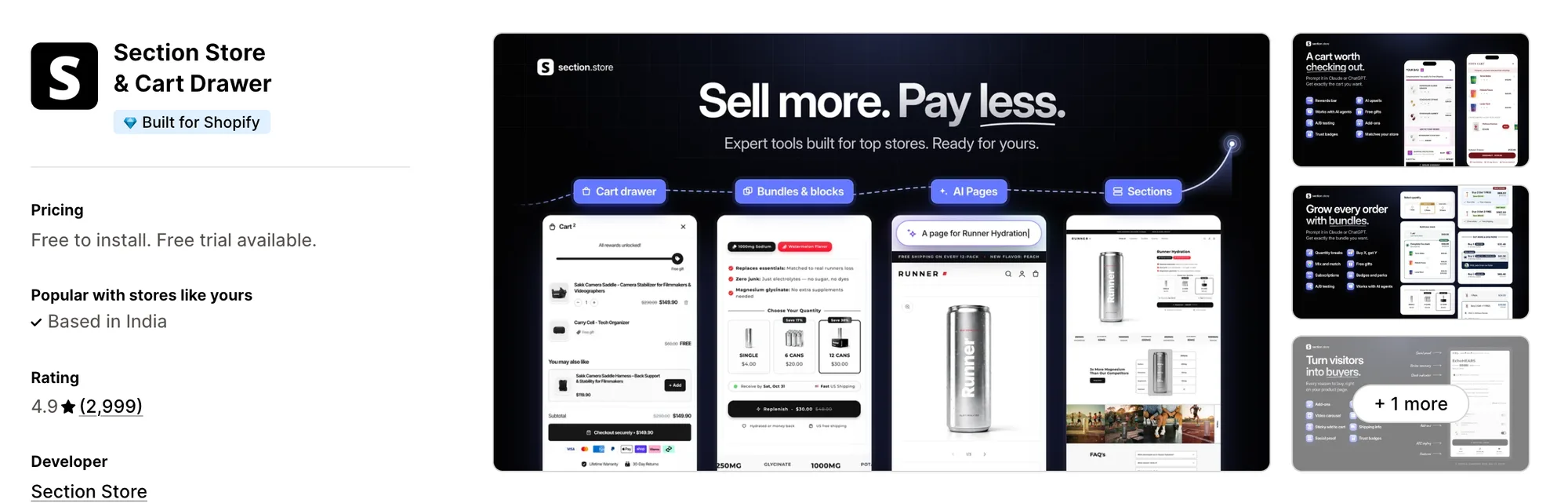
Best for: Stores that want sections, bundles and a cart drawer from one developer, with A/B tests on offers
Rating: 4.9 (2,999 reviews) | App type: Standalone | Free trial: 14 days | Built for Shopify: Yes
Section Store & Cart Drawer, once called Section Store: Theme Sections, is a Shopify app for theme sections, a cart drawer and bundles. Its biggest strength is what the Plus plan adds on top of the section library. A cart drawer, bundles and AI-built pages come with it, so one app can shape both your pages and your cart offers. It also holds the most reviews in this list. It's a strong choice if you want to test one cart or bundle offer against another.
Key features:
- Free sections, plus premium sections you buy once and keep
- A cart drawer with a reward bar for free shipping, free gifts and upsells, on Plus
- Quantity breaks, Buy X Get Y, mix and match bundles and free gifts, on Plus
- AI that builds product, home and landing pages from its catalog, on Plus
- Tests of one cart or bundle offer against another
- MCP, so Claude or ChatGPT can set up a cart, bundle or test
Pros:
- A cart drawer and bundles on the same plan as the sections
- A/B tests for cart and bundle offers
- Built for Shopify
Cons:
- Premium sections outside Plus are paid for one at a time
- Low-star reviews from 2026 describe sections that didn't display as set up
- Those reviewers also mention slow support replies
- Focuses on sections, the cart and bundles
Pricing:
Prices from the Shopify App Store listing on Oct 27, 2026, with a 14-day free trial.
3. Puco Sections: Theme Sections
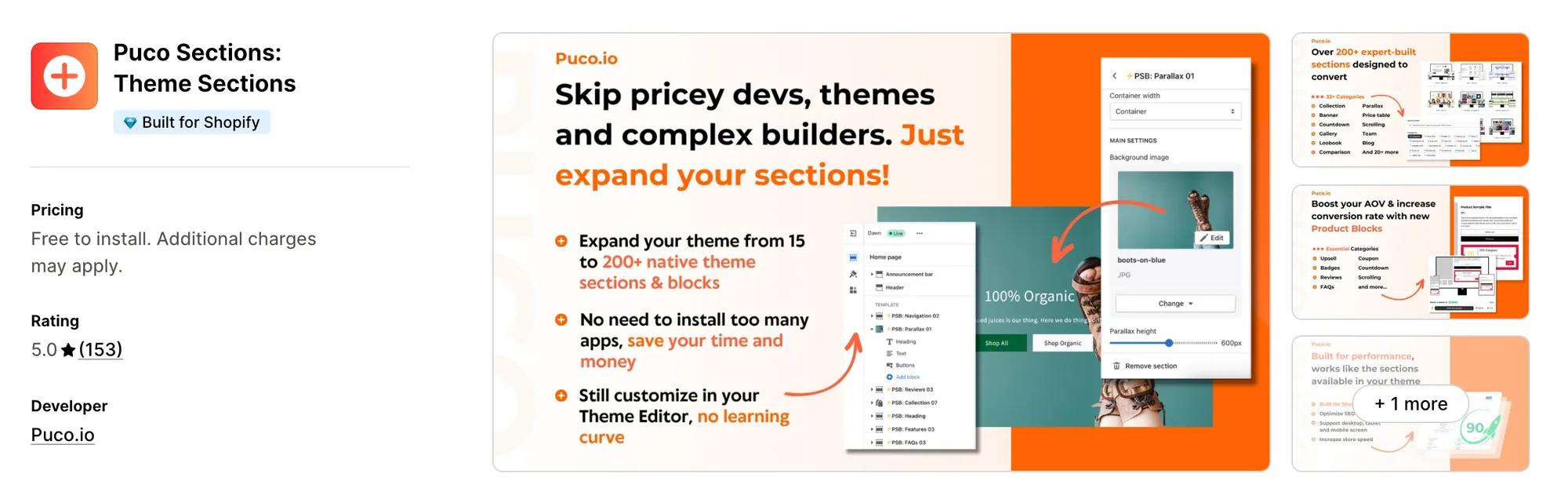
Best for: Stores that want extra sections for the cart page and quick view too
Rating: 5.0 (153 reviews) | App type: Standalone | Free trial: Free plan | Built for Shopify: Yes
Puco Sections: Theme Sections is a Shopify app from Puco.io for extra sections and blocks. Where it stands out is page reach, with designs for the cart page, quick view and a 404 page as well as product pages. Your cart page and quick view can match the rest of the store, so the design doesn't stop at the product page. It grows a theme's own handful of sections to 200+ sections and blocks. Pick it if your cart page looks plain next to your product pages.
Key features:
- 200+ sections and blocks sorted into 33+ categories
- Sections for the cart page, quick view, help center and 404 pages
- Blocks that slot into product pages
- New sections and product blocks each week
Pros:
- Sections for the cart page and quick view
- No listing review below four stars
Cons:
- No public help center or changelog
- Focuses on sections and blocks
Pricing: Free to install, with locked sections bought one at a time or through a subscription. Its Shopify App Store listing shows no prices for either (checked Oct 27, 2026).
4. Theme Sections & Page Builder
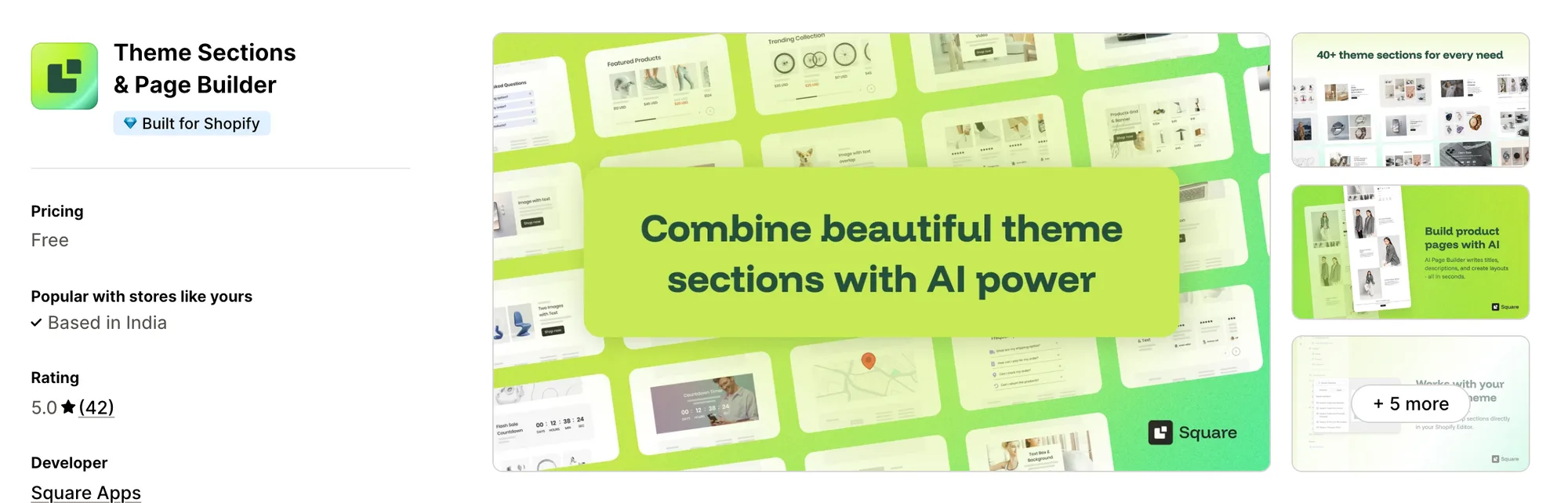
Best for: Stores that want free AI-written product pages next to 40+ sections
Rating: 5.0 (42 reviews) | App type: Standalone | Free trial: Free plan | Built for Shopify: Yes
Theme Sections & Page Builder, earlier listed as Theme Sections & AI Pages, is a free Shopify app from Square Apps for theme sections and AI product pages. What sets it apart is its AI Product Page Generator. It writes a product's title, description, layout and FAQs and saves the result as that product's template, so a new product gets a full page without design work. Its section library is smaller, at 40+ sections. It works well for stores that want AI-written product pages at no cost.
Key features:
- 40+ sections, including carousels, banners, testimonials, countdowns and maps
- An AI Product Page Generator for titles, descriptions, layouts and FAQs
- Generated pages kept as templates you can edit in the theme editor
- Section designs for product, collection, home, about, contact and FAQ pages
- AI credits that renew each month
- Its listing translated into 16 languages
Pros:
- Full product pages written by AI
- Every listing review is five stars
- Built for Shopify
Cons:
- Sections install on the published theme only
- Sections need a reinstall after a theme change
- AI page generation works on a fixed list of supported themes
- Focuses on sections and AI product pages
Pricing: Free, with no paid plan (Shopify App Store listing on Oct 27, 2026).
5. OT Section: Theme Sections
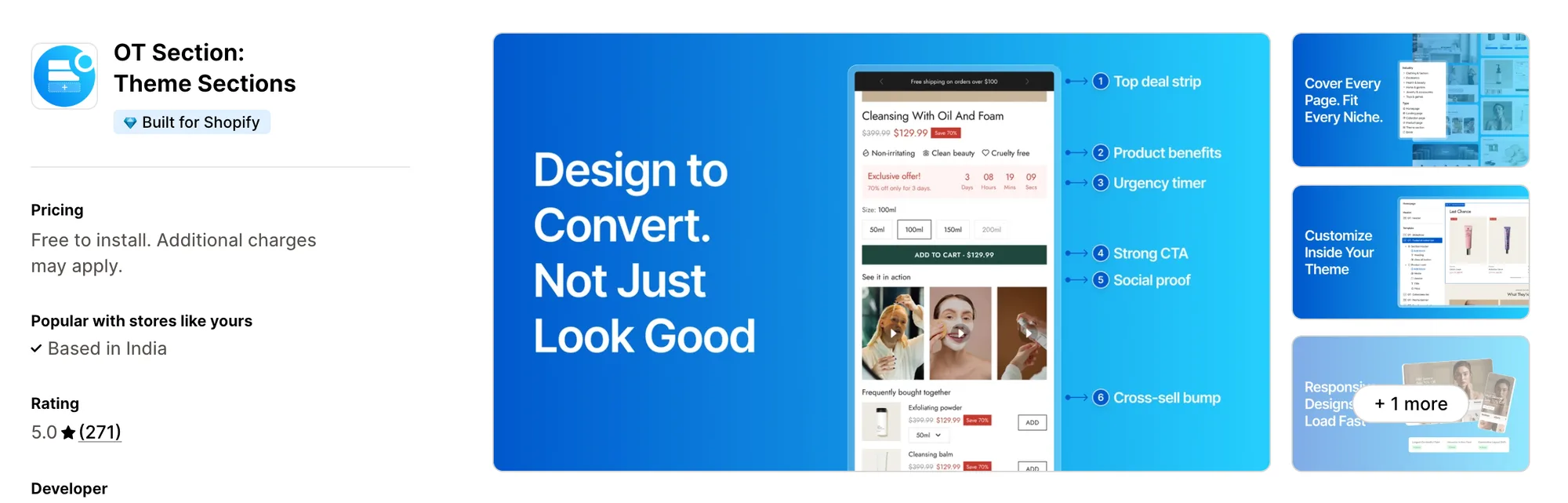
Best for: Stores that build a page from a finished template rather than section by section
Rating: 5.0 (271 reviews) | App type: Standalone | Free trial: 7 days | Built for Shopify: Yes
OT Section: Theme Sections is a Shopify app by Omni Themes for sections, blocks and ready page templates. Its standout is the template library. You can start a landing, pricing or FAQ page from a finished layout, so a new page doesn't have to be built section by section. Single designs can also be bought once instead of taking the Plus plan. It suits stores that would rather start from a whole page than from a blank one.
Key features:
- 200+ sections, page templates and blocks, 40+ of them free
- Page templates for landing, coming soon, pricing, about and FAQ pages
- Pop-up designs
- Draft and live theme installs
- Transfer Sections, for copying sections across themes
- Designs that can be reused on several pages
- Works with Online Store 2.0 themes
Pros:
- Complete page templates on top of single sections
- Bought designs stay put even after a downgrade
- Draft theme installs before anything goes live
- Built for Shopify
Cons:
- A downgrade removes Plus-only designs from every theme
- Support hours are weekdays, 9:00 to 18:00 GMT+7
- No AI features
- Focuses on sections and page templates
Pricing:
Prices from support.omnithemes.com on Oct 27, 2026, with a 7-day free trial. Single designs can also be bought once, from $3 each.
6. SectionHub: Theme Sections
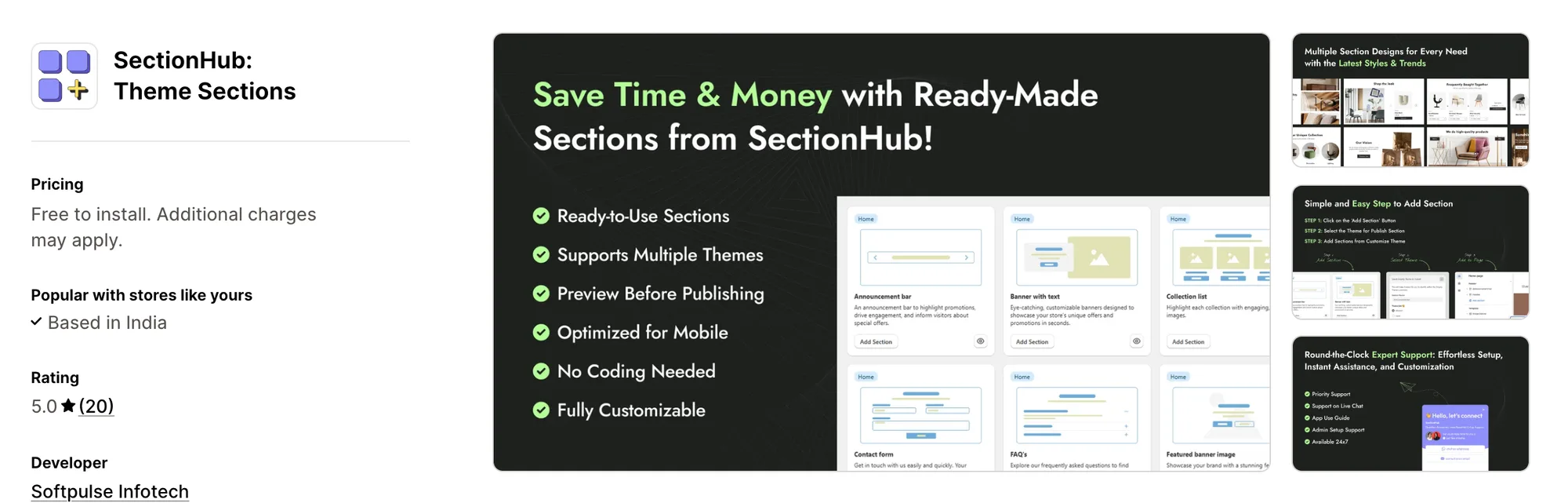
Best for: Stores that need a small set of sections and never want a subscription
Rating: 5.0 (20 reviews) | App type: Standalone | Free trial: Free plan | Built for Shopify: No
SectionHub: Theme Sections is a Shopify app from Softpulse Infotech for free and one-time premium sections. It's strongest on cost, with 30 free sections and no recurring plan at all. You pay once for each premium section you want, so there's no monthly bill to keep paying. It launched in December 2024. If you only need a few sections, it's a good fit.
Key features:
- 30 free sections, with premium sections bought once
- A preview of each section before publishing
- Live or development theme publishing
- Layouts for landing, FAQ, contact, pricing and legal pages
Pros:
- No subscription on any section
- 30 sections free to install
Cons:
- Premium section and add-on prices aren't shown
- The fewest reviews here, at 20
- Not Built for Shopify
- No help center
Pricing: Free to install, with premium sections as a one-time charge each. The Shopify App Store listing shows no section prices (checked Oct 27, 2026).
7. Smind Sections: Theme Sections
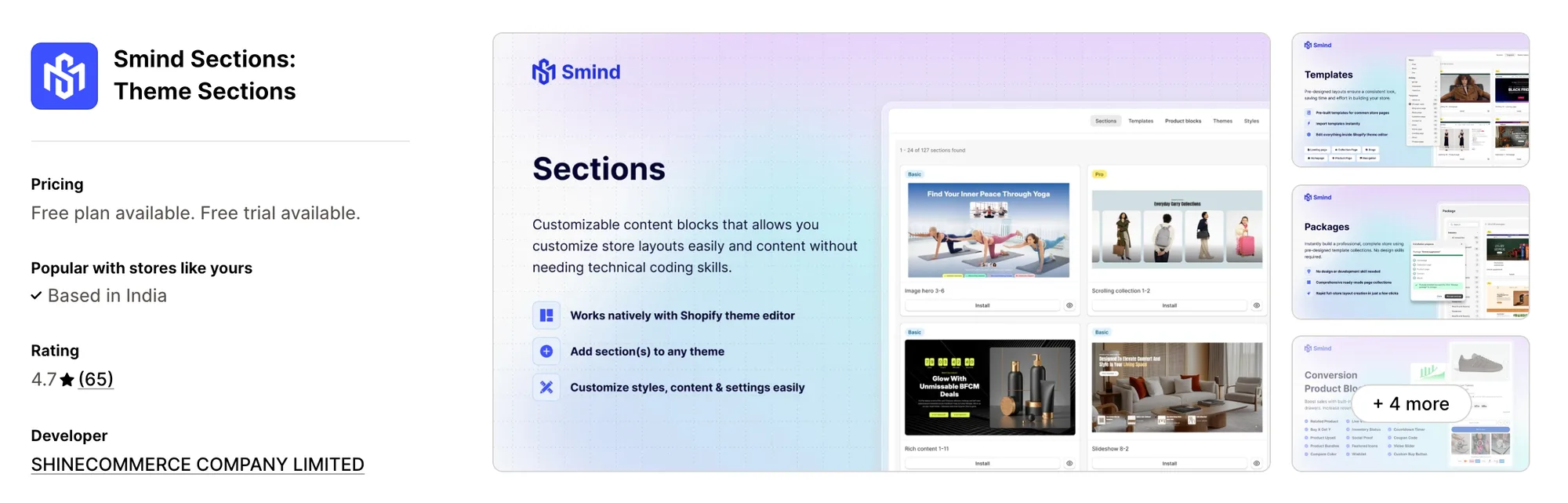
Best for: Stores laying out every page at once from a niche package, with a cart drawer included
Rating: 4.7 (65 reviews) | App type: Standalone | Free trial: 7 days | Built for Shopify: No
Smind Sections: Theme Sections is a Shopify app from Shinecommerce that installs sections, page templates and whole store layouts. What makes it different is Packages, matched sets of home, product, collection and landing pages for one niche. A Package installs in a single step, so a new store can be laid out at once rather than page by page. Its Pro plan also adds a cart drawer. It's made for stores starting from scratch in one niche.
Key features:
- As many as 1,225 sections and 439 templates on its top plan
- 76 Packages for a full store layout, on Pro
- Up to 19 product blocks, among them countdowns, coupon codes, bundles, upsells and Buy X Get Y
- A cart drawer with a free-shipping bar, gift wrapping, cart notes and related products, on Pro
- A wishlist page, a compare page and a size chart
- Thank-you, blog and 404 page layouts
- Weekly section and layout releases
Pros:
- Lays out a whole store in one step
- Sections and a cart drawer on one plan
Cons:
- Packages and the cart drawer are Pro features
- Its sections stay in the theme after removal unless Delete data is used first, according to the developer's reply to a 2024 review
- An August 2026 review reports a script that sent shoppers to a different payment page, which the developer says it fixed the same day
- Not Built for Shopify
Pricing:
Prices from the Shopify App Store listing on Oct 27, 2026, with a 7-day free trial.
How Many Apps Each Option Replaces
Every app you install can add its own code to your storefront, and that code affects load time. The table below shows how many separate apps each option replaces, based on our count.
Here's what each option replaces:
- Vitals - All in One App: 40+ apps, including a theme sections app, an AI product page app, a countdown timer app, a trust badges app, a sticky add-to-cart app and a product reviews app
- Section Store & Cart Drawer: a section library app, a slide-out cart app and a bundle app
- Puco Sections: Theme Sections: a sections app that also styles the cart page
- Theme Sections & Page Builder: a section app plus an AI product page generator
- OT Section: Theme Sections: a sections app with full page templates
- SectionHub: Theme Sections: one app for sections alone
- Smind Sections: Theme Sections: a sections app, a store template app and a cart drawer app
- G: Theme Sections & Blocks: a sections app plus product page blocks for the buy box
Say you use the G: Theme Sections app with a product reviews app, a sticky add-to-cart app and an AI product page app. That's four apps loading four scripts. With Vitals, you can replace all four apps with one subscription.
When Should You Stay on G: Theme Sections?
The G: Theme Sections app is still the better choice if:
- You want AI to write a new section from a picture of one you like
- You need footer and mega menu designs as well as page sections
- You want countdown, badge and coupon blocks from the same app as your sections
On the other hand, switch to Vitals if you want 46 sections you can try on a draft theme and product pages built by AI from one product. A countdown timer and product reviews come in the same subscription too.
How to Migrate From G: Theme Sections
Order matters here, because the G: Theme Sections app writes its sections into your theme as code. AI-built ones carry a TptAI prefix, so map every section before you remove the app.
- List every G section and block on your home, product, collection and landing templates, AI-built TptAI sections included, so nothing is missed in the rebuild
- Duplicate your live theme, so shoppers keep seeing the current pages while you work
- Install Vitals - All in One App and add matching sections from Vitals Theme Sections App to the duplicate theme, noting any layout with no Vitals match
- Replace the countdown and badge blocks with Vitals Countdown Timer App and Vitals Trust Seals & Badges App, so the buy box keeps its urgency and trust signals
- Generate full product pages with Vitals AI Page Builder App where you'd rather not lay them out by hand
- Check the duplicate theme on a phone and a desktop, then publish it
- Delete the leftover G sections from your templates, then uninstall the G: Theme Sections app last
Where Each G: Theme Sections Feature Goes in Vitals
For example, Stock Supplier swapped 15 single-purpose apps for one Vitals plan.
Read: Best All in One Apps for Shopify in 2026
Find the Best G: Theme Sections Alternative for Your Store
Vitals - All in One App is the best fit for most stores, but the right pick depends on why you're leaving the G: Theme Sections app.
- Vitals - All in One App, if you want theme sections, AI-built product pages, a countdown timer, and 40+ apps in one subscription from $29.99/month
- Section Store & Cart Drawer, if you'd like to test one cart offer against another
- Puco Sections: Theme Sections, if your cart page looks bare next to your product pages
- Theme Sections & Page Builder, if you'd rather have AI draft whole product pages than design them
- OT Section: Theme Sections, if a finished page template would save you a week of layout work
- SectionHub: Theme Sections, if you only want a few sections and no monthly charge
- Smind Sections: Theme Sections, if you're starting a store from scratch and want it laid out in one go
Frequently Asked Questions
1. Which app should replace G: Theme Sections on Shopify?
Vitals - All in One App is the best G: Theme Sections alternative for most stores. It's the only all-in-one app here with 40+ apps, such as theme sections, a countdown timer and product reviews, in one subscription. Since Vitals is our app, we've listed its limitations in its review above.
2. Why do stores move away from G: Theme Sections?
The G: Theme Sections app focuses on theme sections and product page blocks. If you want product reviews, trust badges or a sticky add-to-cart bar beside your sections, you need to install other apps. Other reasons include unpublished Pro section prices, a Powered by Tapita mark on AI-built sections, and a help center changelog that stopped in May 2025.
3. How do Vitals and G: Theme Sections compare?
Both offer ready-made sections you edit in the Shopify theme editor, and both can put a countdown on the product page. Only the G: Theme Sections app has footer and mega menu designs and an AI builder that turns a picture into a section. Its demo store also shows more sections, at 126. Vitals, on the other hand, includes draft theme installs, product pages built by AI from one product, and product reviews and a sticky add-to-cart bar in the same subscription.
4. Will one Vitals subscription replace G: Theme Sections and my other apps?
Yes, for most stores. Vitals can replace the G: Theme Sections app's page sections and its countdown and badge blocks. It can also replace separate apps for product reviews, a sticky add-to-cart bar and AI product pages. The one exception is footer and mega menu designs, since most Vitals sections can't go in a theme's header or footer.
5. Do these alternatives slow a Shopify store down?
Each app you install can add its own scripts to your storefront. That means speed depends on how many apps you have, not just which ones. Vitals - All in One App loads its countdown timer, reviews and other apps from one script. Its sections only load on the pages where you place them. If you use several single-purpose apps instead, each one loads its own script. We didn't speed-test these apps, so check your own pages before and after a change.
6. Which G: Theme Sections alternatives use AI or support MCP?
Not all of them. Vitals AI Page Builder App turns a single product into a complete product page. You can also ask Shopify Sidekick about your Vitals theme sections. Section Store builds product, home and landing pages with AI and connects to Claude or ChatGPT over MCP. Theme Sections & Page Builder uses AI to write whole product pages. We found no AI or MCP in Puco Sections, OT Section, SectionHub or Smind Sections. The G: Theme Sections app builds a section from a picture with AI, with no MCP support listed.
7. Which G: Theme Sections alternatives install sections on a draft theme?
Not all of them. Vitals installs any of its sections on a draft theme, so you can check it before shoppers see it. OT Section installs on draft or live themes, and SectionHub publishes to a development theme. Theme Sections & Page Builder can only install on the theme that's published. We couldn't confirm draft installs for Section Store, Puco Sections or Smind Sections, or for the G: Theme Sections app.
8. How do I move from G: Theme Sections to Vitals?
List the G sections and blocks on each template. Rebuild them with Vitals Theme Sections App on a duplicate theme. Swap the countdown and badge blocks for Vitals Countdown Timer App and Vitals Trust Seals & Badges App. Publish the duplicate theme once it looks right. Uninstall the G: Theme Sections app last.