7 Best CWILL Popup Email Marketing Alternatives for Shopify [2026]

![7 Best CWILL Popup Email Marketing Alternatives for Shopify [2026]](/assets/blog/cwill-popup-email-alternatives/banner.avif)
Looking for a CWILL Popup Email Marketing Alternative?
CWILL Popup Email Marketing, formerly SendWILL, is a popular Shopify app for collecting emails with pop-ups and sending newsletters to the people who sign up. It sends email only, though, and its plans now count new subscribers and emails sent each month.
So, we compared seven alternatives on how they grow a list, what they send to it, and which other store jobs they take on. Vitals is our app, and we say where it comes up short.
What Is CWILL Popup Email Marketing Shopify App?
CWILL Popup Email Marketing is a Shopify app for turning visitors into subscribers and emailing them afterward. It was called SendWILL until September 2026, and before that EcomSend and Trustoo. Shoppers can enter an email in a pop-up or spin a wheel for a discount, and the app then sends them campaigns and automated emails.
Here's what you can do with CWILL Popup Email Marketing:
- Pop-ups and spin the wheel: Show email pop-ups, exit-intent forms, newsletter forms and spin-the-wheel offers, with targeting by page, timing, country and add-to-cart.
- Unique discount codes: Give each subscriber a single-use code with a custom prefix, now locked to one customer.
- Email flows: Build welcome, browse abandonment, cart and checkout abandonment, win-back, birthday and order confirmation flows in a visual builder.
- Back-in-stock alerts: Add a "Notify me" button to product pages and send a three-email restock series.
- Campaigns: Send scheduled campaigns from a drag-and-drop editor with templates you can save and reuse.
Where CWILL Popup Email Marketing stands out is how its pricing treats a stored list. Contacts are unlimited on every plan, and the bill follows new sign-ups and emails sent each month. That suits stores with a large list that grows slowly.
Reviews often praise its support agents by name and the lift in sign-ups that spin-the-wheel pop-ups bring.
How Much Does CWILL Popup Email Marketing App Cost?
Prices from the Shopify App Store listing on Oct 26, 2026, with a 14-day free trial. Usage past a plan's limits is charged on top.
Why Shopify Merchants Look for CWILL Popup Email Marketing Alternatives
CWILL Popup Email Marketing holds a 4.9 rating from 7,689 reviews and is Built for Shopify. Still, merchants who leave it mention these reasons:
- It covers pop-ups and email only, and CWILL sells reviews, loyalty and order tracking as separate products
- It sends no text messages; the SMS in its name covers collecting phone numbers
- Paid plans replaced the free plan for most stores on Aug 20, 2026, and the price now follows new subscribers and emails sent, with usage charges past each limit
- Custom email flows need the Pro plan, while Essential gets preset automations
- Some 2026 reviews describe pop-ups that stopped showing or converted very few visitors
Switching makes the most sense for stores that would rather keep sign-up forms, email and their other store apps under one bill.
Read: Best Email Marketing Apps for Shopify in 2026
How We Compared the CWILL Popup Email Marketing Alternatives
For each app we read the live Shopify App Store listing and the help docs and changelog, where available, on the day of writing, and copied ratings and review counts from the listing.
We compared the apps on:
- App type, standalone or all-in-one
- Core features for list growth and email: pop-ups, gamified forms, campaigns, automated flows and sending domains
- Which store areas each app reaches, from the storefront through post-purchase
- How many separate apps each one replaces
- What each app adds to the storefront and how it fits the theme
- AI features and MCP support
Short Answer
Vitals - All in One App is the best CWILL Popup Email Marketing alternative for most stores.
- It offers sign-up pop-ups, a spin-the-wheel game and automated email series next to reviews, bundles and browser push, while CWILL keeps to pop-ups and email and sells reviews as a separate product
- It includes 40+ apps, such as reviews, bundles and discounts, in one subscription of $29.99/month
- It replaces multiple single-purpose apps that you would otherwise install and pay for every month
Vitals costs more than CWILL's Essential plan, at $29.99 plus a usage fee once email contacts pass 500. That price also covers the reviews, bundle and push apps a store would otherwise add one by one.
What Are the Top CWILL Popup Email Marketing Alternatives for Shopify in 2026
The table sums up each alternative, with CWILL Popup Email Marketing at the bottom for comparison.
1. Vitals - All in One App
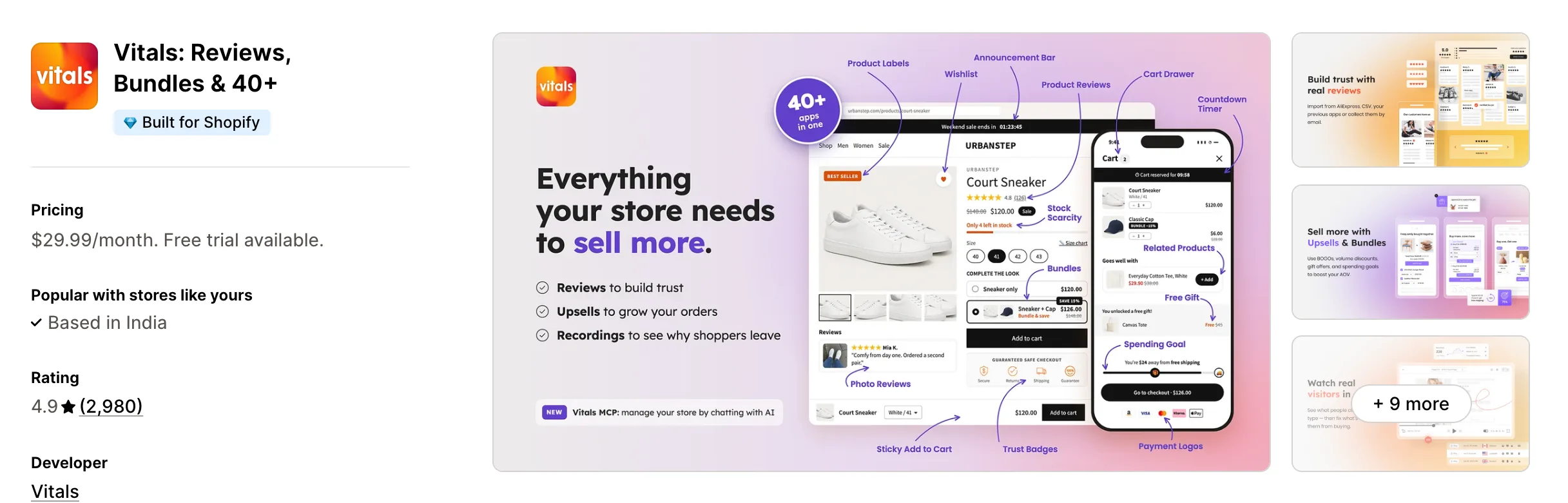
Best for: Stores that want Pop-ups, Email Marketing, Product Reviews and Bundles plus 40+ apps in one subscription
Rating: 4.9 (2,980 reviews) | App type: All-in-one | Free trial: 7 days | Built for Shopify: Yes
Vitals is our app. Pop-ups and email marketing sit among its 40+ apps, together with reviews and bundles, in one subscription of $29.99/month.
The Vitals Pop-ups app asks visitors for an email or phone number at a moment the store picks, such as after two page views or only on a first visit. Each sign-up joins the Shopify customer list, and the pop-up can email the discount code at once, so it isn't lost when the window closes.
Each pop-up also gets credit for the orders placed with its codes. Those subscribers then hear from another Vitals app, Email Marketing, which sends campaigns plus welcome, abandoned checkout and thank-you series with no limit on emails sent, where CWILL counts every send toward its plan.
Key features:
- Sign-up pop-ups with combined triggers, page targeting, scheduling and a priority order
- Phone number collection that syncs to the Shopify customer profile
- A discount code email with a link that applies the code, plus up to four recommended products
- A spin-the-wheel game for email capture
- Orders and sales credited to each pop-up and wheel
- Welcome, abandoned checkout and thank-you email series, plus one-off campaigns to Shopify segments
- Back-in-stock alerts for sold-out products
Pros:
- Pop-ups, email series and product reviews managed from one admin
- When a pop-up code and an email series don't match, one support team looks at both
- 40+ apps under a single plan (e.g., FreeShippingAllOrders moved its pop-ups and the rest of its single-purpose apps to one Vitals plan)
- Vitals MCP lets Claude or ChatGPT read email campaign results
Cons:
- No SMS campaigns, and no browse abandonment, win-back or birthday emails beyond its three series
- Works on Shopify only
Pricing:
Prices from the Vitals website on Oct 26, 2026, with a 7-day free trial. The contacts fee applies only in a month the store sends marketing emails, and emails sent are unlimited.
Read: The 7 Best Abandoned Cart Apps for Shopify in 2026
2. GSC Email Marketing + Popups
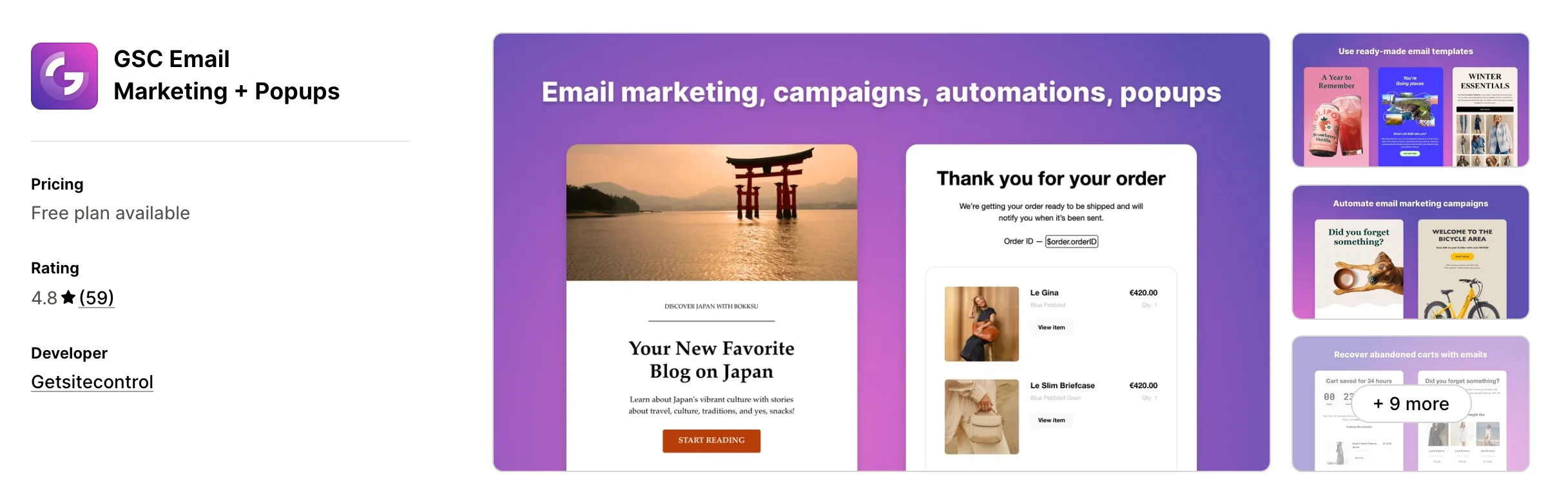
Best for: Stores that want scratch cards, surveys and multi-page forms beside their sign-up pop-ups
Rating: 4.8 (59 reviews) | App type: Standalone | Free trial: Free plan | Built for Shopify: No
GSC Email Marketing + Popups comes from Getsitecontrol, a form builder that also sends email. Its widget editor goes beyond pop-ups to bars, surveys, scratch cards and multi-page forms with skip logic. Plans are set by widget views, and email is charged per thousand sent.
Key features:
- Pop-ups, bars, inline forms, surveys, spin-to-win and scratch cards
- Multi-page forms with skip logic and add-to-cart or apply-discount buttons
- An AI widget builder and AI text generator
- Broadcasts with smart send time and ramp or traffic-balancing sending modes
- Automations for welcome, checkout abandonment, new and fulfilled orders, and win-back
- A/B testing for emails and widgets on Pro
- Anti-Bounce checks on addresses and a link checker
- Custom sending domains
Pros:
- Unlimited contacts on every plan
- Survey and scratch-card widgets sit in the same builder as the sign-up forms
- Sending modes that spread a large broadcast over time
Cons:
- No SMS sending; forms can collect phone numbers only
- Its docs describe checkout abandonment but no cart abandonment, browse abandonment or birthday flows
- Covers forms and email only; timers, labels and social feeds are separate GSC apps
Pricing:
Prices from getsitecontrol.com on Oct 26, 2026. Widgets stop showing for the rest of the month once a plan's view cap is reached.
3. ONE: AI, Pop Up, SMS Marketing
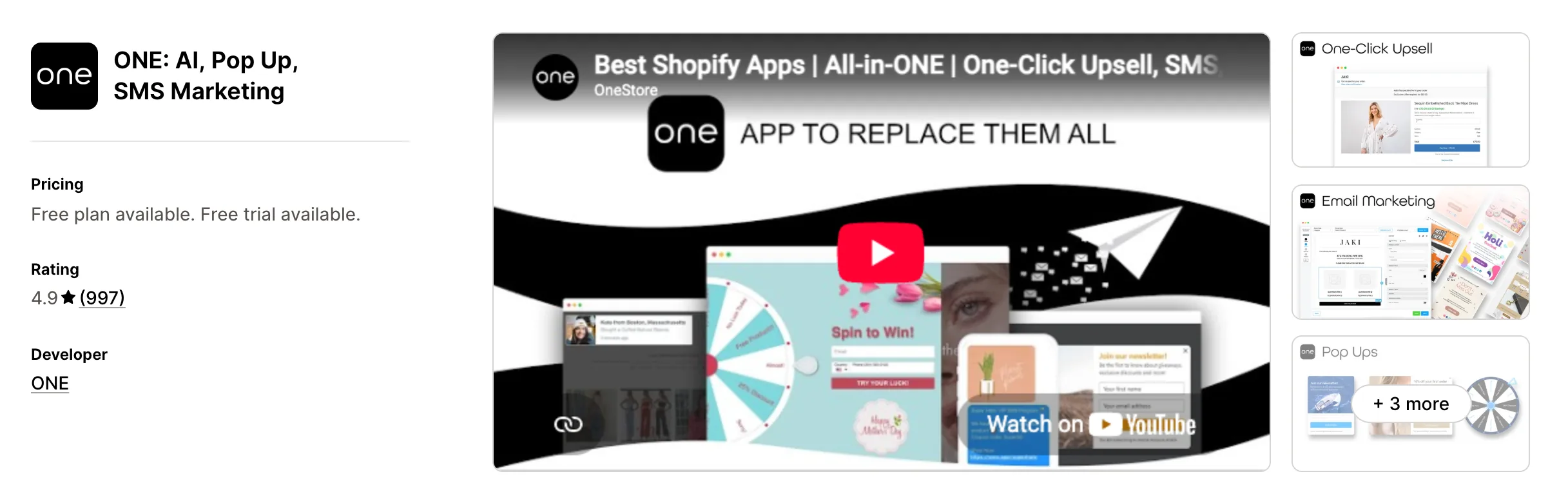
Best for: Stores that want to sell one more item right after checkout from the same app as email and SMS
Rating: 4.9 (997 reviews) | App type: Standalone | Free trial: 10 days | Built for Shopify: No
ONE: AI, Pop Up, SMS Marketing is a messaging app with a post-purchase extra. Its documented parts are pop-ups, email, SMS, social proof and a one-click upsell page between checkout and the thank-you page. One paid plan holds all of them, priced by active customers.
Key features:
- Pop-ups with or without a reward, spin-to-win wheels, giveaways and A/B tests
- Newsletters and bulk text messages sent to Shopify segments
- Cart, checkout and browse abandonment recovery, plus welcome, winback and birthday messages
- A one-click post-purchase upsell with an optional discount and countdown timer
- Social proof pop-ups, a live visitor counter and trust badges
- SMS consent at Shopify checkout and text-to-join keywords
Pros:
- Email, SMS and pop-ups share one plan with a post-purchase offer
- US text messages cost $0.01 per credit
- Every feature sits on its single paid plan
- A free toll-free number for SMS
Cons:
- Email revenue counts only when a coupon or gift card from the email is used
- Its AI assistant appears in the listing but not in its help docs
- Low-star reviews from 2023–2026 describe paid upgrades and charges they didn't expect
- Reviews, bundles and cart offers aren't part of it and need separate apps
Pricing:
Prices from one.store on Oct 26, 2026, with a 10-day free trial. SMS credits are billed on top at $0.01 each.
4. Mailchimp Email SMS Marketing
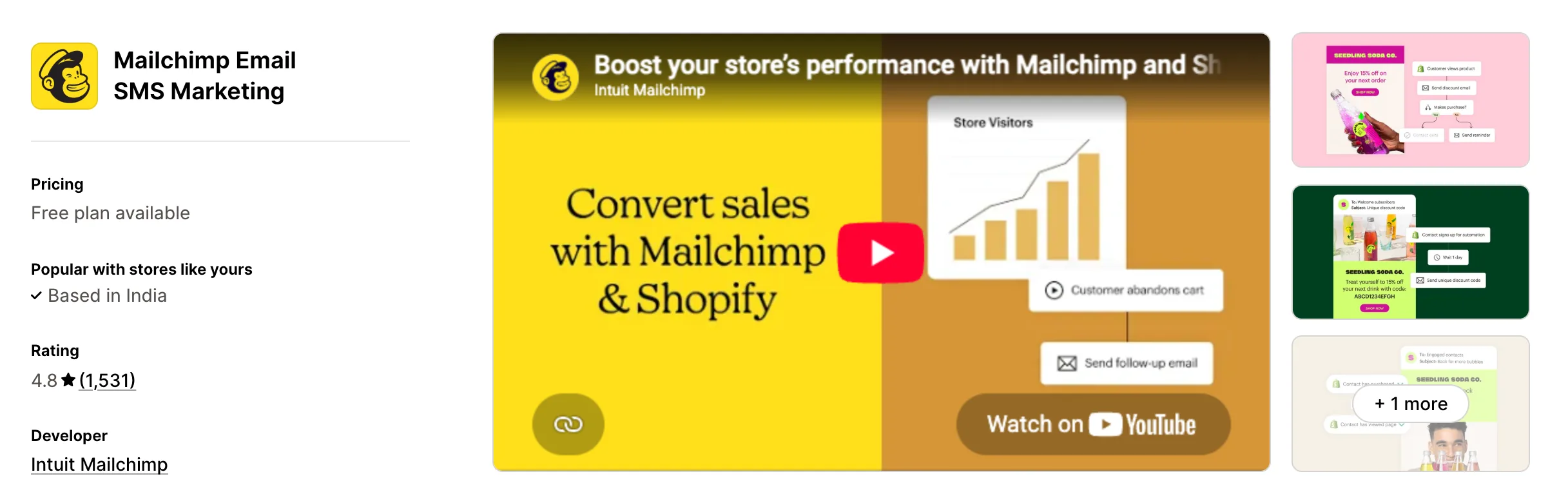
Best for: Stores that also build landing pages and post to social from their email account
Rating: 4.8 (1,531 reviews) | App type: Standalone | Free trial: Free plan | Built for Shopify: No
Mailchimp Email SMS Marketing links a Shopify store to Intuit Mailchimp, where email sits beside landing pages, surveys and social posting. Store data flows into segments, and Mailchimp reports the revenue it brings back in Shopify. It suits stores that plan every channel from one marketing account.
Key features:
- Pop-up and embedded sign-up forms with unique discount codes
- Welcome, abandoned cart, back-in-stock and email retargeting with product recommendations
- Browse abandonment, win-back and price-drop automations
- SMS add-on in select countries
- Landing pages, surveys and social posts in the same account
- Predictive segmentation and send time optimization on Standard
- A Claude and ChatGPT connector that builds email and SMS campaigns on Standard and Premium
Pros:
- Sends SMS, which CWILL doesn't
- Landing pages and social posts managed beside email
- Automations reach up to 200 on Standard
Cons:
- Covers marketing channels only; reviews, bundles and upsells need other apps
- Reviews from 2025–2026 say all synced contacts count toward the bill, not just subscribers
- Essentials allows up to four automations
Pricing:
Prices from the Shopify App Store listing on Oct 26, 2026. The price on each plan rises with contact count, and SMS credits cost extra.
5. Omnisend Email Marketing & SMS
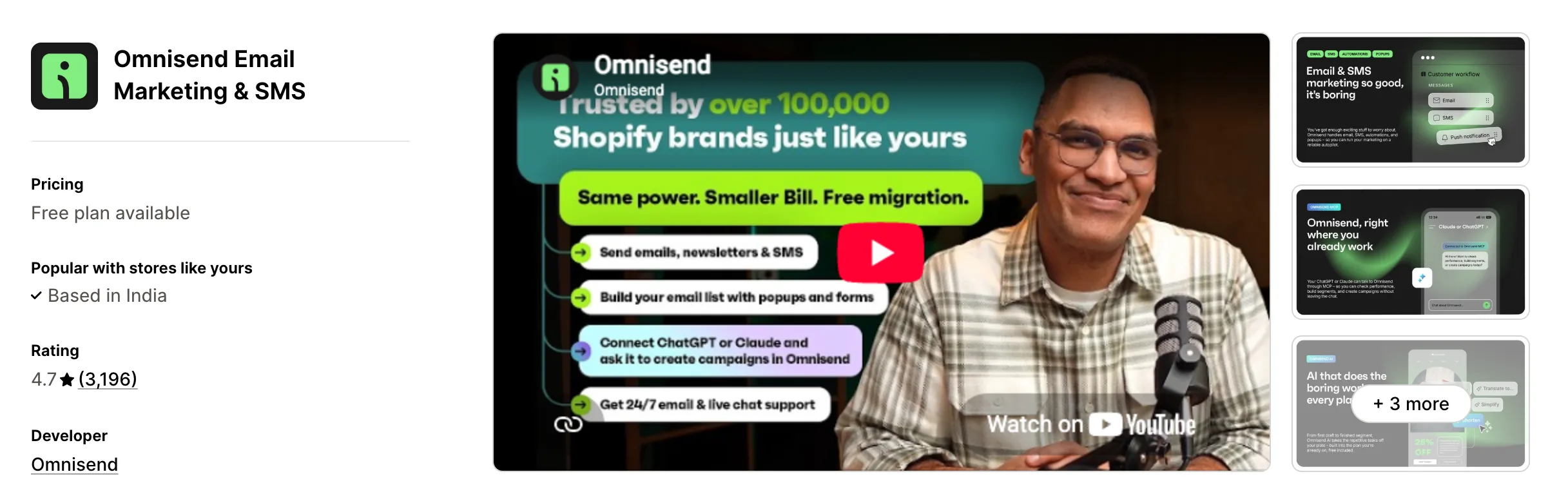
Best for: Stores that want SMS and web push on the same plan as email
Rating: 4.7 (3,196 reviews) | App type: Standalone | Free trial: Free plan | Built for Shopify: No
Omnisend Email Marketing & SMS sends email, text messages and web push notifications from one account. Its forms include exit-intent pop-ups and spin-to-win, so list growth and every message channel sit together. It suits stores that collected phone numbers in a pop-up and now want to text them.
Key features:
- SMS on the Pro plan, priced per message by country
- Web push with no send cap on paid plans
- Exit-intent pop-ups, spin-to-win and embedded forms, with Forms AI on Standard
- Automations for welcome, abandoned cart, browse abandonment, back in stock, win-back and post-purchase
- A drag-and-drop email builder with 250+ templates
- An AI segment builder and AI subject lines
- A/B testing for email and SMS
- An MCP connection to Claude or ChatGPT on every plan
Pros:
- Texts the phone numbers its forms collect, which CWILL can't
- Web push comes with email on paid plans
- Free migration of contacts and segments
- 24/7 chat and email support
Cons:
- Covers messages and forms only; reviews and upsells need separate apps
- SMS needs the Pro plan
- 2025–2026 reviews describe account suspensions with data lost
- Downgrading a plan goes through live chat, according to 2026 reviews
Pricing:
Prices from omnisend.com on Oct 26, 2026. Emails are unlimited on Pro, and SMS is charged per message.
6. Seguno Email Marketing
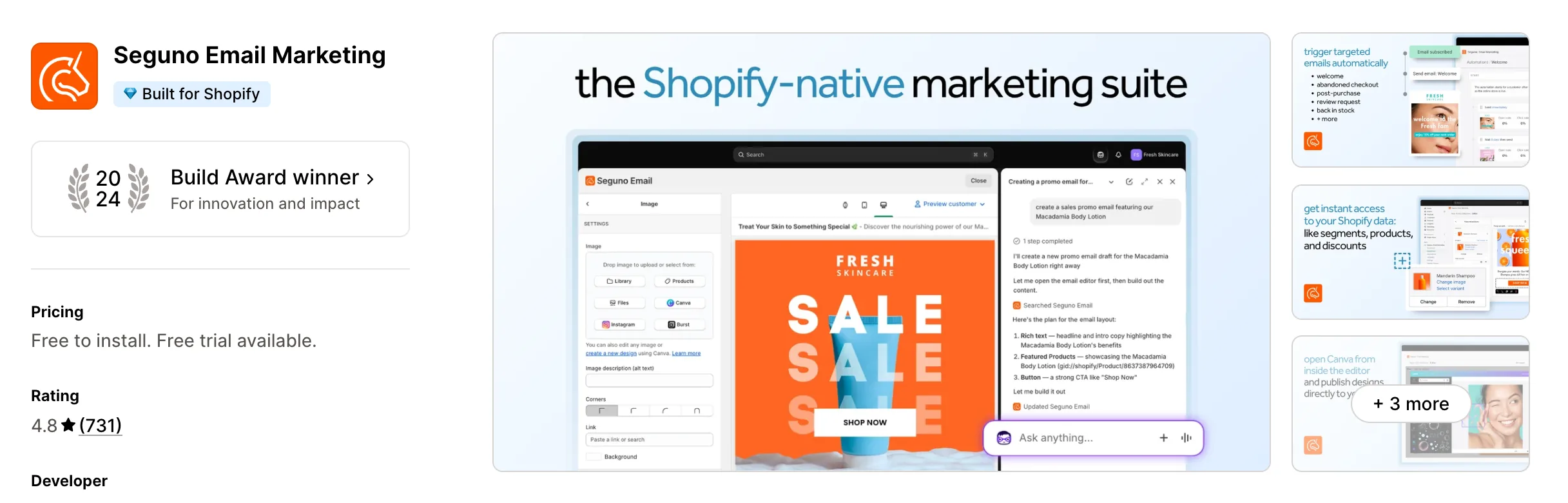
Best for: Stores that want to write emails without leaving Shopify admin
Rating: 4.8 (731 reviews) | App type: Standalone | Free trial: 10 days | Built for Shopify: Yes
Seguno Email Marketing works from inside Shopify admin and reads Shopify's segments, discounts, products and Flow without a sync. Its Standard plan adds pop-ups, banners and product reviews to email. It suits stores that would rather keep marketing inside Shopify than open another dashboard.
Key features:
- Shopify customer segments as email audiences
- Standard adds pop-ups, banners and review request emails
- Browse and cart abandonment, back-in-stock, welcome, thank-you and win-back automations
- Canva design import and 200+ templates
- Remailing to non-openers and send-at-best-time for each subscriber
- Emails drafted with Shopify Sidekick and copy from Seguno Assist AI
Pros:
- Discounts and segments come straight from Shopify
- Sending is unlimited on both paid plans
- Product reviews sit in the same Standard plan
Cons:
- No SMS of its own; texts go through Postscript
- Bundles, upsells and a cart drawer come from other apps
- Low-star reviews mention limited support hours
Pricing:
Prices from seguno.com on Oct 26, 2026, with a 10-day free trial. Standard adds $20 for each extra 2,500 subscribers.
7. AfterShip Email Marketing,SMS
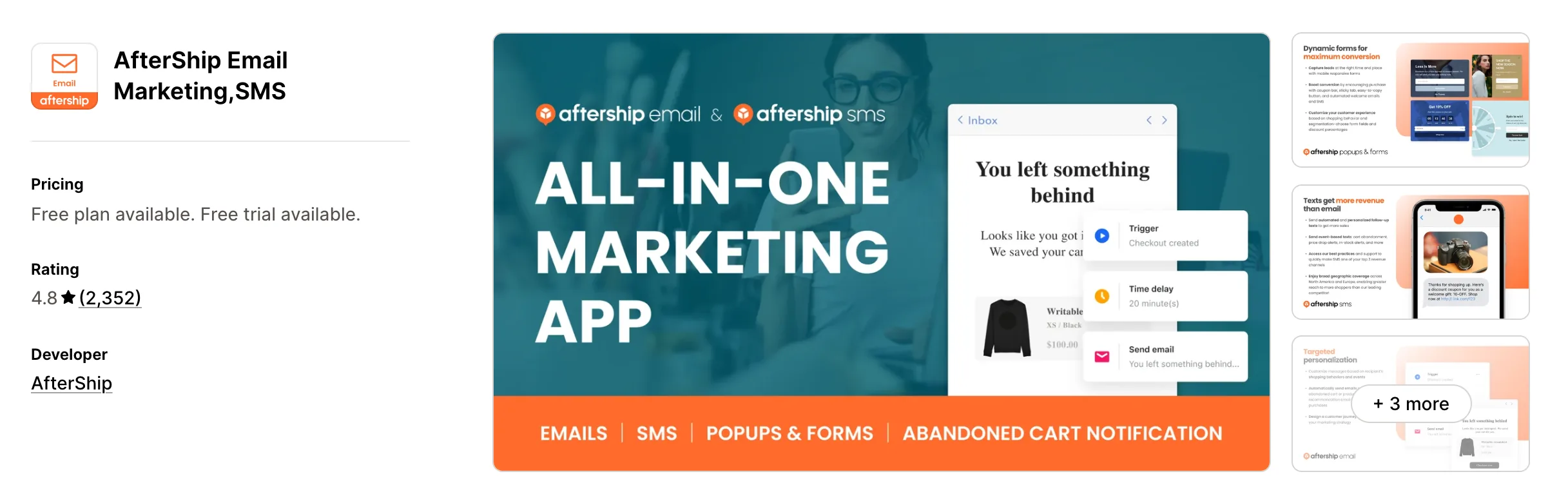
Best for: Stores that want promo bars, countdown timers and social proof next to email and SMS
Rating: 4.8 (2,352 reviews) | App type: Standalone | Free trial: 7 days | Built for Shopify: No
AfterShip Email Marketing,SMS, sold earlier as Automizely Marketing, adds on-site widgets to email and SMS. Beside pop-ups, it shows free shipping bars, announcement bars, countdown timers and social proof pop-ups. It suits stores that want a few conversion widgets without a second app.
Key features:
- Pop-ups with exit intent, spin wheels, sticky tabs and cart recovery offers
- Free shipping and announcement bars, countdown timers and social proof pop-ups
- Email and SMS newsletters, with SMS on its own plan
- Welcome, abandoned cart, abandoned checkout and order follow-up flows
- Premium flows for browse abandonment, price drops and birthdays
- A back-in-stock "Notify me" button
- A custom sending domain with DMARC on every plan
Pros:
- Sends SMS as well as email
- On-site bars and timers live in the same app
- Emails are unlimited on paid plans
- Shares seats and support plans with AfterShip's tracking and returns apps
Cons:
- SMS is billed on a separate plan
- Segments and advanced flows sit on Premium
- Reviews from 2024–2026 report sending blocked after bounce or spam rates rose
- Reviews and product recommendations are separate AfterShip apps
Pricing:
Prices from the Shopify App Store listing on Oct 26, 2026, with a 7-day free trial. The SMS plan is sold separately.
How Many Apps Each Option Replaces
Each new app can add a script of its own to the storefront, which our guide on Shopify store speed walks through. Here's what each option takes over.
How we counted it:
- Vitals - All in One App replaces up to 40+ single-purpose apps, starting with a pop-up app, a spin-the-wheel app, an email app, a reviews app, a bundles app and a back-in-stock app
- GSC Email Marketing + Popups covers a form builder, an email app and a survey app
- ONE: AI, Pop Up, SMS Marketing takes over a pop-up app, an email app, an SMS app, a post-purchase upsell app and a social proof app
- Mailchimp Email SMS Marketing stands in for an email app, an SMS app and a landing page builder
- Omnisend Email Marketing & SMS replaces a pop-up app, an email app, an SMS app and a web push app
- Seguno Email Marketing does the work of an email app, a pop-up app, a reviews app and a back-in-stock app
- AfterShip Email Marketing,SMS fills in for an email app, an SMS app, a pop-up app, a promo bar, a countdown timer and a social proof app
- CWILL Popup Email Marketing replaces a pop-up app, a spin-the-wheel app, an email app and a back-in-stock app
Add a reviews app and a bundles app to CWILL and a store manages three dashboards and three bills. With Vitals, those jobs move to one subscription and one support team.
When Should You Stay on CWILL Popup Email Marketing
CWILL Popup Email Marketing still fits better in two cases.
- Your stored list is large but adds few new sign-ups each month, so a price based on new subscribers stays low
- You rely on its back-in-stock button and three-email restock series with AI send timing
Switch when you want pop-ups, email series, reviews and bundles under one subscription.
How to Migrate From CWILL Popup Email Marketing
CWILL holds your pop-ups, flows, issued discount codes and back-in-stock sign-ups, so note them before removing the app.
- Check that your subscribers appear in Shopify customers with email marketing consent, since CWILL syncs them there, and list the discount codes your pop-ups still hand out
- Install Vitals, turn on the Vitals Pop-ups app and the Vitals Spin the Wheel app, and recreate your forms and offers on a duplicate theme
- Turn on the Vitals Email Marketing app, import contacts from Shopify and rebuild your welcome, abandoned checkout and thank-you emails; keep a separate app if you depend on browse abandonment, win-back or birthday flows, which Vitals doesn't send
- Move restock sign-ups to the Vitals Back in Stock app, and add your sending domain's DNS records in Vitals
- Remove CWILL's theme app block and the GDPR snippet from theme.liquid, then uninstall CWILL Popup Email Marketing
Shopify stores such as FreeShippingAllOrders moved their pop-ups and other single-purpose apps to one Vitals subscription.
Read: Best All in One Apps for Shopify in 2026
Find the Best CWILL Popup Email Marketing Alternative for Your Store
Vitals - All in One App is the right pick for most stores, but the best fit depends on why you're moving on from CWILL.
- Vitals, if you want sign-up pop-ups, email series, bundles, discounts and 40+ apps in one single subscription of $29.99/month
- GSC Email Marketing + Popups, if you'd like surveys and scratch cards built next to your forms
- ONE: AI, Pop Up, SMS Marketing, if you want a one-click offer after checkout from your messaging app
- Mailchimp Email SMS Marketing, if your newsletter account should also host landing pages
- Omnisend Email Marketing & SMS, if the phone numbers you've collected should start getting texts
- Seguno Email Marketing, if Shopify admin is where you'd rather work
- AfterShip Email Marketing,SMS, if you want bars and timers on the store from the same app as your emails
Start a 7-day free trial: Install Vitals - All in One App
Frequently Asked Questions
1. What is the best CWILL Popup Email Marketing alternative for Shopify?
Vitals - All in One App is the best CWILL Popup Email Marketing alternative for most stores. It's the only all-in-one app that includes 40+ apps, such as pop-ups, email marketing, reviews and bundles, in one subscription. Vitals is our app, and its entry spells out what it doesn't do.
2. Is CWILL Popup Email Marketing the same app as SendWILL?
Yes. The app was renamed from SendWILL Popup Email Marketing to CWILL Popup Email Marketing in September 2026, and it was called EcomSend and Trustoo before that. The listing, reviews and settings carried over.
3. Why do merchants switch from CWILL Popup Email Marketing?
Many recent low-star reviews come from long-time users after paid plans replaced the free plan in August 2026. Others leave because it sends no SMS, custom flows need the Pro plan, or reviews and loyalty are separate CWILL products.
4. How do Vitals and CWILL Popup Email Marketing compare?
Both collect emails with pop-ups and a spin-the-wheel game, email discount codes to new subscribers, and send campaigns and abandoned checkout emails. CWILL adds browse abandonment, win-back and birthday flows. Vitals adds reviews, bundles, browser push and no limit on emails sent in the same subscription.
5. Can Vitals replace CWILL Popup Email Marketing and other apps at the same time?
Yes. Vitals can replace CWILL along with separate apps for product reviews, bundles, back-in-stock alerts and browser push. Stores that depend on browse abandonment or birthday emails keep an email app for those flows.
6. How do these CWILL Popup Email Marketing alternatives affect store speed?
Each app can load scripts of its own. Vitals loads its pop-ups and its other apps from one script, while a pop-up app next to a reviews app and a bundles app loads one each. We haven't measured these apps' speed, so compare your own pages before and after a change.
7. Which CWILL Popup Email Marketing alternatives have AI features or MCP support?
Not all of them. Vitals, Omnisend and Mailchimp connect to AI assistants: Vitals MCP reads campaign results, Omnisend's MCP creates campaigns and segments, and Mailchimp's connector builds campaigns on Standard and Premium. GSC builds widgets and writes text with AI, Seguno Assist AI drafts subject lines and copy, and AfterShip uses AI for product recommendations. ONE's listing names an AI assistant for product descriptions, SMS text and translations, and CWILL uses AI to time back-in-stock emails.
8. How do I migrate from CWILL Popup Email Marketing to Vitals?
Confirm your subscribers are in Shopify, then rebuild your pop-ups and wheel offers in Vitals on a duplicate theme. Import contacts into the Vitals Email Marketing app, recreate your welcome, abandoned checkout and thank-you emails, remove CWILL's theme block and GDPR snippet, and uninstall it.