8 Best GA Size Chart Alternatives for Shopify [2026]

![8 Best GA Size Chart Alternatives for Shopify [2026]](/assets/blog/ga-size-chart-alternatives/banner.avif)
Looking for a GA Size Chart Alternative?
GA: Size Chart & Size Guide is a popular Shopify app that shows sizing tables and fit hints on product pages. Its plans, though, are set by how many orders a store takes each month and stop at 100, and the app hasn't cleared Shopify's Built for Shopify review of speed, design and integration.
So, we set eight alternatives side by side on how they build charts, suggest sizes and display them, and on the rest of the store they touch. Vitals is ours, so its entry lists its weak points too.
What Is GA Size Chart Shopify App?
GA: Size Chart & Size Guide, from GoodApps, is a Shopify app for showing size charts and fit details on product pages. Next to the chart it can add size swatches, true-to-size notes and a lazy size option, so shoppers can weigh one size against another before they choose.
Here's what you can do with GA Size Chart:
- Size chart templates: Pick a ready-made layout, with ring and shoe guides among them, or upload your own images.
- Fit details: Add size swatches, true-to-size recommendations and a lazy size option around the chart.
- Comparison charts: Set the measurements of different products side by side in one table.
- Display options: Show charts in a pop-up or as a floating chart, on product and collection pages, styled with custom CSS, fonts and colors.
- Variants: Build charts that work with product variants and a size selector.
Where GA stands out is the detail it adds around the chart. Swatches, true-to-size notes and product comparisons give shoppers more to go on than a plain table, which suits clothing stores whose items fit differently from one style to the next.
Reviews often praise its support team for quick fixes, such as moving the chart link to a different spot on the page.
How Much Does GA Size Chart App Cost?
Prices from the Shopify App Store listing on Oct 26, 2026, with a 7-day free trial. The listing shows no plan for stores above 100 orders a month.
Why Shopify Merchants Look for GA Size Chart Alternatives
GA: Size Chart & Size Guide holds a 4.7 rating from 73 reviews and isn't Built for Shopify. Merchants who move away from it point to these gaps:
- It handles sizing alone, so restock alerts, product reviews and bundles need other apps, and GoodApps sells its other features as 60+ separate apps
- Pricing climbs with order volume, and in December 2024 one reviewer found order-based prices in the app's billing screen that the listing never showed
- Its listing names no unit conversion and no chart translation
- In reviews from 2024, charts didn't appear the way they'd been built, and one repeat issue took months to fix
- Without Built for Shopify status, it hasn't been through Shopify's own review of speed, design and integration
Moving pays off most if you'd like one dashboard and one invoice for sizing and everything else on the product page.
Read: Best Size Chart Apps for Shopify in 2026
How We Compared the GA Size Chart Alternatives
Our check covered each app's current App Store listing, plus its site, help center and changelog where available, all read on publication day, with ratings and review totals copied from the listing.
We compared the apps on:
- The listing's own framing of each app, as a single-purpose or an all-in-one product
- Size chart basics: chart creation, imports, size recommendations, unit conversion and translation
- How far each one reaches past the product page into the rest of the store
- The number of single-purpose apps it could stand in for
- Its theme setup and the amount of code it puts on storefront pages
- Built-in AI and MCP access from assistants such as Claude or ChatGPT
Short Answer
Vitals - All in One App is the best GA Size Chart alternative for most stores.
- It matches GA's charts and adds a size calculator plus back-in-stock signups for missing sizes, where GA stops at the chart and other parts of the store need more apps
- It includes 40+ apps, such as reviews, bundles and discounts, in one subscription of $29.99/month
- It replaces multiple single-purpose apps that you would otherwise install and pay for every month
GA's smallest plan costs less, so Vitals is the bigger monthly bill at first. For that price, a store gets size charts together with reviews, restock alerts, bundles and 40+ more apps.
What Are the Top GA Size Chart Alternatives for Shopify in 2026
The table below lines up all eight alternatives, and each one has a full entry after it.
1. Vitals - All in One App
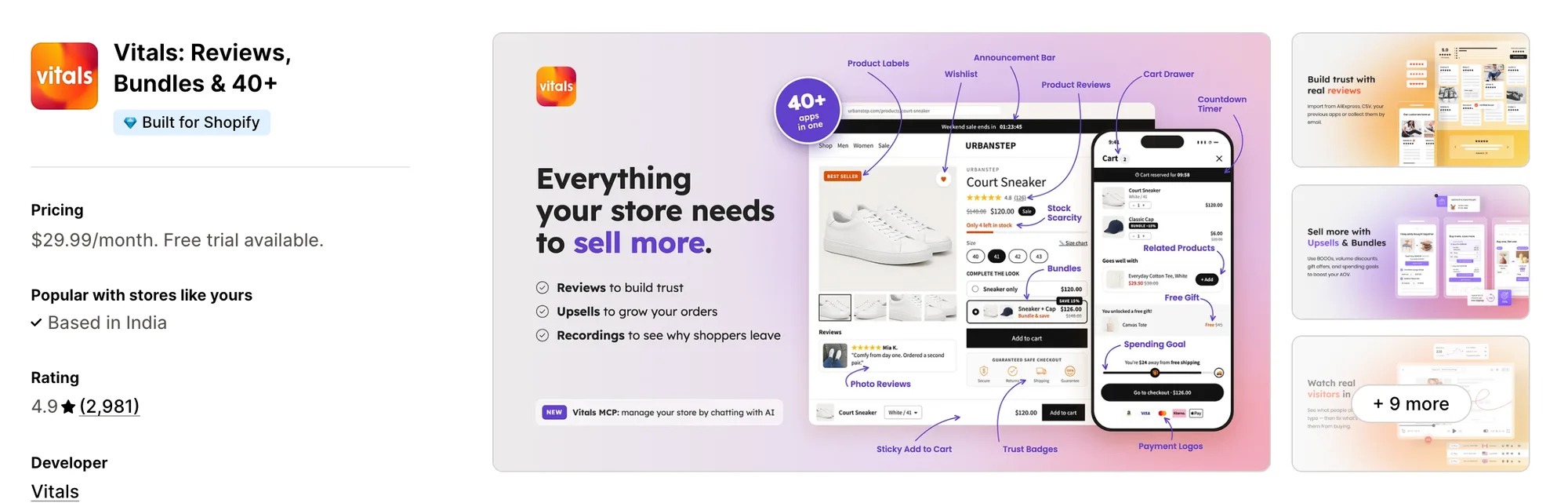
Best for: Stores that want Size Chart, Back in Stock, Product Reviews and Bundles plus 40+ apps in one subscription
Rating: 4.9 (2,981 reviews) | App type: All-in-one | Free trial: 7 days | Built for Shopify: Yes
Vitals is our app. A store on its single subscription of $29.99/month can add size charts, reviews, bundles, discounts and any of its 40+ apps.
A shopper unsure of fit can tap the Size Chart button that the Vitals Size Chart app adds, and the measurements open over the page. Merchants can paste a table, type one up row by row, or upload a photo of a chart they already use, then add measuring tips next to the table.
A size calculator, off until a merchant enables it, takes a shopper's measurements and points to the matching row of the table. For sizes that are sold out, Back in Stock, a second Vitals app, collects sign-ups and alerts shoppers once stock is back, which GA doesn't do.
Key features:
- Charts from a pasted table, the built-in table editor, or an image uploaded or chosen from Shopify Files
- A size calculator that reads body measurements in cm or inches and returns the matching size from the table
- A measuring guide, optional, built from text and images
- Product-level charts take priority over collection-level ones, and any chart can also go storewide
- Table borders in three designs, plus button icon, button colour and pop-up colour settings
- Button placement near the description or buy buttons, or at any theme element through a CSS selector
- Alerts when a missing size returns, from the Vitals Back in Stock app
Pros:
- Restock alerts, reviews and bundles sit in the same plan as the size charts, with nothing else to install for them
- The team that supports the size chart also supports every other Vitals app sitting beside it
- 40+ apps for one price (e.g., the baby and kids' clothing shop Little Dresser replaced its separate apps, sizing included, with Vitals)
- Claude or ChatGPT, connected through Vitals MCP, can look through product reviews to find styles shoppers call tight or loose
Cons:
- Translation covers the button wording and each chart's name; the table and measuring guide show only in the language they were written in
- Works on Shopify only
Pricing:
Prices from the Vitals website on Oct 26, 2026, with a 7-day free trial.
Read: Best Back in Stock Apps for Shopify in 2026
2. Smart Size Chart & Size Guide
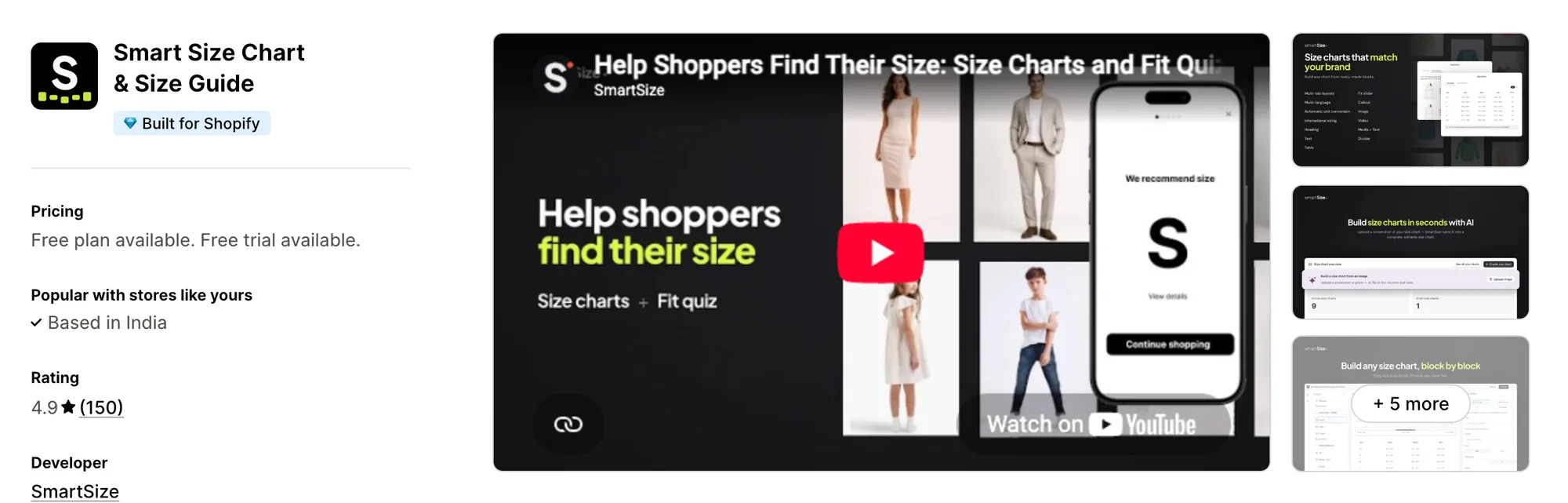
Best for: Stores whose shoppers should get a size from a short quiz they fill in only once
Rating: 4.9 (150 reviews) | App type: Standalone | Free trial: 14 days | Built for Shopify: Yes
Smart Size Chart & Size Guide, from SmartSize, centres on a "Find my size" quiz. It stores what each shopper answered, so their suggested size carries over to other products and to later visits.
Key features:
- Starting layouts for menswear, womenswear, kidswear, lingerie and pet products
- Bulk import and export of charts
- Charts built by AI from a photo or screenshot
- From Pro upward, AI and fixed rules together pick each shopper's size through "Find my size", for clothes as well as shoes
- Pet fit finders as well as men's, women's and kids'
- Every plan converts units and maps international size systems
- Charts and quizzes in more than 25 languages, translated by AI on paid plans
- Claude and other assistants can connect to it over MCP
Pros:
- A saved fit profile, where GA's true-to-size notes stay on each product page
- AI translation of the charts themselves, which GA's listing doesn't mention
- Built for Shopify
Cons:
- Quiz access starts at Pro 100, which allows 100 quiz users a month
- Starter tops out at 10 charts
- Sizing is its only area, so reviews or bundles mean installing more apps
Pricing:
Prices from the Shopify App Store listing on Oct 26, 2026, with a 14-day free trial. Pro plans for more quiz users are linked from the listing.
3. BF Size Chart & Size Guide
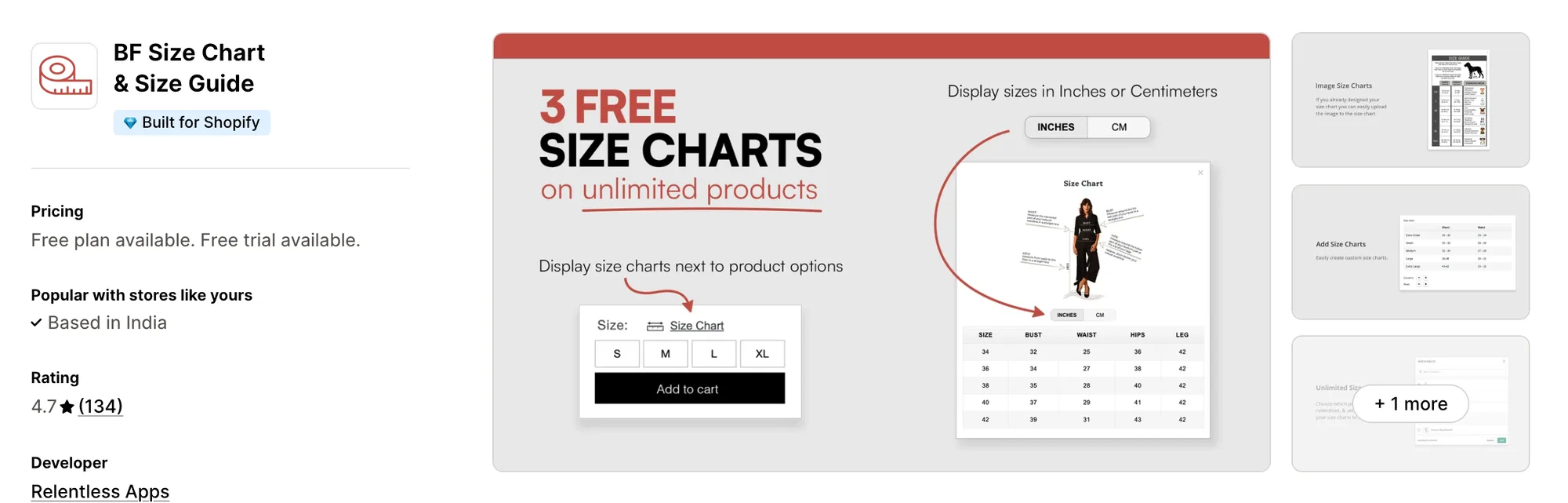
Best for: Stores that sell custom options through VO Product Options and want sizing from that developer
Rating: 4.7 (134 reviews) | App type: Standalone | Free trial: 14 days | Built for Shopify: Yes
Relentless Apps, which also publishes VO Product Options, makes BF Size Chart & Size Guide, an app previously sold as Best Fit Size Charts. Text boxes and pictures make up its plain charts, and ring sizing covers jewelry stores.
Key features:
- Text blocks, photos and measuring notes combined in a chart
- Rules by collection and product tag
- Centimetre and inch conversion
- Starter puts a chart link right next to the size label
- Ring size charts
Pros:
- Made by the team behind VO Product Options, and it also works with Vajro
- Several charts can show on a single product from Starter
- Charts can be found by title with a search added in 2026
- Built for Shopify
Cons:
- No plan includes a size recommender, and other store features such as reviews or bundles mean added installs
- Express checkout buttons such as Shop Pay vanished from multi-variant products for one merchant, per a March 2026 review
Pricing:
Prices from the Shopify App Store listing on Oct 26, 2026, with a 14-day free trial. The plans hold 10, 100 and unlimited charts.
4. CSC Size Chart & Size Guide
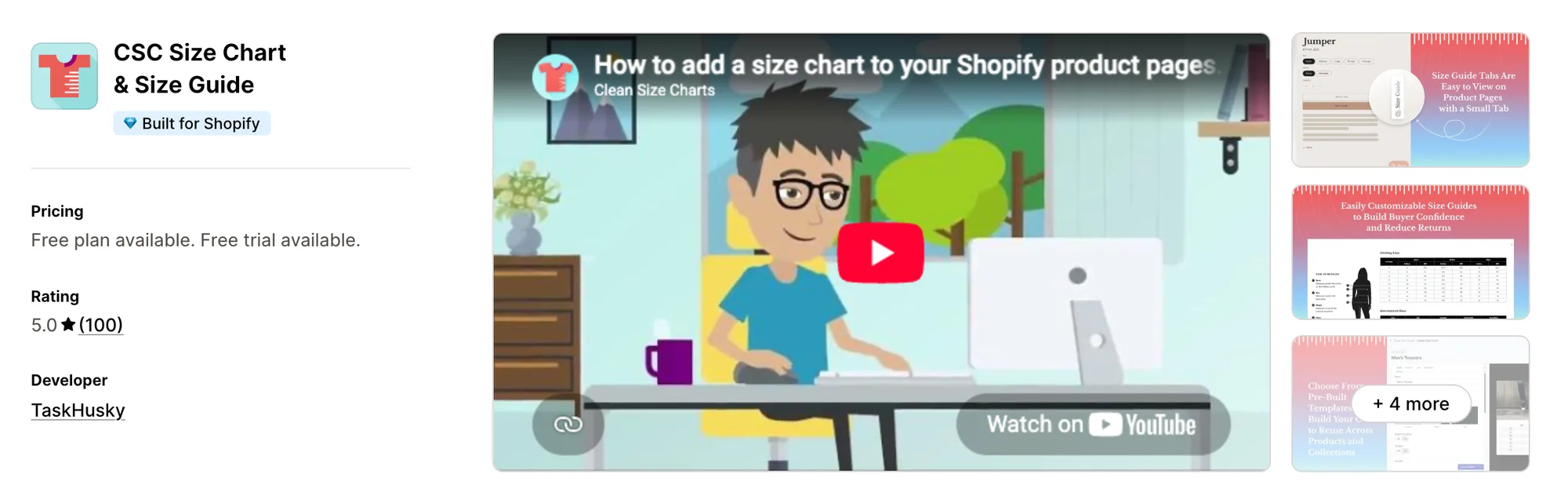
Best for: Clothing stores that want shoppers to preview an item on their own photo
Rating: 5.0 (100 reviews) | App type: Standalone | Free trial: 14 days | Built for Shopify: Yes
CSC Size Chart & Size Guide is TaskHusky's app, called Clean Size Charts in its description. Of the apps compared here, only it offers virtual try-on, which places a product on a photo the shopper provides.
Key features:
- One-click charts generated from product data, or 18 starter templates
- Automatic assignment by collection, vendor or product type
- AI fit suggestions, capped at 500 monthly on Advanced and uncapped on Plus
- Fit notes describing how each item fits, on Plus
- Virtual try-on on Plus
- Country-specific charts with import, export and unit conversion from Grow
Pros:
- Free migration of charts from another app
- Setup done by its team on every plan
- Built for Shopify
Cons:
- Fit notes and virtual try-on need Plus, which is billed in monthly order bands
- Chart translations begin on Advanced
- Stops at sizing and try-on, leaving reviews and bundles to other developers
Pricing:
Prices from the Shopify App Store listing on Oct 26, 2026, with a 14-day free trial.
5. Jotly Size Chart & Size Guide
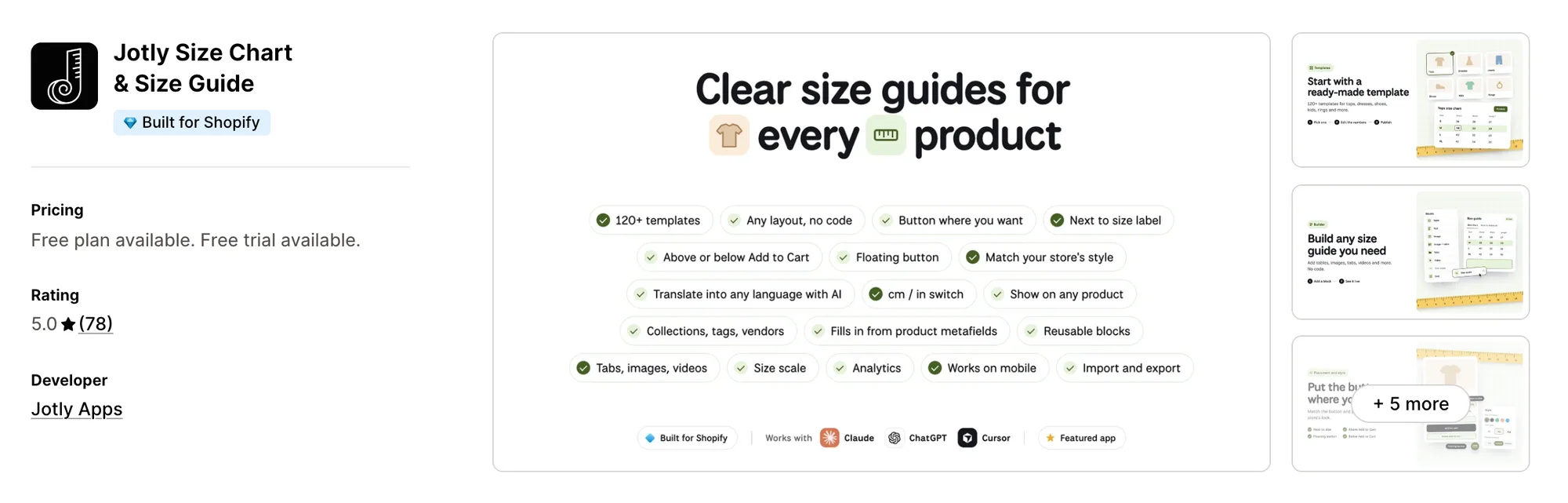
Best for: Stores that track which size guides bring add-to-cart clicks
Rating: 5.0 (78 reviews) | App type: Standalone | Free trial: 7 days | Built for Shopify: Yes
Listed by Jotly Apps in August 2024, Jotly Size Chart & Size Guide leans on reporting. Its Enterprise plan shows which charts get the most views and add-to-carts, split by mobile and desktop.
Key features:
- 123 templates the merchant can edit, combining tables with photos and video
- Tabs and combined tables in one guide on Essentials
- Measurements that switch among centimetres, millimetres, inches, feet and metres
- Charts targeted at products, collections, tags or vendors
- A true-to-size scale bar
- Google and Meta Pixel events
- Translation by AI into any language from the Global plan
- Enterprise adds an AI assistant that Claude and ChatGPT reach over MCP
Pros:
- Reports chart views and add-to-carts by device
- Charts can be translated into every store language
- MCP support, which GA doesn't list
- Built for Shopify
Cons:
- No size recommender or fit quiz
- One purpose only, so product reviews and bundles call for separate installs
Pricing:
Prices from the Shopify App Store listing on Oct 26, 2026, with a 7-day free trial.
6. Kiwi Size Chart & Recommender
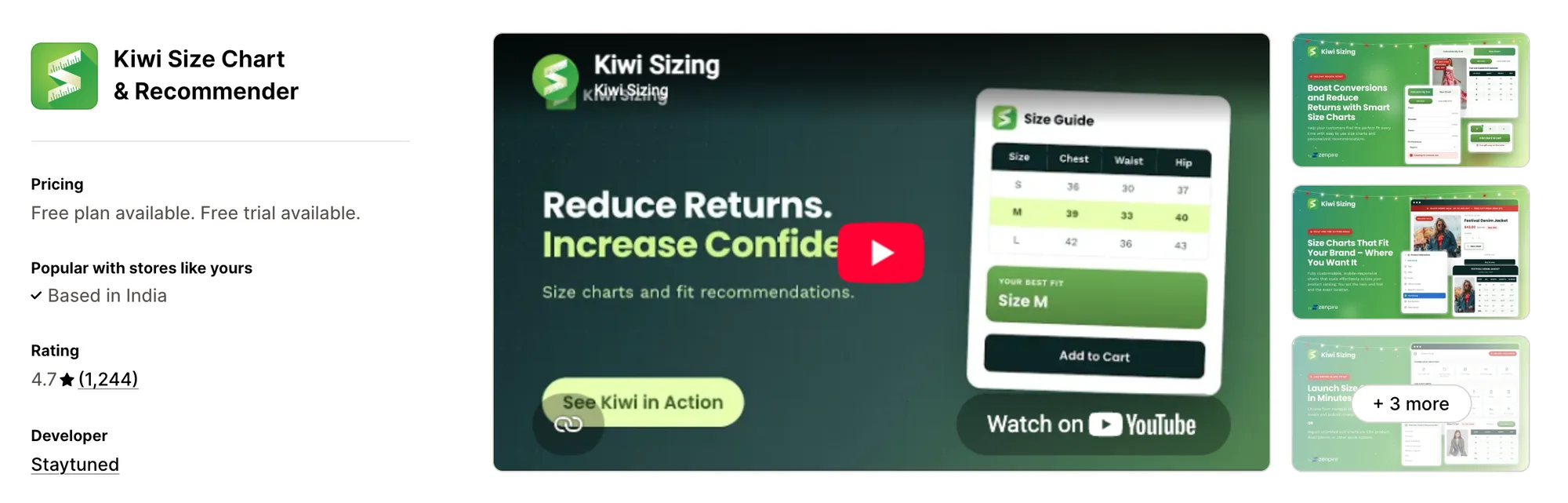
Best for: Stores that sell sized gear, shoes or pet products and need a recommender for each
Rating: 4.7 (1,244 reviews) | App type: Standalone | Free trial: 14 days | Built for Shopify: No
Kiwi Size Chart & Recommender, Staytuned's app since 2018, carries the largest review count of the specialist sizing apps in this list. Its custom recommenders go past clothing to items like shoes, snowboards and pet collars.
Key features:
- 22 starting designs, and a single chart can hold tables, photos, video and tabs
- Charts pulled in from pictures, CSV files or the text of product descriptions
- A machine-learning recommender for apparel, and custom ones for other product types
- An add-to-cart button inside the recommender for the suggested size
- Rules by product or collection, so newly added items get a chart without extra work
- Units chosen to match where the shopper is browsing from
- Automatic chart translation in 2 languages on Premium, up to 22 on Ultimate
Pros:
- Recommenders for products outside clothing, which GA doesn't list
- Charts created from sizes already written in product descriptions
- A shareable link for each chart
Cons:
- A usage charge based on all orders in the last 30 days comes with Plus and Ultimate, and merchants in 2026 describe bills near $150 a month after upgrading
- Recommenders start on Plus, and Premium allows 10 published charts
- Not Built for Shopify
- Focused on fit; anything beyond it, such as reviews or bundles, means another app
Pricing:
Prices from kiwisizing.com on Oct 26, 2026, with a 14-day free trial. The usage fee on Plus and Ultimate reaches $350 and $700 a month above 20,000 orders.
7. ESC Size Charts
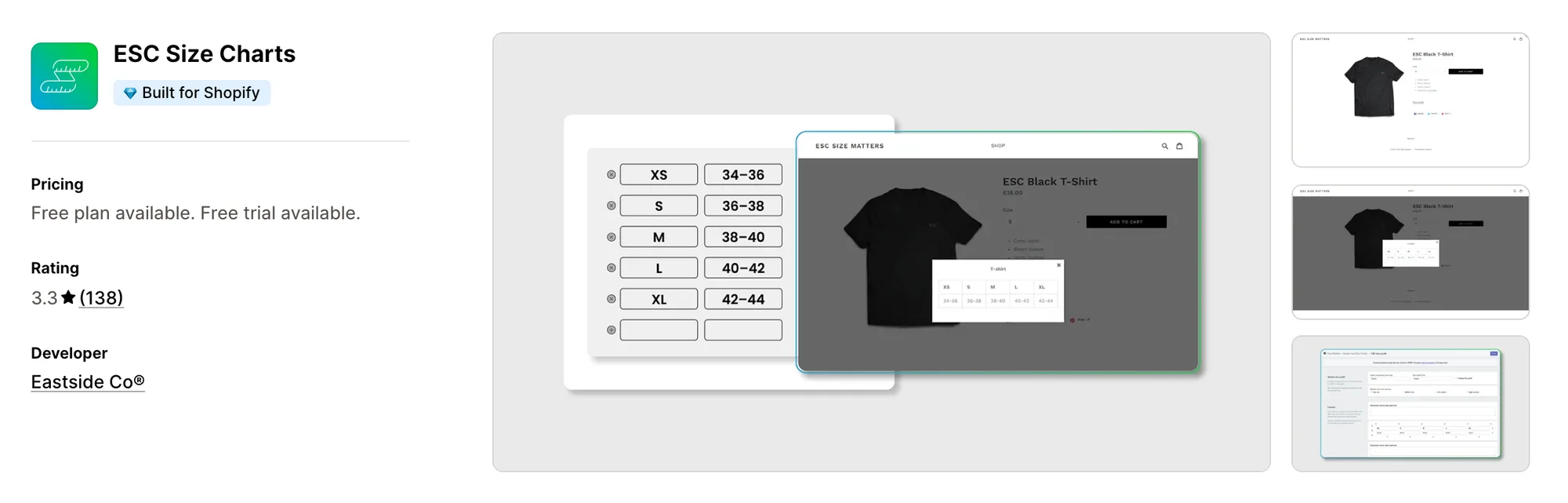
Best for: Stores that sort their catalog with product tags and keep to one paid plan
Rating: 3.3 (138 reviews) | App type: Standalone | Free trial: 7 days | Built for Shopify: Yes
Eastside Co, an agency that builds Shopify stores, released ESC Size Charts in 2016. Product tags, or a storewide setting, decide where its basic size guides appear, each begun from a template or from nothing.
Key features:
- Guides started from a template or built up from scratch with text, icons and pictures
- Charts linked through tags, collections, single products, vendors or product types, or shown storewide
- App blocks for Shopify 2.0 themes
- Chart import and export on Premium
Pros:
- Unlimited charts on a single paid plan
- Built for Shopify
Cons:
- Its 3.3 rating comes with reviews, dated June to October 2026, that describe vanished charts and unanswered support emails
- No size recommender, unit conversion or translation appears in its listing
- Nothing past size guides; reviews and bundles each need their own app
Pricing:
Prices from the Shopify App Store listing on Oct 26, 2026, with a 7-day free trial.
8. MP Size Chart & Size Guide
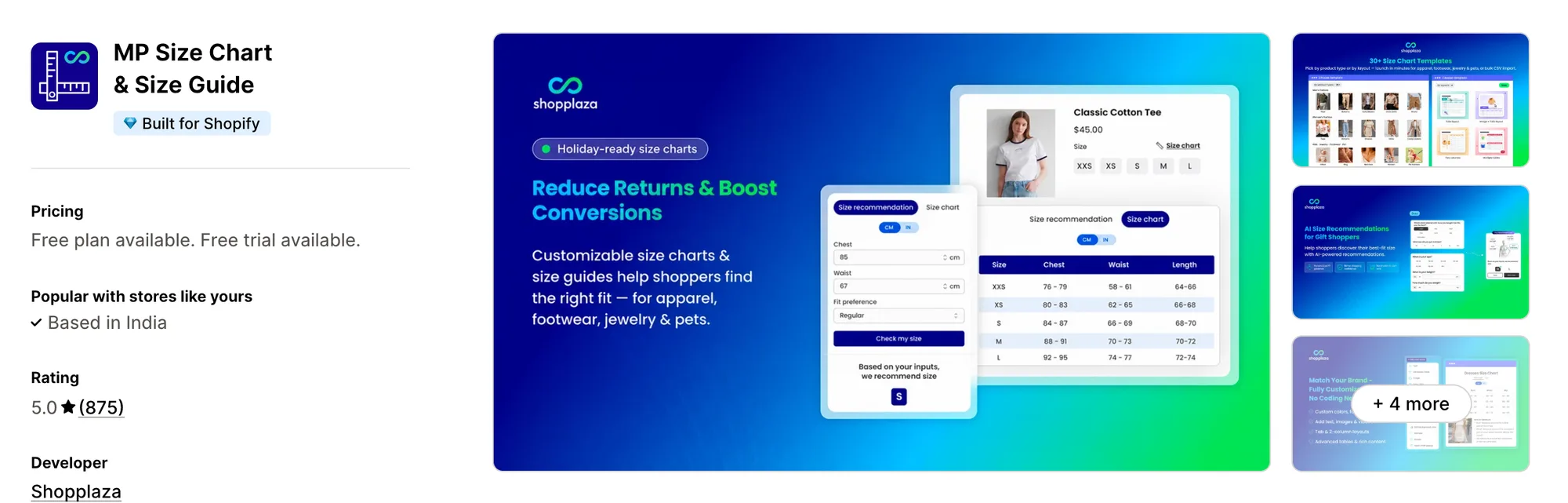
Best for: Stores that want every size guide gathered on one page of the store
Rating: 5.0 (875 reviews) | App type: Standalone | Free trial: 14 days | Built for Shopify: Yes
MP Size Chart & Size Guide, a Shopplaza app from the Mageplaza family, shows charts on product pages and also gathers them all on one size guide page. Merchants switching from another app can have their charts transferred free of charge.
Key features:
- 30+ templates for clothing, footwear, jewelry and pets, with images, videos and tabs
- CSV import for charts in bulk
- Floating, inline and dropdown layouts, or a link placed by the size option
- A standalone size guide page
- AI size recommendations on all plans, within monthly limits
- Unit conversion, multiple size labels and 20+ languages, with auto-translation from Growth
Pros:
- AI size recommendations on every plan, a step beyond GA's true-to-size notes
- Free chart migration
- Built for Shopify
Cons:
- Monthly AI recommendation caps of 800, 2,000 and 5,000 by plan
- Built only for sizing, with reviews and upsells left to other installs
Pricing:
Prices from the Shopify App Store listing on Oct 26, 2026, with a 14-day free trial. Unlimited published charts start on Pro.
How Many Apps Each Option Replaces
Every extra app means another settings screen, another invoice and more code for the store to load, as our comparison of all-in-one Shopify apps explains. Below is what each option covers.
How we counted it:
- Up to 40+ single-purpose apps are covered by Vitals - All in One App, from a size chart app and a fit calculator to a back-in-stock app, a review app and a bundle app
- Two apps' worth, sizing tables plus a quiz-based fit finder, come with Smart Size Chart & Size Guide
- BF Size Chart & Size Guide equals one sizing app
- CSC Size Chart & Size Guide covers sizing, size suggestions and try-on, three apps' worth
- Jotly Size Chart & Size Guide is one sizing app, reports built in
- Kiwi Size Chart & Recommender stands for two, a chart app and a size recommender
- ESC Size Charts matches a single chart app
- MP Size Chart & Size Guide pairs sizing tables with recommendations, two apps in one
- GA: Size Chart & Size Guide equals one chart app with swatches on top
With GA, a back-in-stock app and a review app installed, product pages load code from three developers. Vitals handles all three with one script, one admin and one bill.
When Should You Stay on GA Size Chart
GA: Size Chart & Size Guide still fits better in two situations.
- You want size swatches, a lazy size option and true-to-size notes around each chart, all in one app
- You want comparison charts that set one product's measurements against another's
Switch when you'd like a size calculator and back-in-stock signups to share one Vitals plan with reviews, bundles and dozens more apps.
How to Migrate From GA Size Chart
Your GA charts, the products they're linked to and any custom styling live in the app, so move them before you uninstall it.
- Note every GA chart, the products it's linked to and any swatch or true-to-size notes, then copy each table's cells or save the chart as an image
- Install Vitals and recreate every GA chart in the Vitals Size Chart app, either as a table or as an image, with measuring tips moved to the How to measure section
- Set each chart to show on all products, or on the products and collections it covered in GA
- Turn on the size calculator for table charts with body measurements. GA's size swatches, lazy size option and comparison charts aren't part of Vitals, so hold on to another app if your shoppers use them
- Test placement on a copy of your theme, putting the Size Chart button near the buy buttons or beside the size picker with a CSS selector, and check it on mobile. Enabling the Vitals Back in Stock app afterwards lets shoppers ask to hear about missing sizes
- Delete any custom CSS you added for GA's floating chart, then uninstall GA: Size Chart & Size Guide
Little Dresser, a children's clothing store, is a Shopify store that traded a set of single-purpose apps, its size chart among them, for one Vitals subscription.
Read: How to Boost Your Shopify Store Conversion Rate
Find the Best GA Size Chart Alternative for Your Store
Vitals - All in One App fits most stores, but the best pick turns on what GA isn't giving you.
- Vitals, for a size calculator next to your charts, back-in-stock signups, bundles, discounts plus 40+ more apps, all in one single subscription of $29.99/month
- Smart Size Chart & Size Guide, if a returning shopper should see their size without answering questions again
- BF Size Chart & Size Guide, for stores whose variants and custom fields already live in VO Product Options
- CSC Size Chart & Size Guide, when shoppers would buy with more confidence after a virtual try-on
- Jotly Size Chart & Size Guide, for numbers on which guides lead to sales
- Kiwi Size Chart & Recommender, if your sized products include gear, footwear or pet items
- ESC Size Charts, when tags already group your catalog and plain charts are all you need
- MP Size Chart & Size Guide, if shoppers should find every chart on a single page
Start a 7-day free trial: Install Vitals - All in One App
Frequently Asked Questions
1. What should most stores pick instead of GA Size Chart?
Vitals - All in One App is the best GA Size Chart alternative for most stores. It's the only all-in-one app that includes 40+ apps in one subscription, with charts, restock alerts, reviews and bundles among them. Vitals is our app, and its entry above names its weak spots.
2. Why do merchants switch from GA Size Chart?
Some would like reviews, back-in-stock signups or bundles alongside their sizing. Others pass the 100-order limit of GA's plans, or need unit conversion and chart translation, neither of which GA's listing mentions.
3. What's the difference between Vitals and GA Size Chart for sizing?
Both build charts from tables or images, place them on product pages and style them to match the store. GA adds size swatches, a lazy size option, comparison charts and charts on collection pages. Vitals adds a size calculator, a How to measure guide and restock alerts, and its plan also covers reviews, bundles and dozens more apps.
4. Is one Vitals subscription enough to replace GA Size Chart and other apps?
Yes. Vitals can take over GA's charts and also the separate back-in-stock, review and bundle apps a store uses. Keep a second app only for GA's swatches or comparison charts.
5. Will switching from GA Size Chart change my store's speed?
Code from every installed app adds up on product pages, and a sizing app is no exception. Vitals puts its charts, reviews and other apps behind one script. Speed wasn't part of our testing, so a load-time check of a few product pages, once before the switch and once after, is the safest guide.
6. Which GA Size Chart alternatives use AI, and which connect over MCP?
Not all of them. On MCP, Smart Size Chart connects to Claude, Jotly has an assistant on Enterprise, and Vitals lets Claude or ChatGPT read reviews and other store data. On AI, Smart Size Chart builds charts from a photo, sizes shoppers through its quiz and translates charts, Jotly translates too, and MP, CSC and Kiwi suggest sizes, with CSC also generating charts from product data. BF and ESC list neither AI features nor MCP.
7. Which GA Size Chart alternatives recommend a size?
Not all of them. Five do, each in its own way, with Kiwi's recommenders from Plus, CSC's AI from Advanced, MP's AI on every plan, Smart Size Chart's quiz on Pro, and Vitals' calculator reading body measurements. Jotly, BF and ESC display charts without suggesting a size.
8. What's the process for moving from GA Size Chart to Vitals?
Start by copying every GA table, or saving a chart as an image, and rebuild each one in the Vitals Size Chart app for the same products and collections. Enable the calculator where a chart lists body measurements, set the button's spot on a duplicate theme, delete GA's custom CSS and remove the app.