


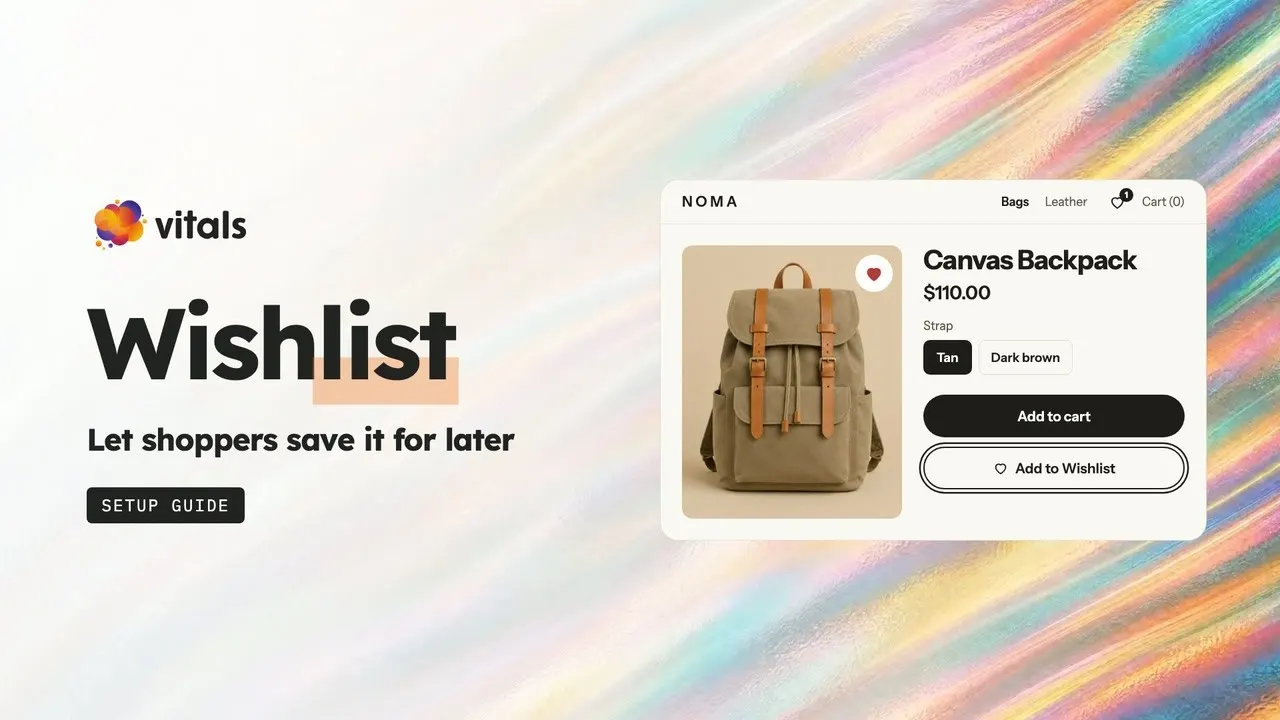







What is the Wishlist app?
The Vitals Wishlist app lets shoppers save products with a heart or an Add to Wishlist button and come back to buy them later.

Why add a wishlist to my store?
A wishlist brings shoppers back to buy by keeping the products they liked one click away.
Bring shoppers back to the products they saved, waiting in one list.
Let guests save without signing up, so more shoppers start a list.
Add a wishlist without installing another app on your store.
Where can shoppers save products?
Shoppers can save from five places, from the product page to your collection grids, so a heart is there wherever they browse.
Place a full-width button above or below Add to cart.
Put a compact heart on the same line as Add to cart.
Show a heart over the main product photo.
Show a heart on every product card in your grids.
Show a heart on product cards in your home page sections.
How do shoppers get back to their wishlist?
Shoppers get back in one click, from your header, the product page, your menu, their account or a shared link.
Show a heart next to the cart with a count of saved items.
Add a My Wishlist button on the product page.
Link the wishlist page from your own menu.
Add a My Wishlist page to the Shopify customer account menu.
Let shoppers send their list with Copy link or Email.
What's on the wishlist page?
The wishlist page shows every saved product with its price and an Add to cart button, so shoppers can buy straight from the list.
Add any saved product to the cart from the list.
Add every saved product at once when the list holds three or more.
Show each product's stars from the Vitals Product Reviews app.
Show Copy link and Email buttons, or turn them off.
Can guests use the wishlist?
Yes. Guests can save without an account, and their list stays in the browser for a year.
Let guests and logged-in customers both save products.
Ask guests to log in before they open the wishlist page.
Show logged-in customers the same list on every device.
Can I make the wishlist match my store?
Yes. You choose the button, heart, header icon and wishlist page style, so it looks like part of your theme.
Choose a full-width or inline button and set its text, colours and corners.
Set the heart colour and add a circle behind it.
Set the icon size, line weight, colour and count badge.
Write the page title and description and set their size.
What do I learn from saves?
You see which products shoppers save most, so you know what to restock or promote.
See your most-saved products and how many saves each has.
See every save, removal and add to cart from the wishlist.
Export every saved item as a CSV from the Events tab.
Ask Claude or ChatGPT which products shoppers save most.
Which other Vitals apps bring shoppers back?
Recently Viewed, Back in Stock and Email, all in the same Vitals subscription, so you don't install or pay for three more apps.


What do merchants say about Vitals?
Merchants rate Vitals 4.9 stars across 2,800+ reviews on the Shopify App Store.
Frequently Asked Questions
2,800+ App Store reviews
31,000+ happy merchants
Shoppers tap the heart or the Add to Wishlist button on any product.
Add a wishlist to your store.
One install. One bill. 7-day free trial.